Chapter 1
Running Curate for the banks that use it
Like other products in Weaverbird, Curate has product operator roles. A product operator runs Curate for the businesses that use it.
Product operators work from product management. Choose Open product management.
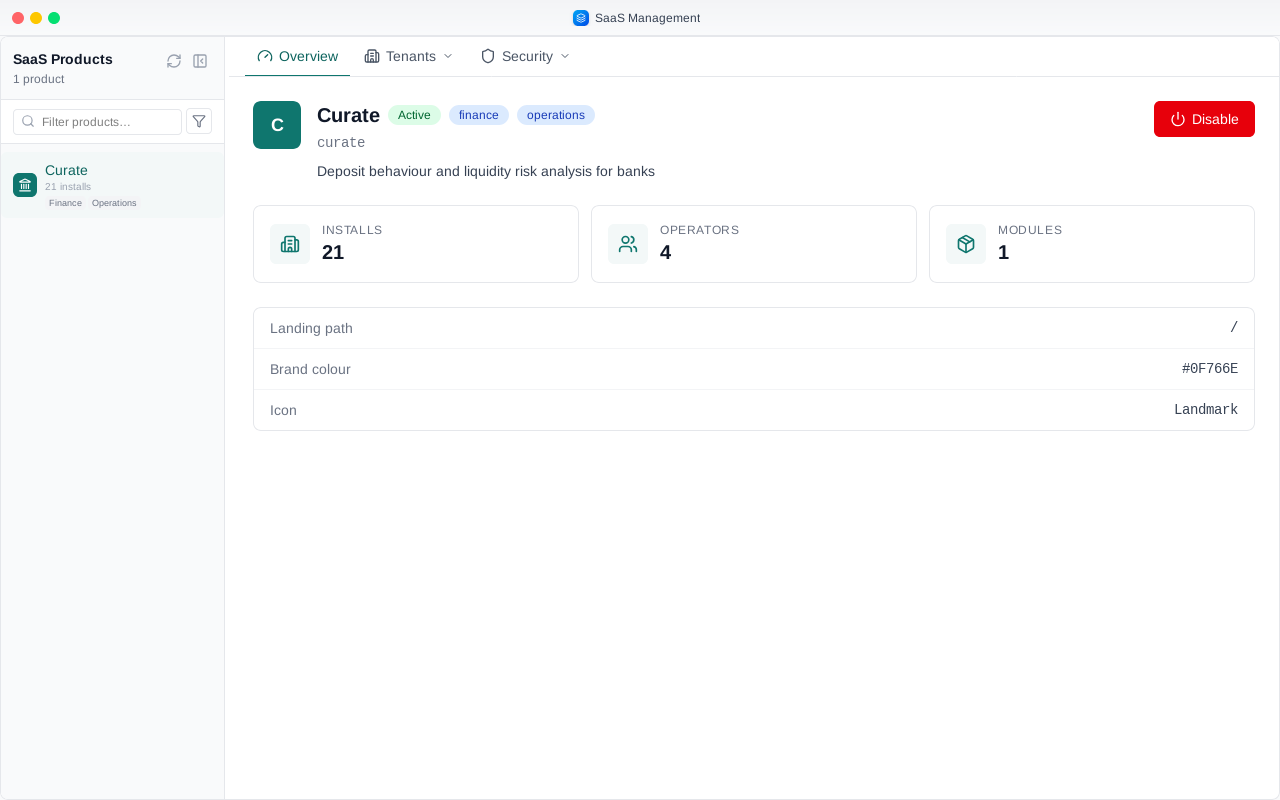
It shows only the products you run, here Curate, with its number of installs and operators.
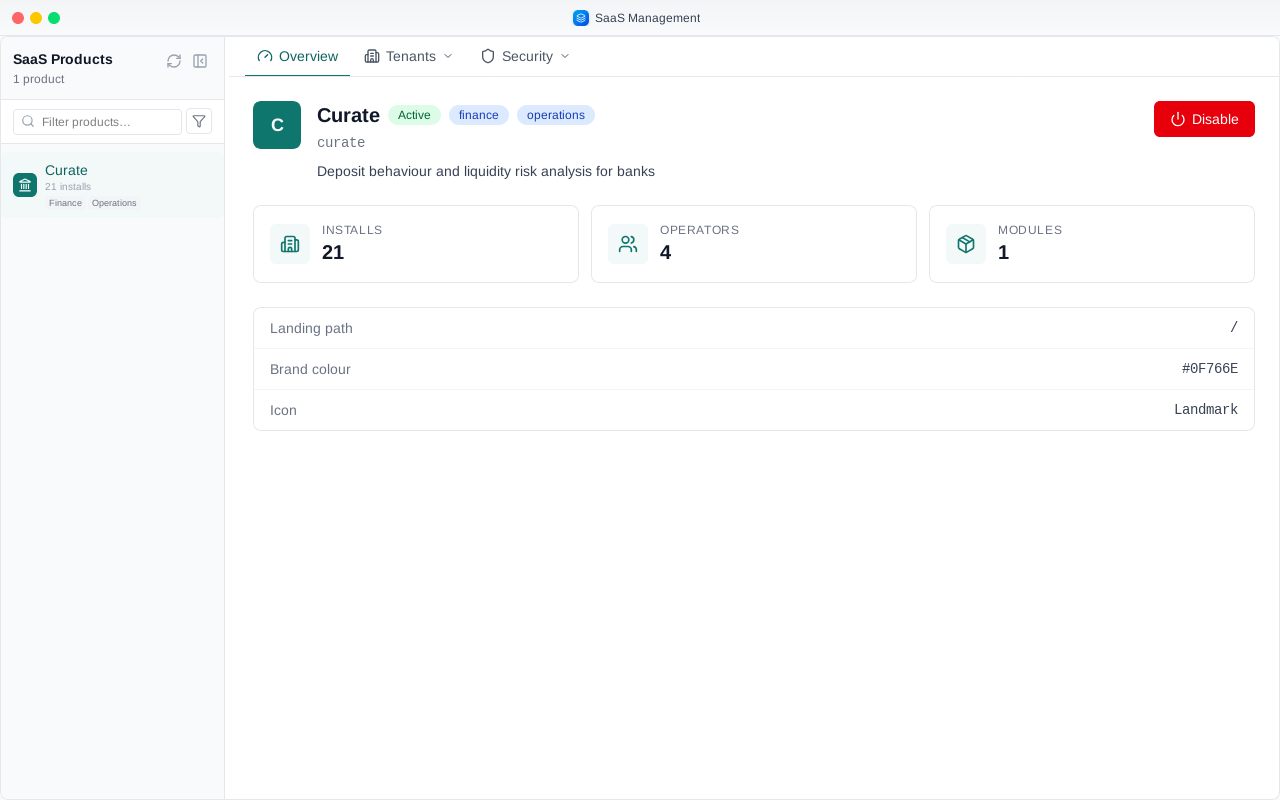
Under Tenants, Installs lists every business that has Curate.
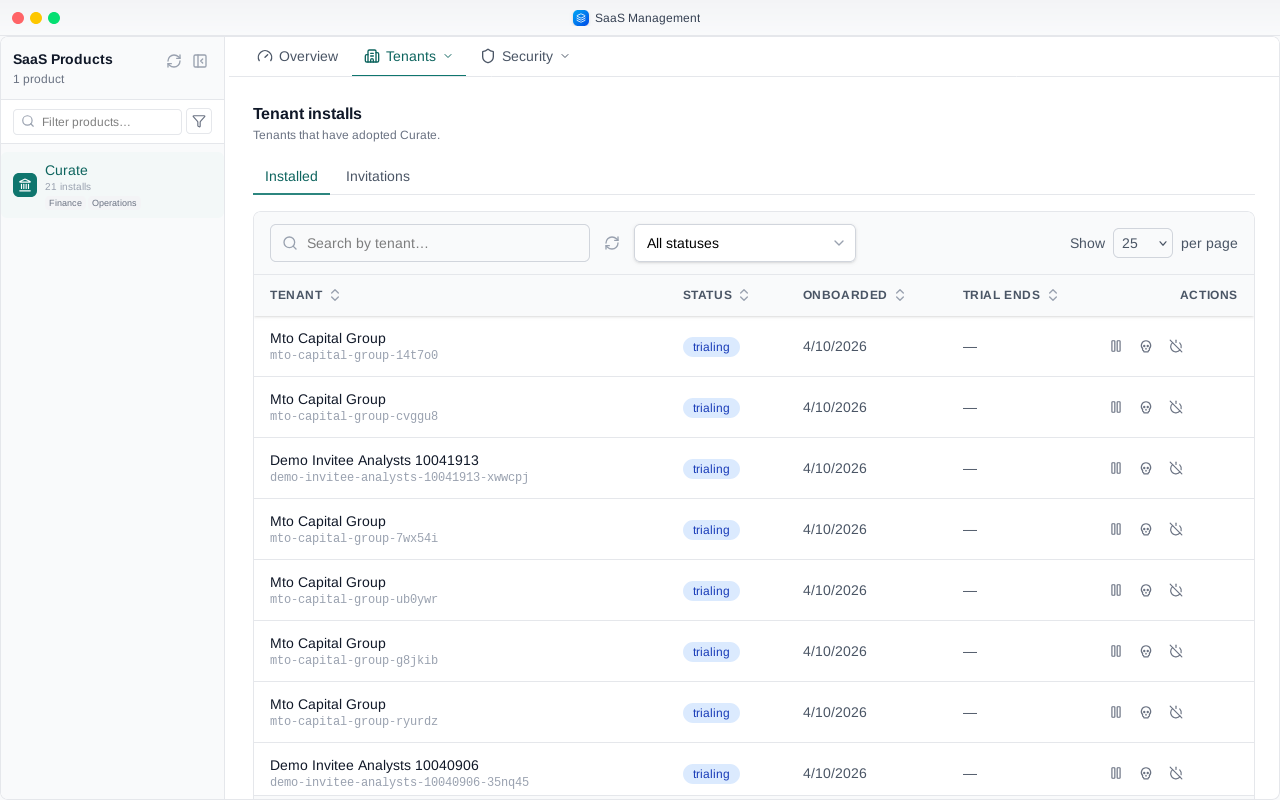
New businesses come in by invitation. Open Invitations and choose Invite a business.
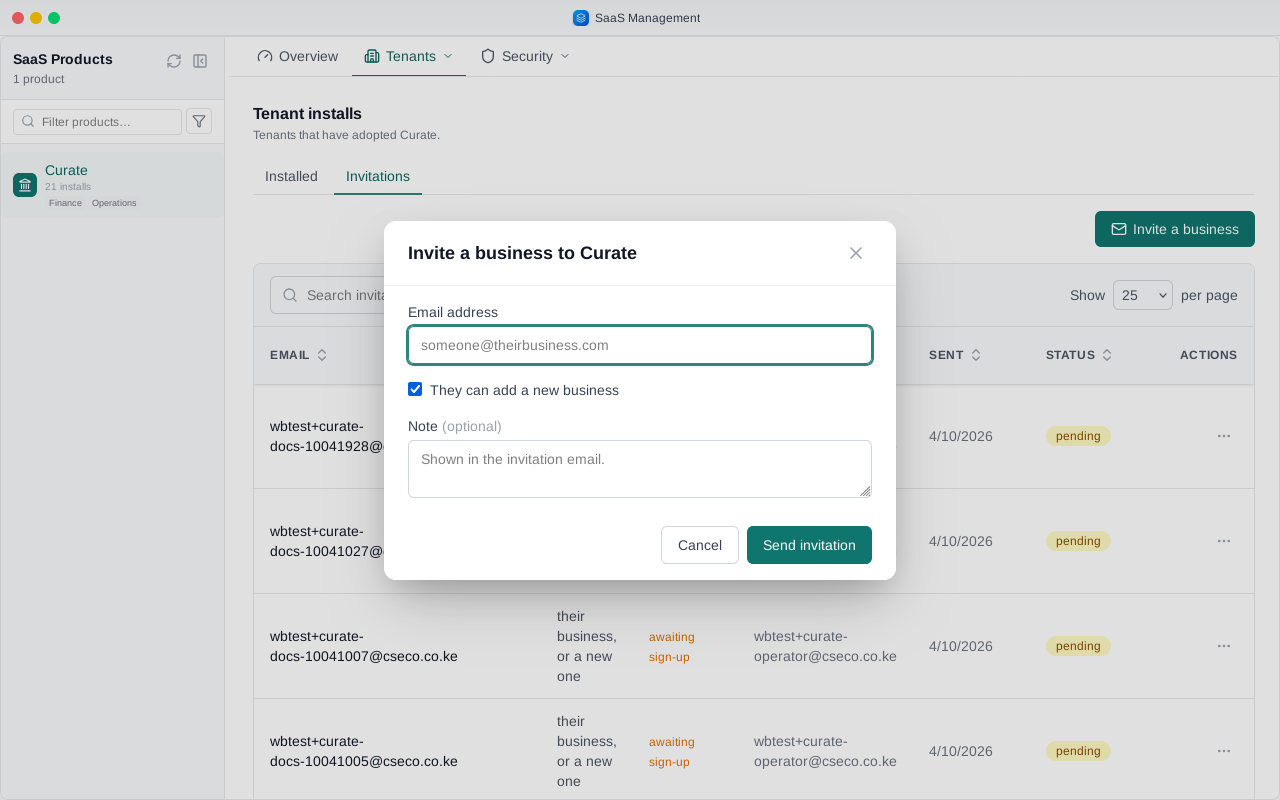
Type the email address of the person who will set the business up.
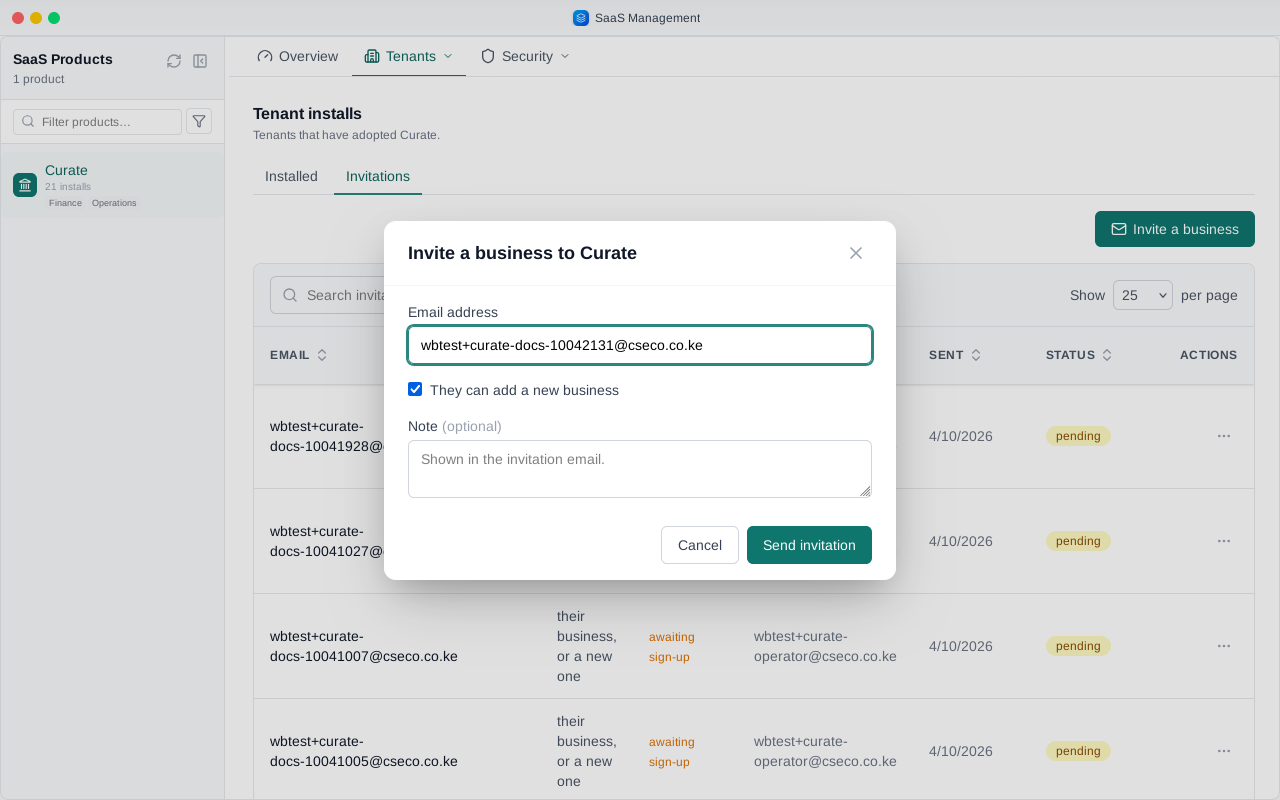
Leave They can add a new business ticked, so they can set up their own business when they accept.
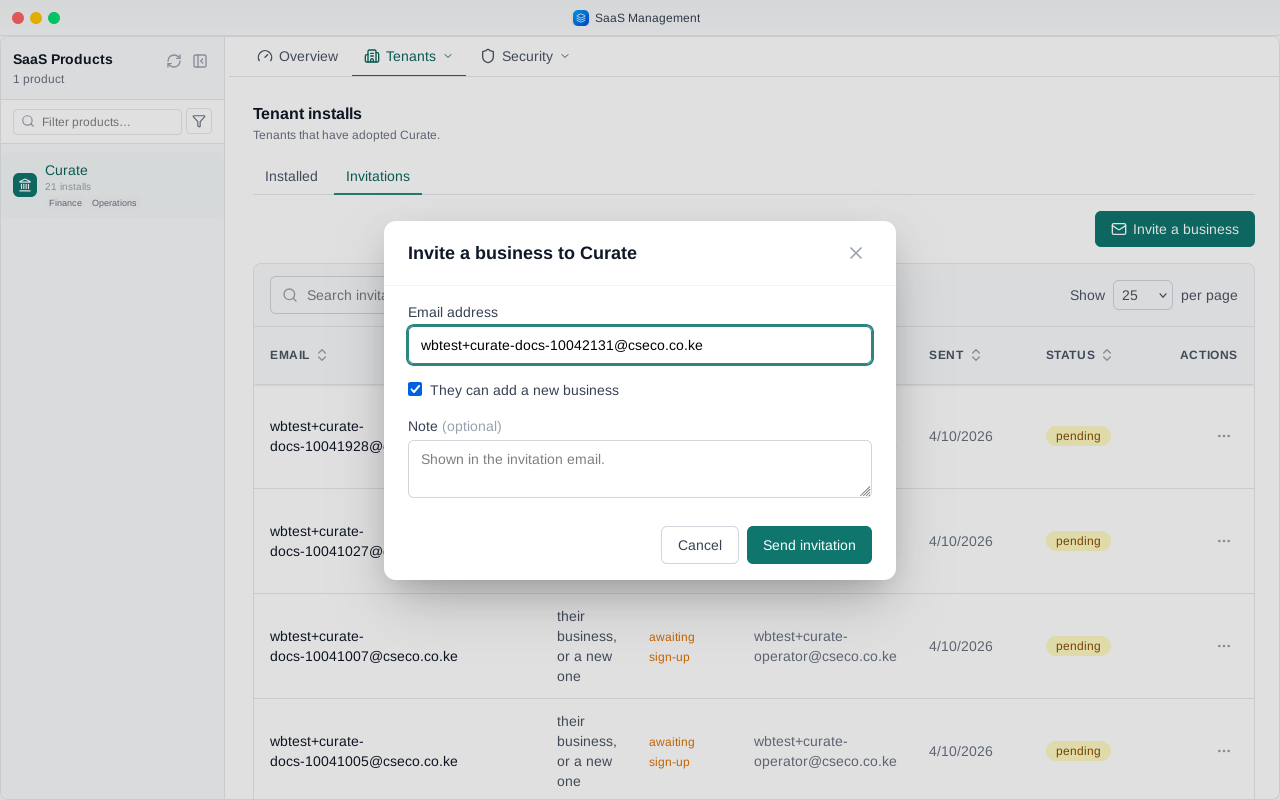
You can add a short note. It shows in the invitation email and on the invitation itself.
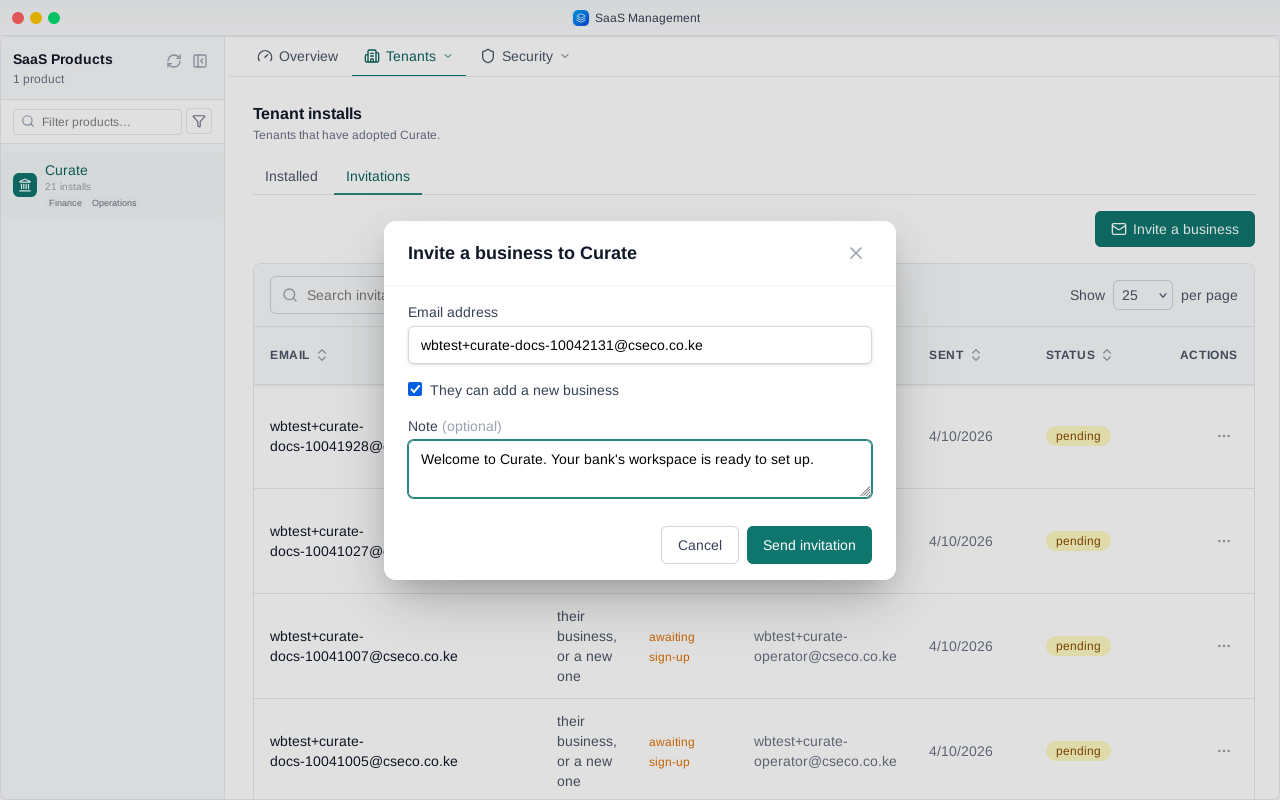
Send the invitation. It waits here as pending until they accept it. Someone with no account yet first gets an email to set one up.
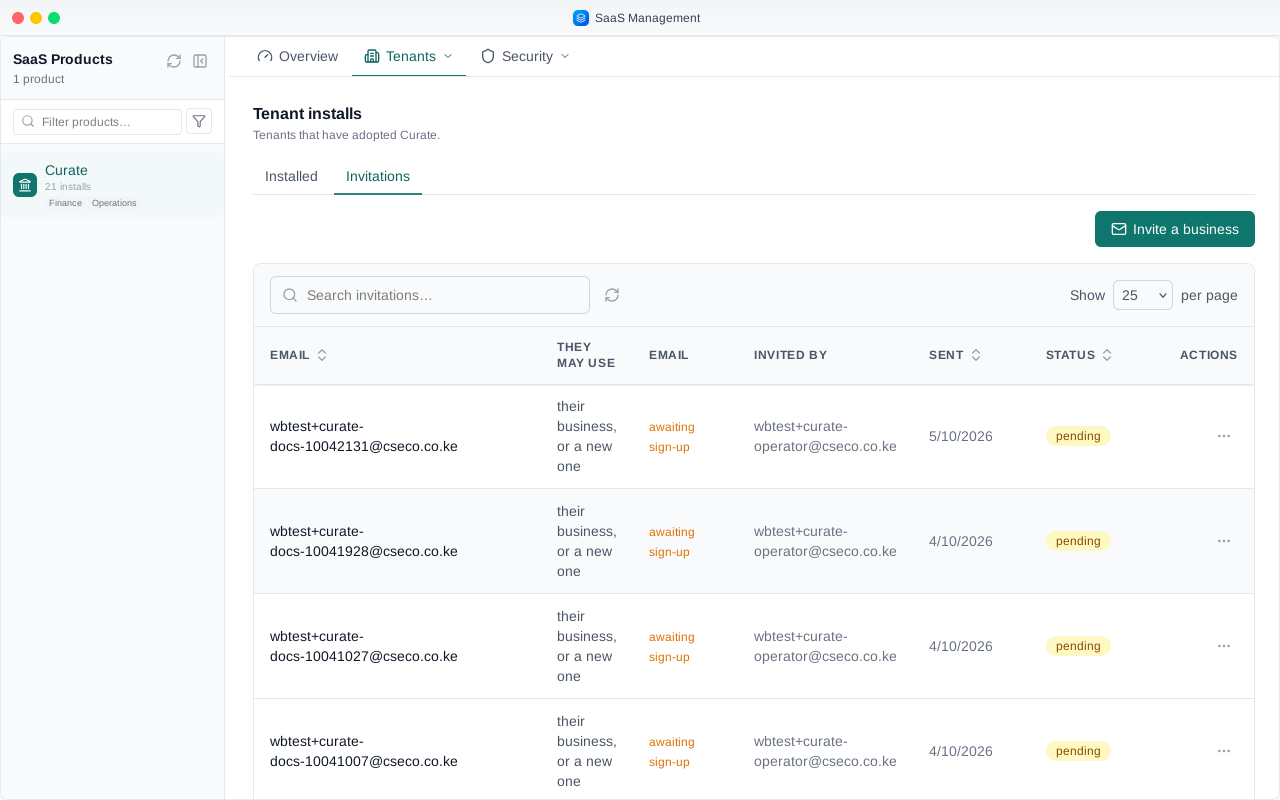
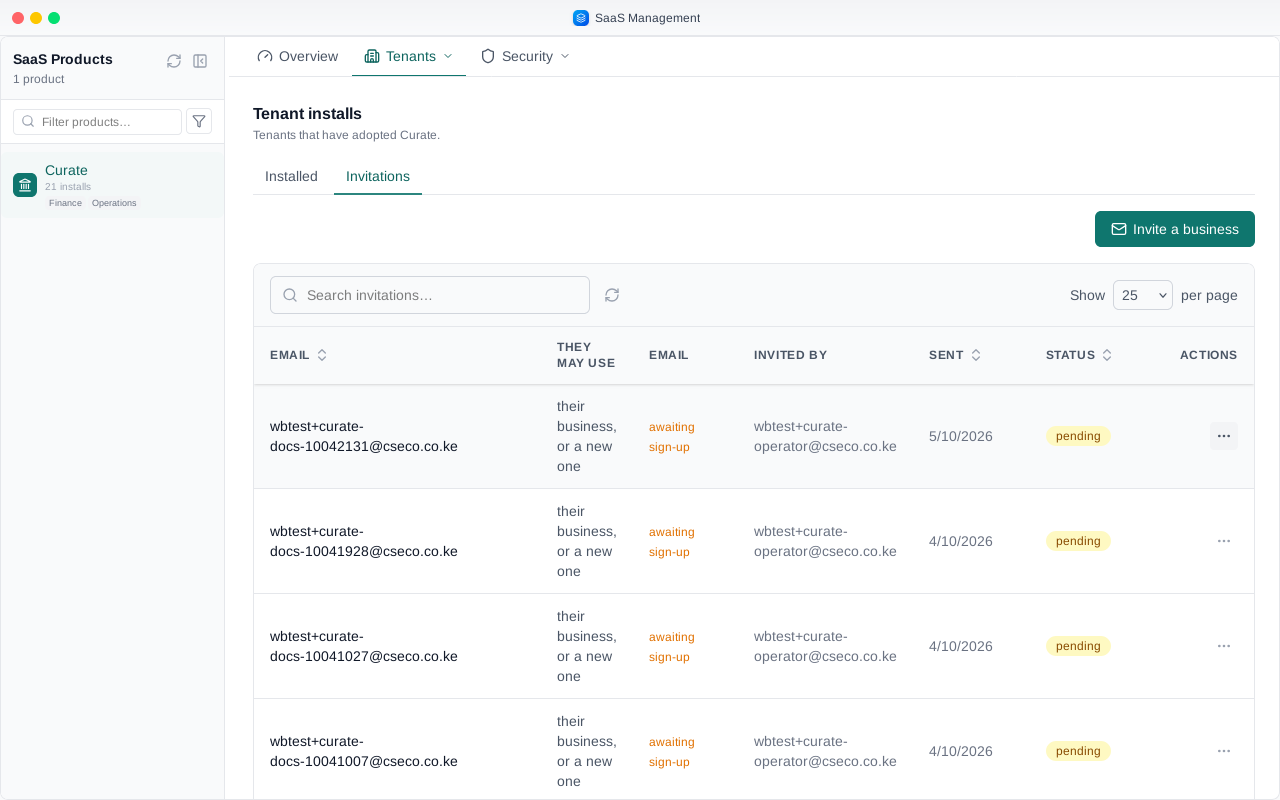
From an invitation's menu you can resend it, for example when the email went missing.
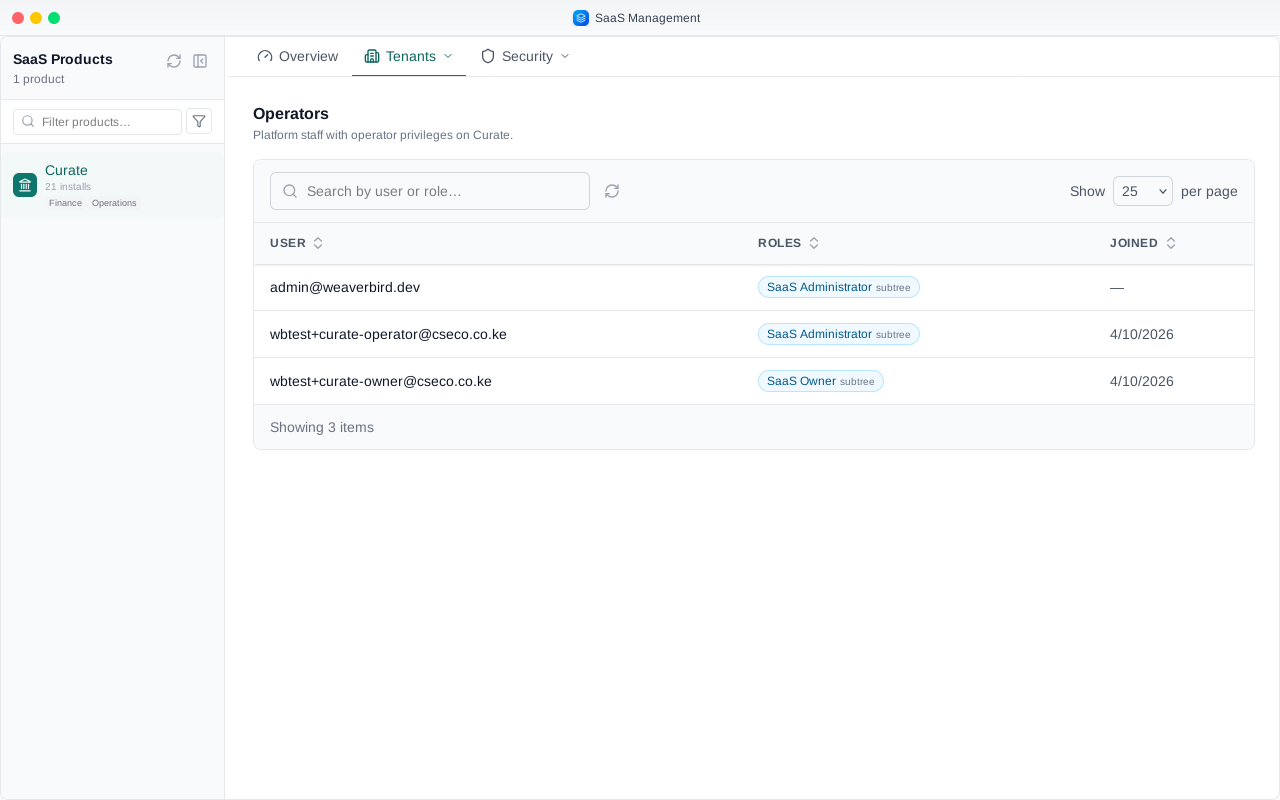
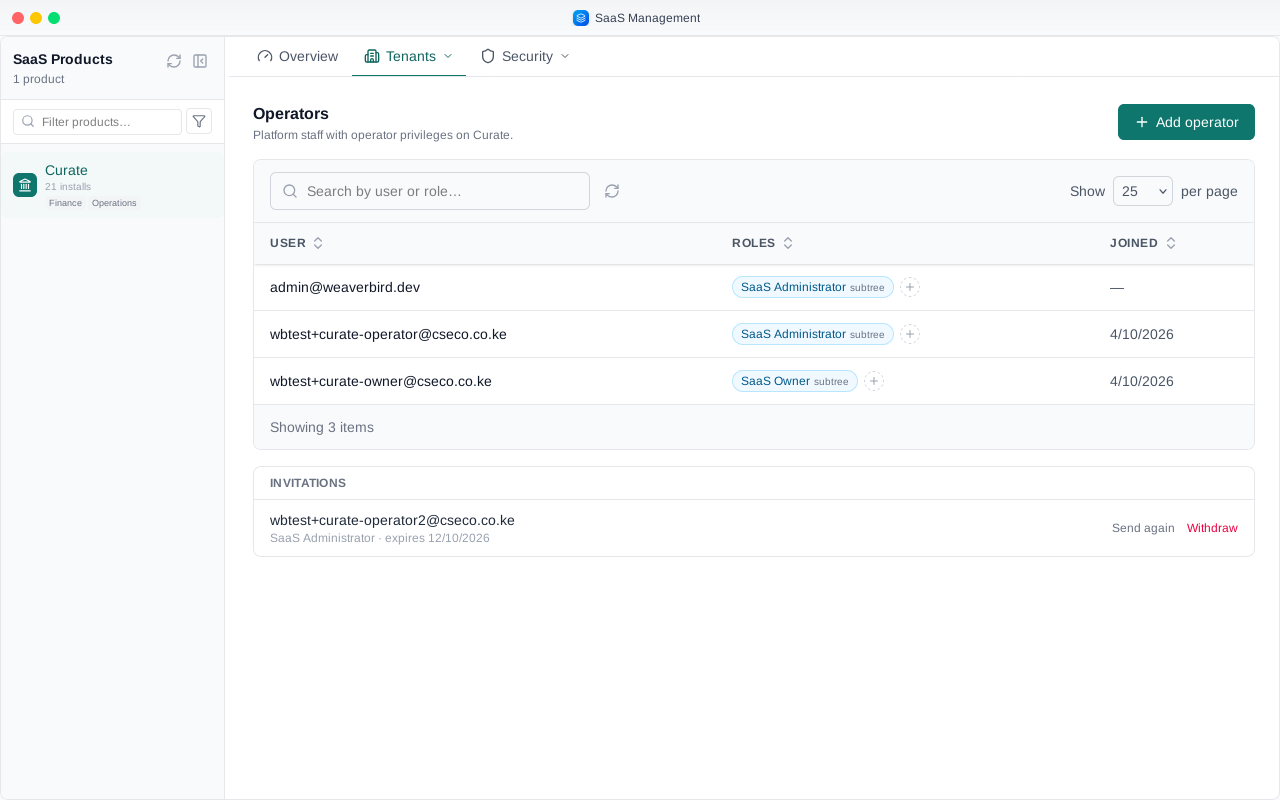
Operators lists who runs Curate. Only Curate's owner can add operators. An administrator, like this account, sees the list with no Add operator button.
Curate's owner signs in the same way, and opens product management.
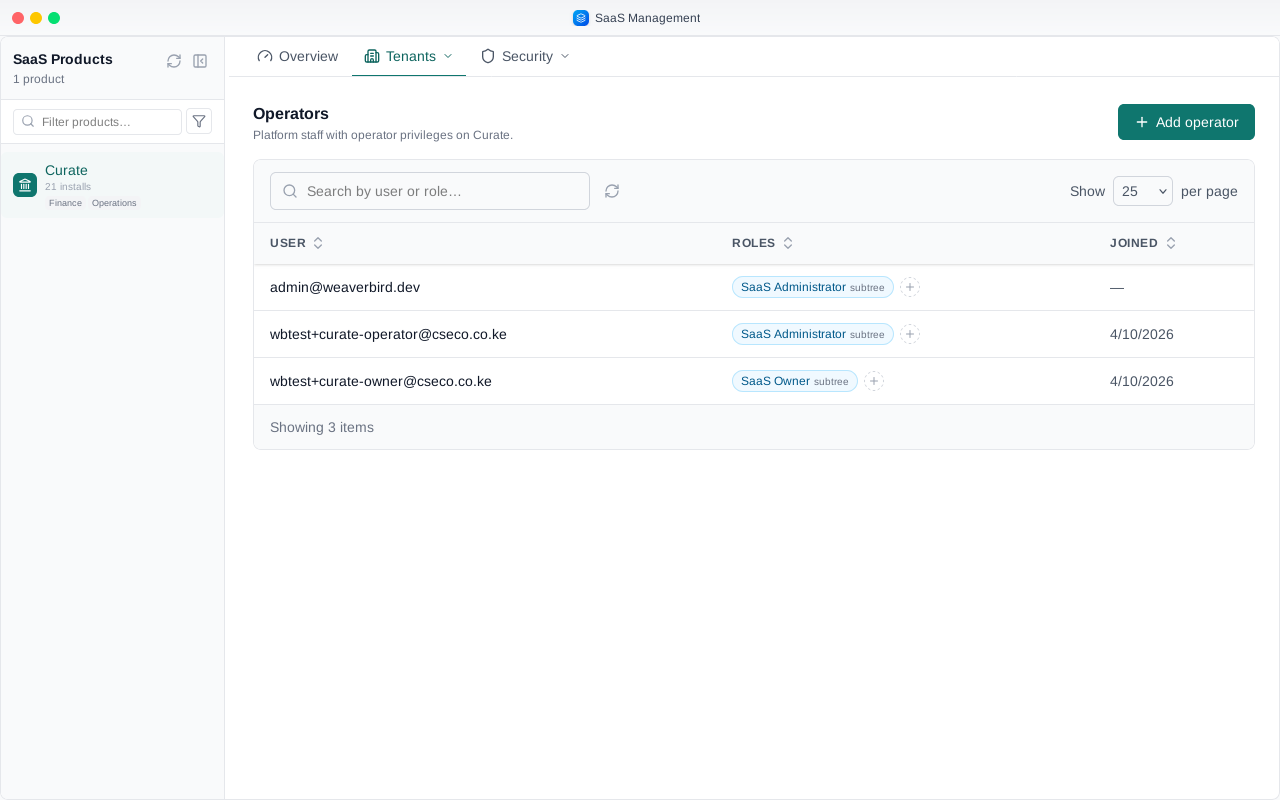
On Operators, the owner has Add operator.
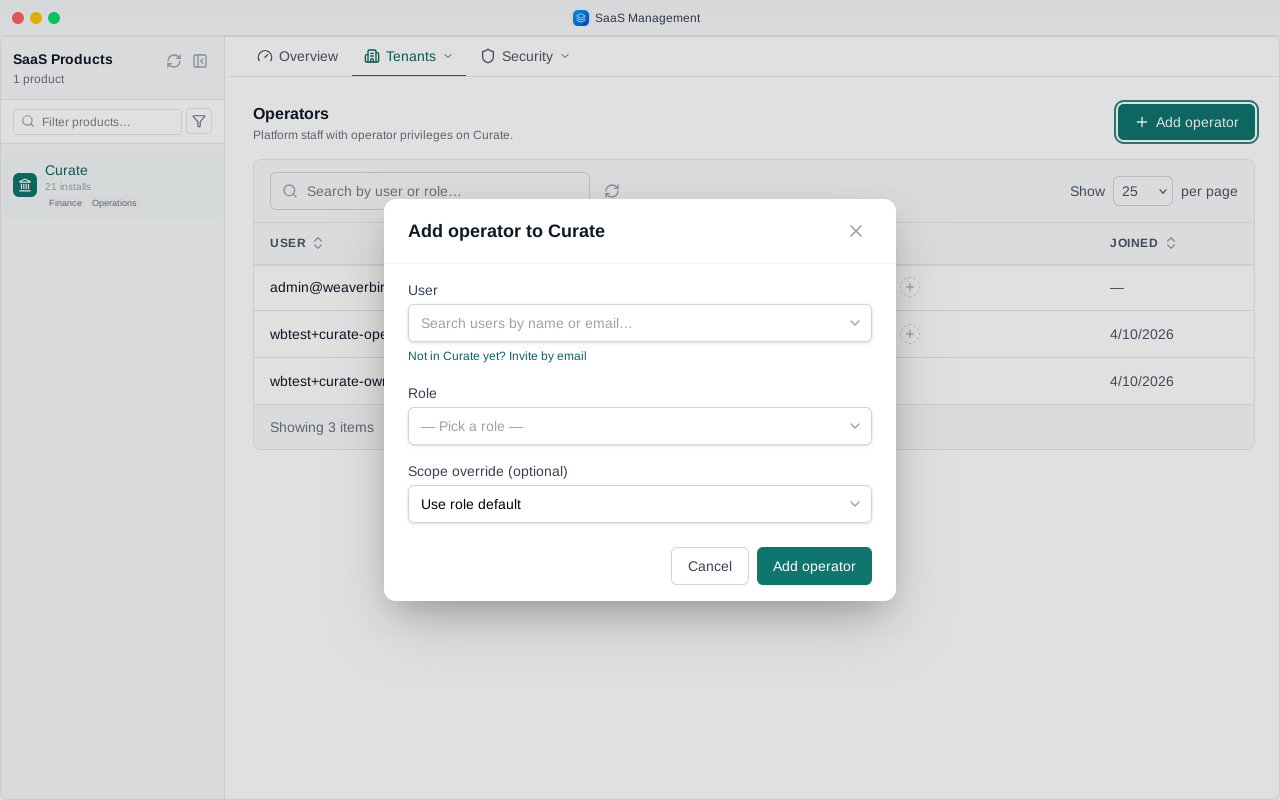
It finds people already in Curate. For someone new, choose Invite by email, and type their address.
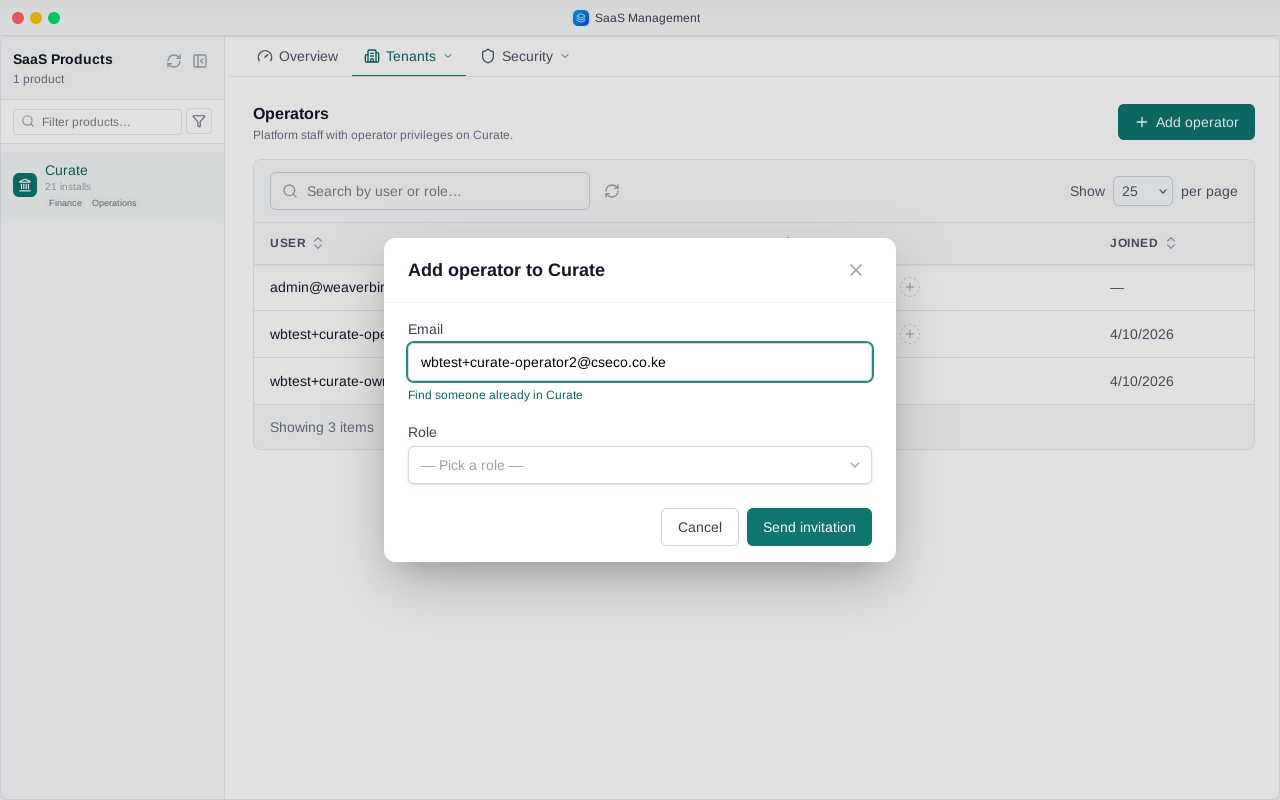
Pick their role: owner, administrator or support. Nobody can give a role above their own.
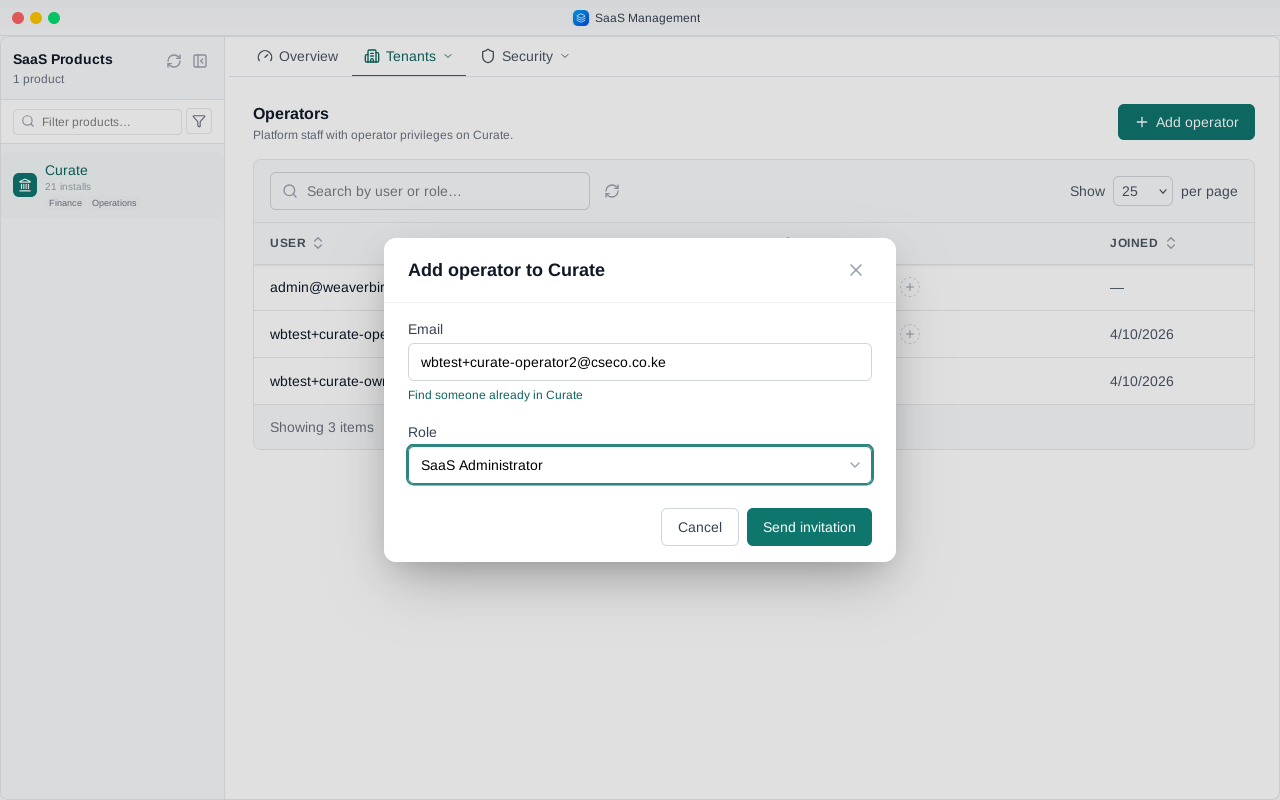
Send the invitation. It waits under Invitations, where you can send it again or withdraw it. Once they accept from the email, they are listed as an operator.
That is the product operator's side of Curate. Next, the person you invited signs in and sets up their bank.
Chapter 2
A bank user's first time in Curate
Once you're in, name the business this is for. In Curate that is your banking group, the firm your banks belong to.
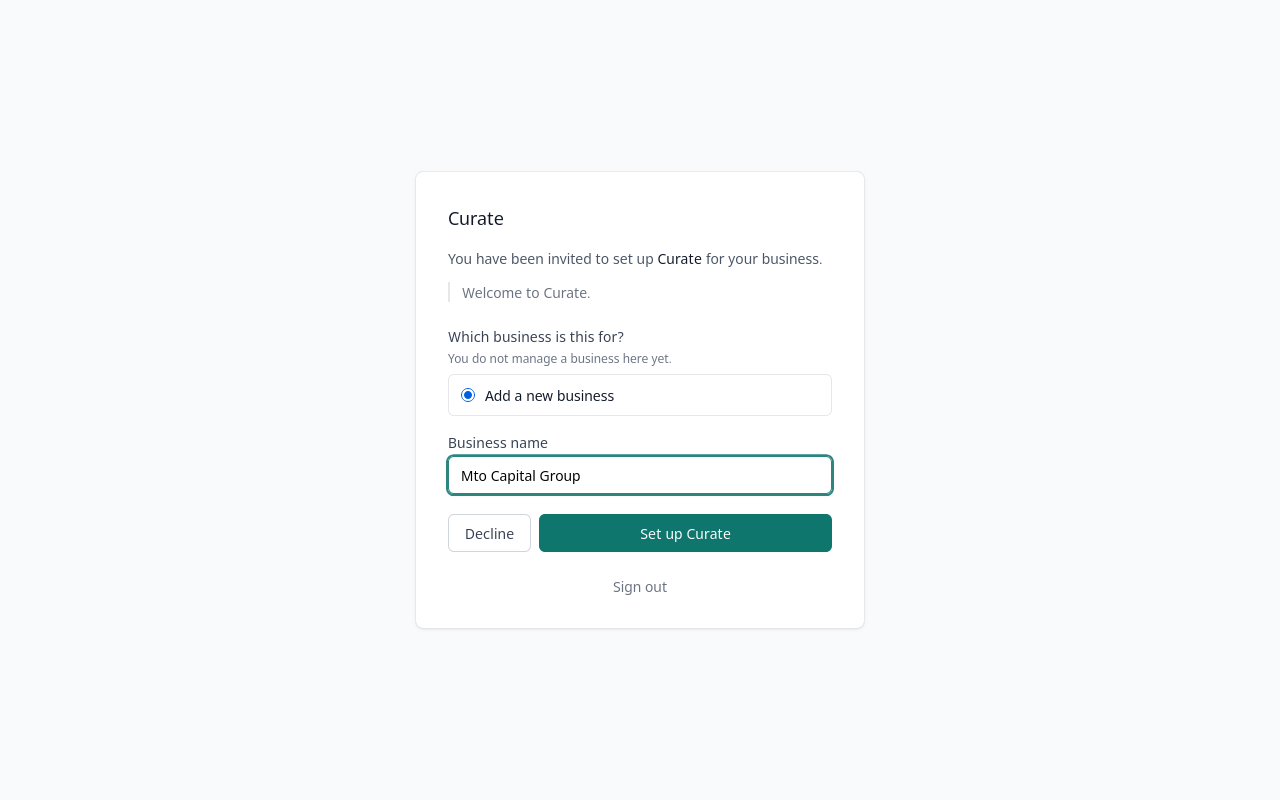
Choose Set up Curate.
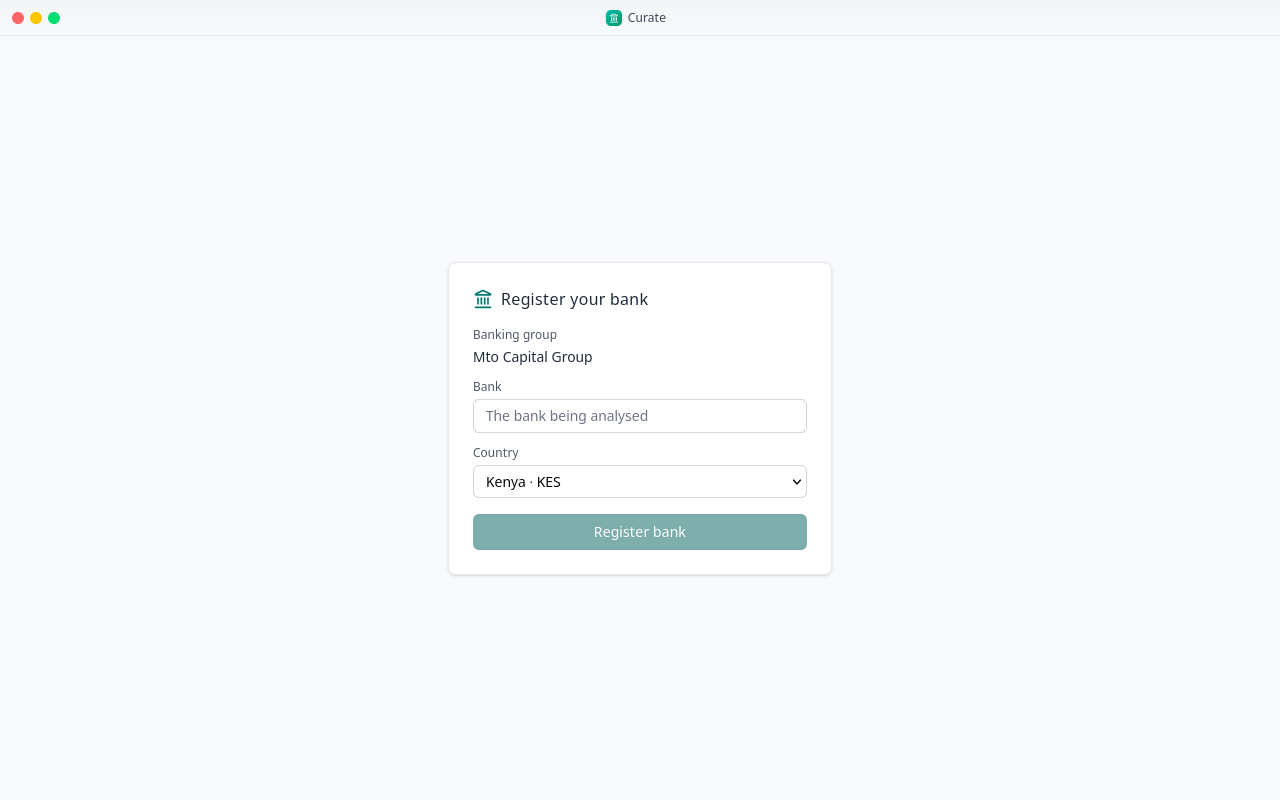
Curate now asks for your group's first bank. It names your banking group at the top.
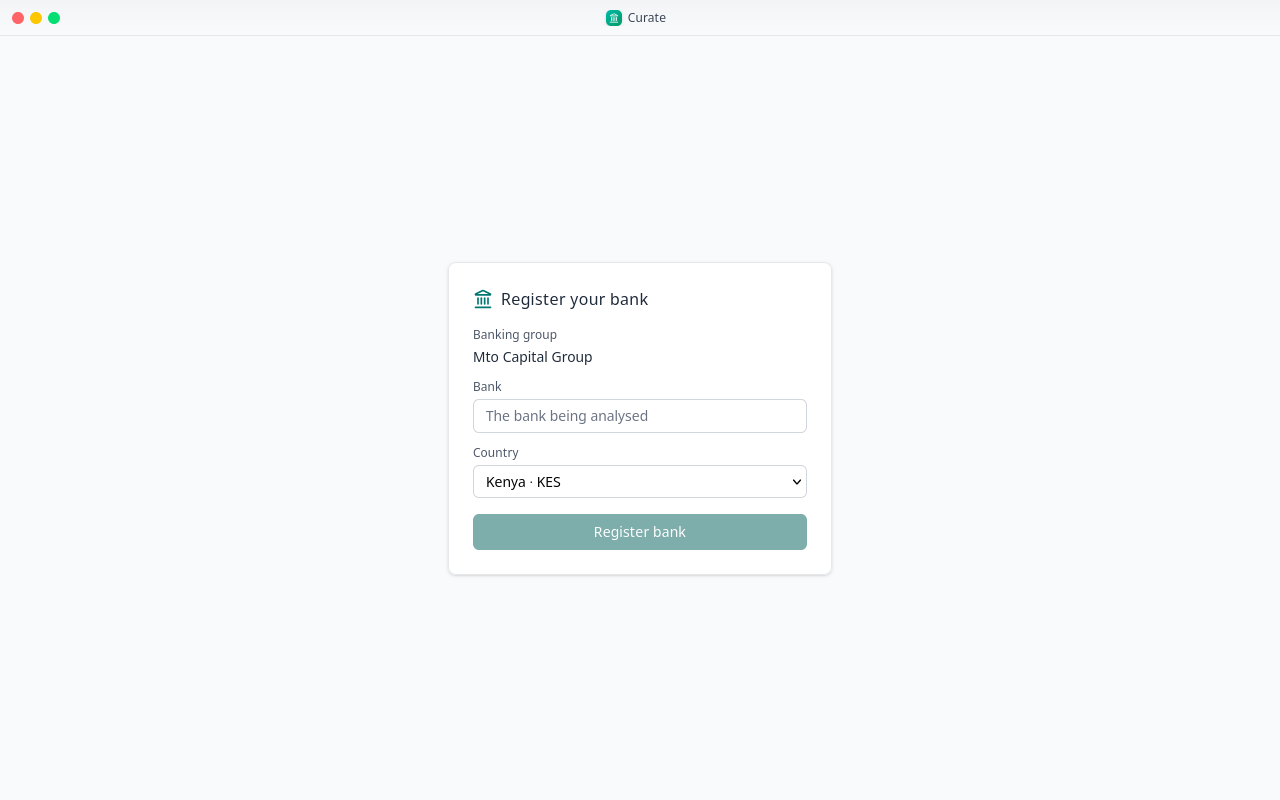
Type the bank's name and pick its country. The country decides which regulator's forms Curate offers.
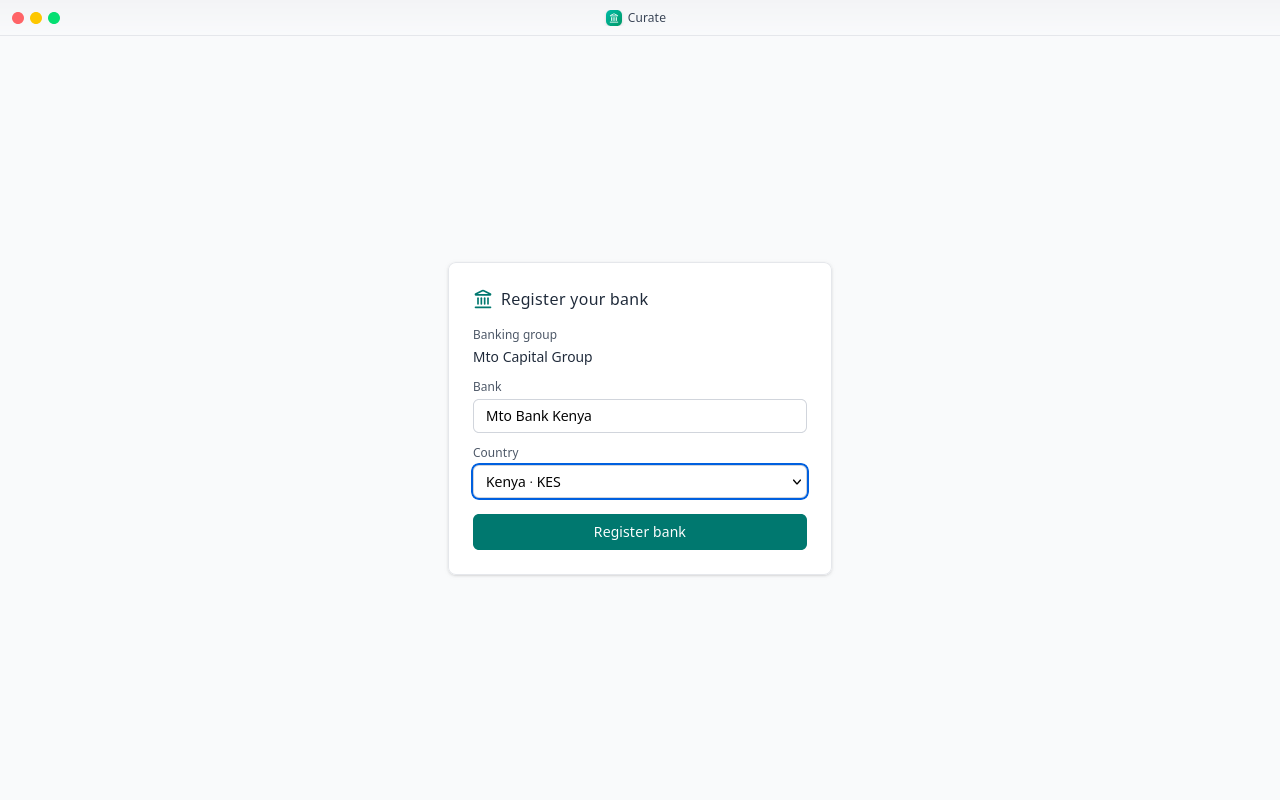
Register the bank, and Curate opens on it.
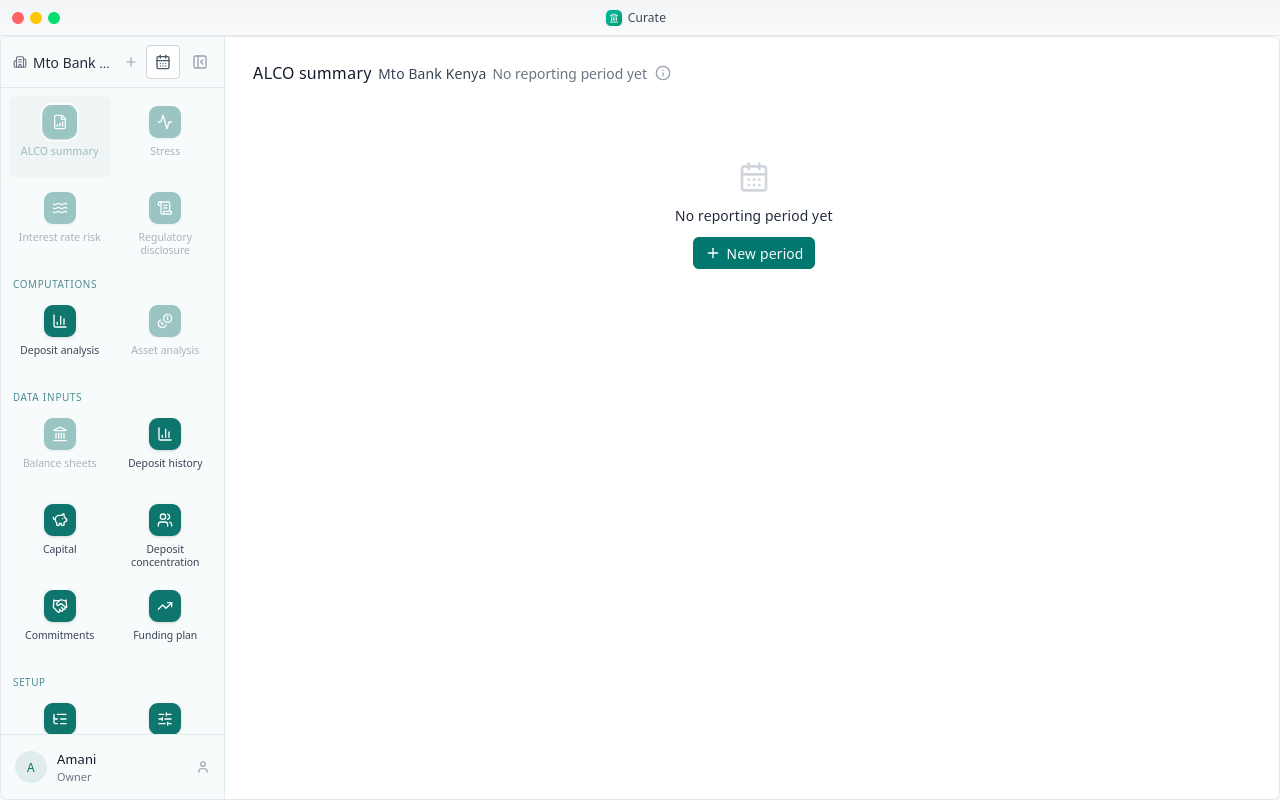
To add another bank to the group, choose the plus beside the bank's name. Once there are two banks, the name becomes a picker and New bank moves to the foot of its list.
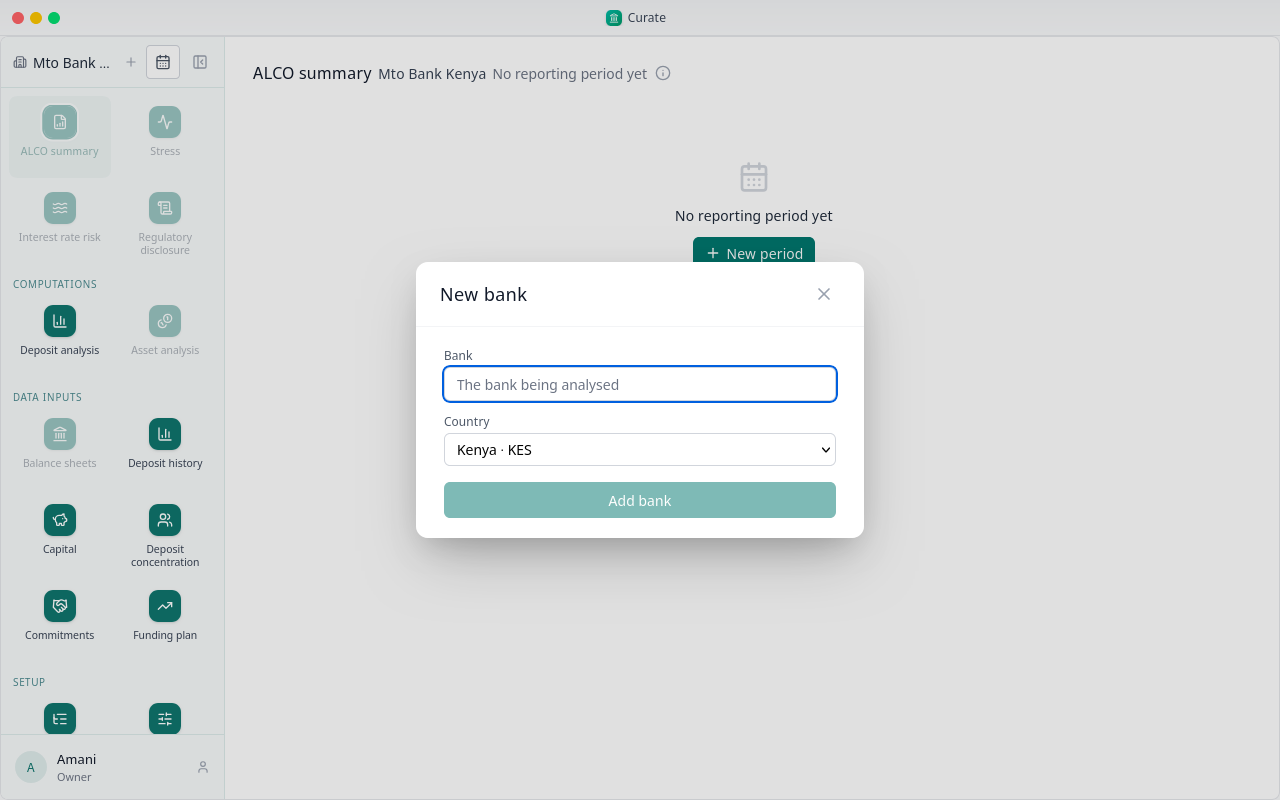
Give it a name and a country, then choose Add bank.
The bank picker now lists both banks. Pick one to work on it. Everything you see after that belongs to the bank you picked.
Each time you sign in, Curate opens on your banks' first by name, here Mto Bank Kenya.
Next, we set the bank up.
Chapter 3
Setup, steps 1 to 8, and the first reporting period
Setup has nine steps, numbered at the foot of the sidebar and done once for each bank. This chapter does one to eight; the ninth, core banking, has its own chapter. Here we set up Mto Bank Uganda.
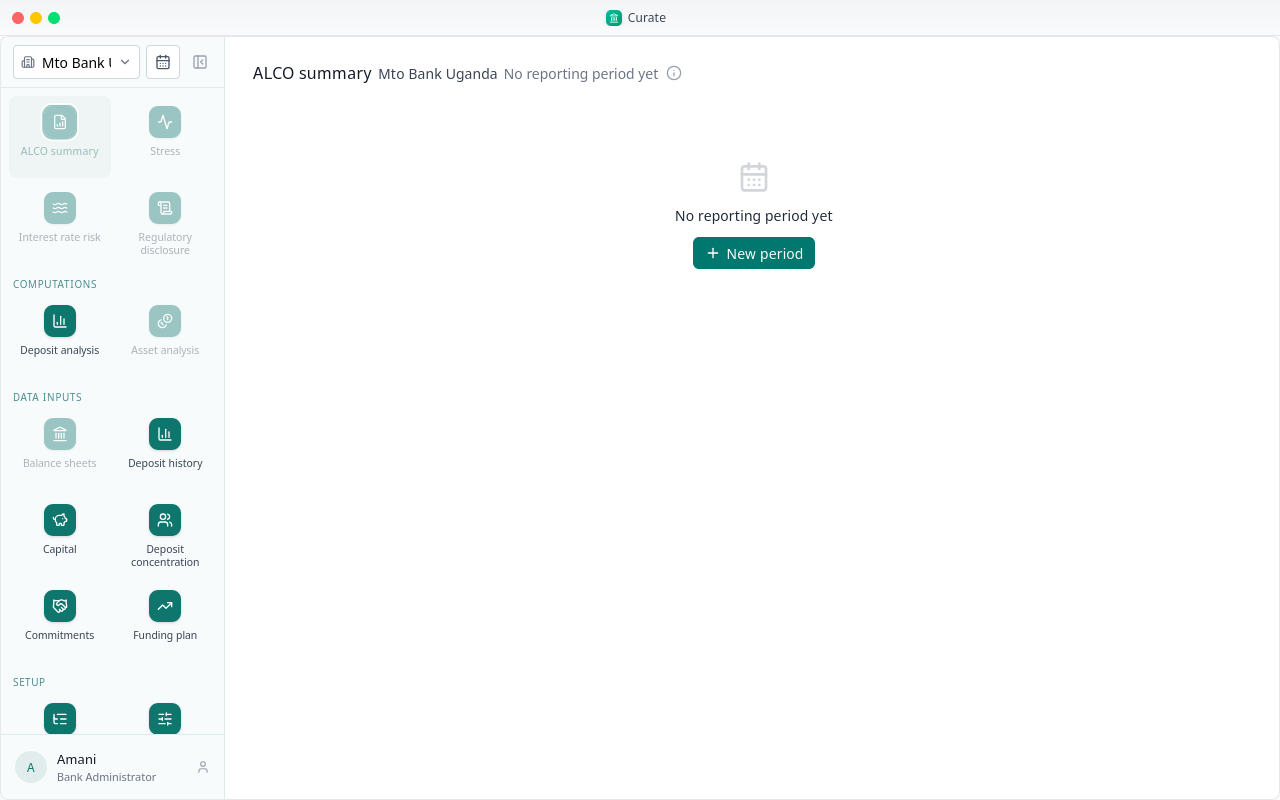
The first step is the balance sheet layout: the lines down the side and the maturity bands across the top. A new bank has none yet.
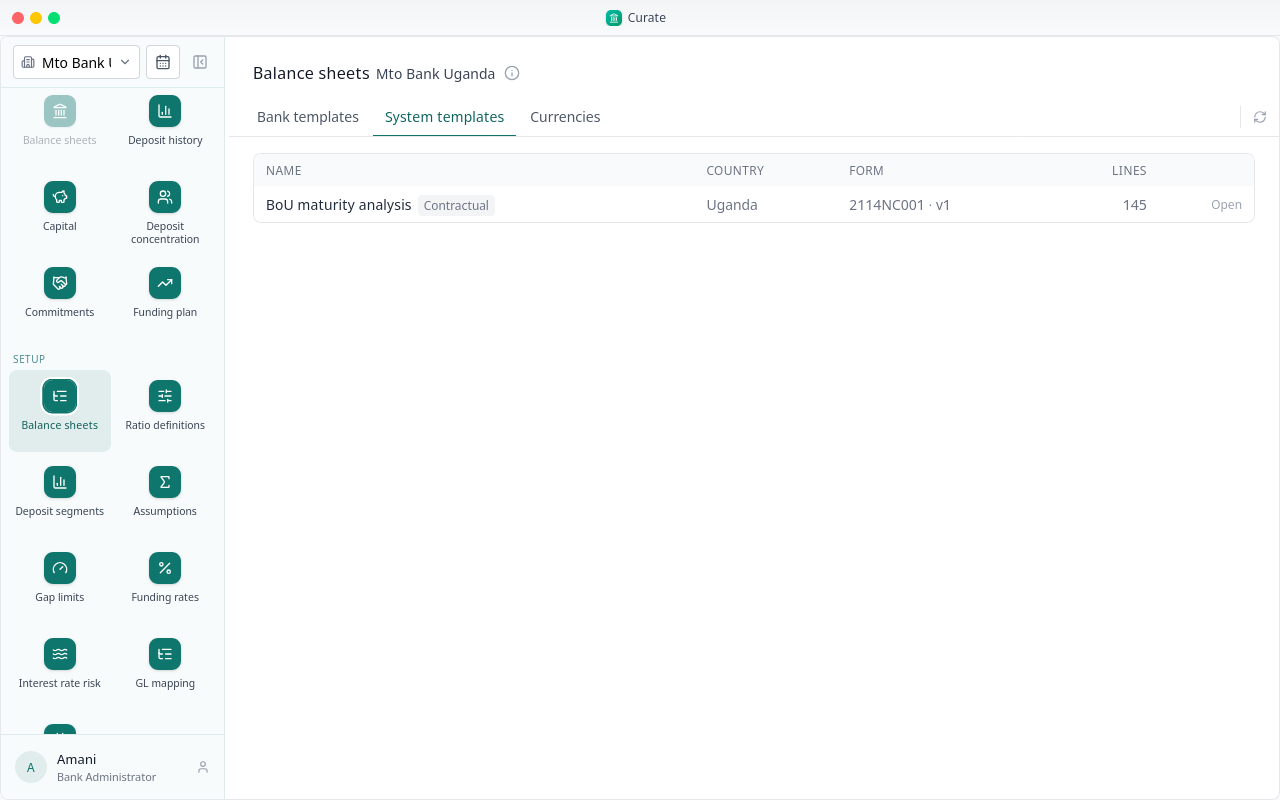
System templates are your regulator's forms as issued. For a bank in Uganda, that is the Bank of Uganda's maturity return.
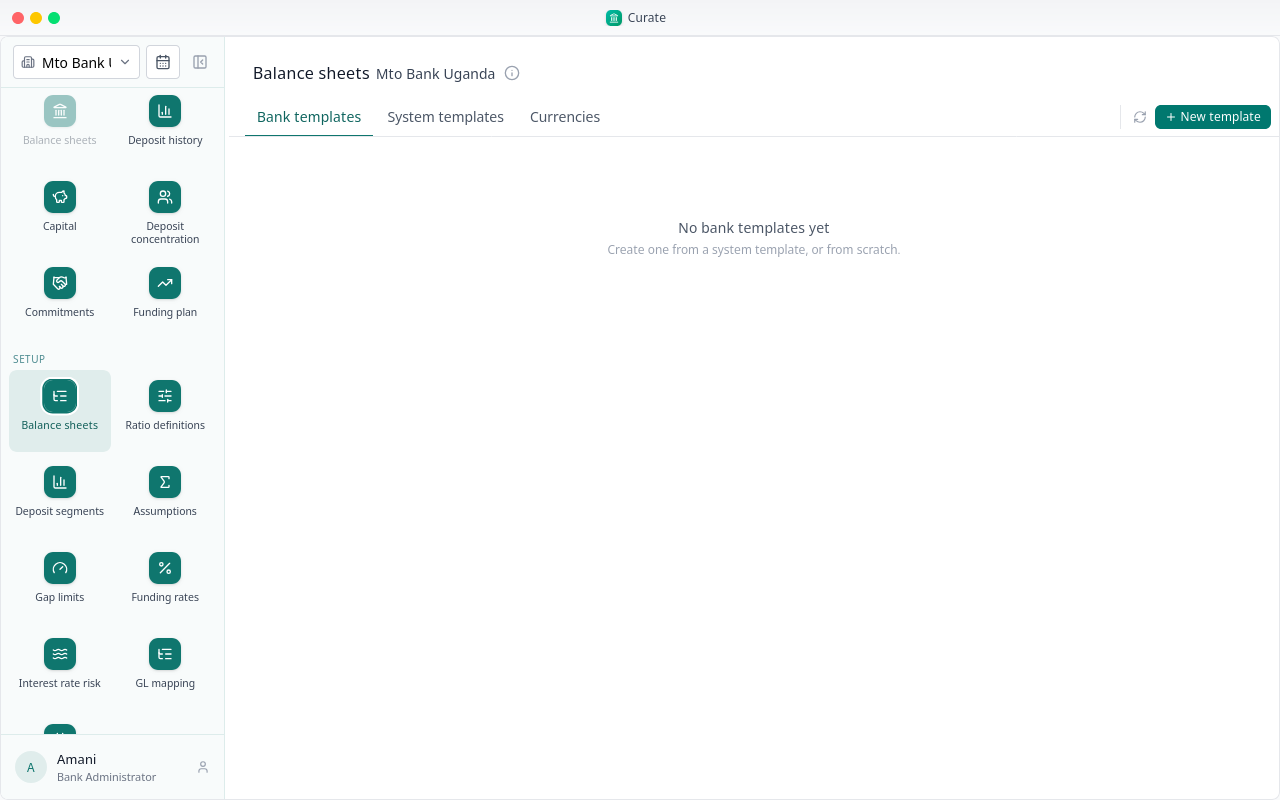
To make the bank's own, choose New template.
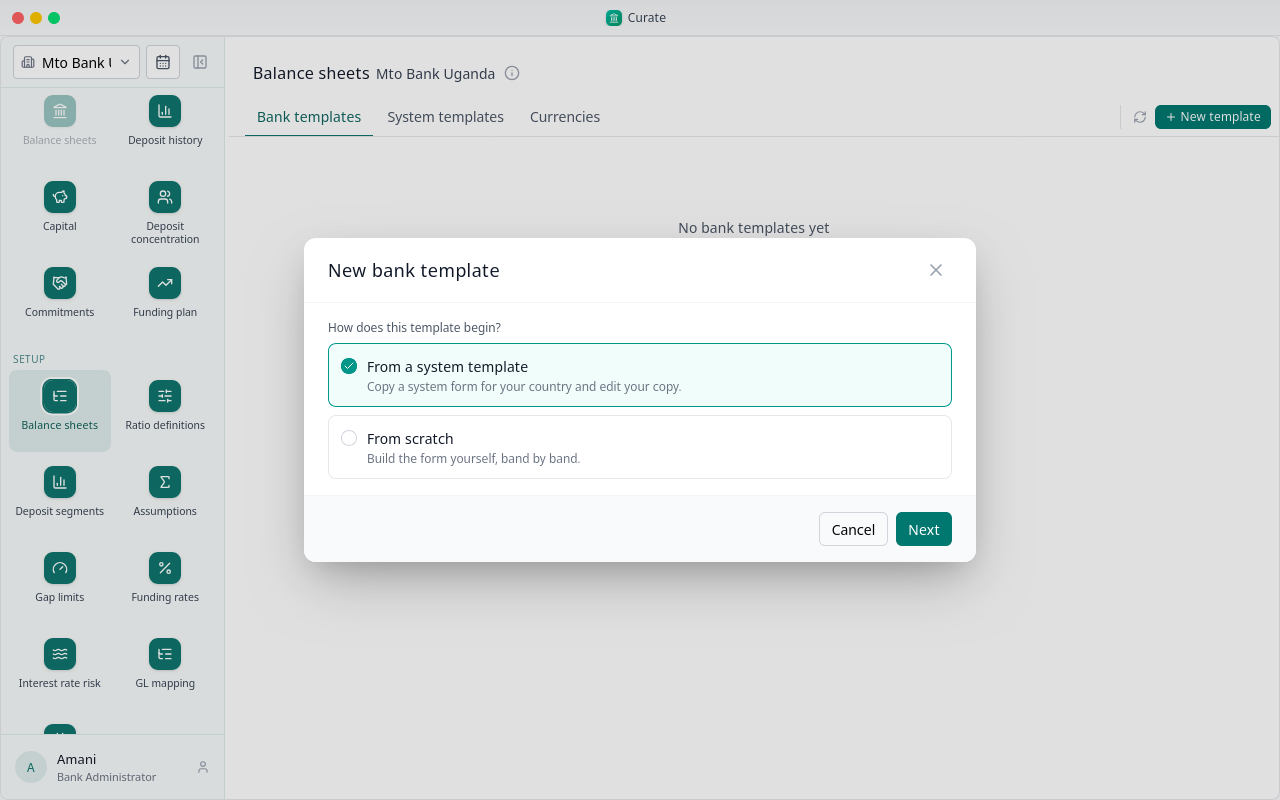
Start from the system form, or build your own from scratch, band by band. Here we start from the regulator's form.
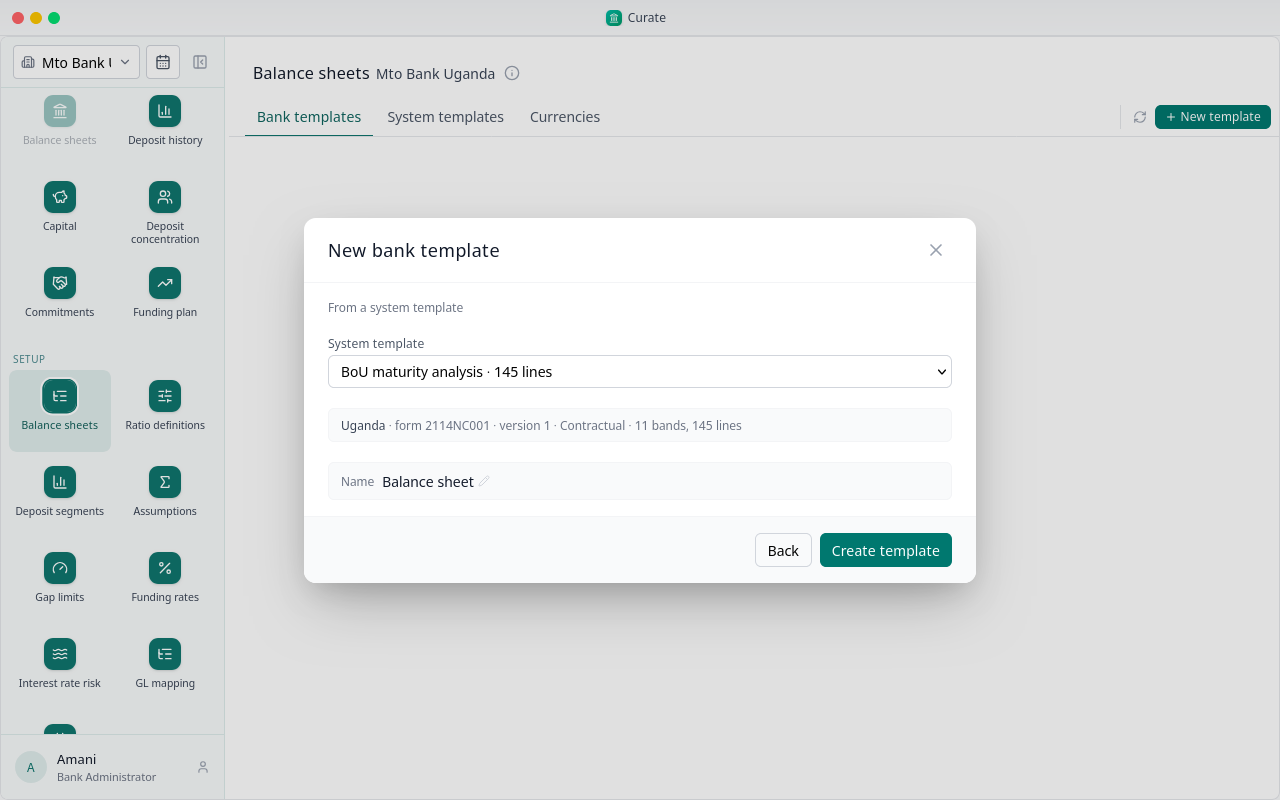
Pick the form, keep or change the name, and choose Create template.
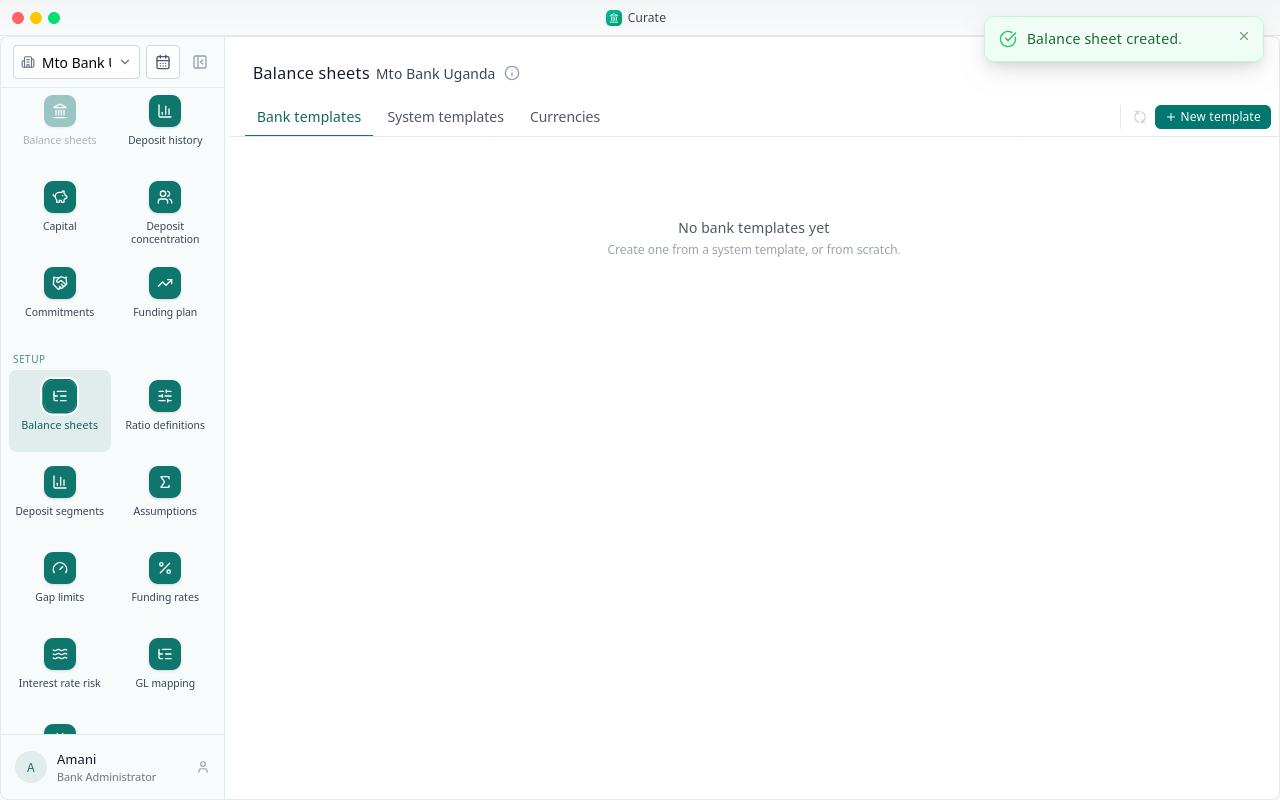
The template is listed with its bands and lines. Open it to see its lines, and change them where your bank reports differently.
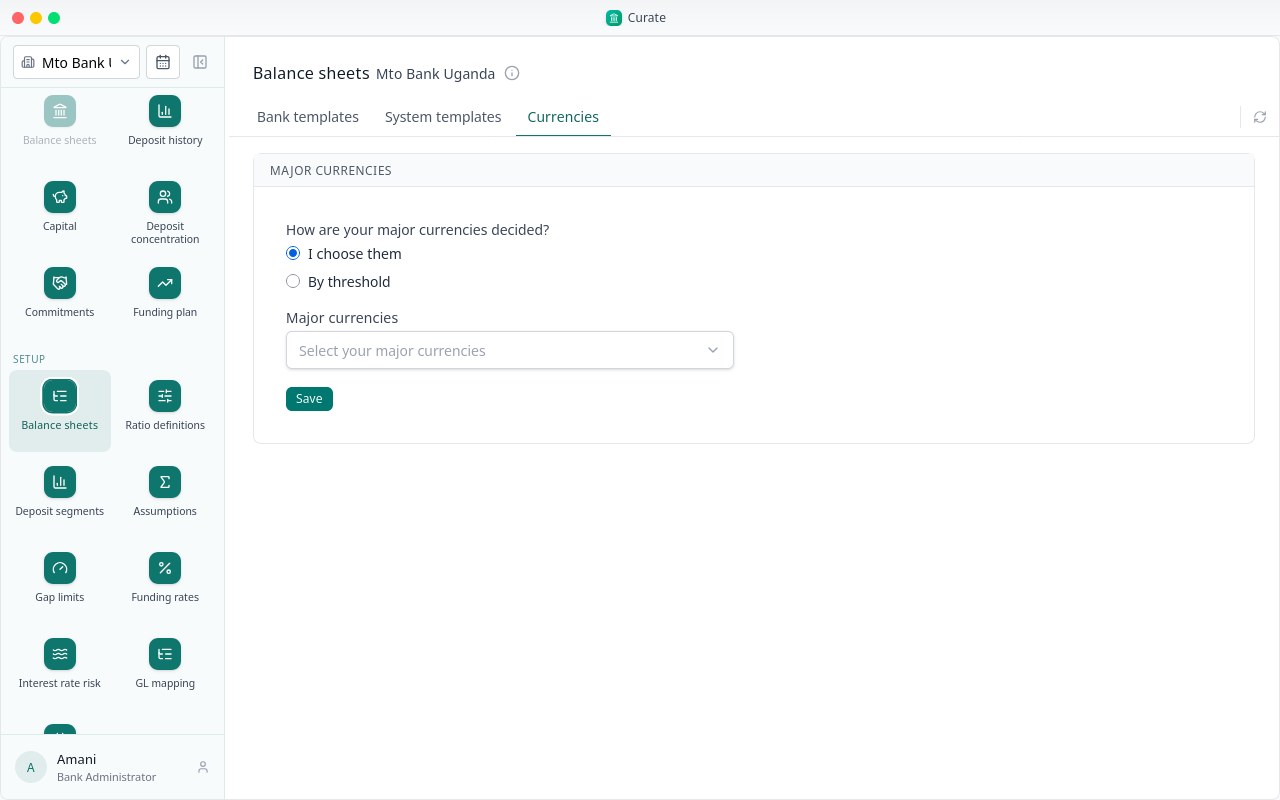
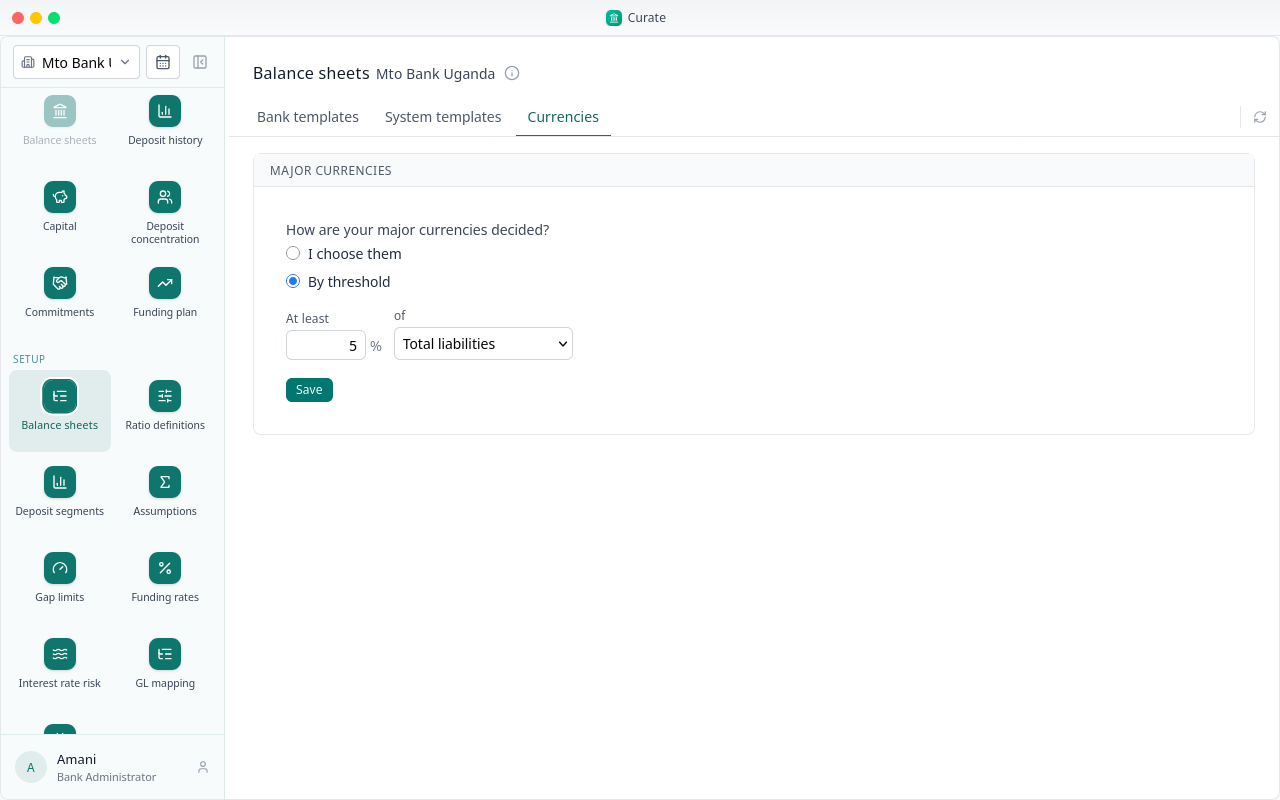
Under Currencies, decide how the bank's major currencies are chosen. Every amount comes in already in shillings, each foreign currency on its own sheet.
By threshold takes, in each period, the foreign currencies at or above a share you set: of total liabilities, total assets, total deposits or all foreign currency.
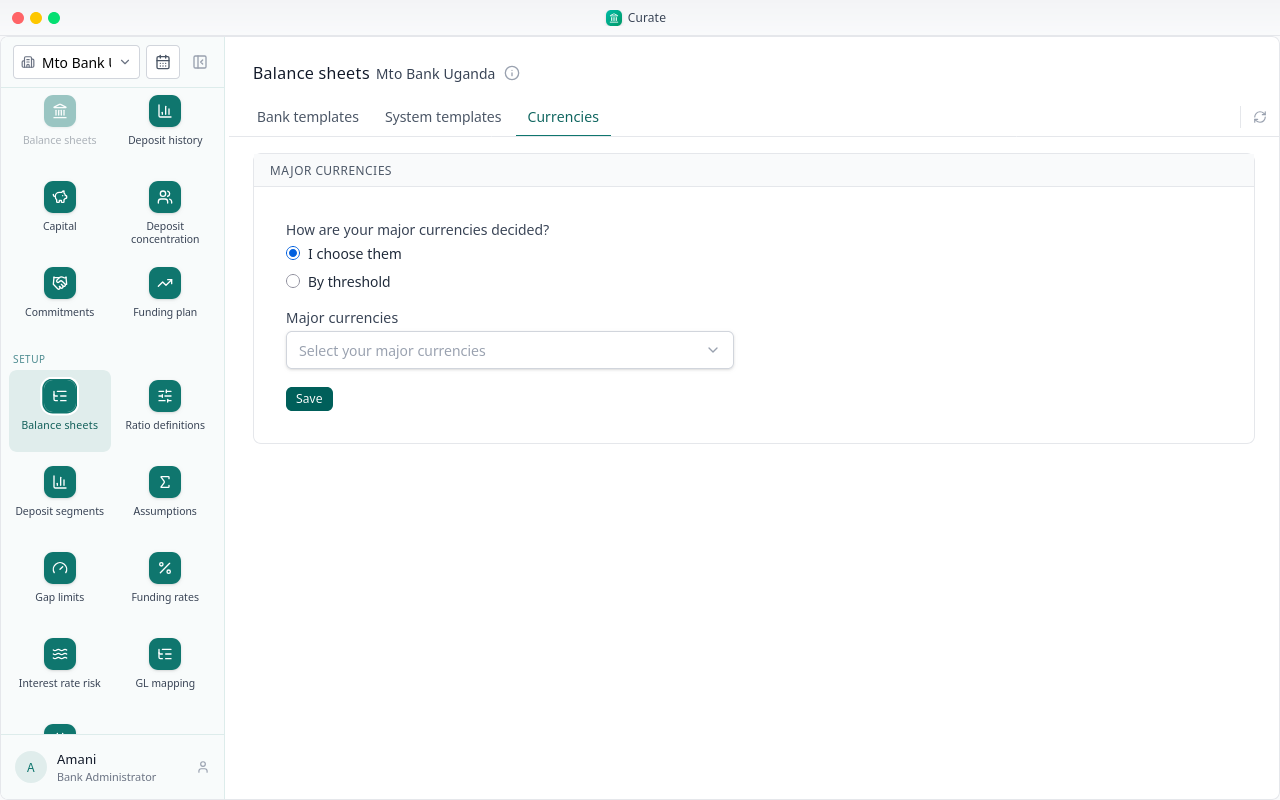
Or pick them yourself. Mto Bank Uganda reports only in shillings here, so we pick none and save.
With a template in place, the bank can have its first reporting period. Open the calendar beside the bank's name.
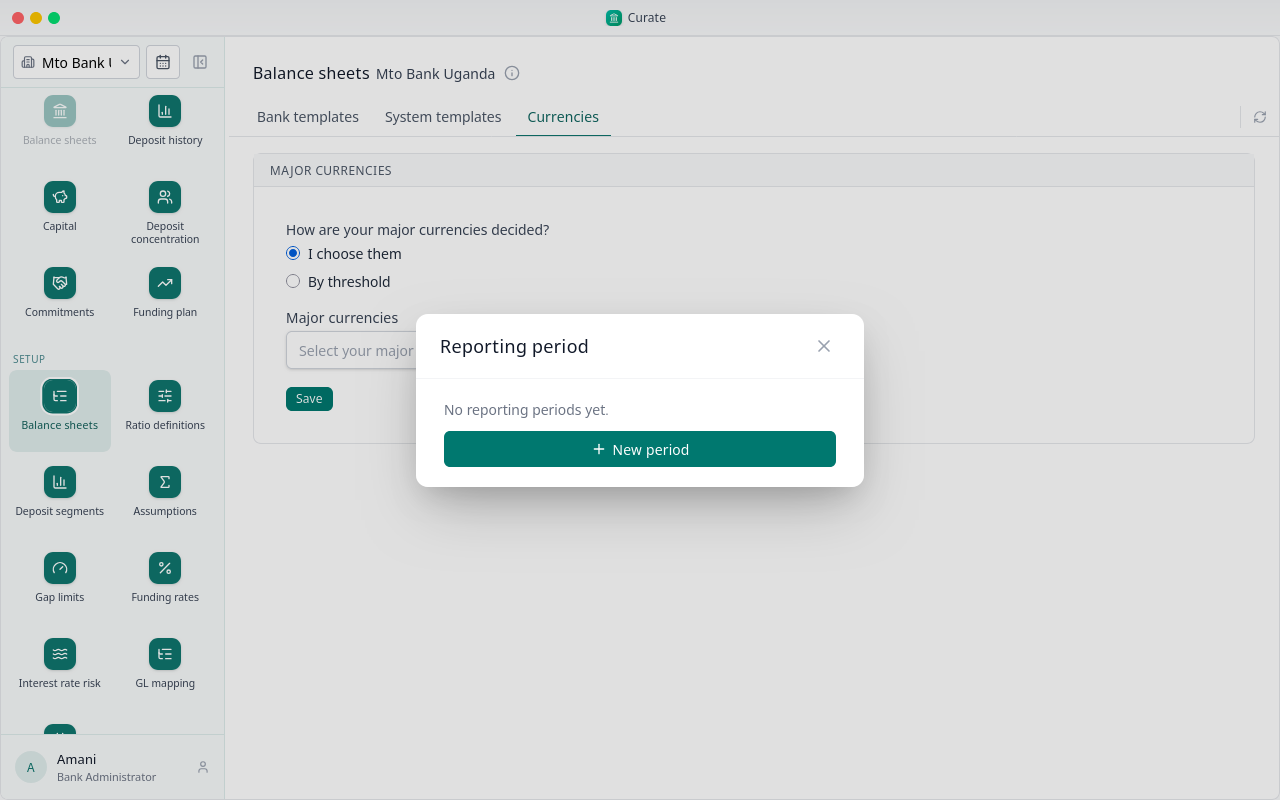
There are no periods yet. Choose New period.
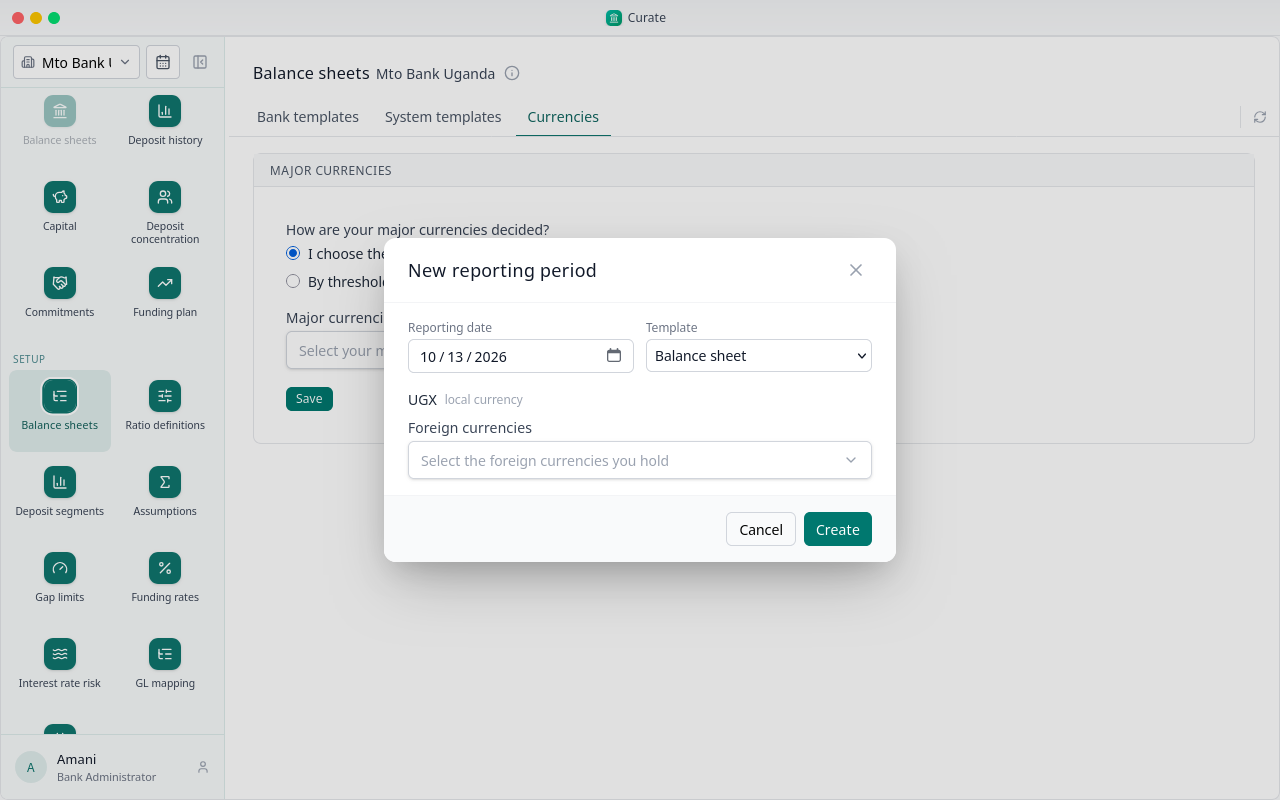
Set the reporting date. The template is the one we just made, and the local currency is the bank's own. Pick the foreign currencies you hold: each gets its own sheet. OTH takes small currencies entered together.
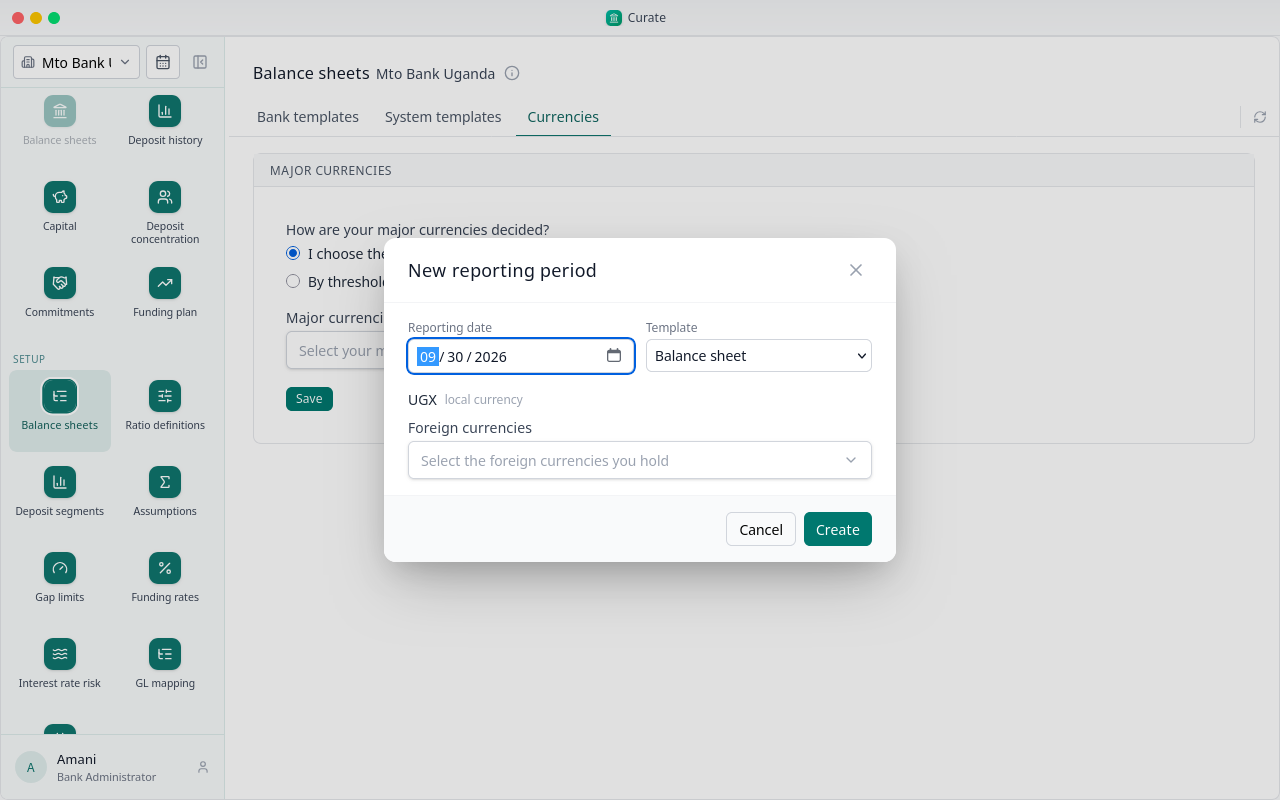
Choose Create. Curate makes a balance sheet for each currency on that date, ready for the figures.
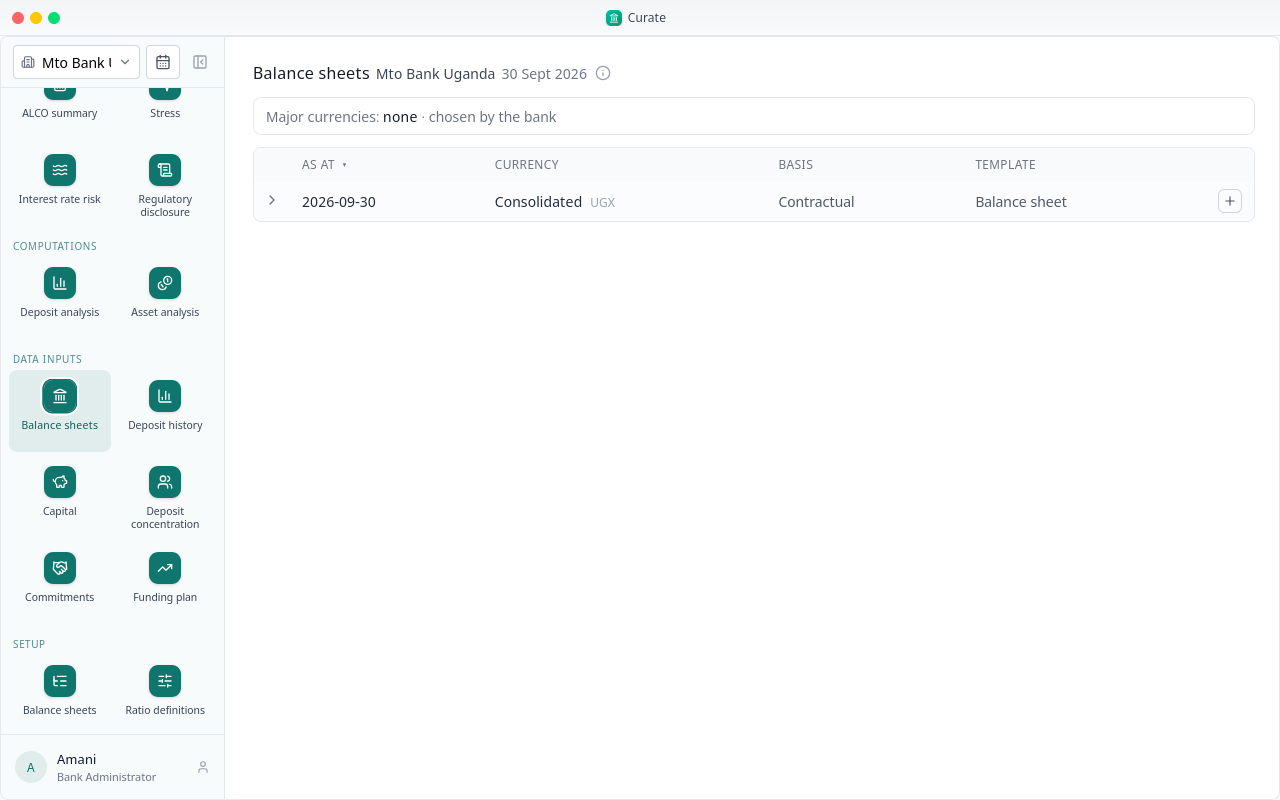
Every page that works on a period now shows this one, beside its title. Next time, Curate opens on the period you picked last on this browser, or else the newest.
Next, the ratios. System ratios are the regulator's own. Choose Add ratio, then Copy as statutory: the regulator's ratios, kept as issued.
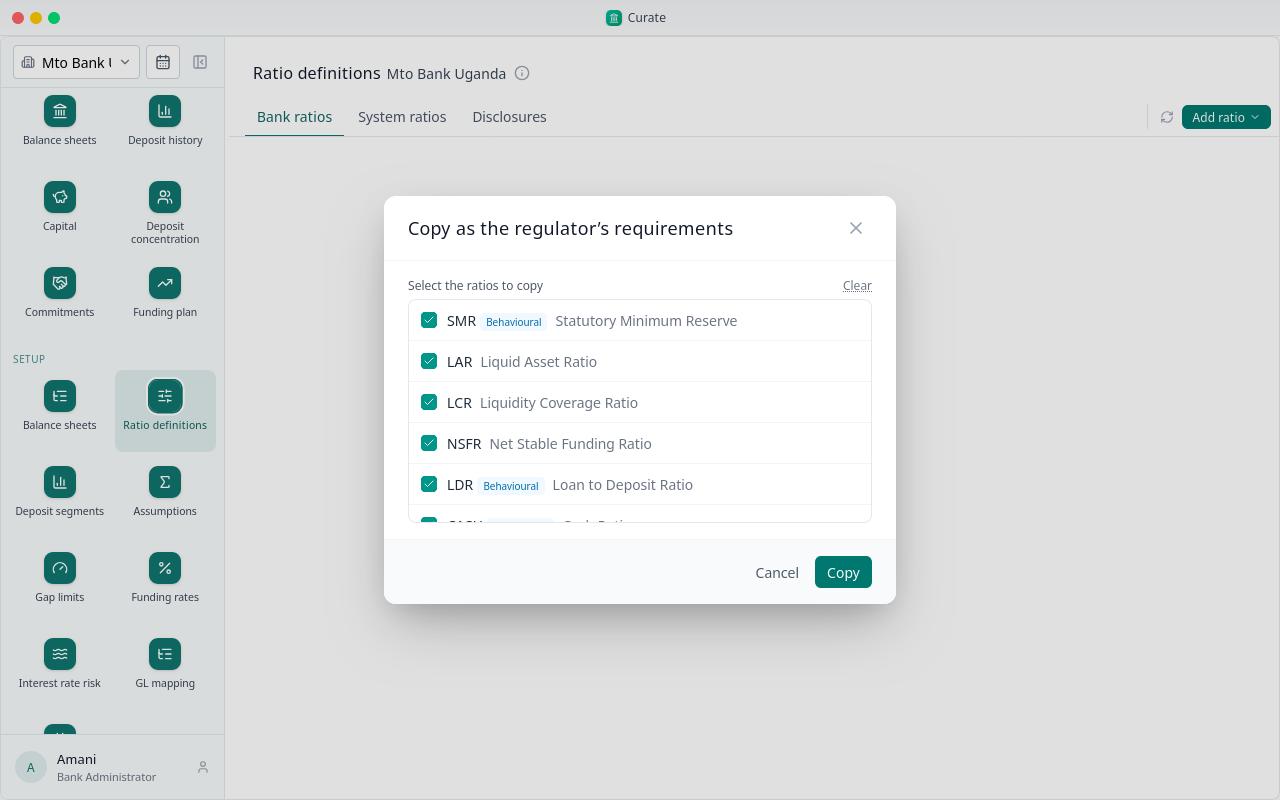
Every ratio comes ticked. Untick any you don't want, then choose Copy.
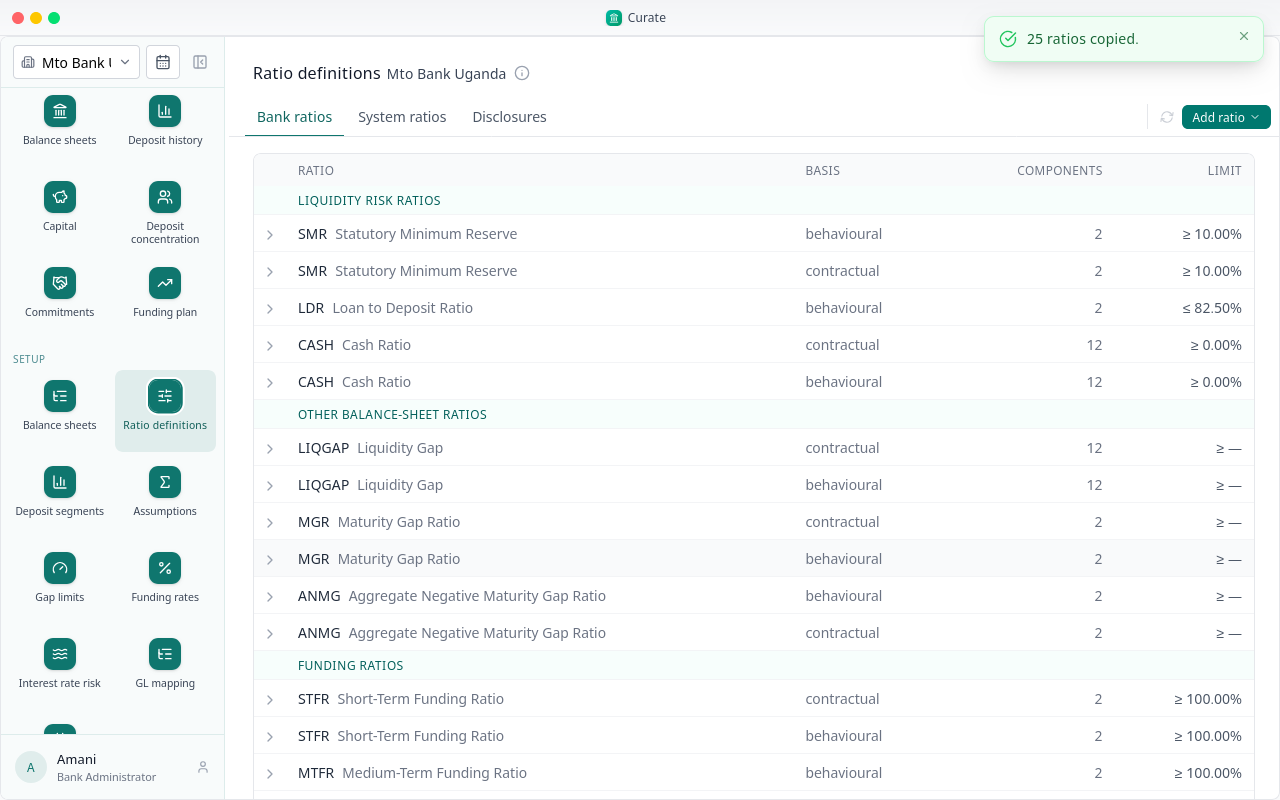
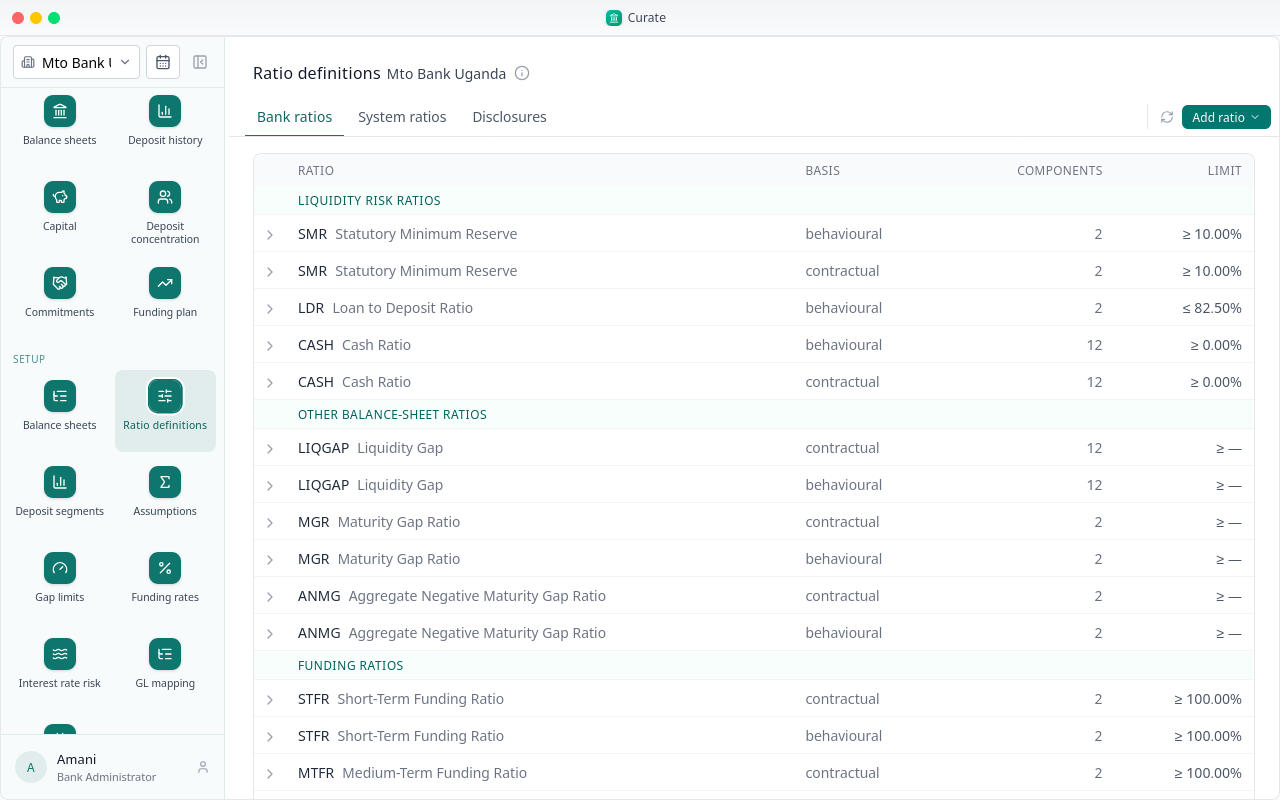
The bank's ratios are listed by section, with the limit each is held to where the regulator sets one. Open one to see its formula.
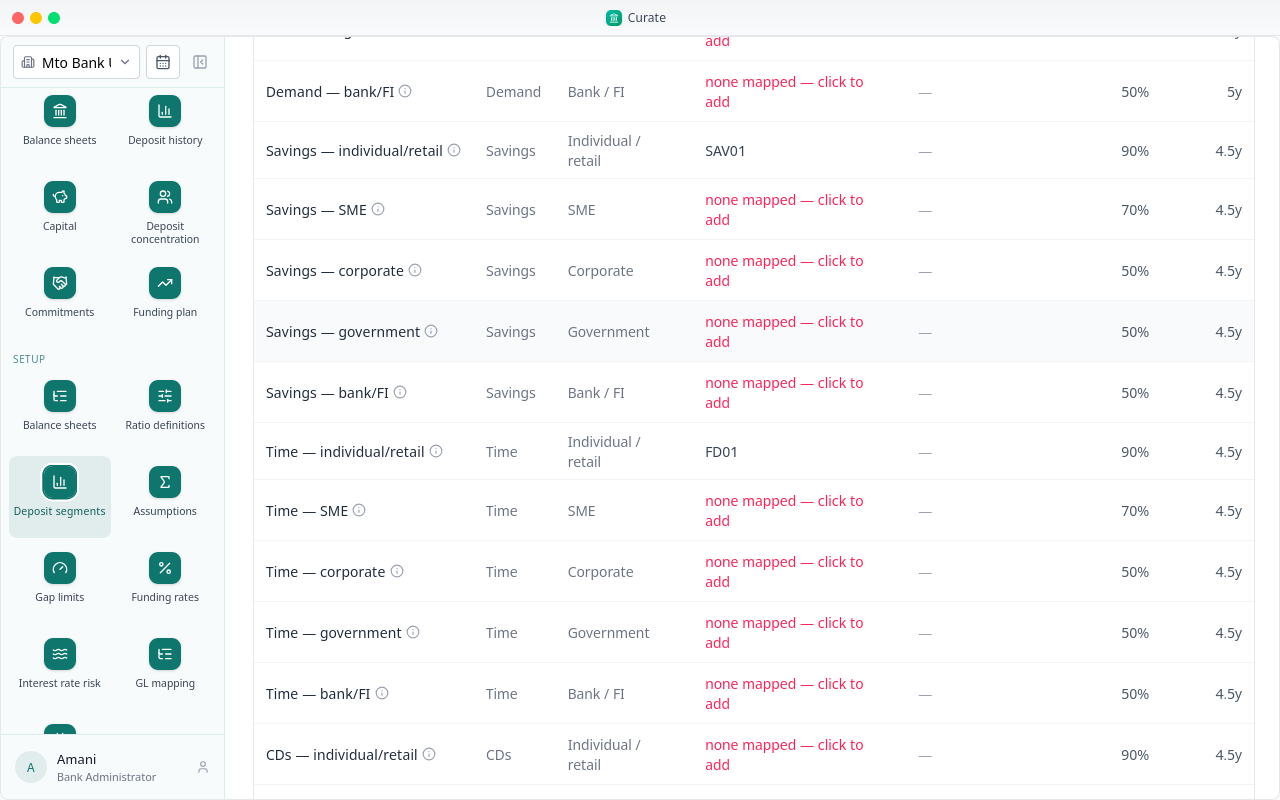
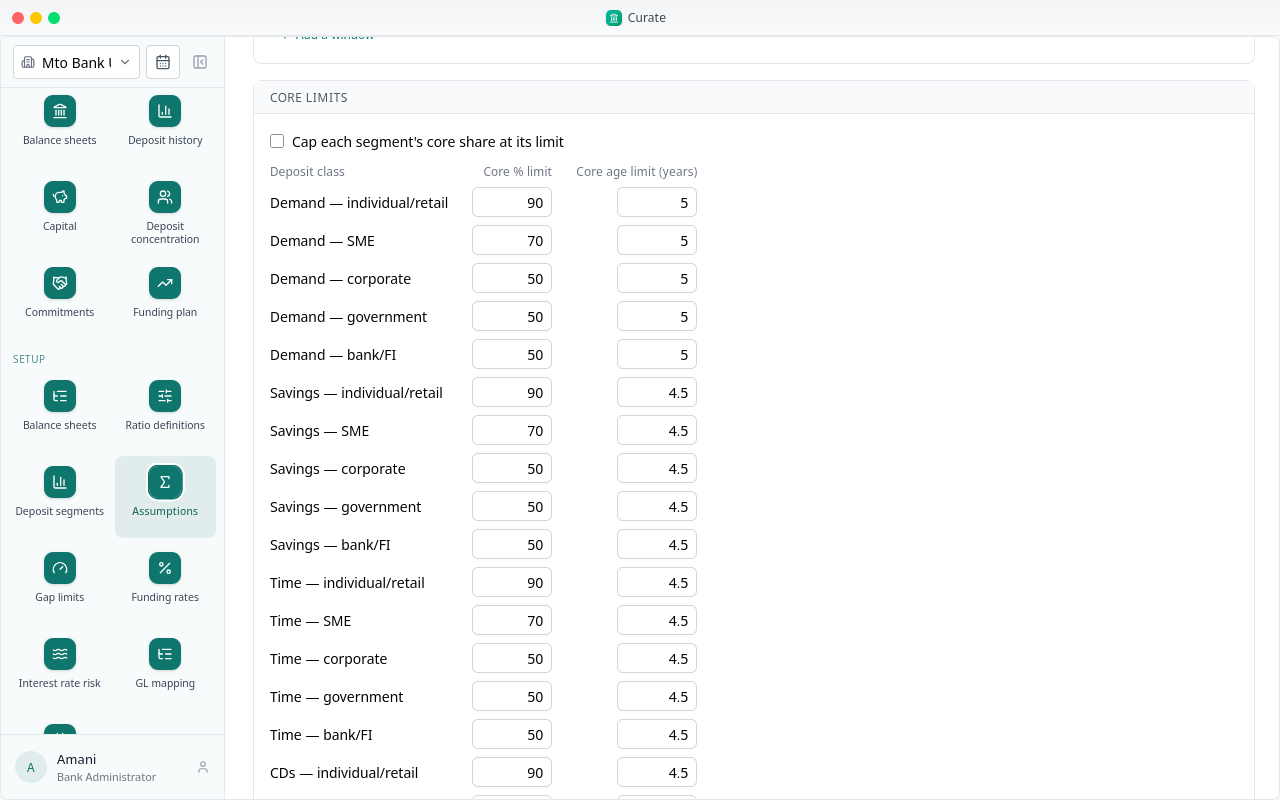
Deposit segments group deposits by product and by customer type, because each behaves differently. The segments and their core caps come with the bank's country.
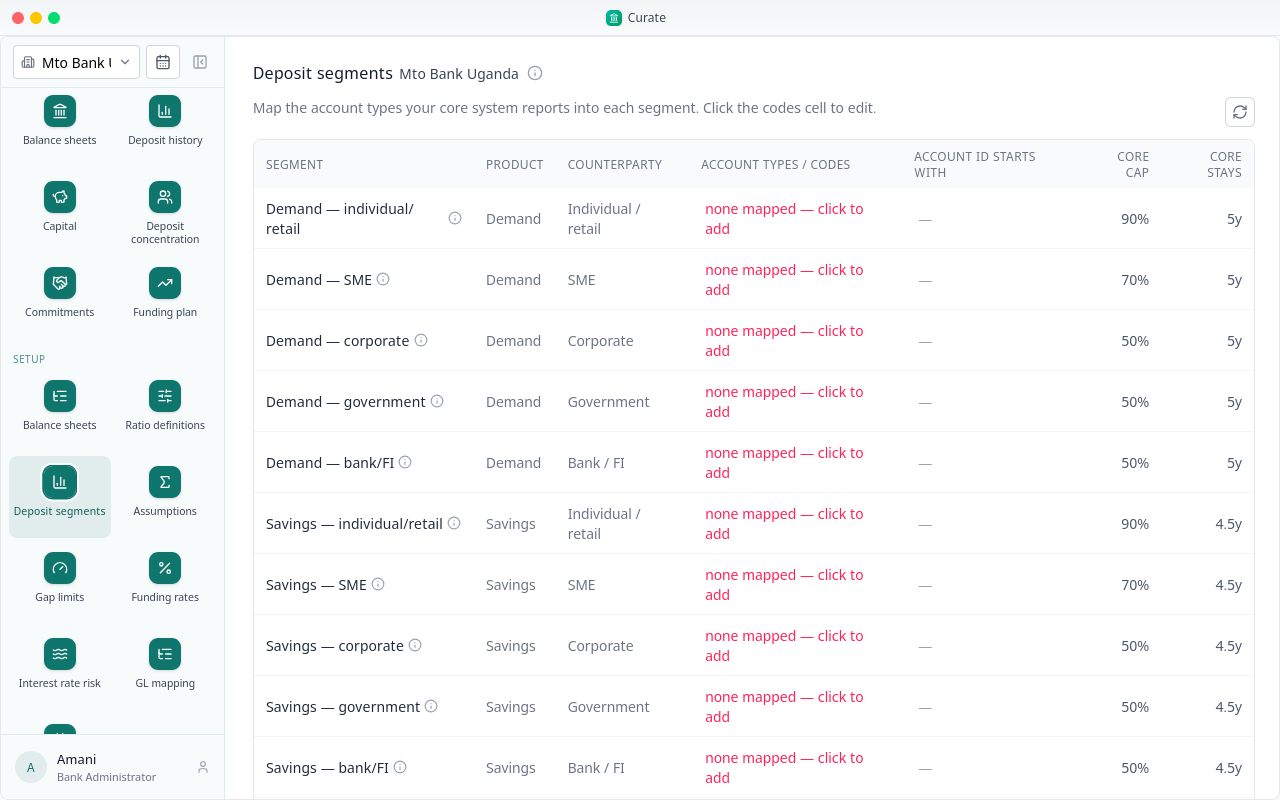
What the bank adds is its own product codes, the ones its core banking system uses. A segment with none is marked in red.
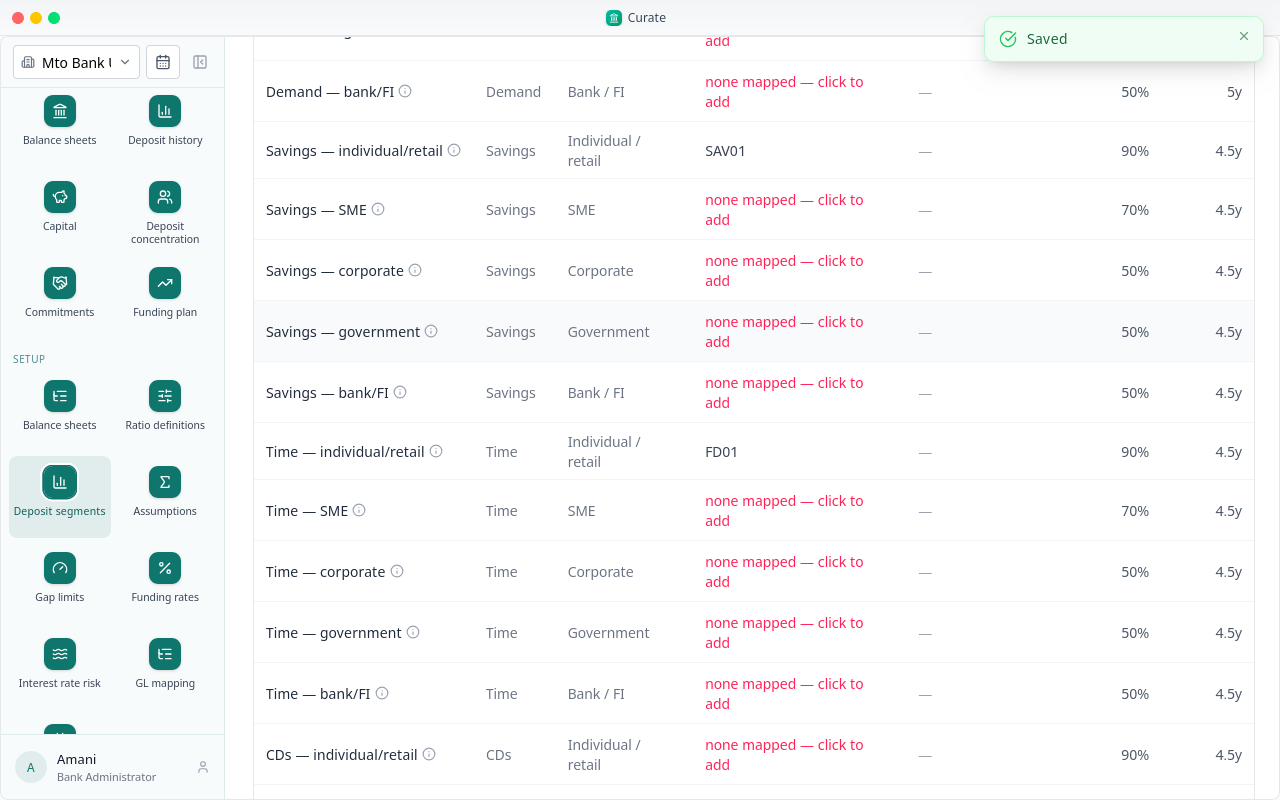
Click the codes cell, type the codes, and save. Deposit history is sorted into segments by these codes.
Assumptions are the settings the deposit analysis runs on: the confidence level, how the history is read, how volatility is measured, the core limits, and the date the cash outflow forecast runs to.
A new bank starts with a baseline set. Once an analysis has used a set, saving a change starts a new version.
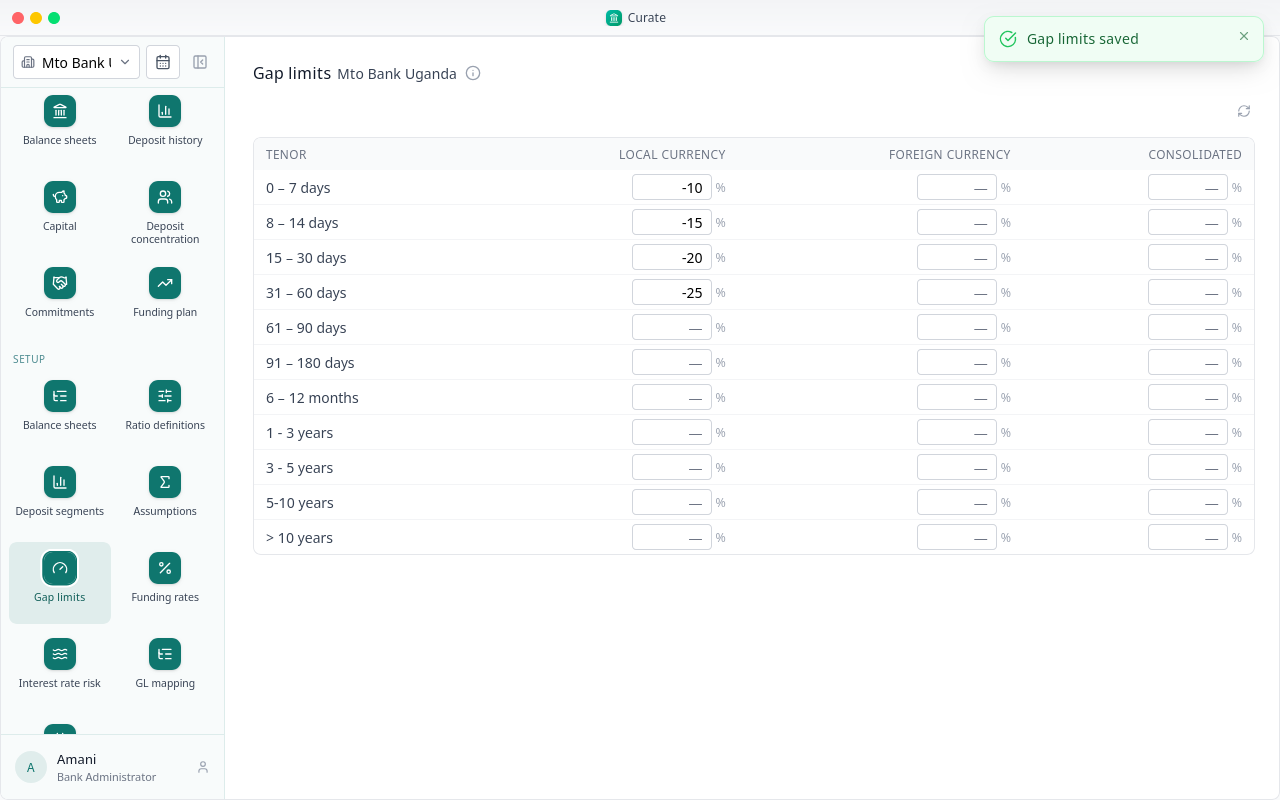
Gap limits are set band by band for each currency book, as a share of total assets. A cumulative gap below its limit is reported as short. A band left blank is not checked.
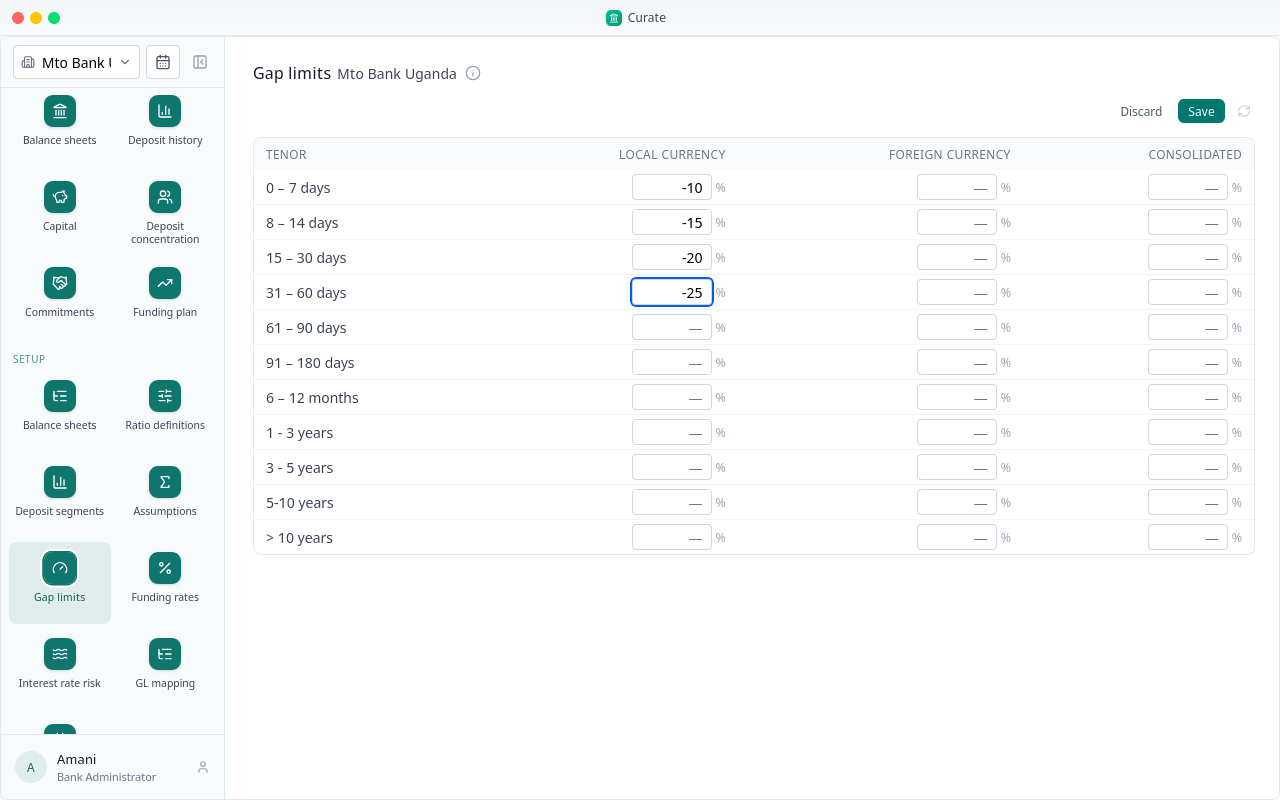
Type the limits your board has approved, then Save.
Funding rates are what each book earns placing a surplus, and pays covering a shortfall, in each band.
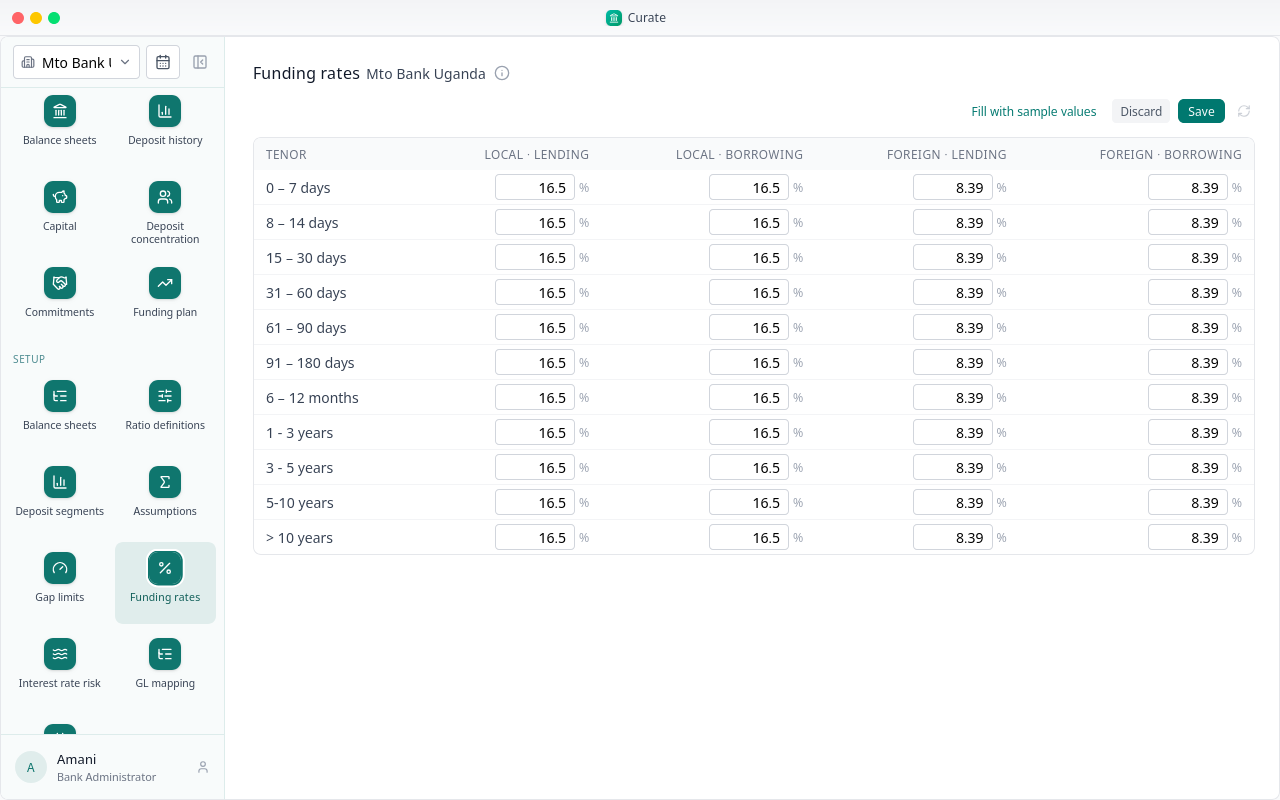
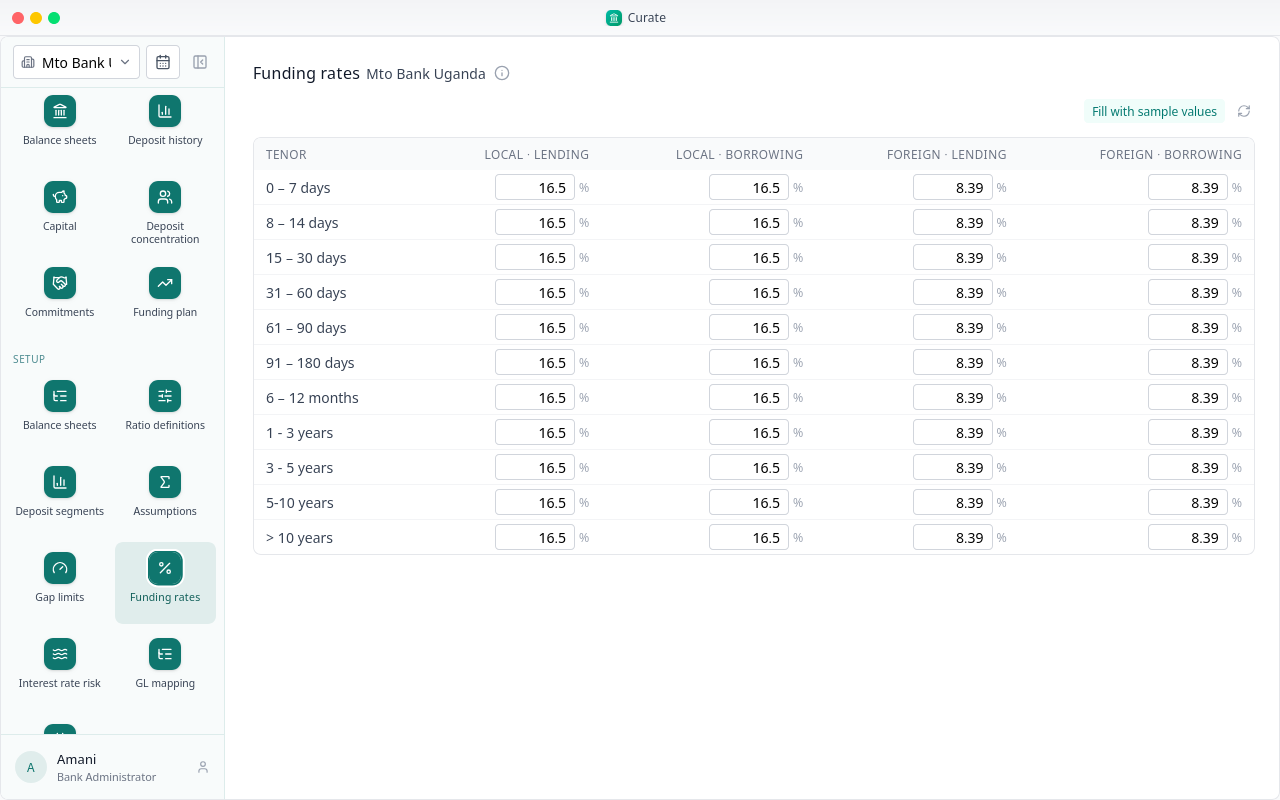
For a Ugandan bank, Fill with sample values puts in sample rates to start from. Nothing is kept until you save.
Interest rate risk needs what the balance sheet does not hold: how much of the loan book floats, the rate shocks, the yield curve for each currency, and how each line reprices.
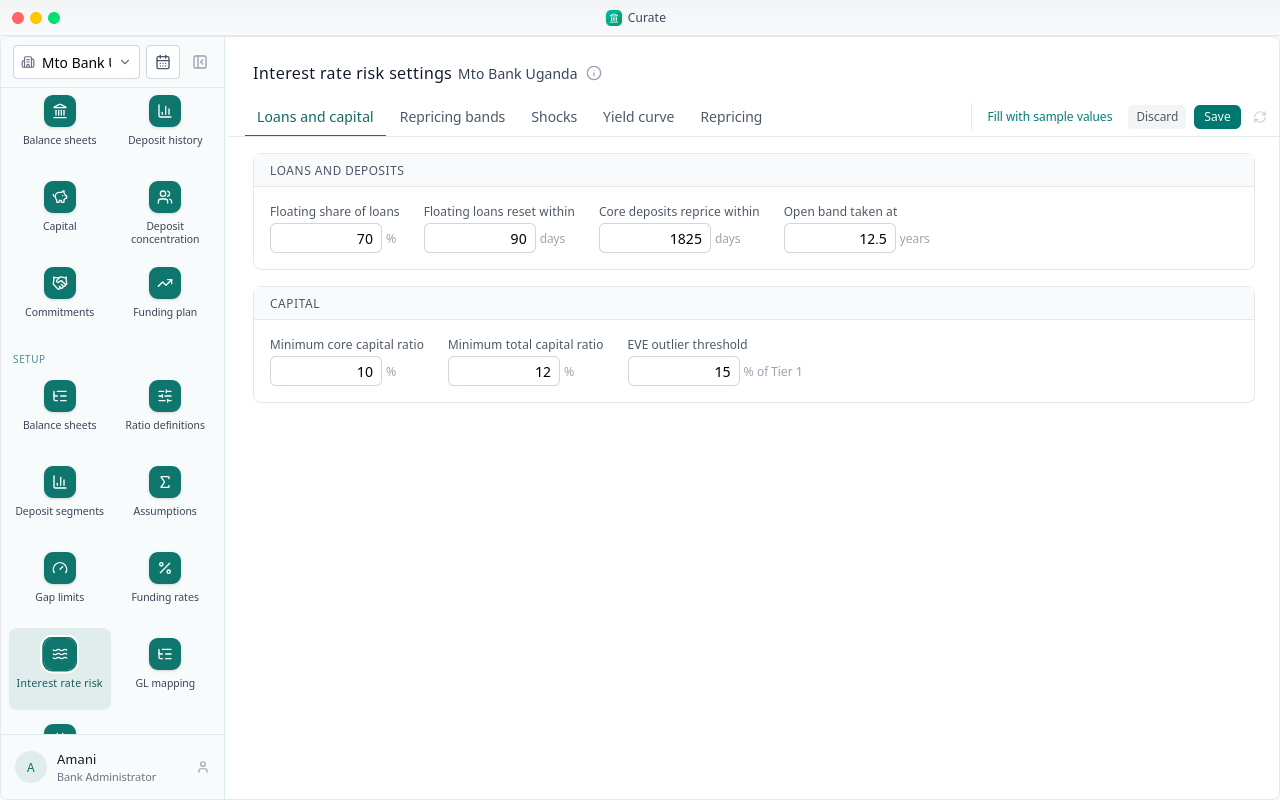
Each tab covers one part. Fill with sample values fills them for a Ugandan bank, with shocks and curves for UGX and USD. Check them with your treasury before you save.
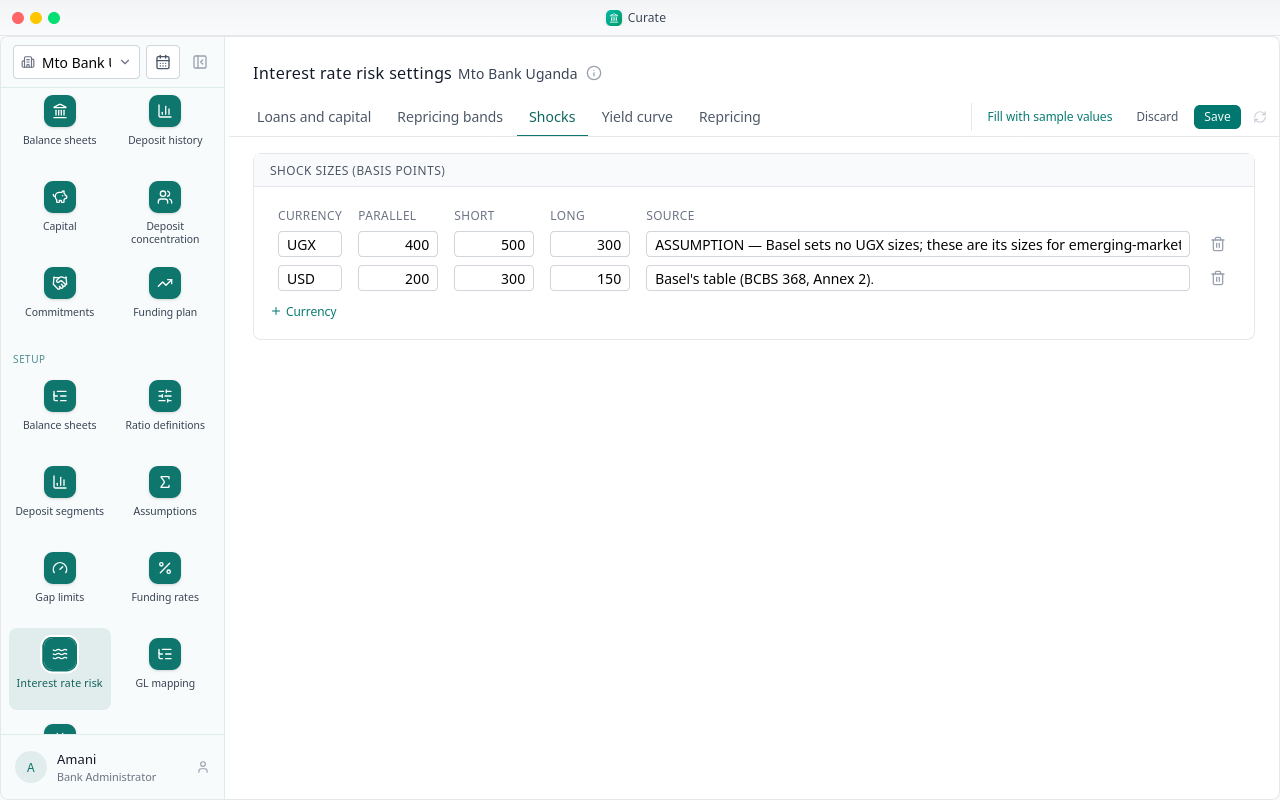
Every currency the period reports needs its own shock sizes and curve, OTH included. Add OTH under Currency; here it takes the dollar's sizes.
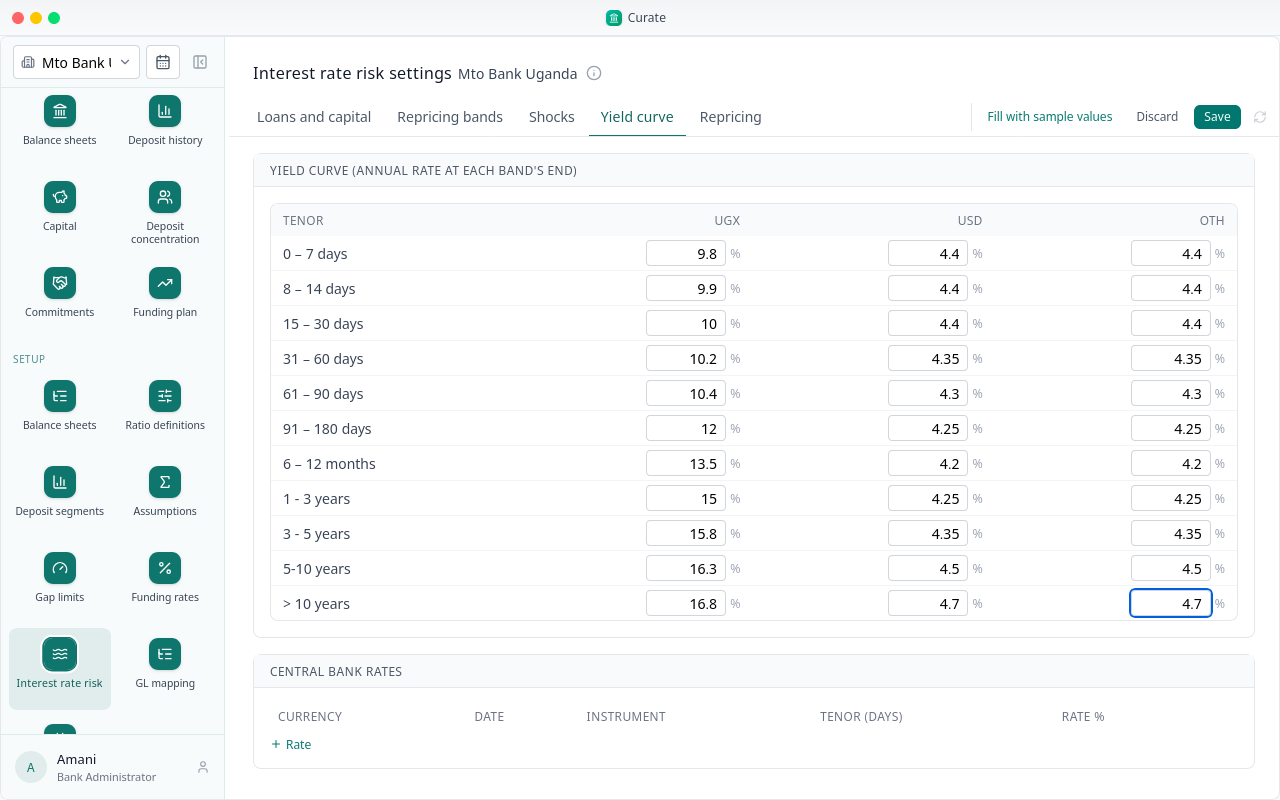
Then give OTH a rate at each band's end on the Yield curve tab. Here it follows the dollar curve.
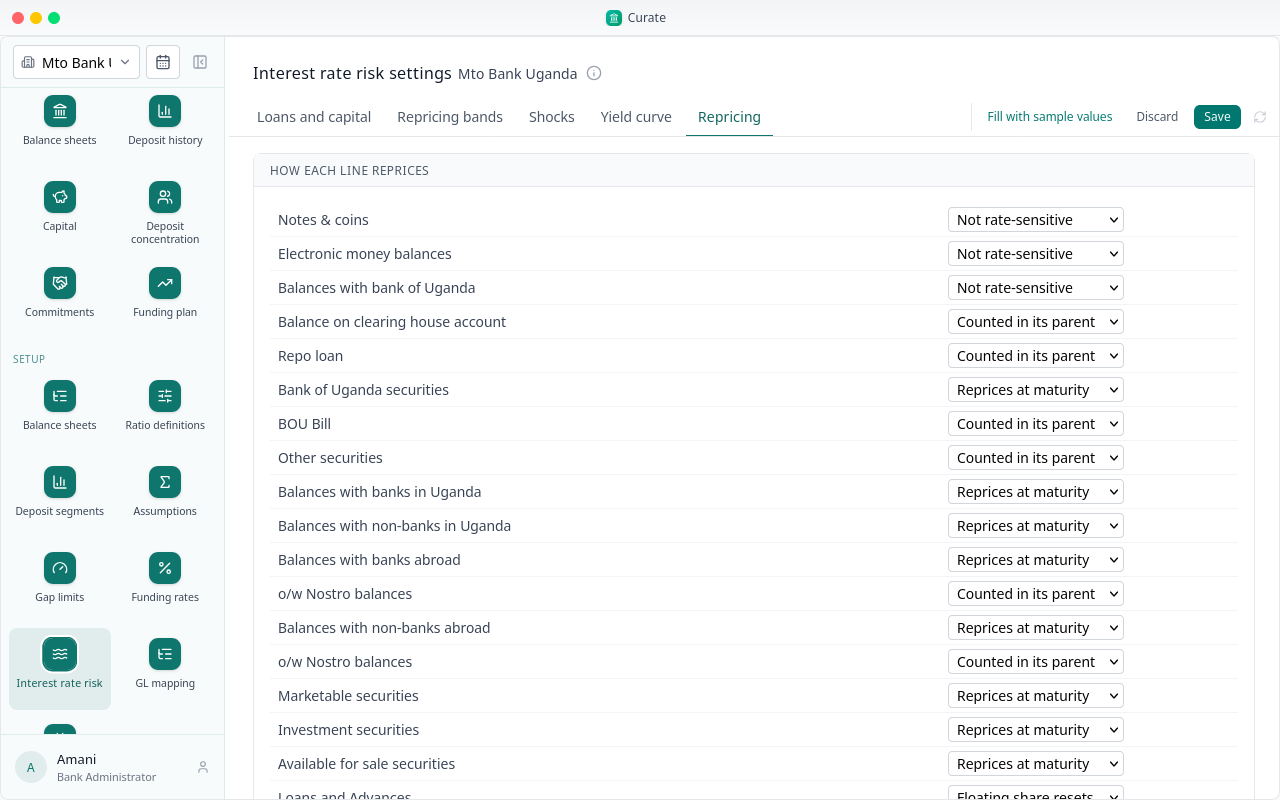
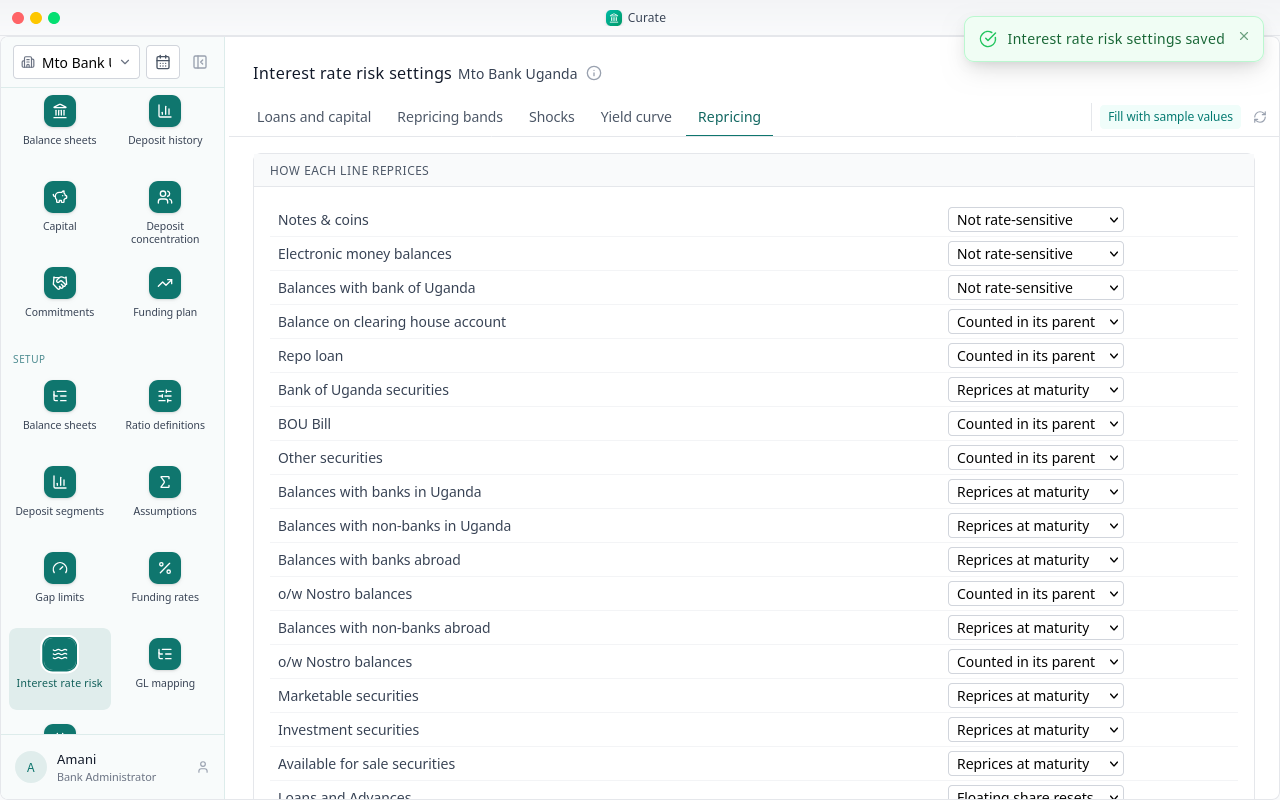
Repricing says how each line of the balance sheet reprices. It comes set from the template.
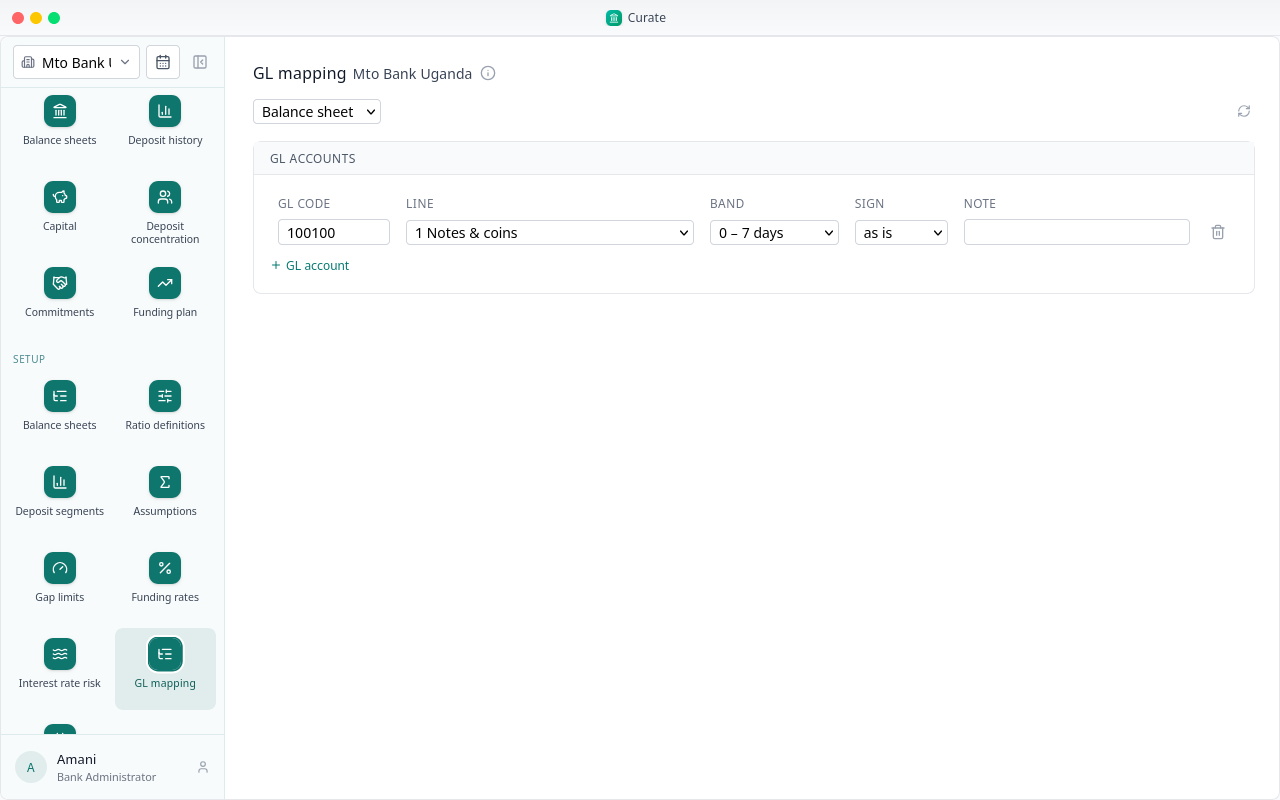
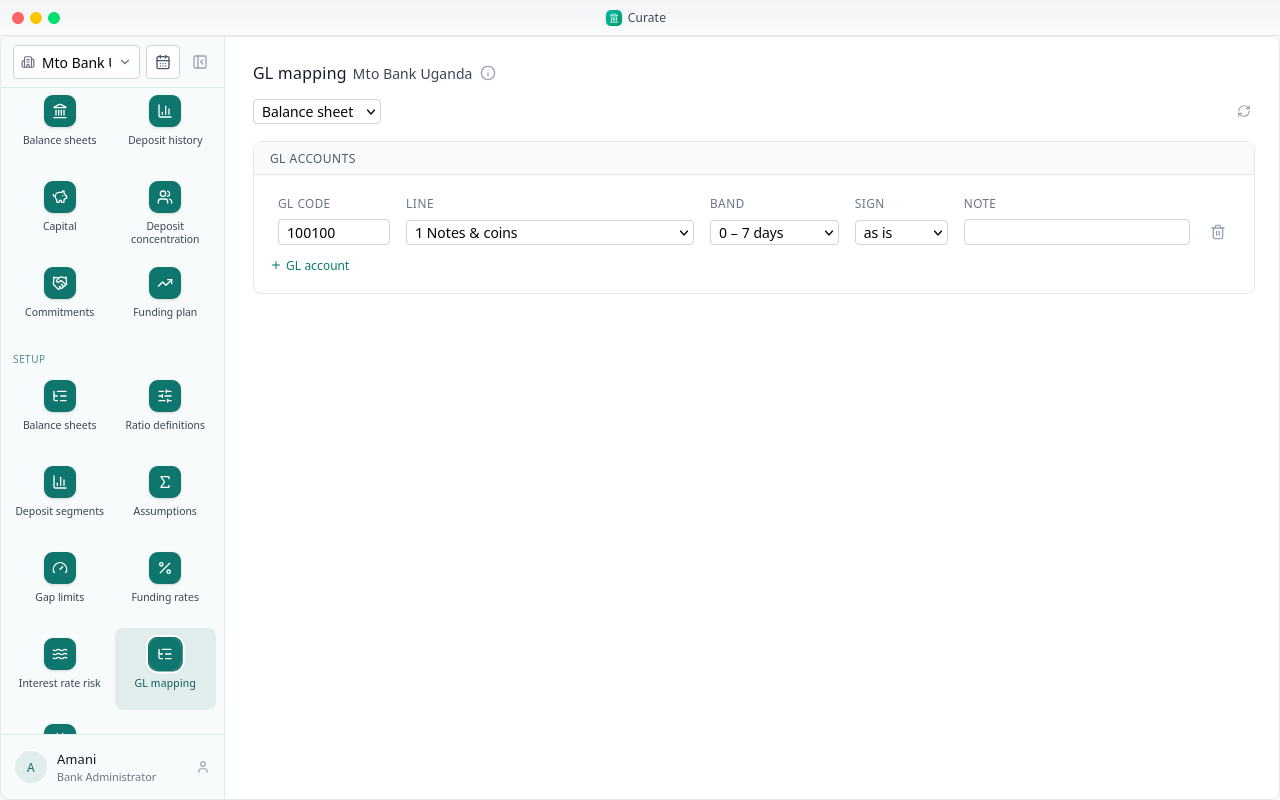
GL mapping places each general ledger account on the balance sheet: its line, its band, and whether its sign is reversed.
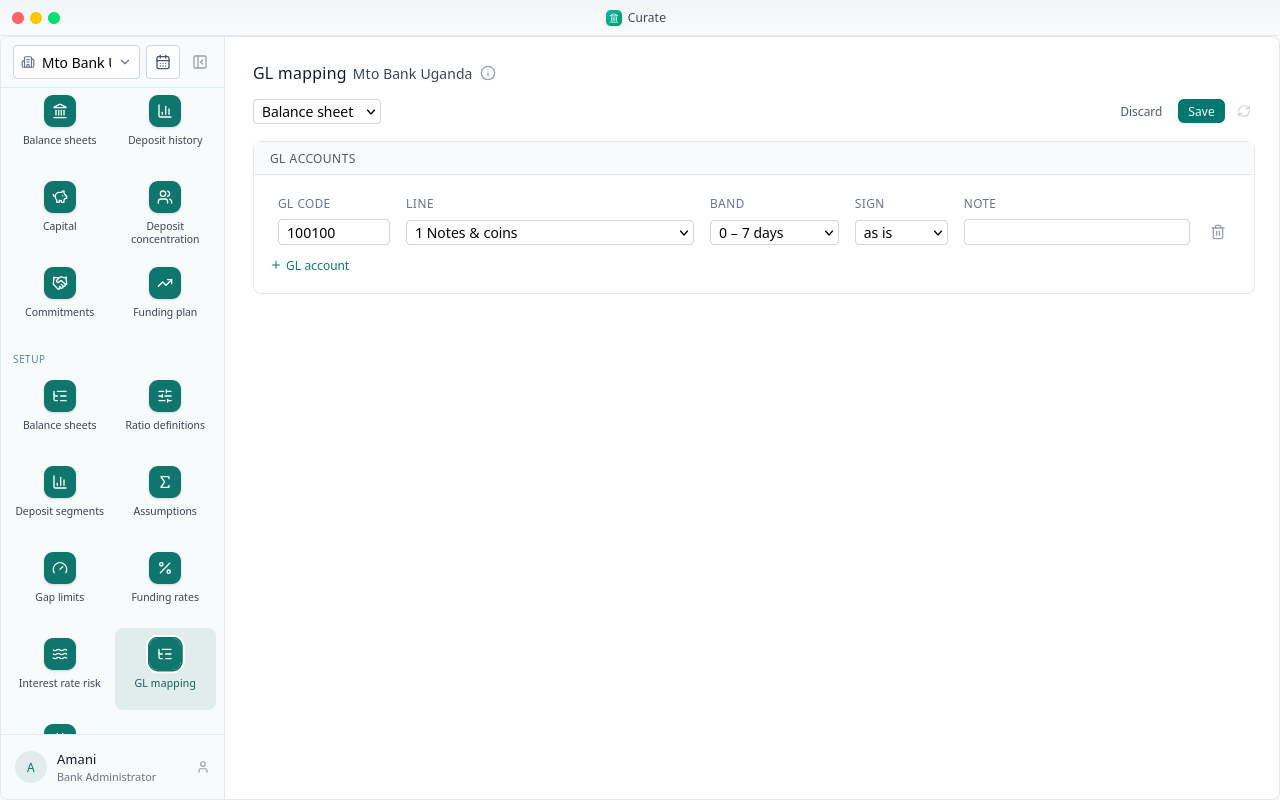
With the accounts mapped, a balance sheet can be filled from the trial balance. An account with no mapping is listed.
Setup is done. Next, we bring in the figures for the period.
Chapter 4
Data inputs, steps 10 to 15
With the bank set up, each reporting period needs its figures. They go in under Data inputs, steps 10 to 15.
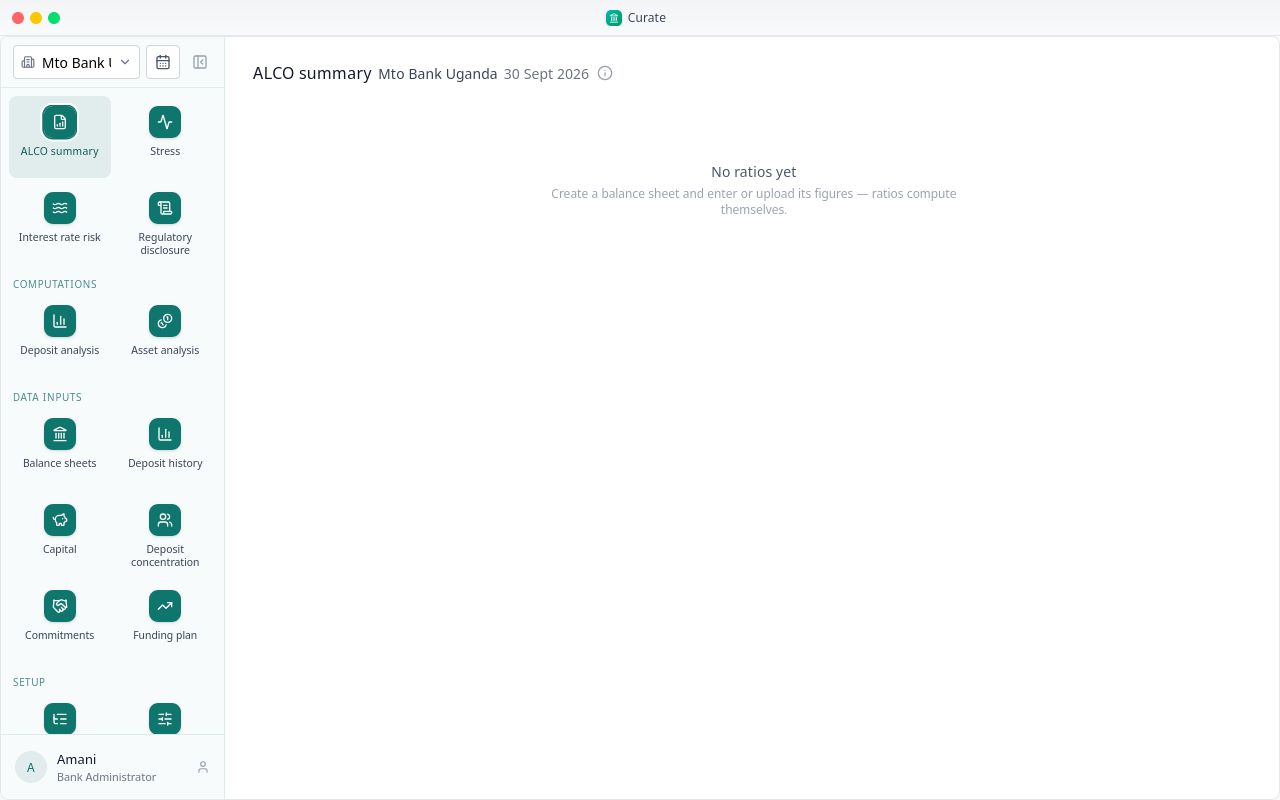
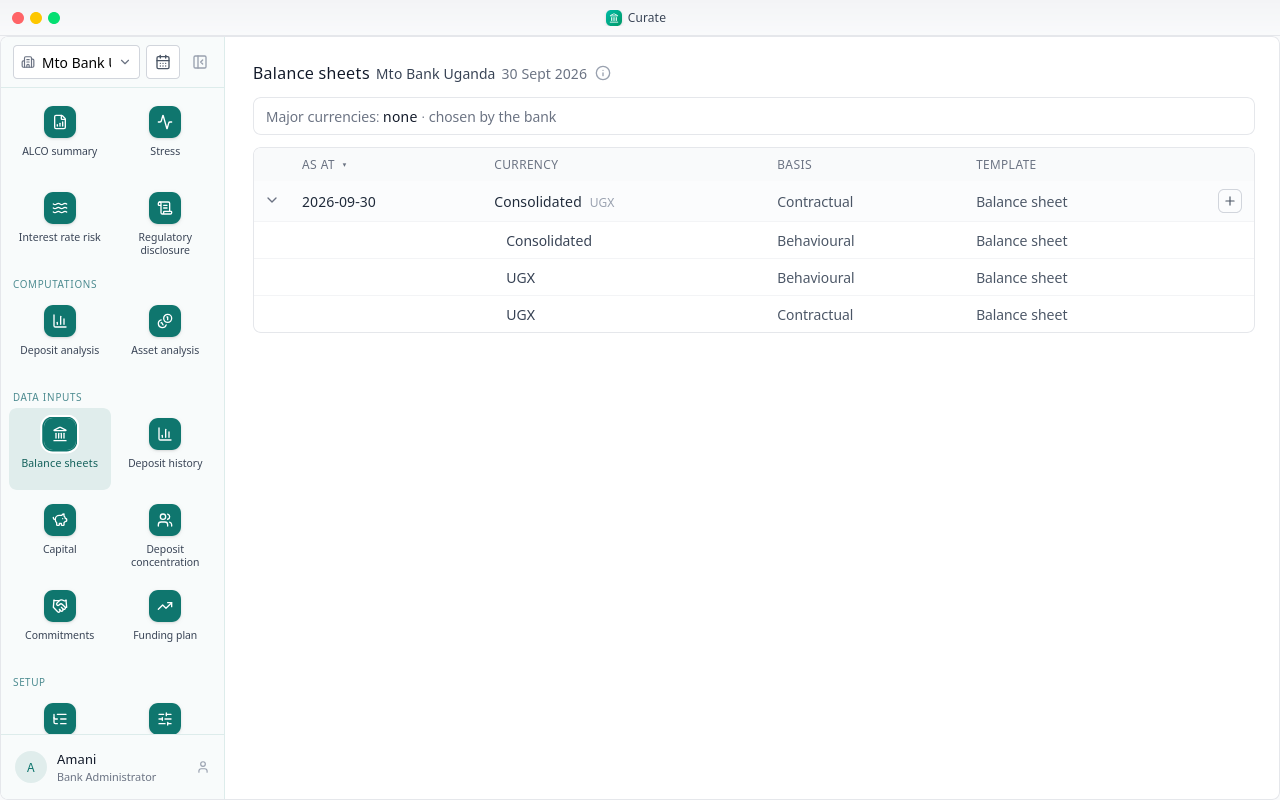
Balance sheets lists the period's sheets. The consolidated sheet adds up the currency sheets; it is not entered.
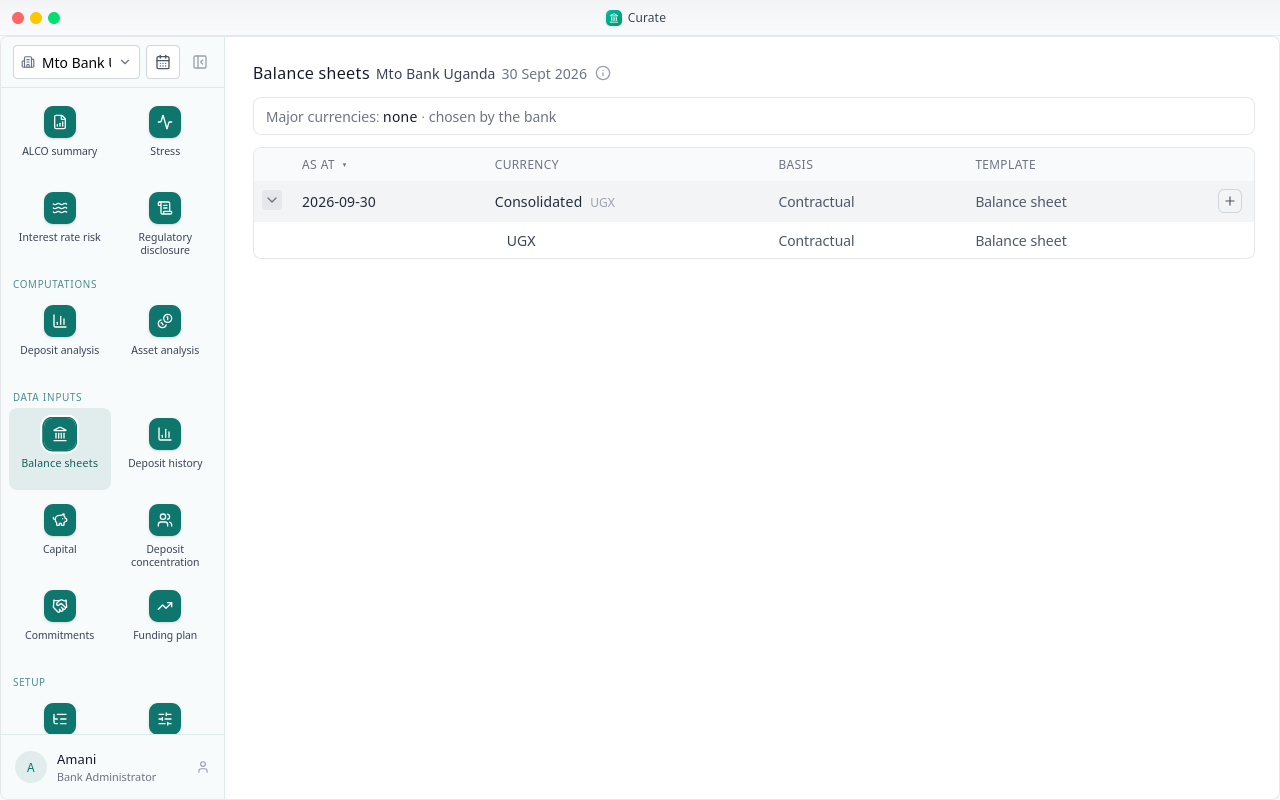
Open a currency sheet to fill it.
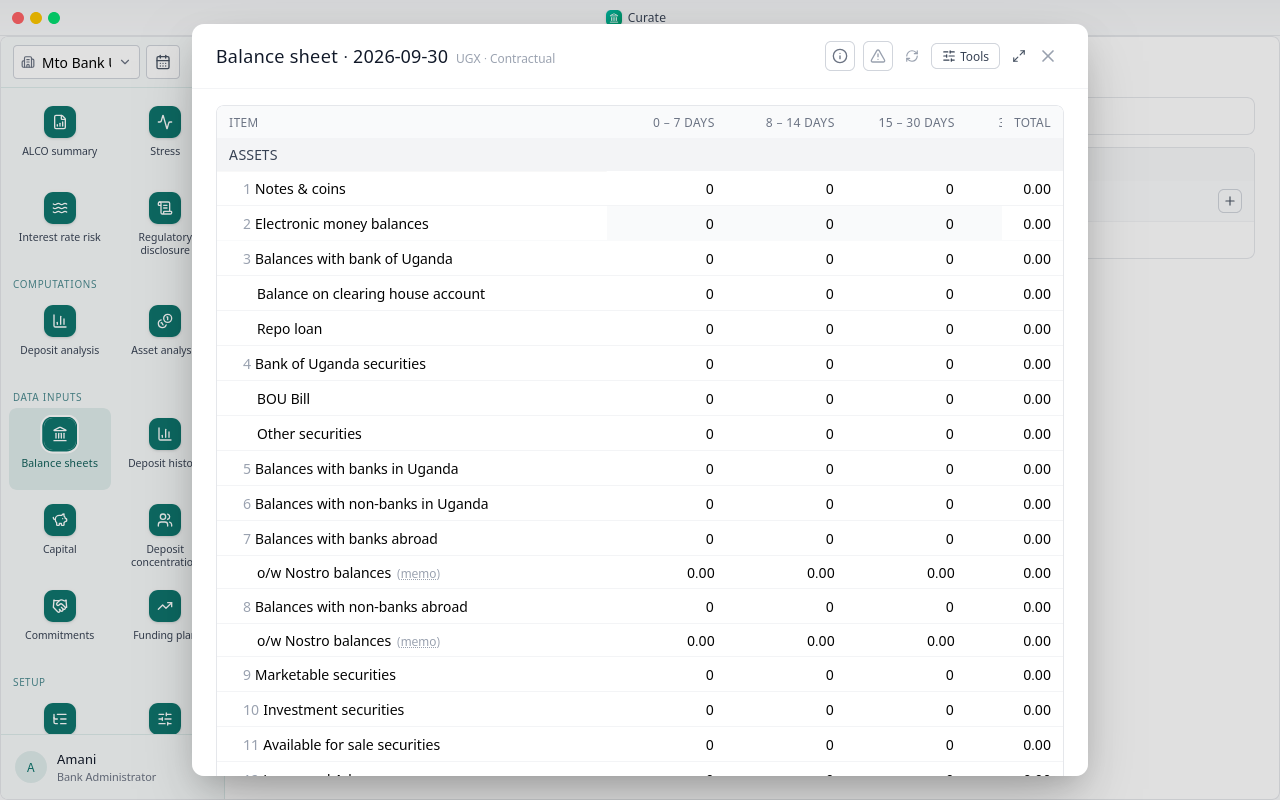
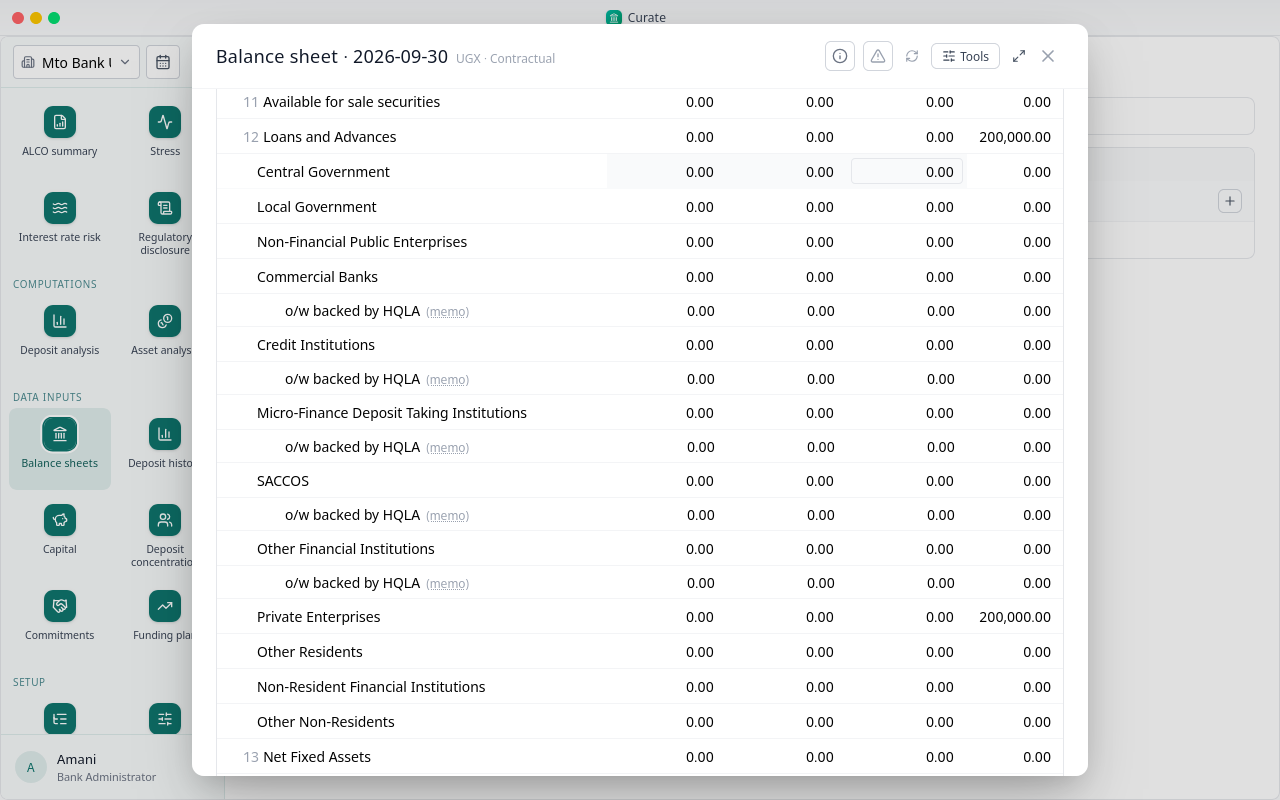
Type the figures into the cells, or bring in the return you send your regulator. Its tools are under the sheet tools button.
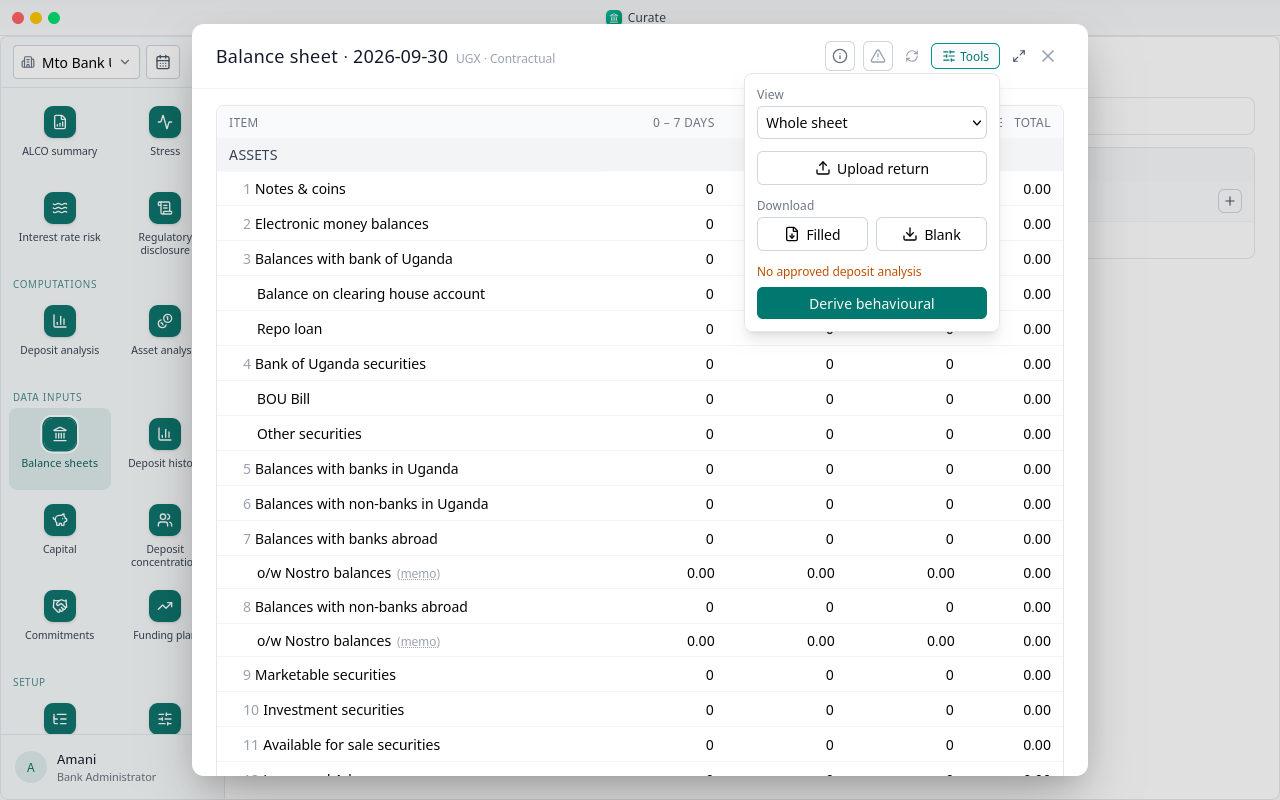
Upload return fills the sheet from the return file, line by line and band by band.
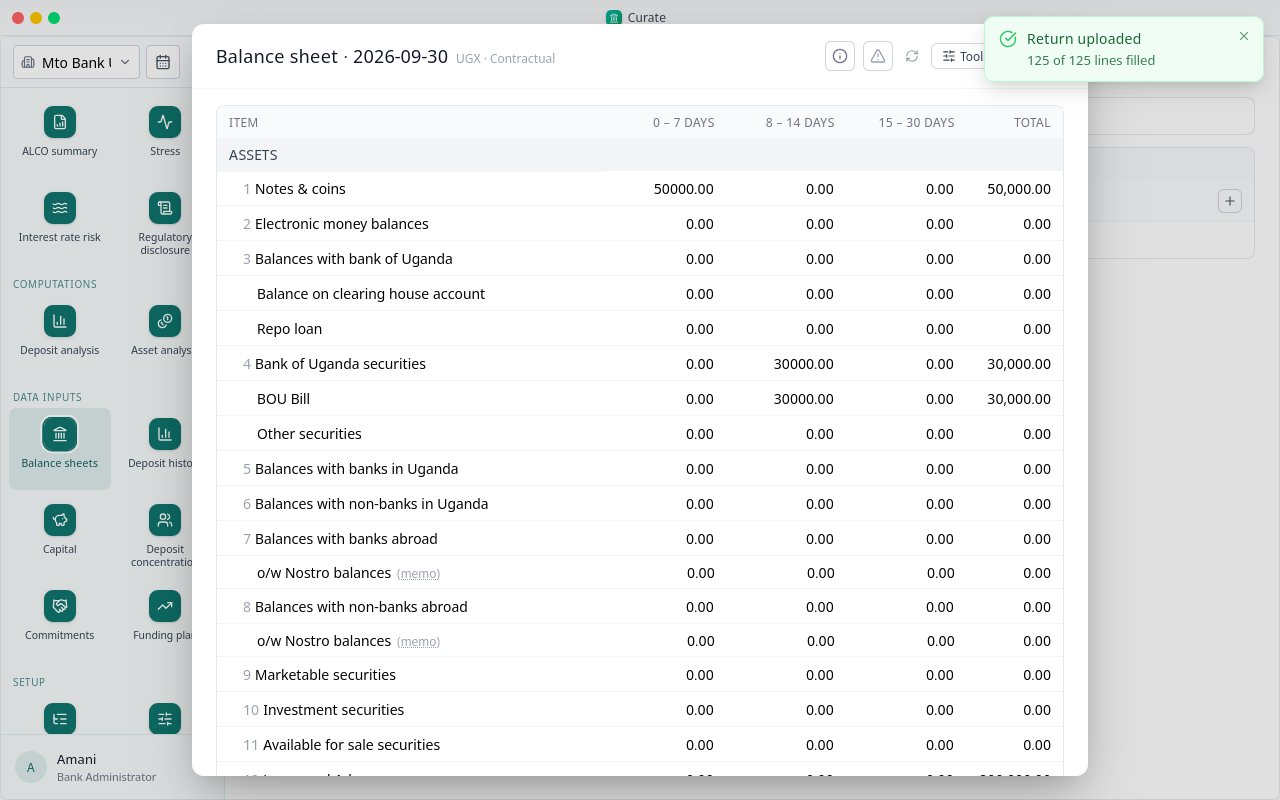
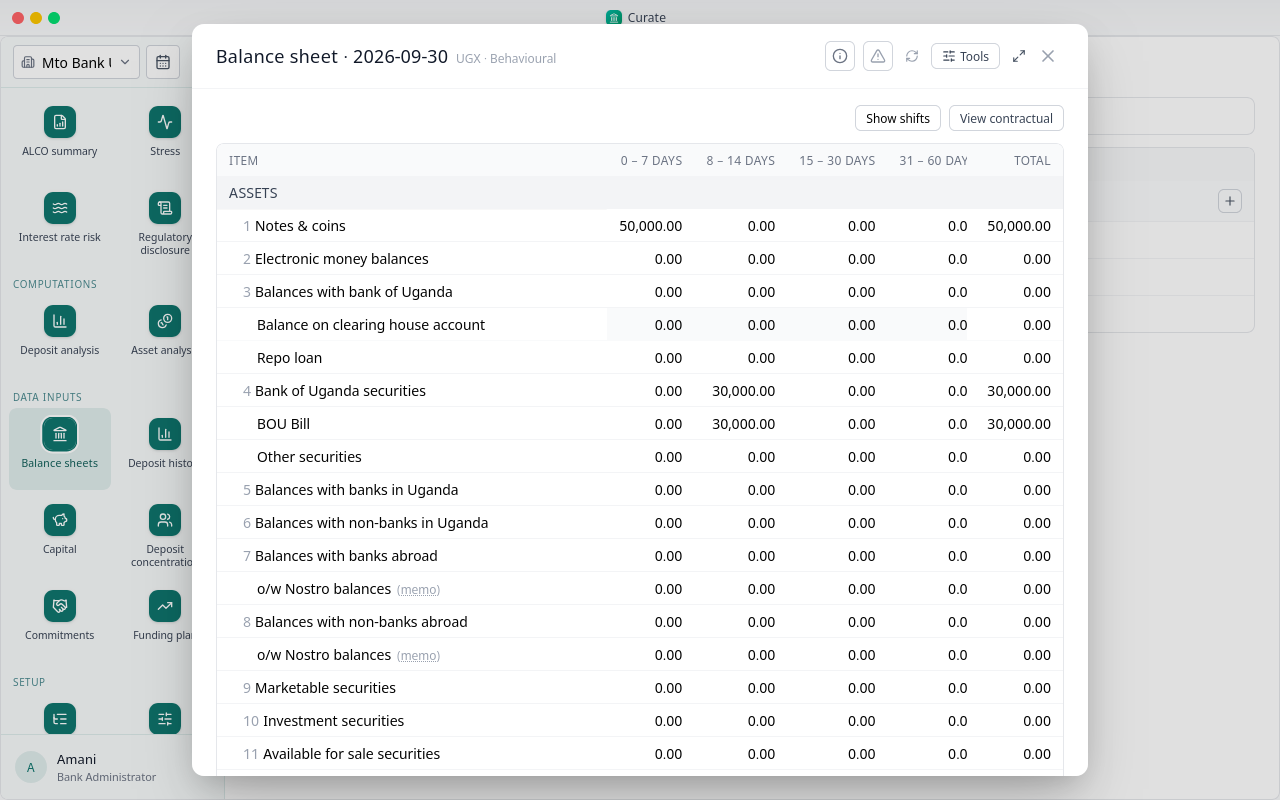
The figures are in, band by band, with each line's total last. The reports they give are in chapter 9.
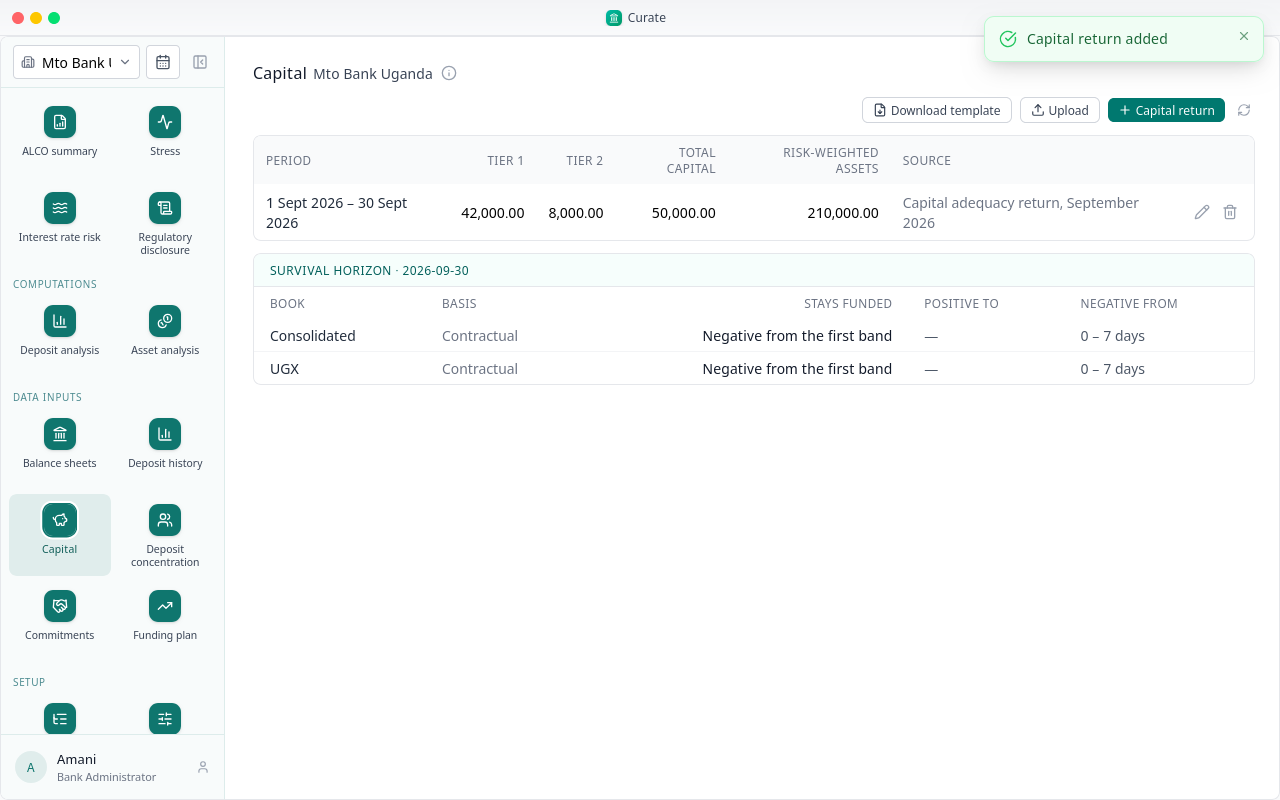
Capital takes Tier 1, Tier 2 and risk-weighted assets for each period, from the capital adequacy return. Type them in with Capital return, or download the template, fill it and upload it.
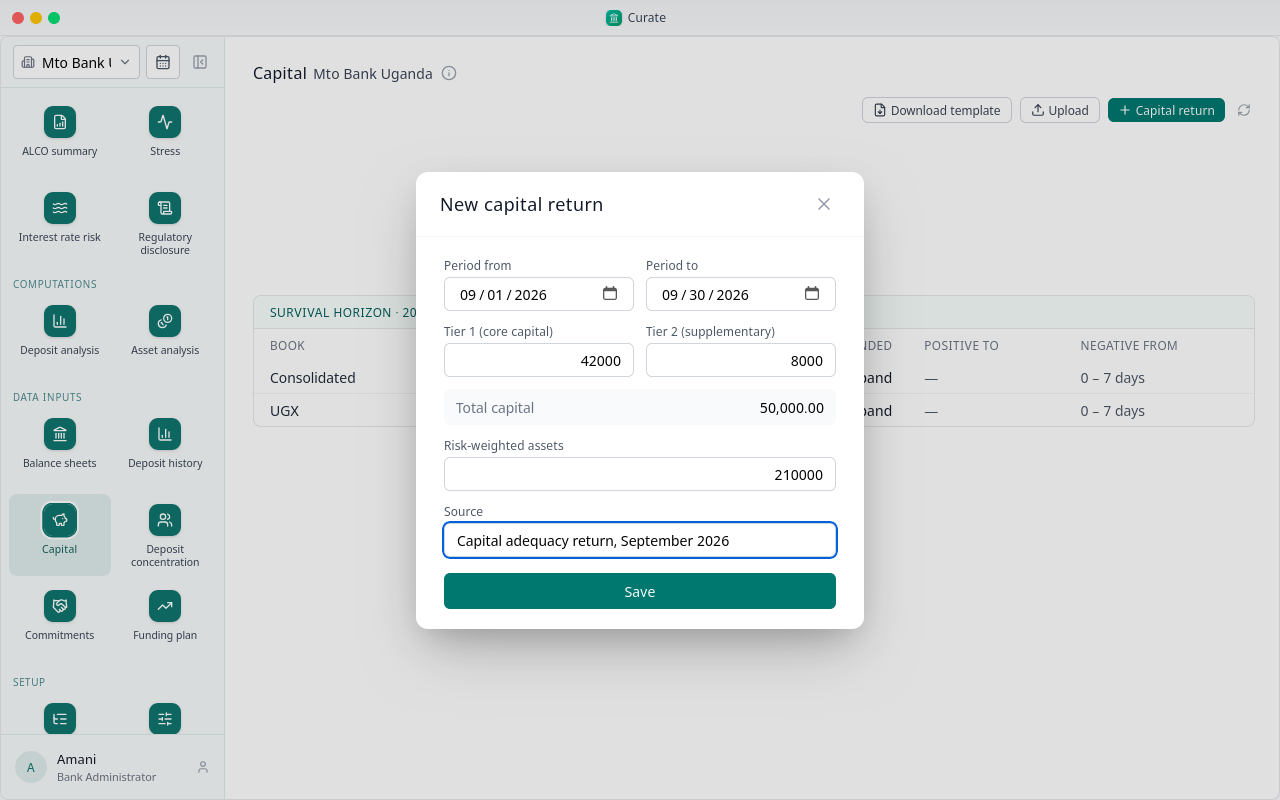
The dates start on the reporting period. Fill the figures and save.
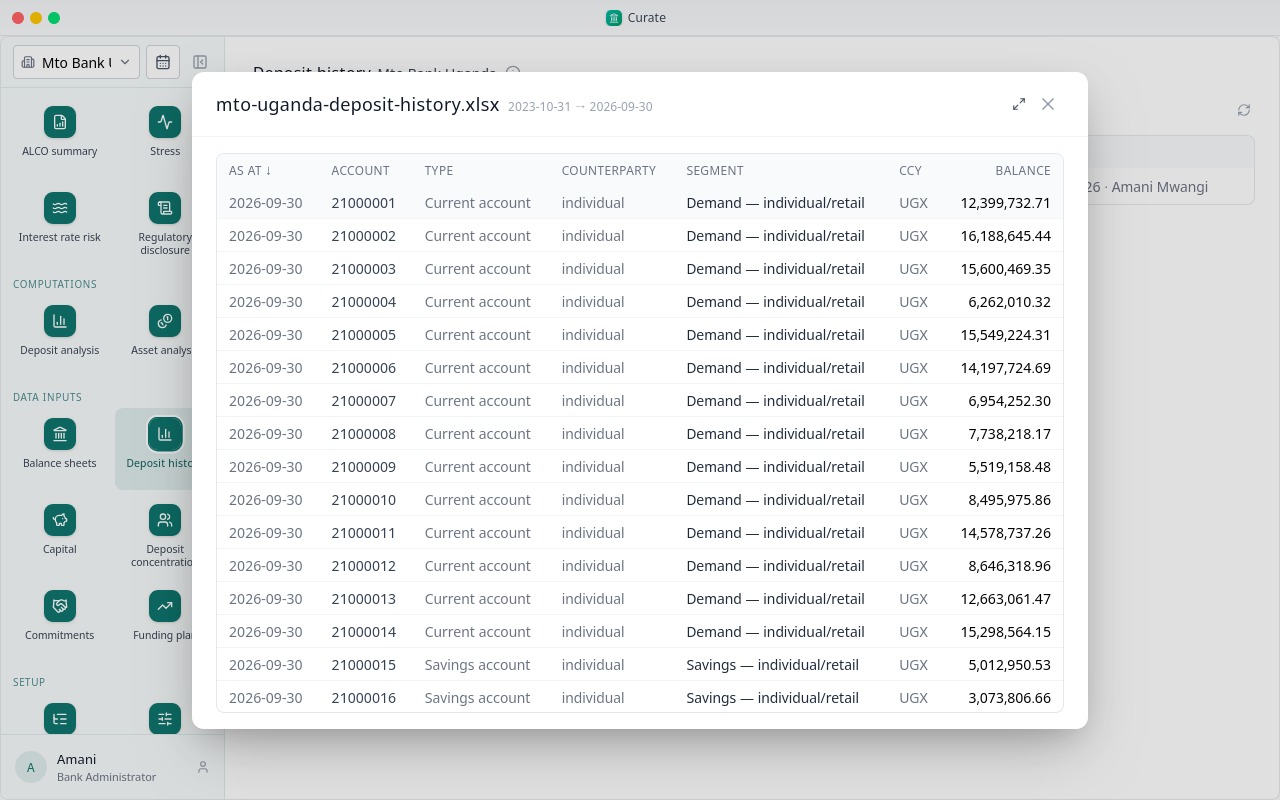
Deposit history is the month-end balance of each deposit account, as your core banking system exports it. The longer it runs, the better the analysis.
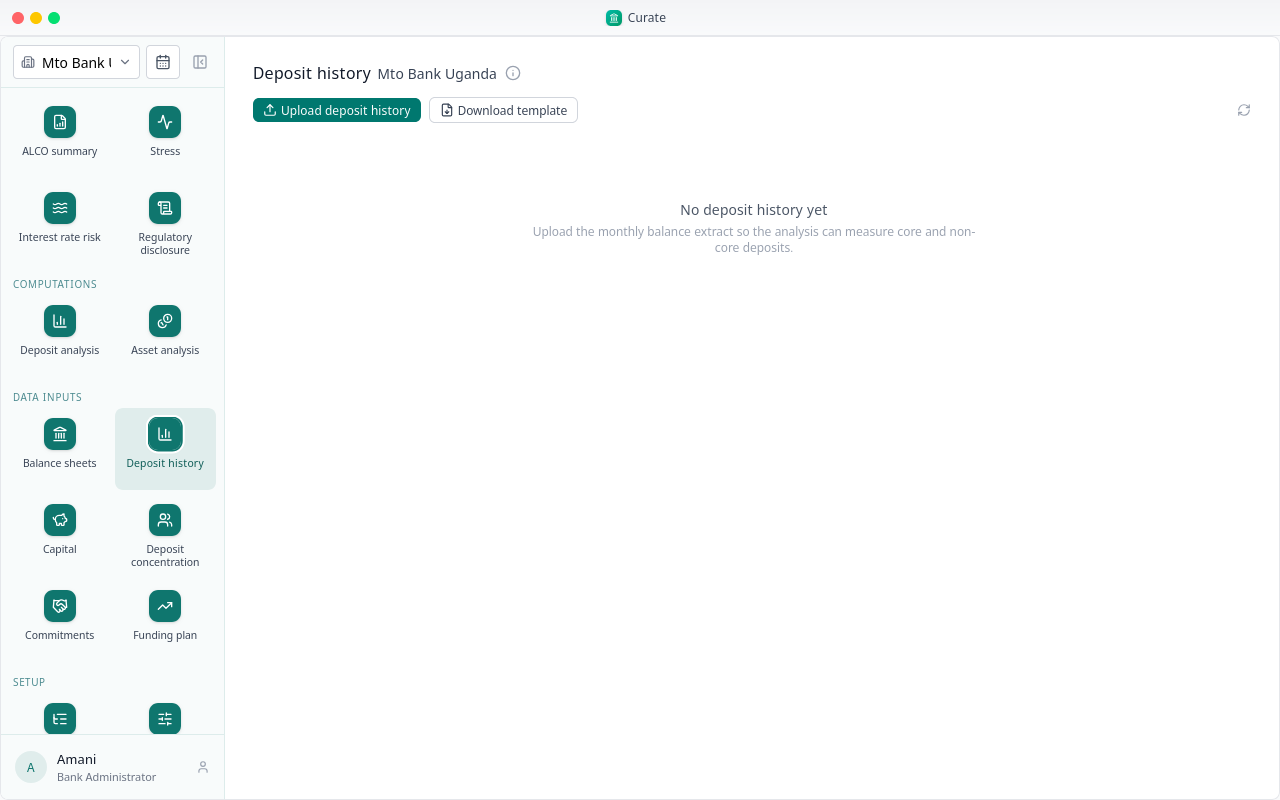
Download template shows the columns Curate reads, and the product codes each segment takes.
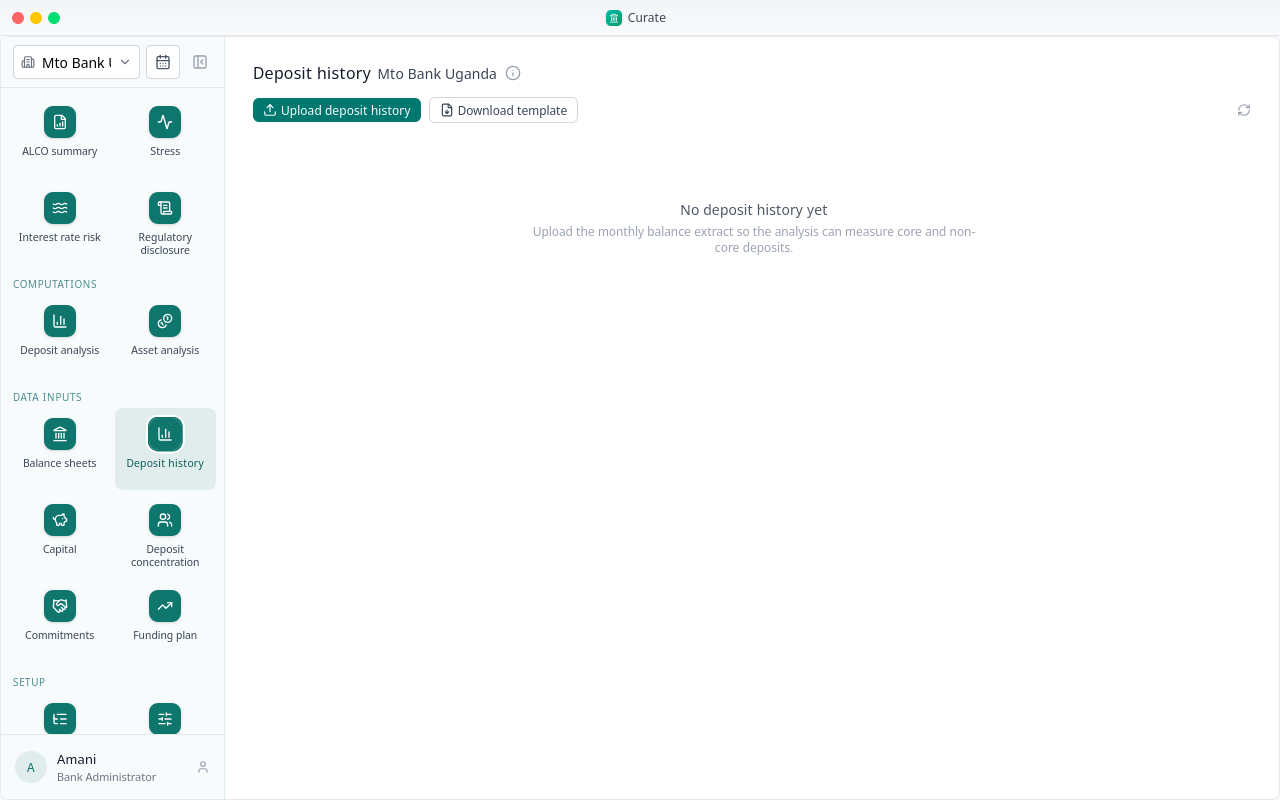
Choose Upload deposit history and pick the export.
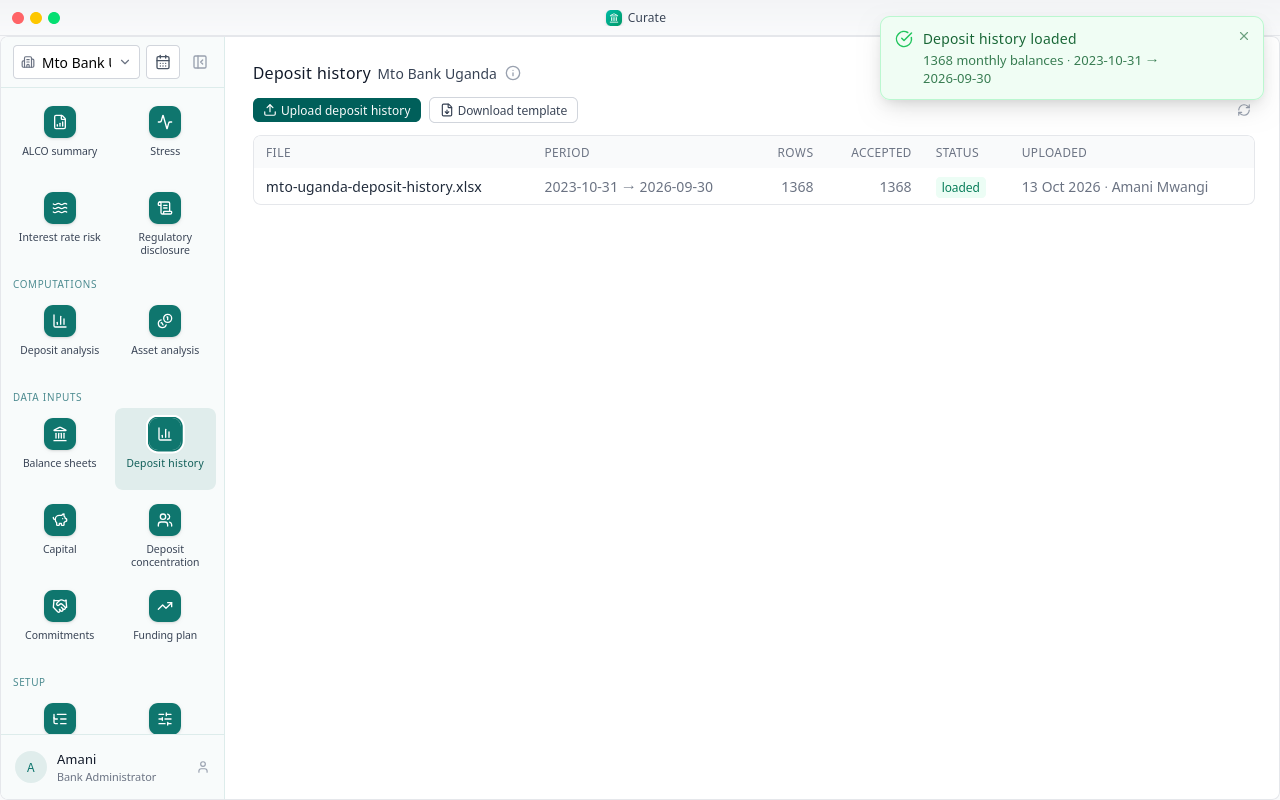
Each row is sorted into a segment by its product code. A row that matches no segment is rejected, with the reason.
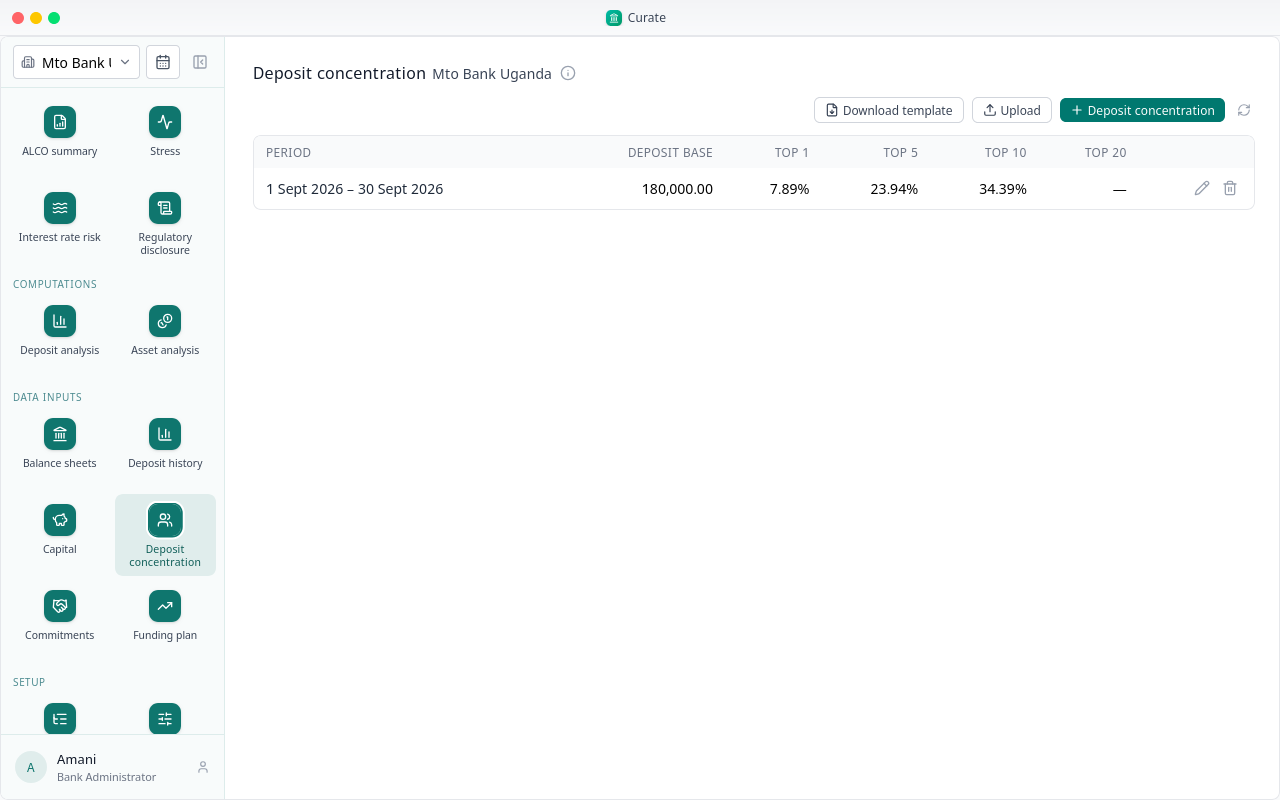
Deposit concentration lists your largest depositors and the total deposit base for a period. The top-depositors stress test withdraws the top one, five and ten.
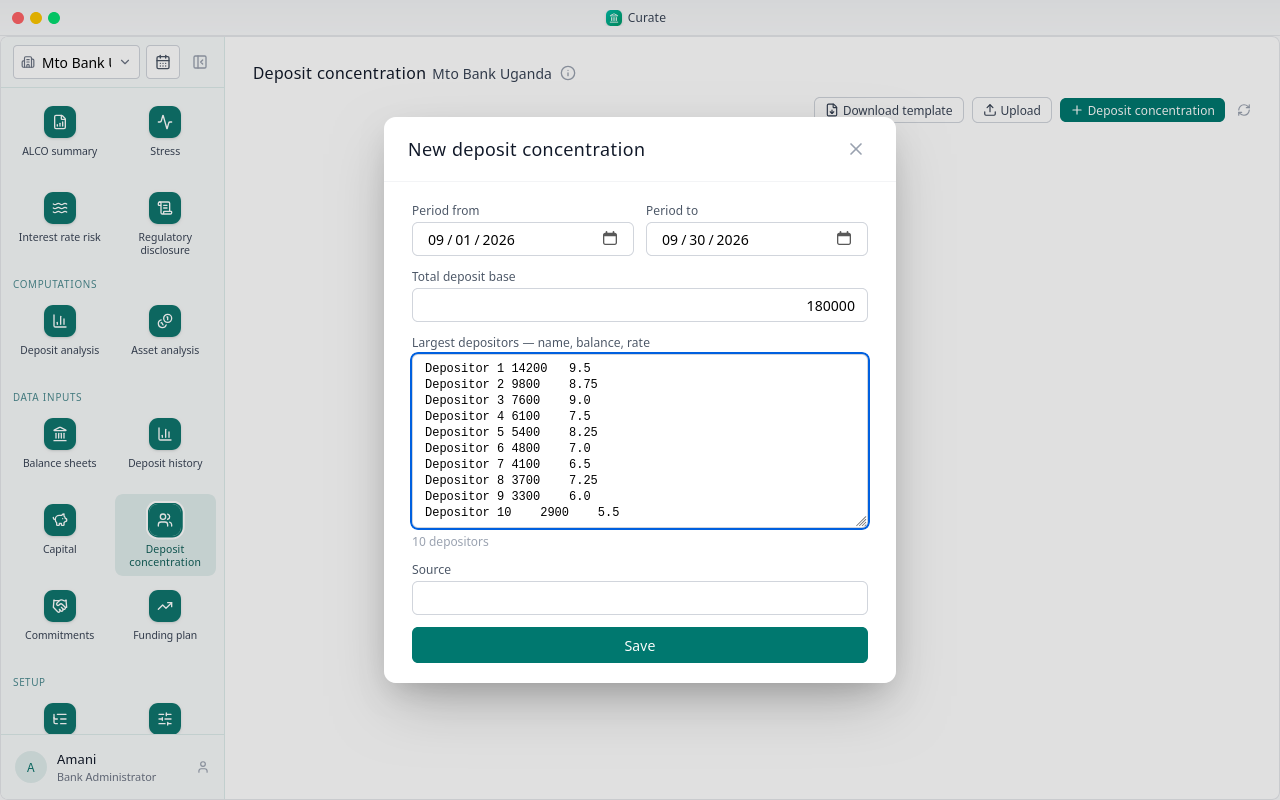
Paste the depositors from a spreadsheet, one to a line: the name, the balance and the rate. Curate counts them as you paste. Then save.
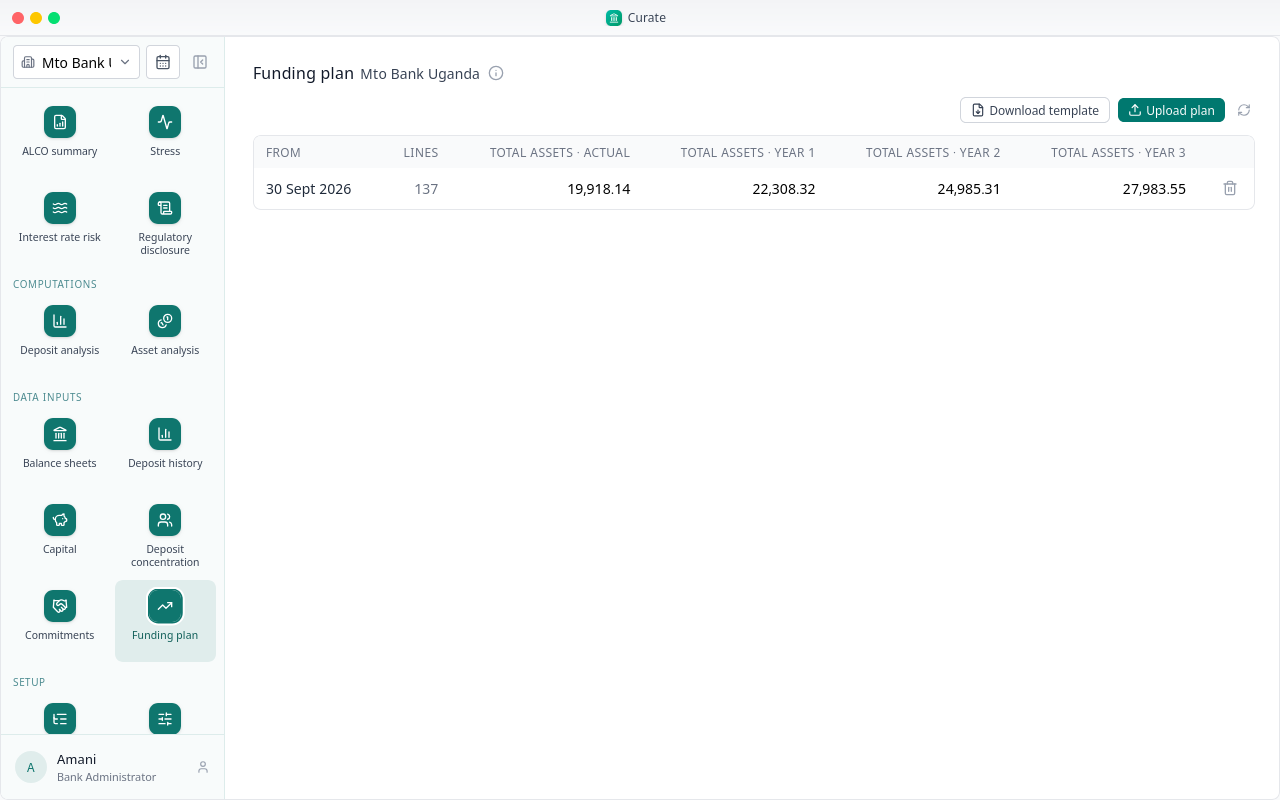
The funding plan is the balance sheet the bank expects at the end of each of the next three years, on the same lines as the return.
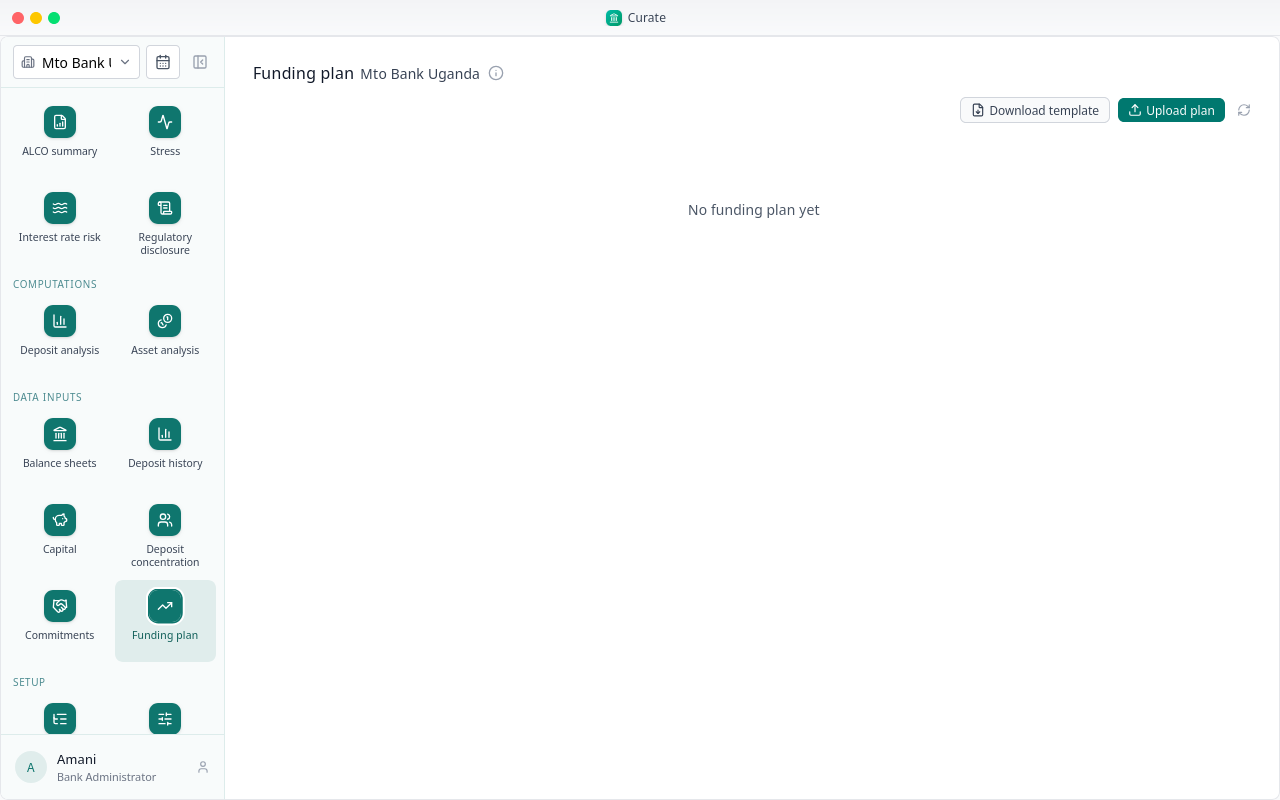
Download template gives the bank's lines. Fill in the actual position and the three planned years.
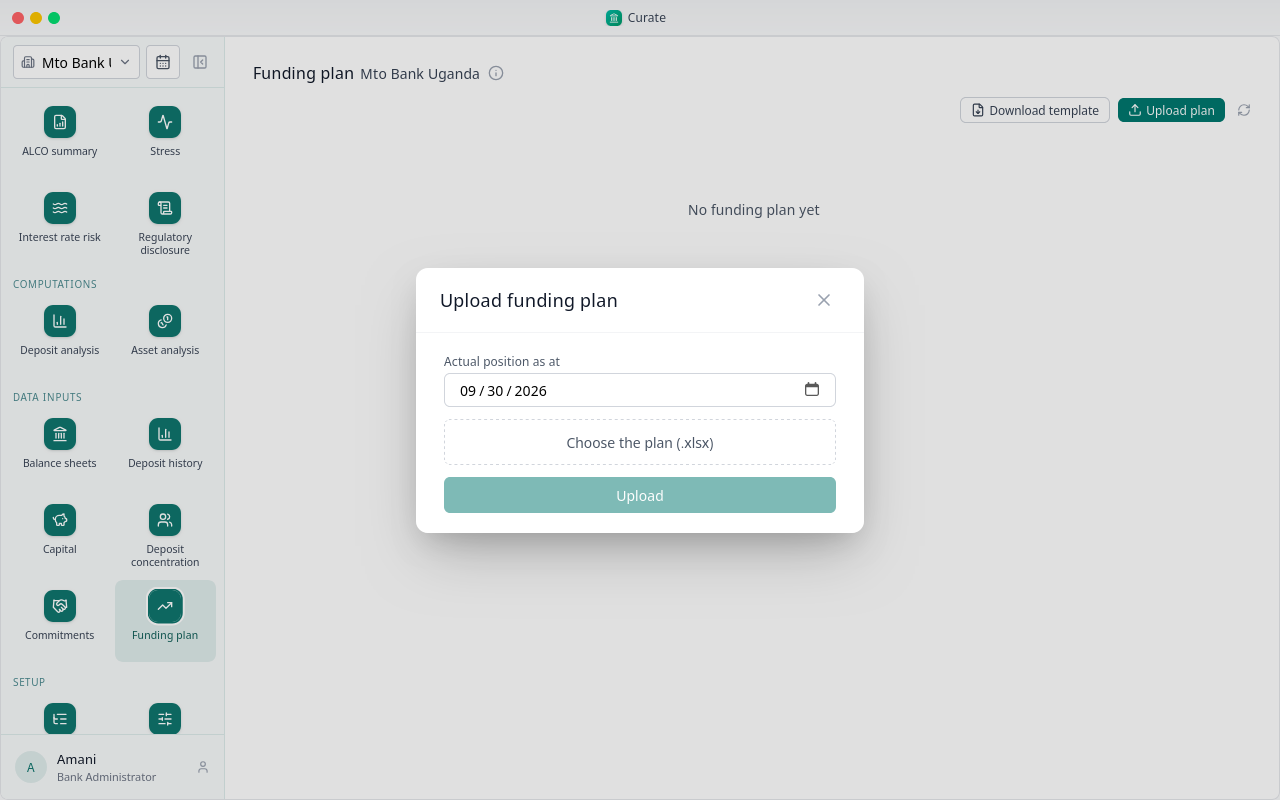
Then choose Upload plan. The actual position is as at the reporting period; pick the filled file and upload it.
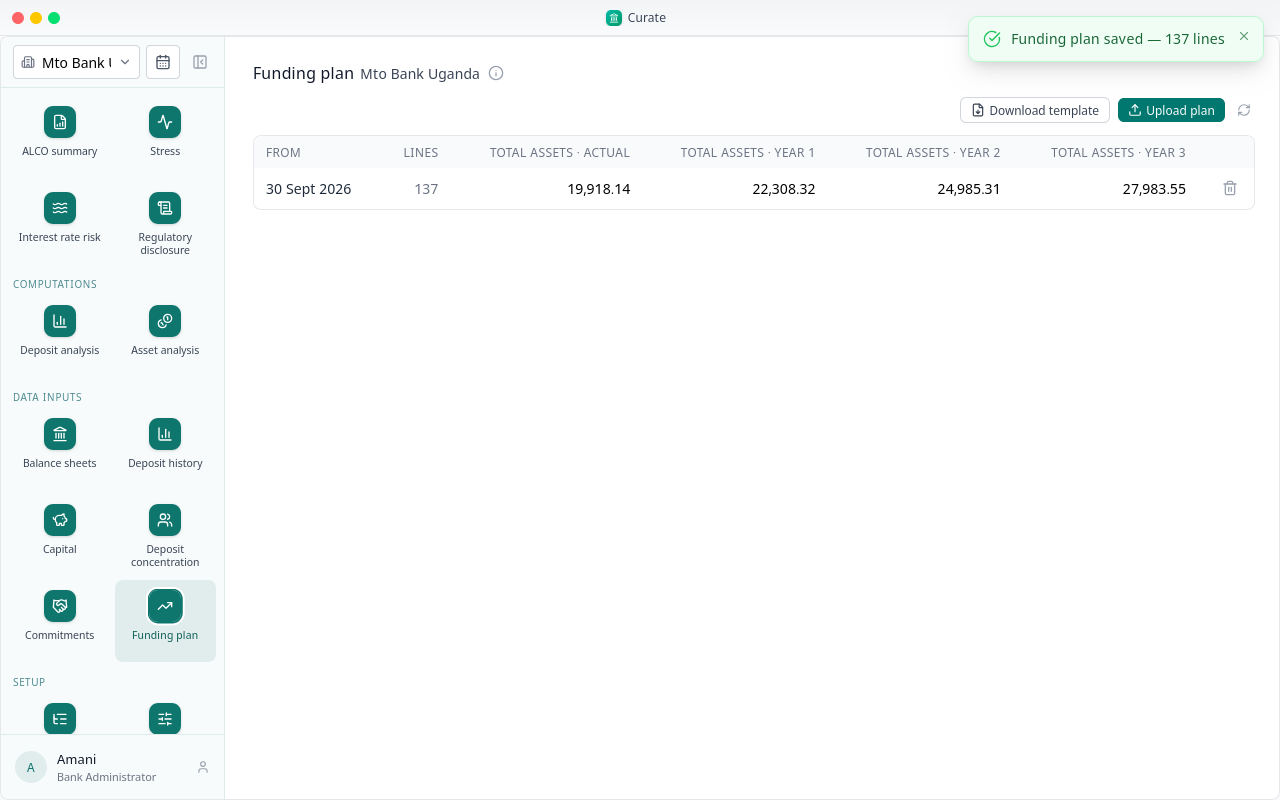
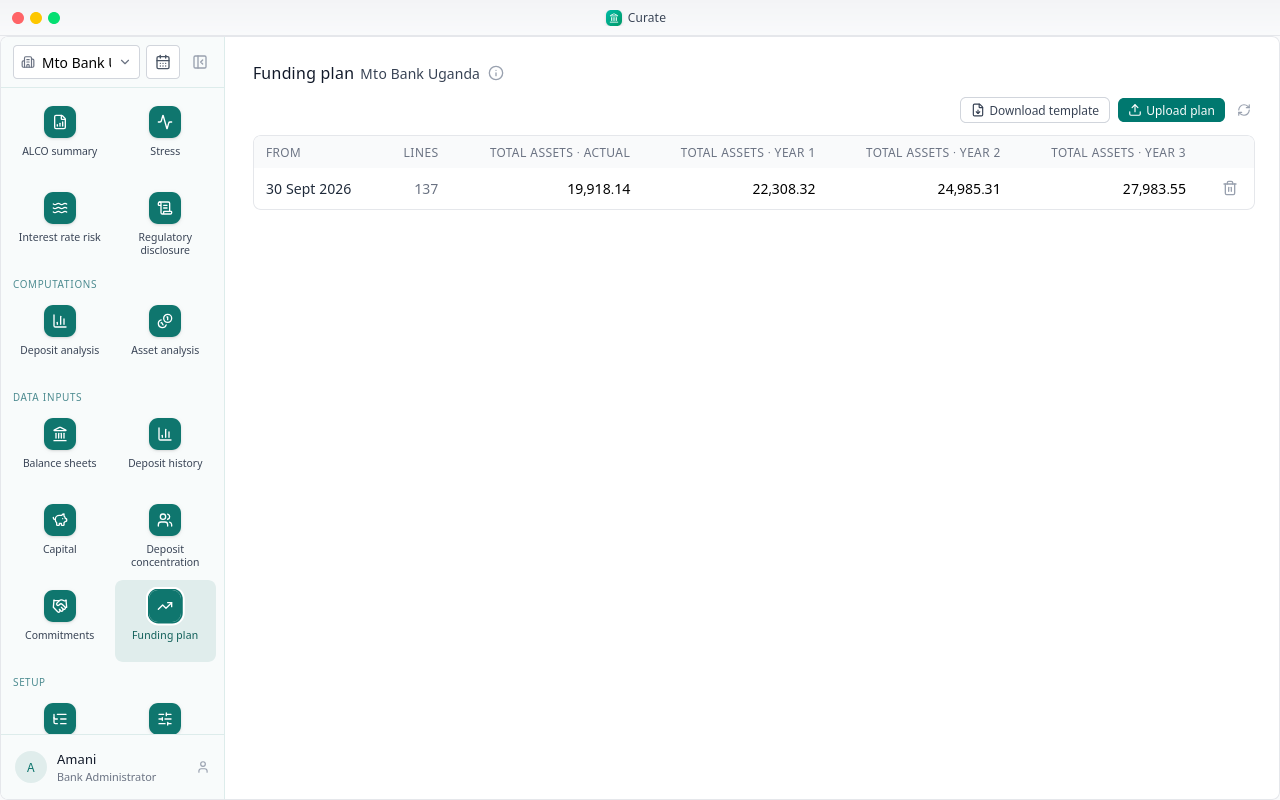
The plan is listed with total assets for each year. The ALCO summary's forecast reads it.
Next, the people who work on the bank.
Chapter 5
Running the analysis, approving it, and restating the balance sheet
The deposit analysis, step 16, measures how the bank's deposits behave: how much stays, how much moves, and how fast it could leave. It reads the deposit history and runs on the assumptions from Setup.
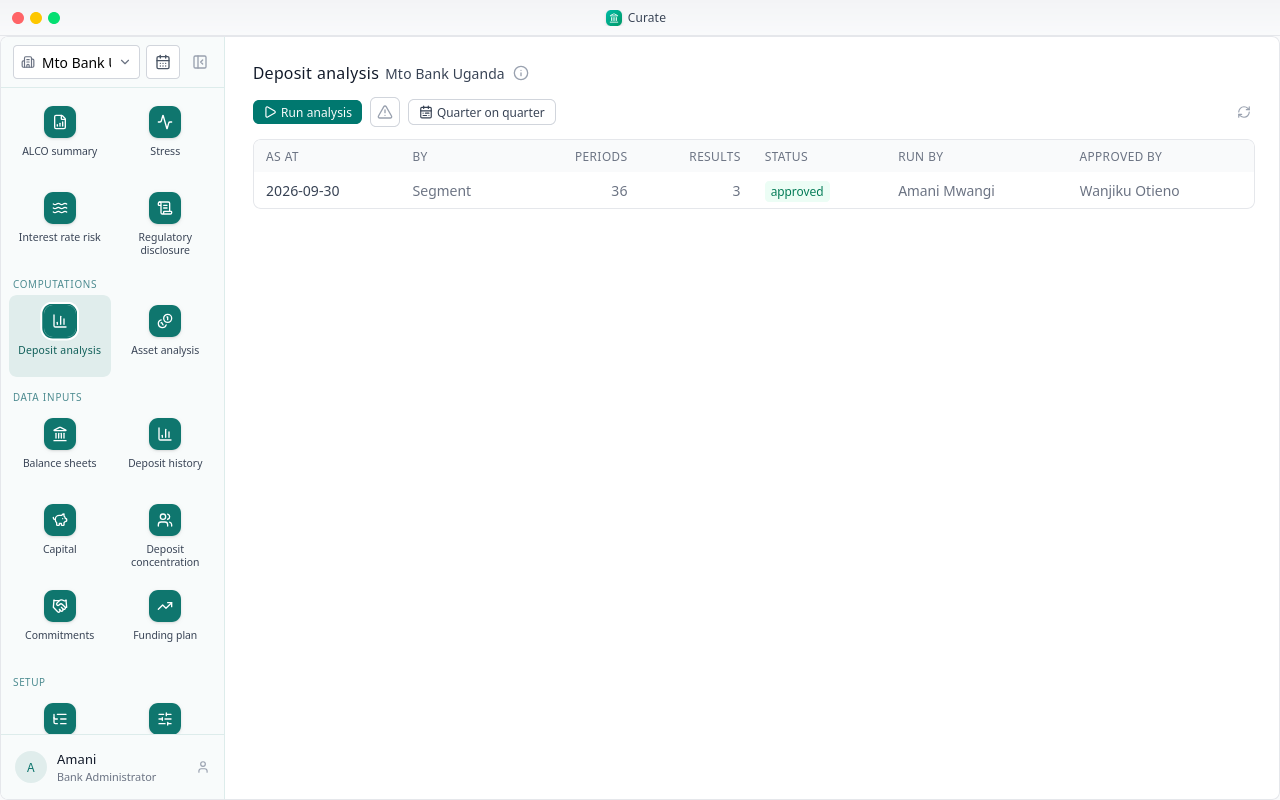
Choose Run analysis.
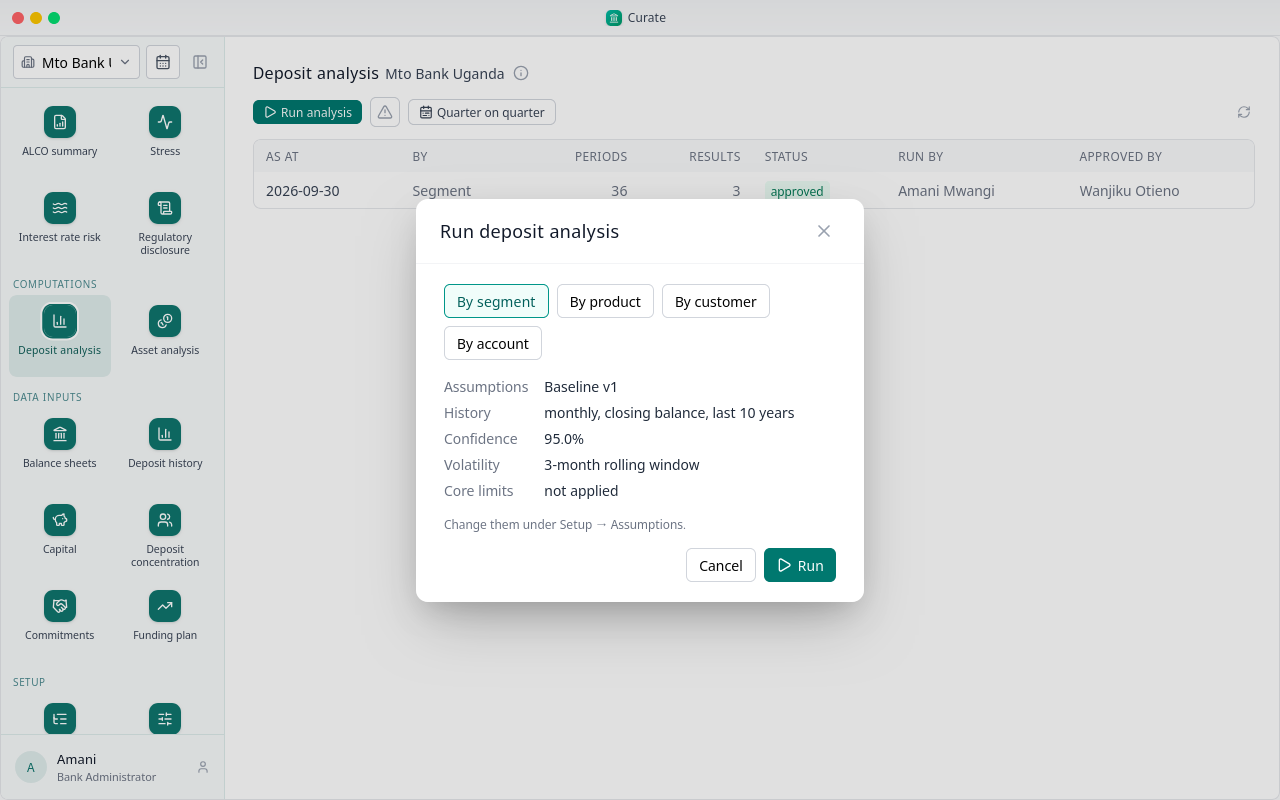
The dialog shows the assumptions the run will use. Run it by segment: that is the run the balance sheet, stress and interest rate risk read.
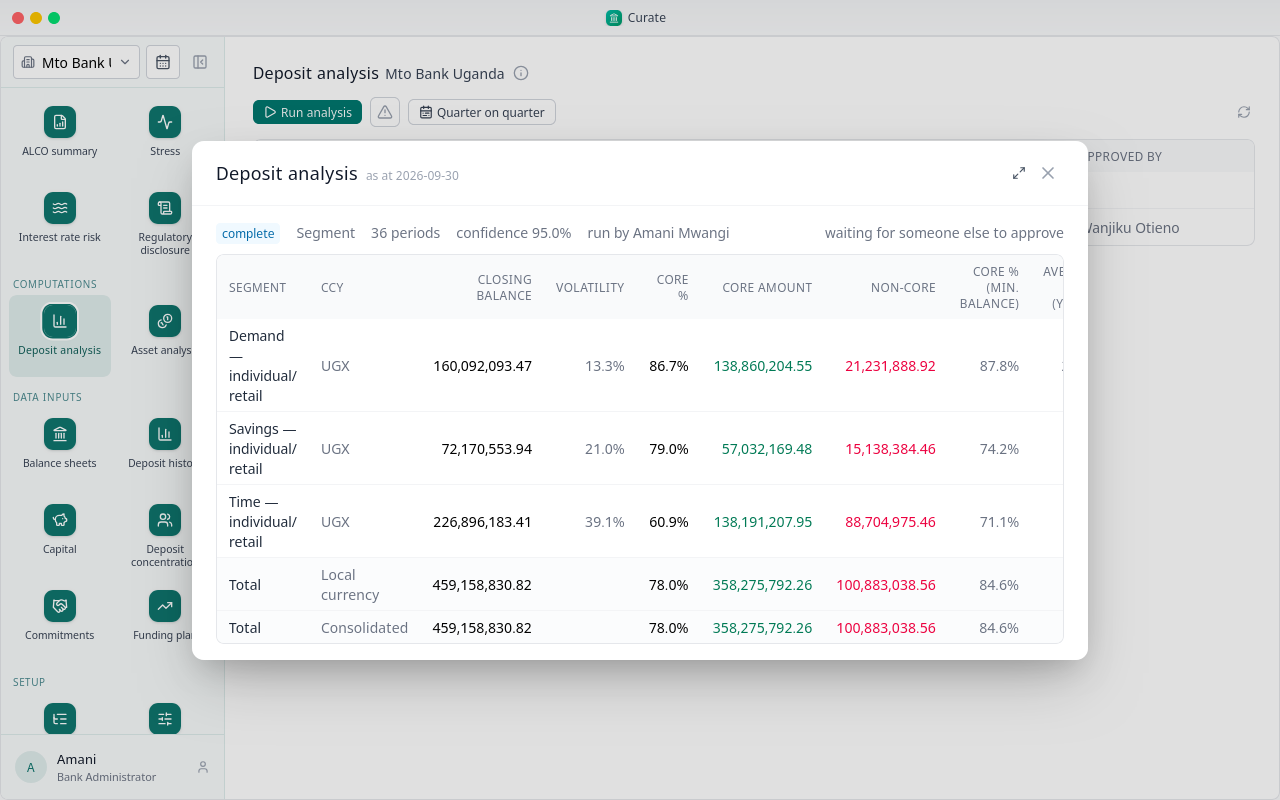
The run is queued, then runs; the dialog shows which, and the results open when it is done.
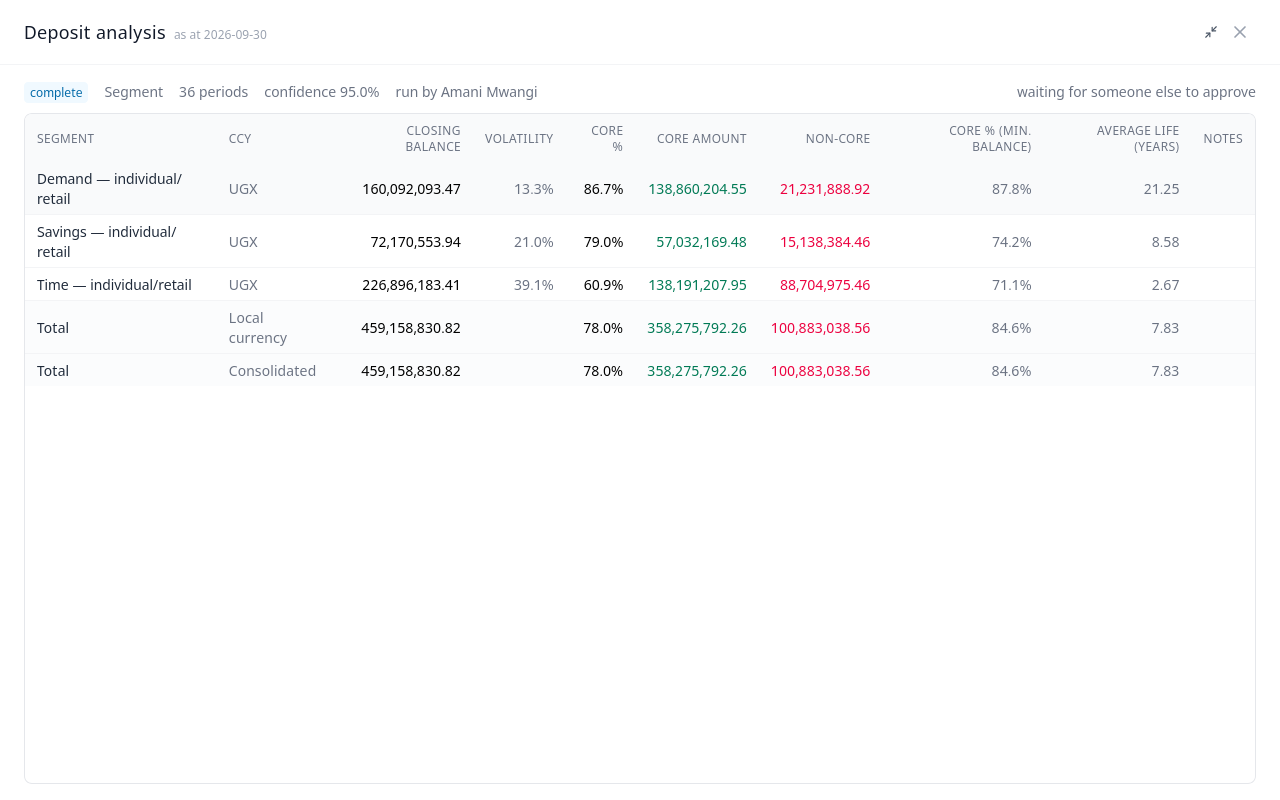
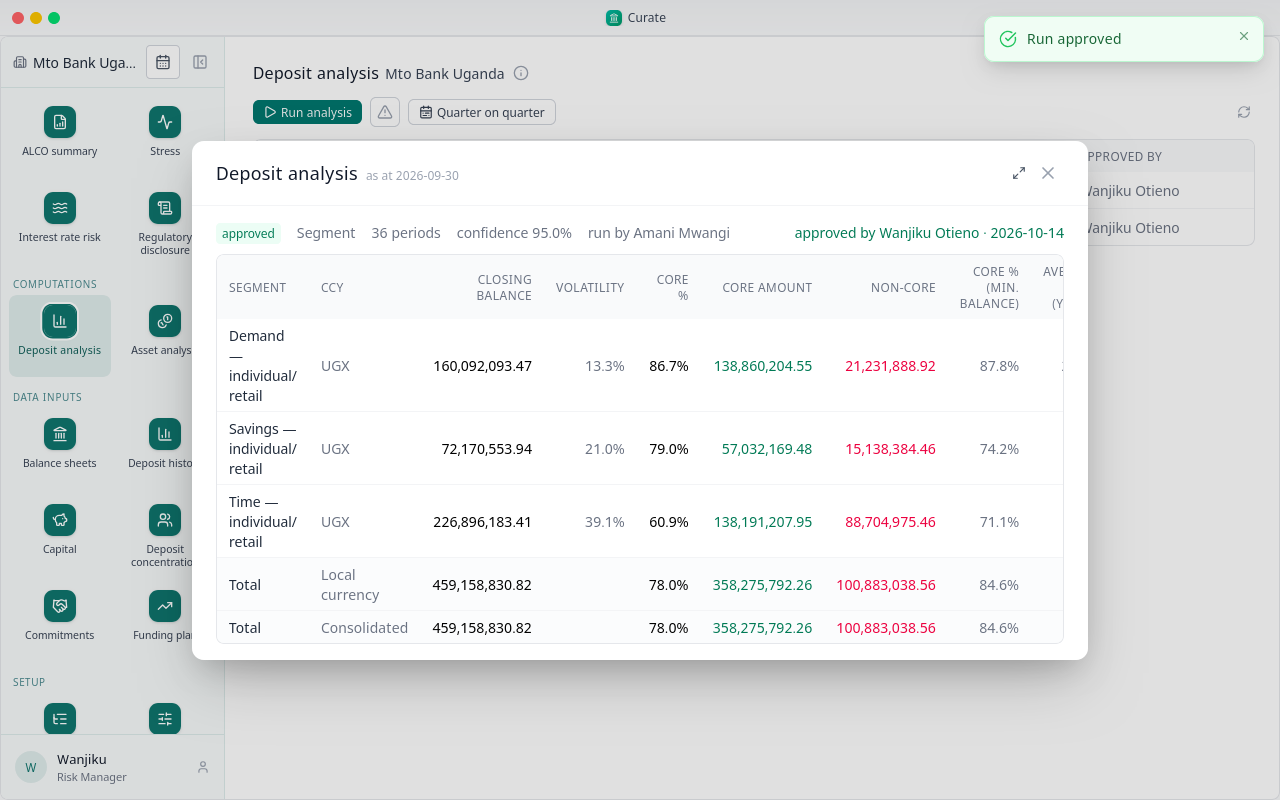
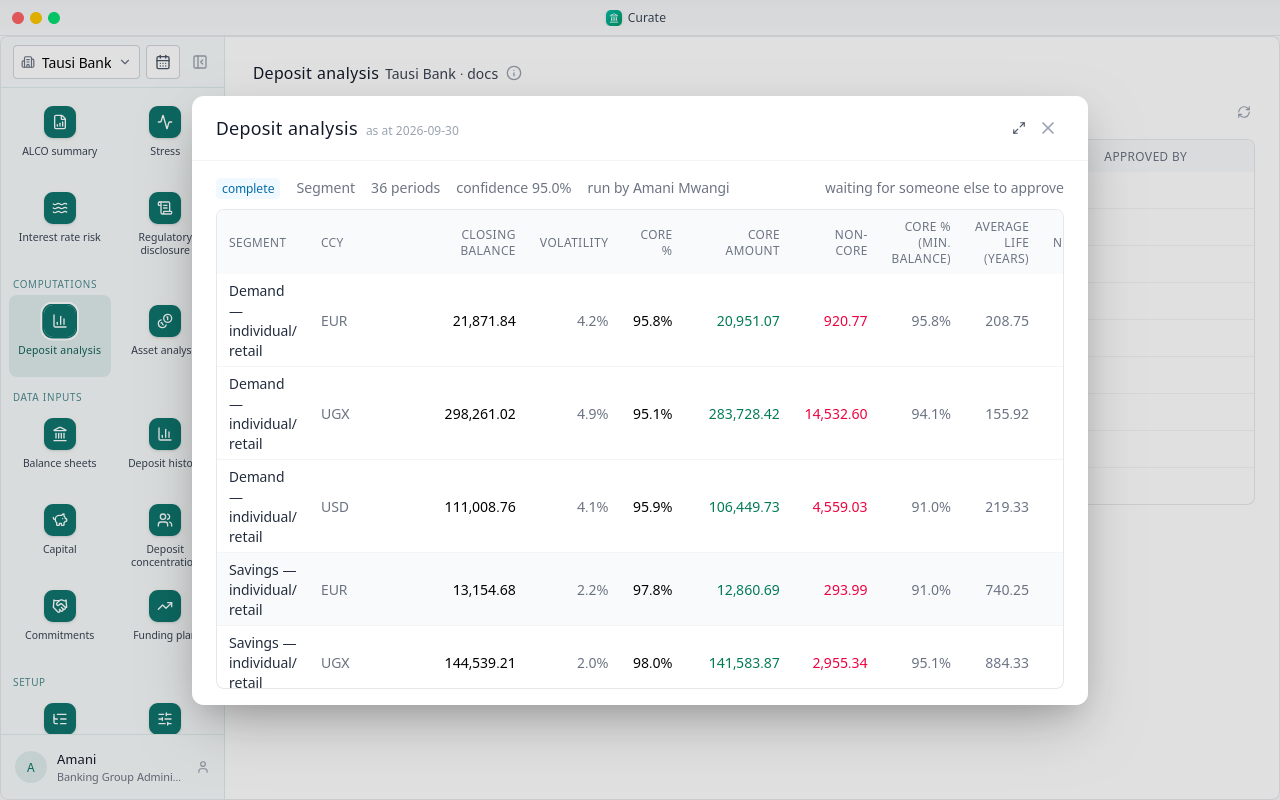
The results open: for each segment and currency, the closing balance, its volatility, the core share and amount, and the average life in years: how long the balance takes to run off.
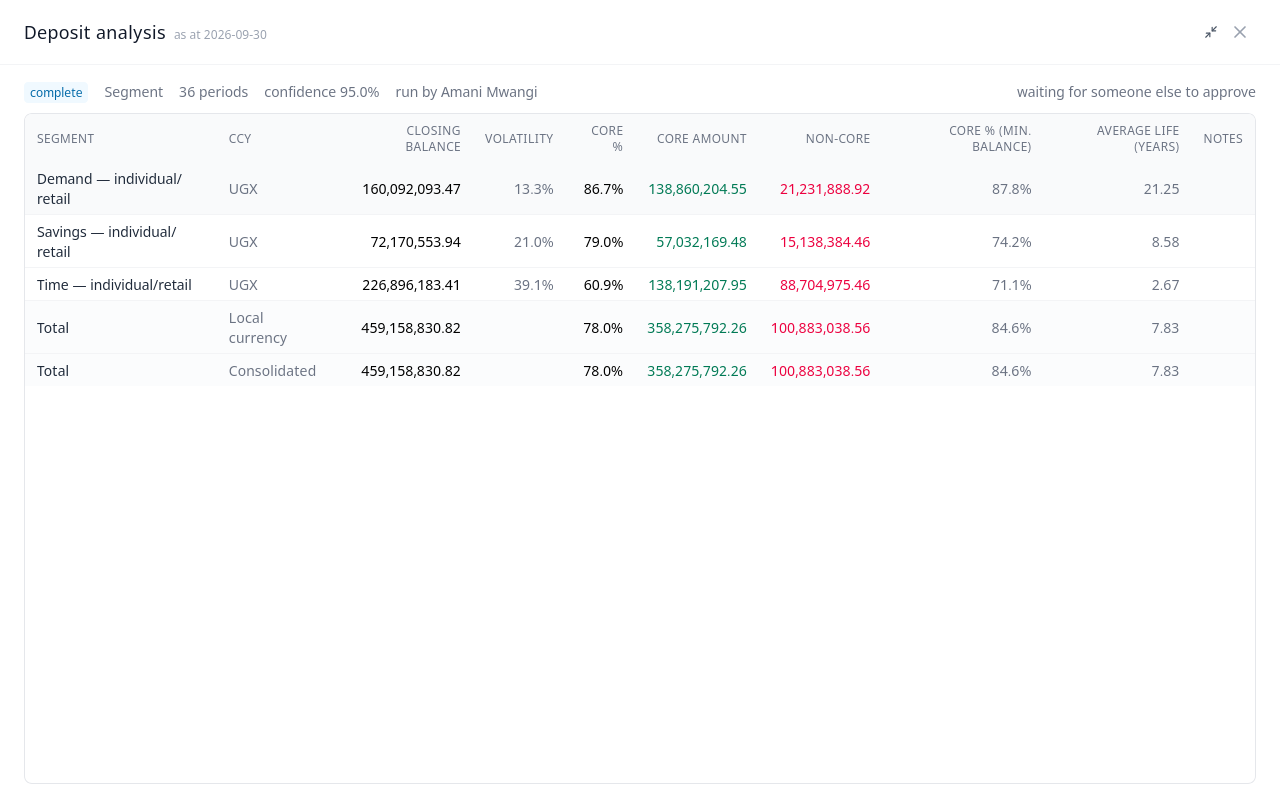
The run is complete, but no report uses it until someone else approves it. Whoever runs an analysis cannot approve it.
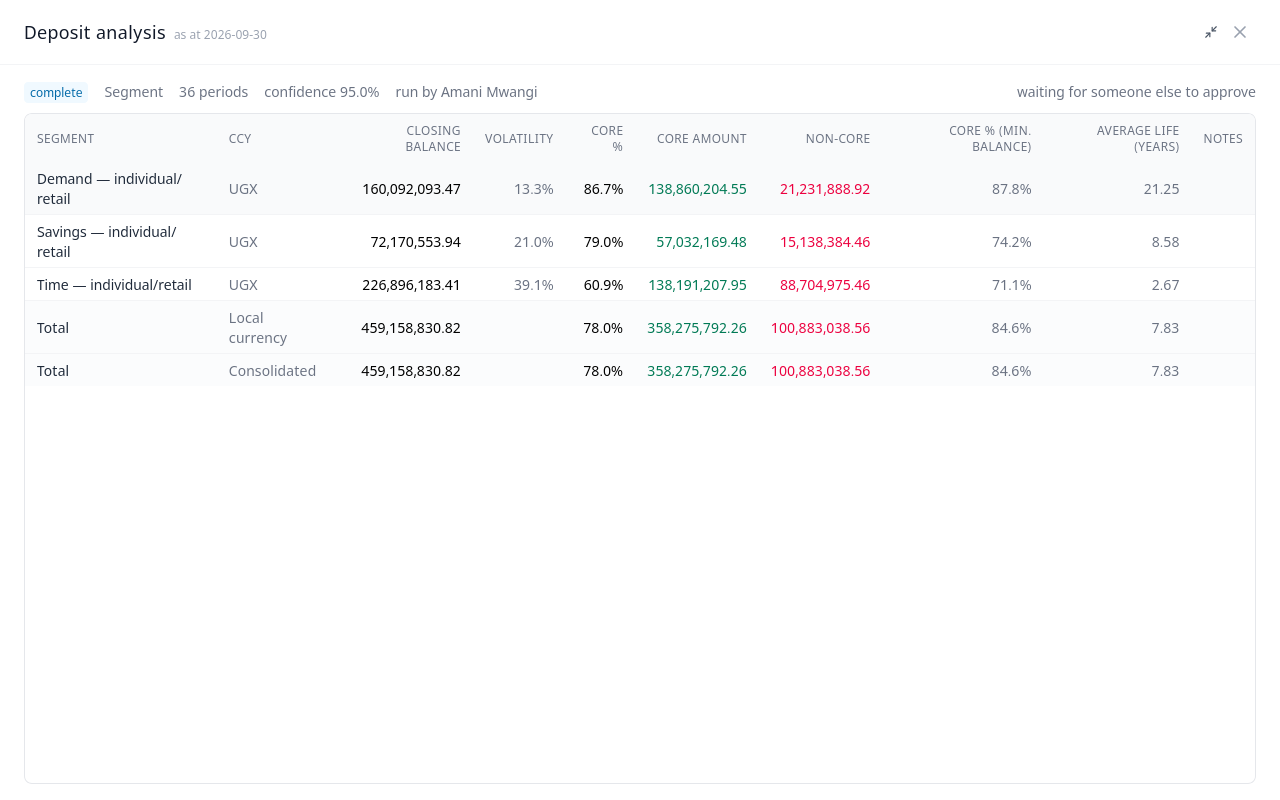
The Risk Manager signs in and opens Deposit analysis. The run is listed as complete, with who ran it.
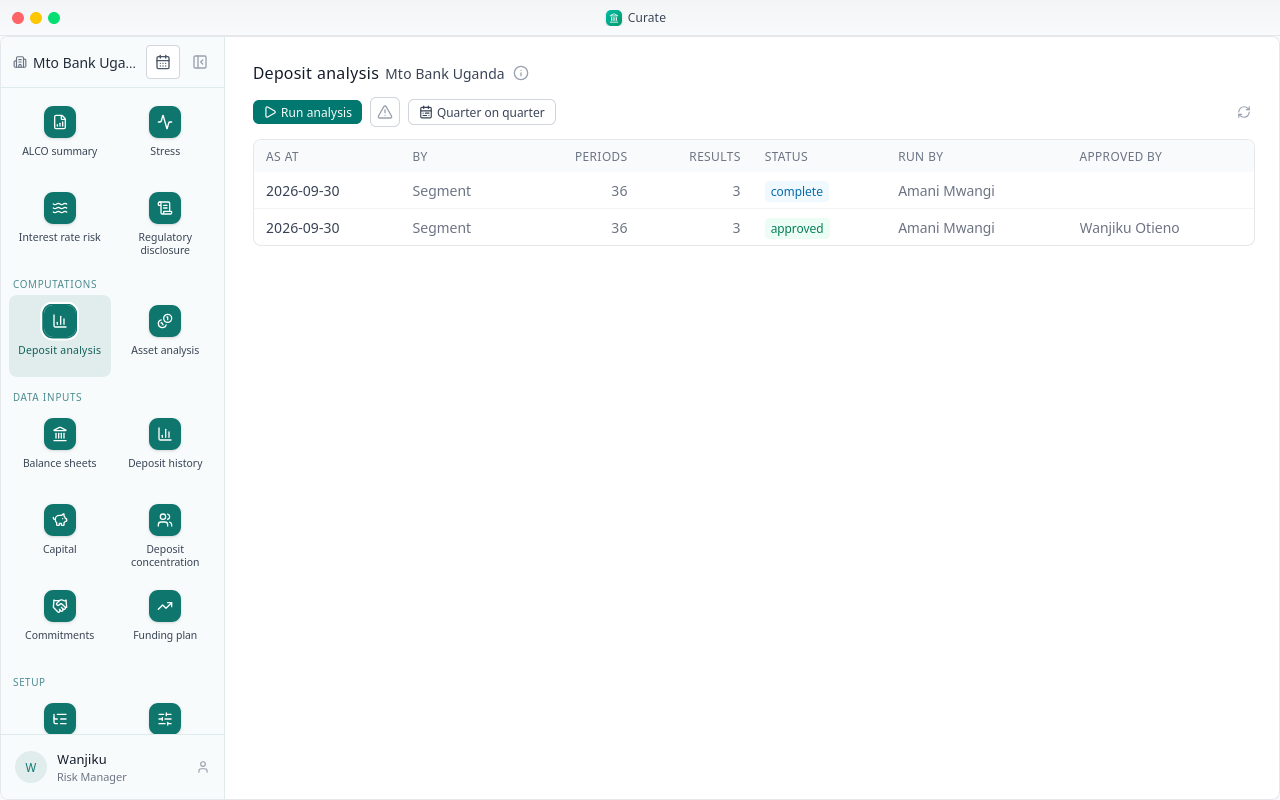
They open it, check the figures, and choose Approve.
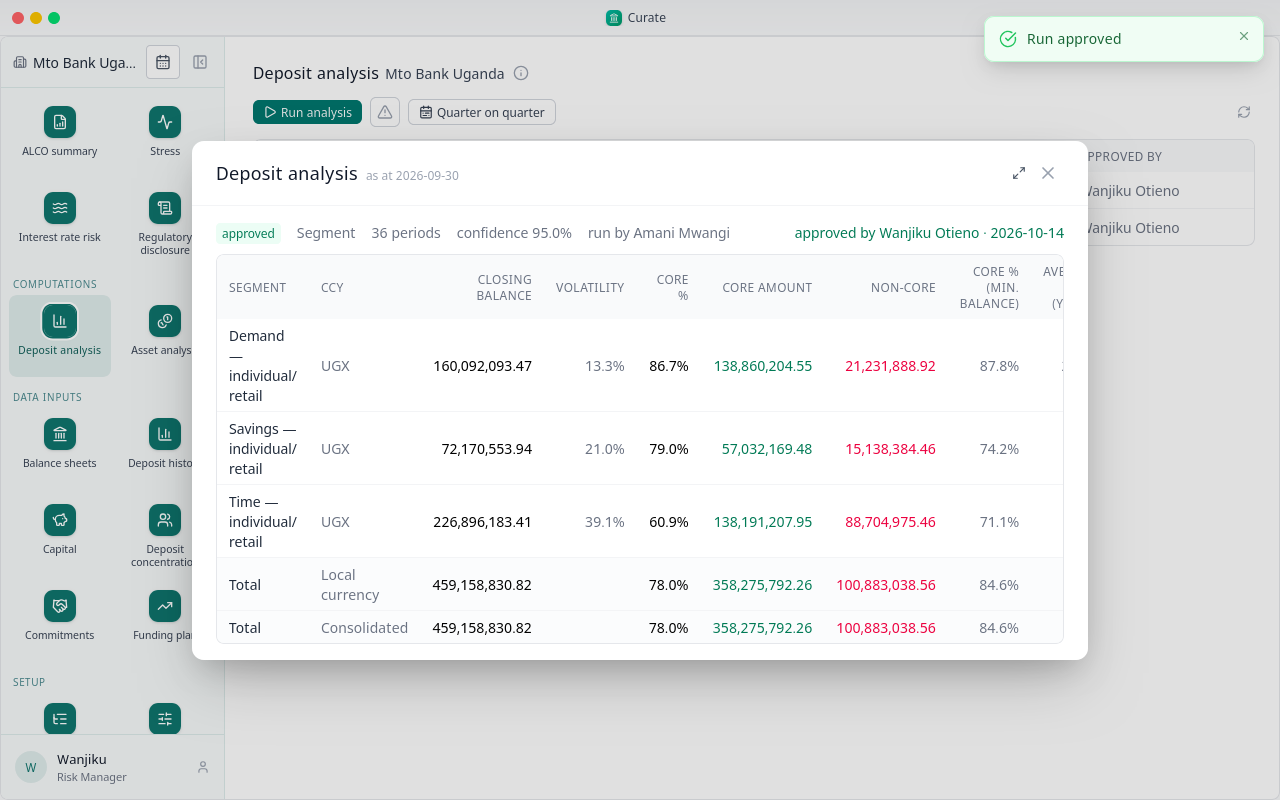
The run is approved, with their name and the date.
With an approved run, the behavioural balance sheet can be derived. Open a contractual sheet, and under its tools choose Derive behavioural, with the approved analysis picked.
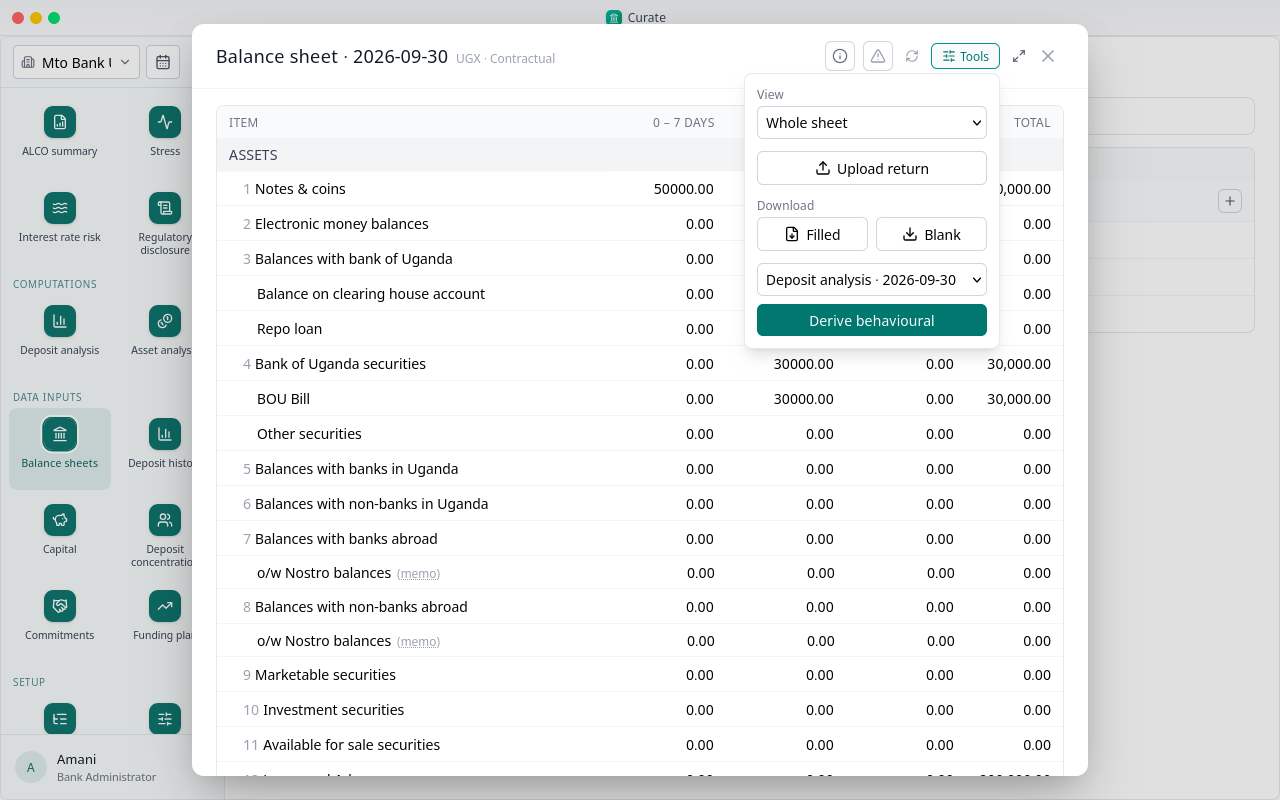
It restates every currency sheet of the period in one go, all of them or none. Curate makes each behavioural sheet on the same lines, with deposits spread by how the analysis says they behave, and lists it beside the contractual one.
Next, the reports.
Chapter 6
ALCO summary, Stress and Interest rate risk
With the figures in and the deposit analysis approved, the reports are ready for the period: steps 18 to 21, at the top of the sidebar.
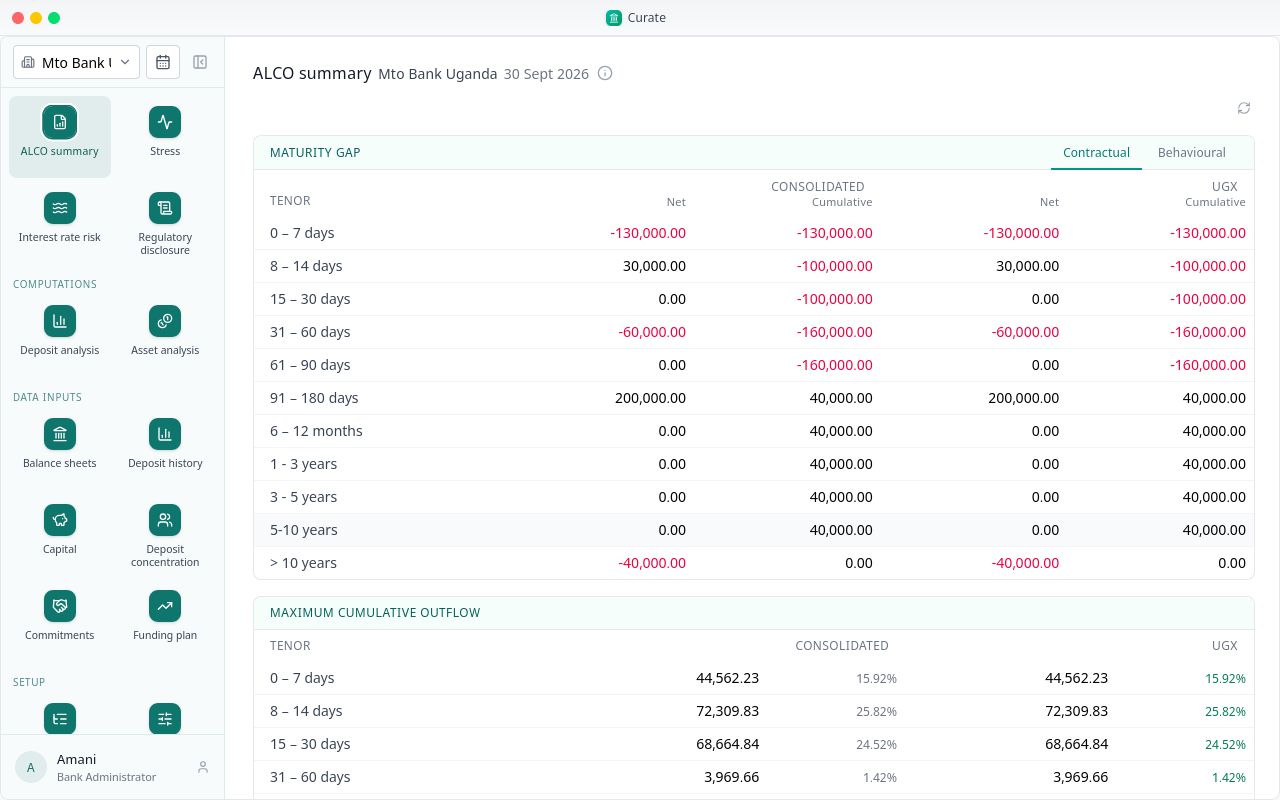
The ALCO summary is the report for the reporting period: every ratio against its limit, the maximum cumulative outflow in each band, and the forecast.
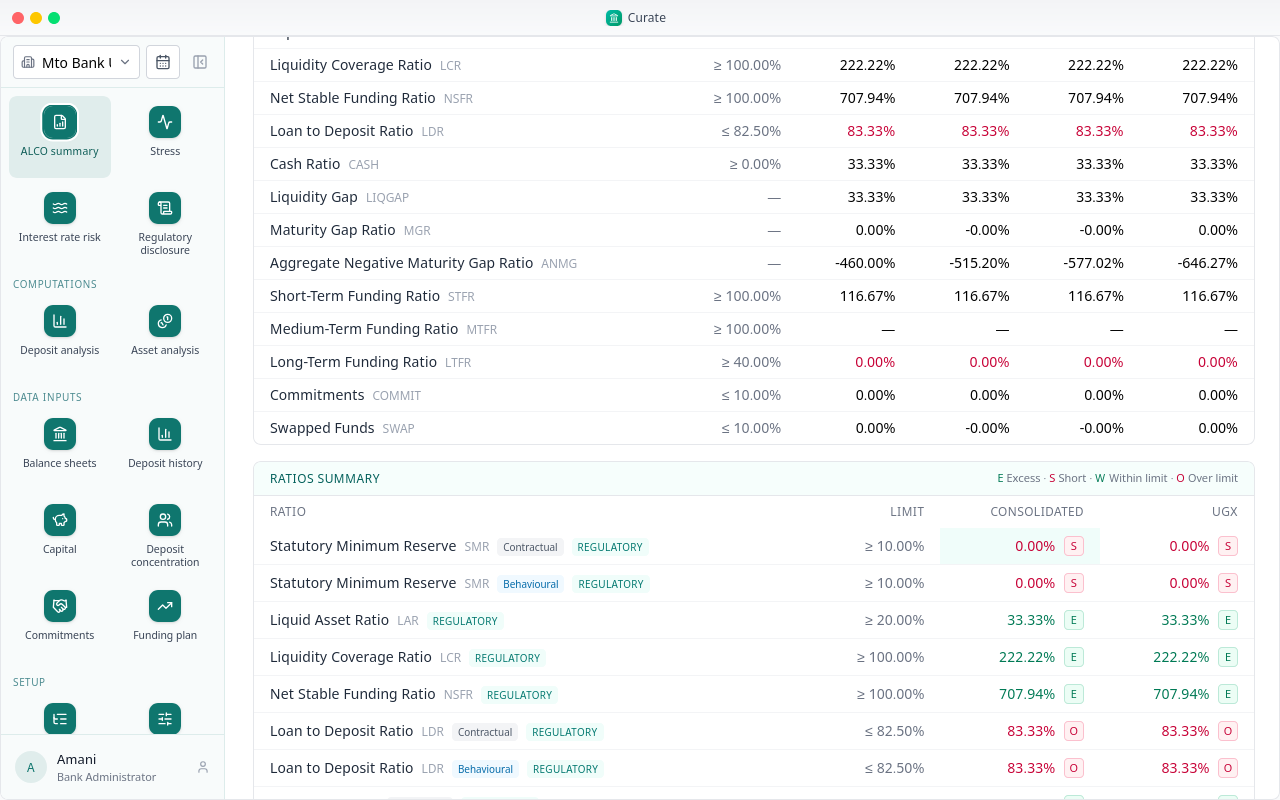
Ratios reported both ways appear twice, marked Contractual and Behavioural. Each figure is marked against its limit: Excess or Short, Within limit or Over limit. A book with no figures is Not assessed.
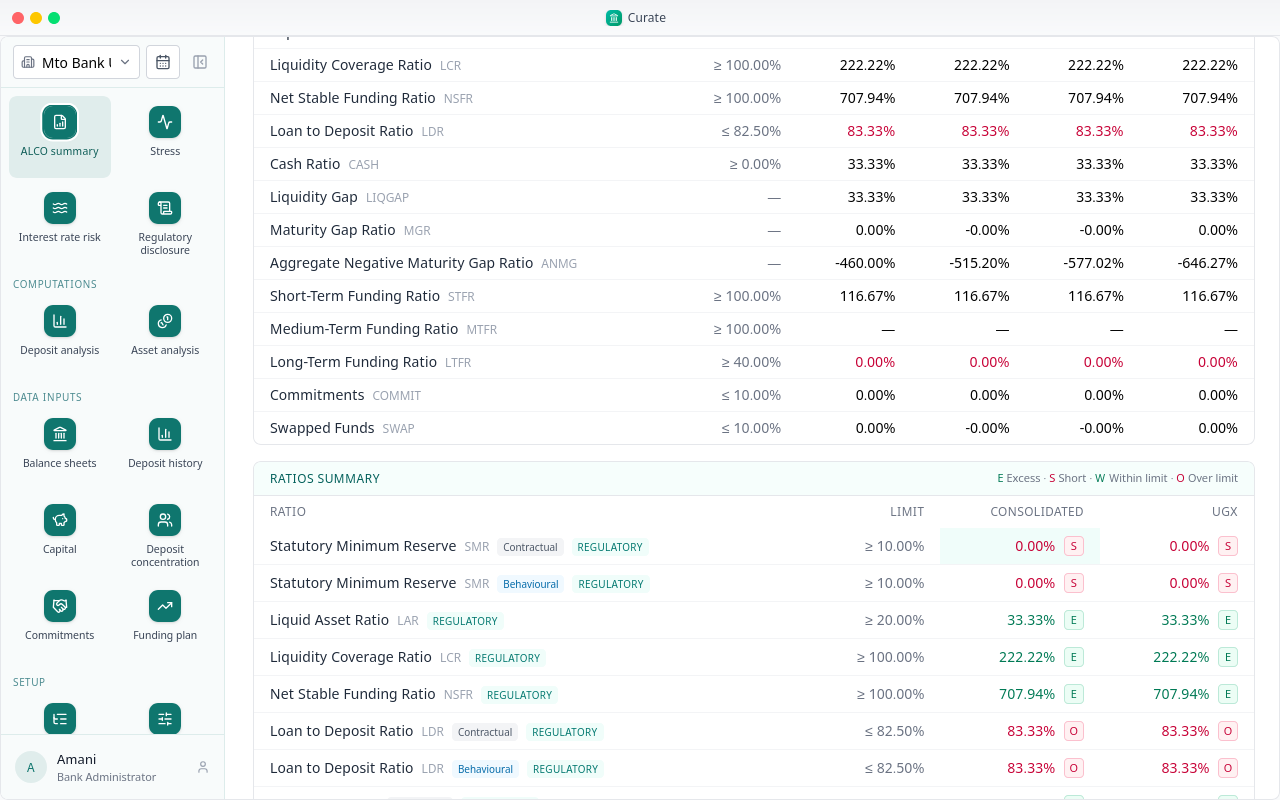
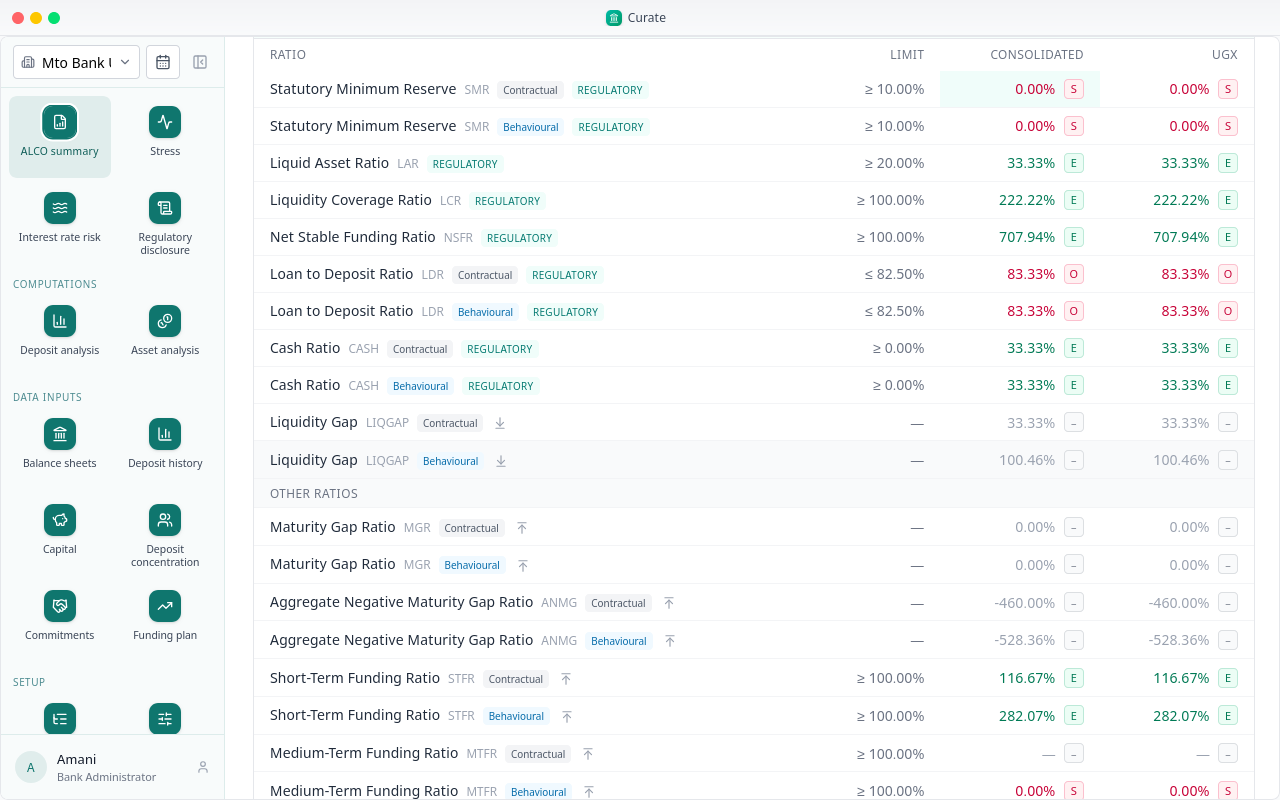
The regulator's ratios come first, marked Regulatory. The bank's other ratios follow, under Other ratios.
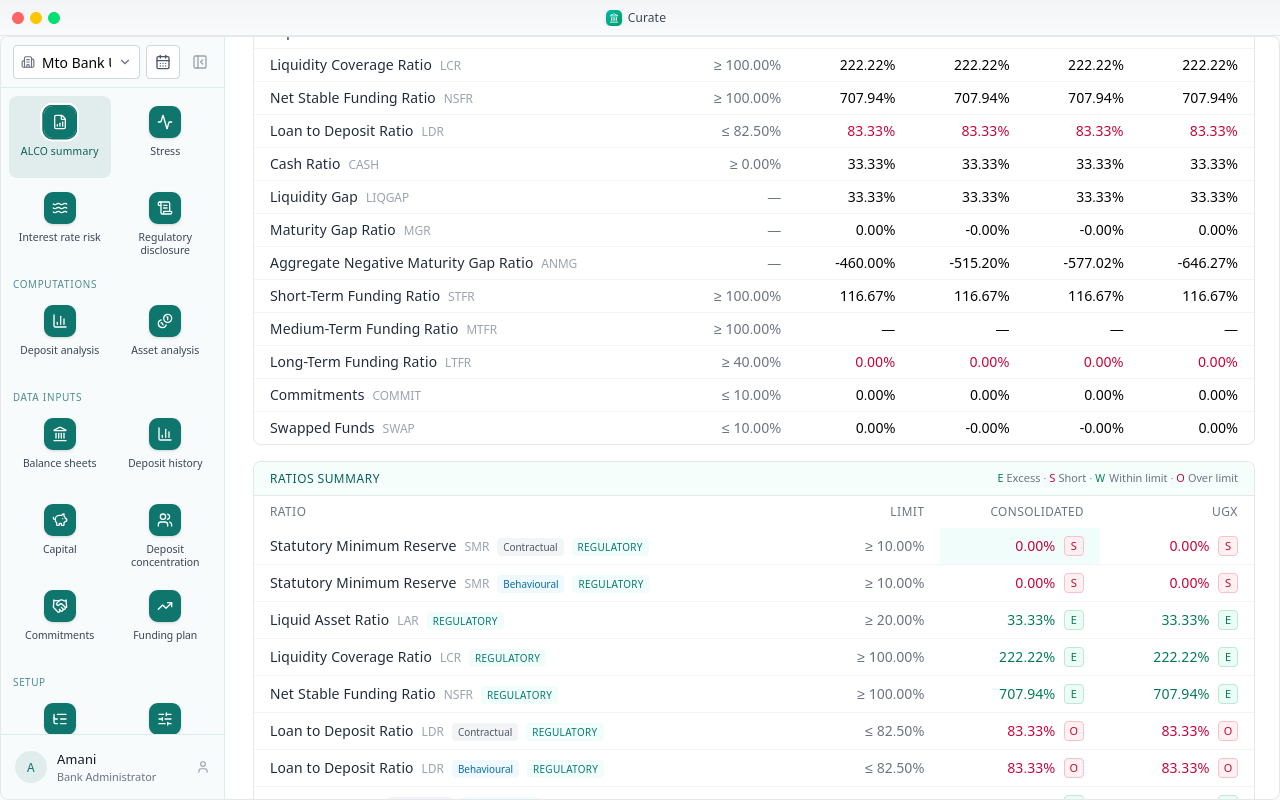
The arrow beside one of the bank's own ratios adds it to the main list, and moves it back again.
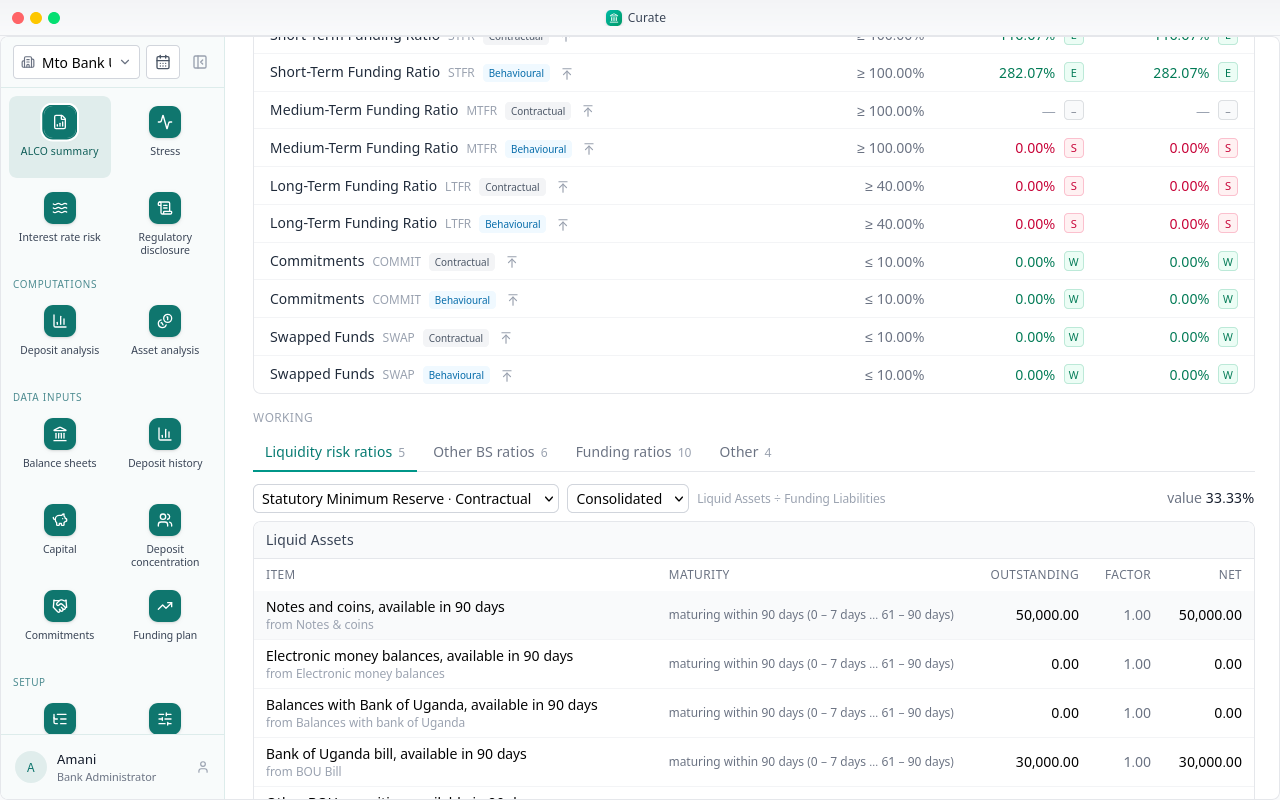
Click any figure to see how it was worked out, under Working: each line it counts, over which maturities, its factor, and the result.
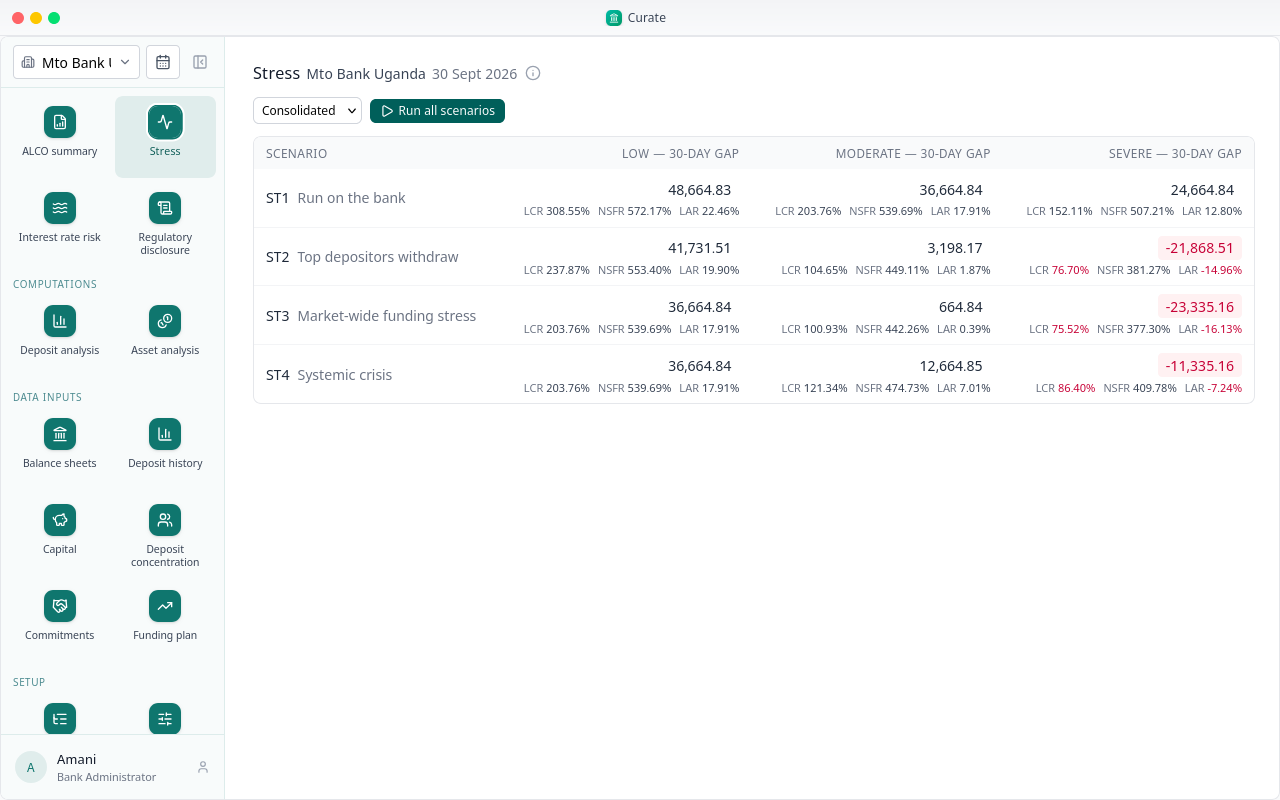
Stress runs four scenarios, each at low, moderate and severe, on the behavioural sheet for the period.
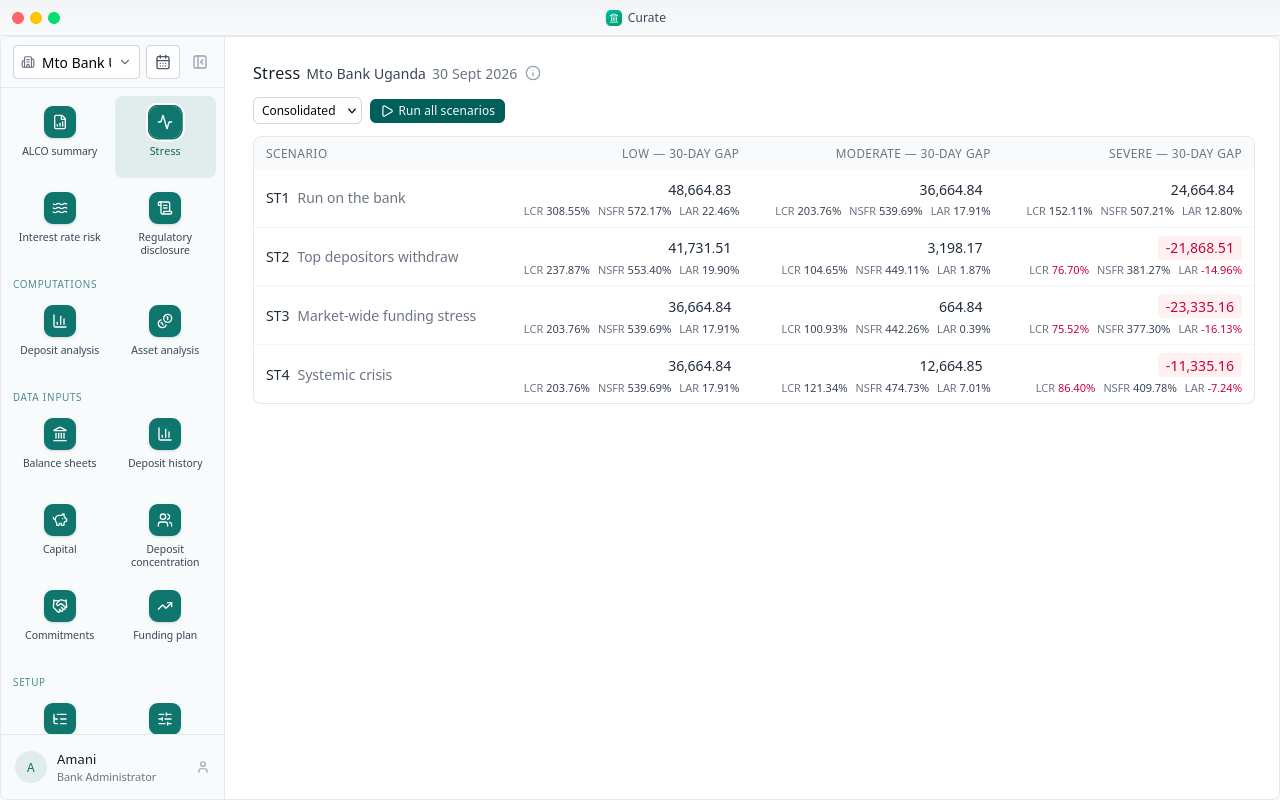
For each one, the funding gap at 30 days, with the stressed LCR, NSFR and LAR under it. A gap in red is a shortfall the bank would not cover.
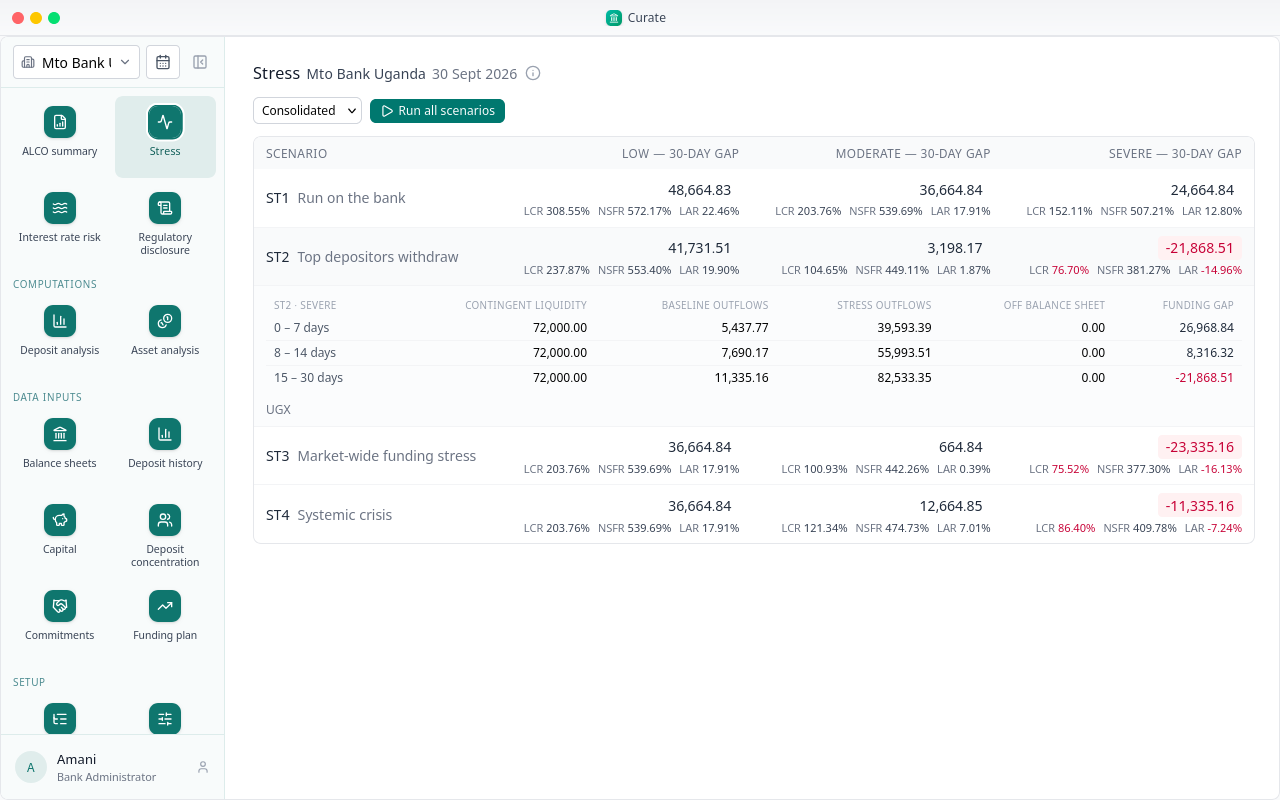
Click a gap for its horizon table: at 7, 14 and 30 days, the cash the bank can raise, the outflows, and the gap.
Interest rate risk shows what a move in rates does to next year's interest income and to the value of the balance sheet, under the six standard Basel scenarios, and sets the largest loss against Tier 1 capital.
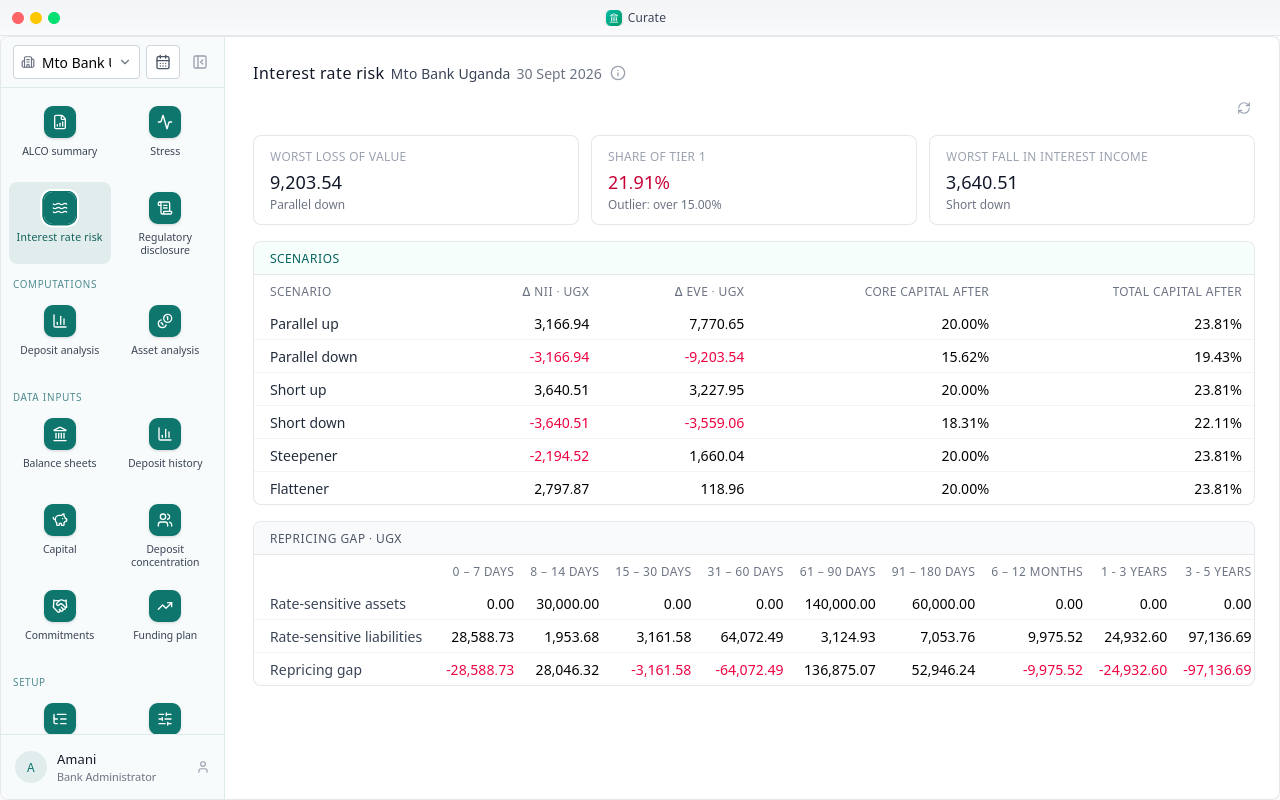
At the top: the worst loss of value and its scenario, that loss as a share of Tier 1 capital, and the worst fall in interest income.
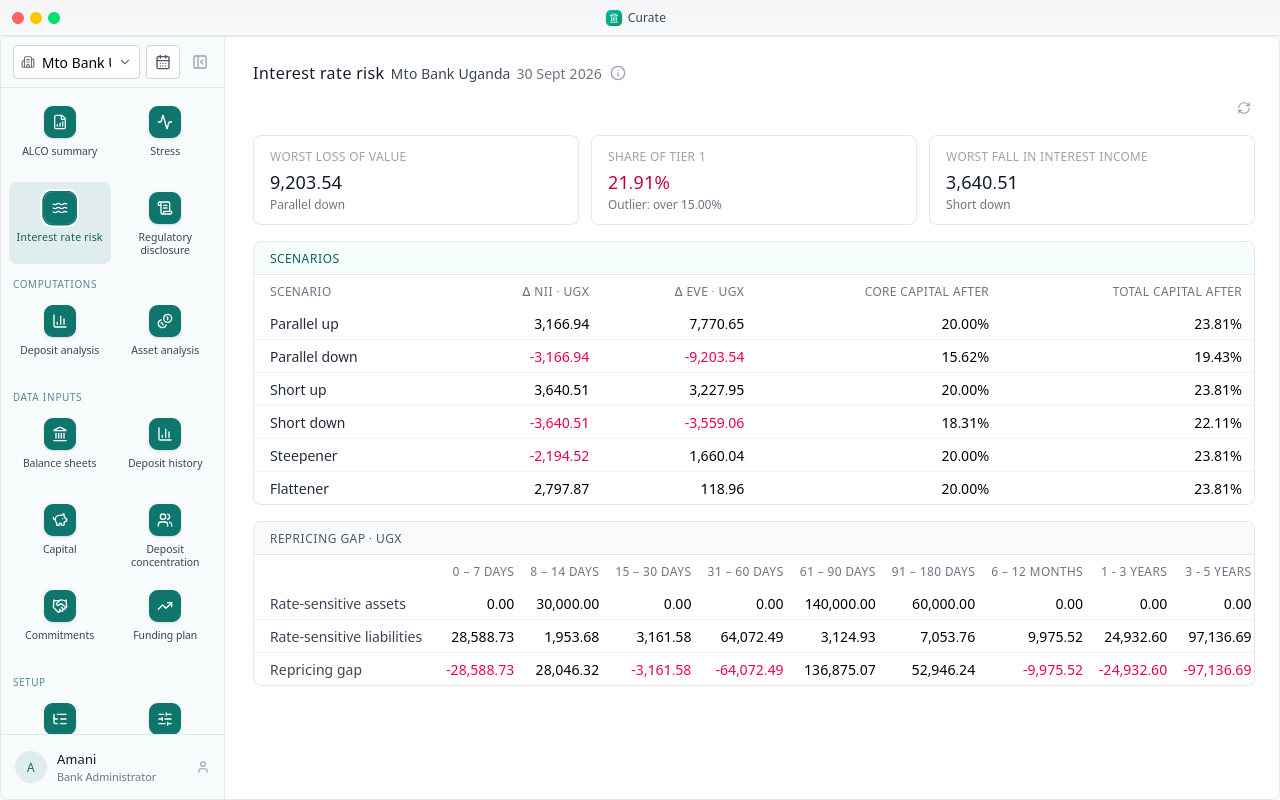
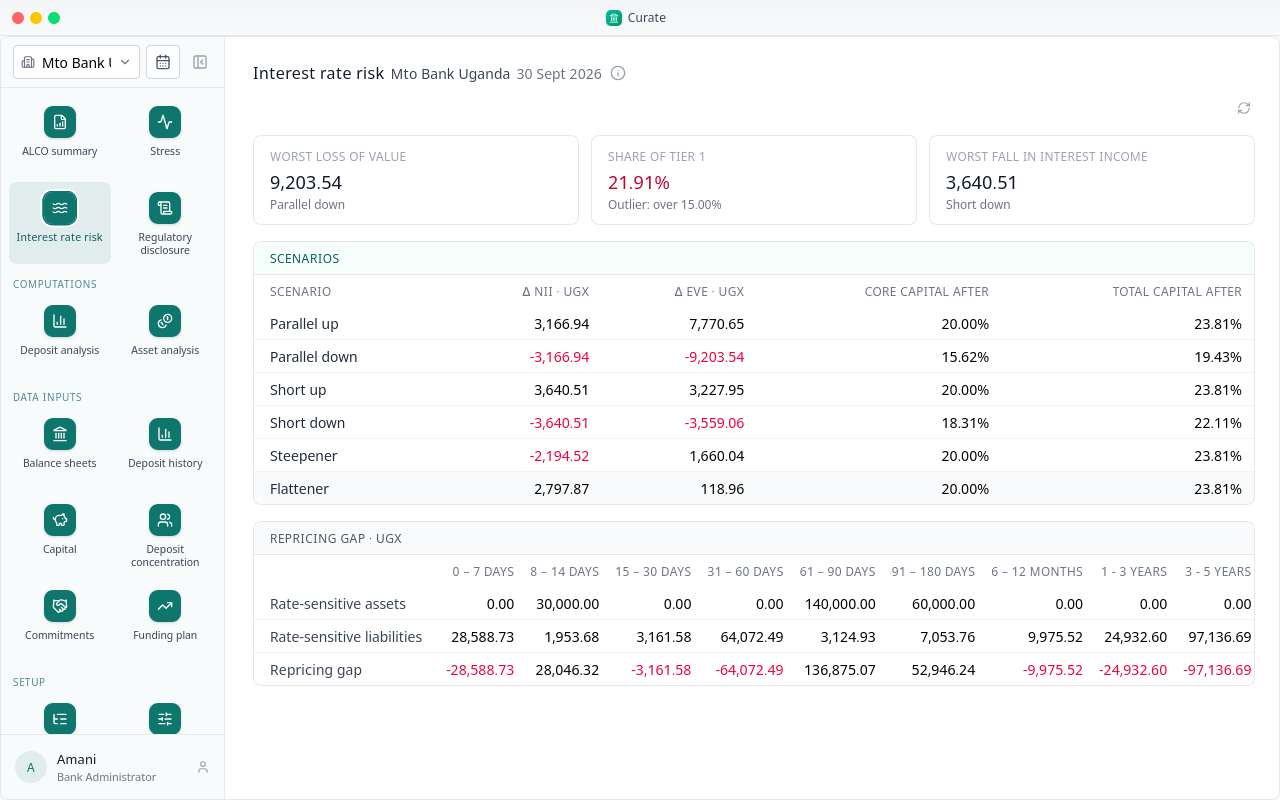
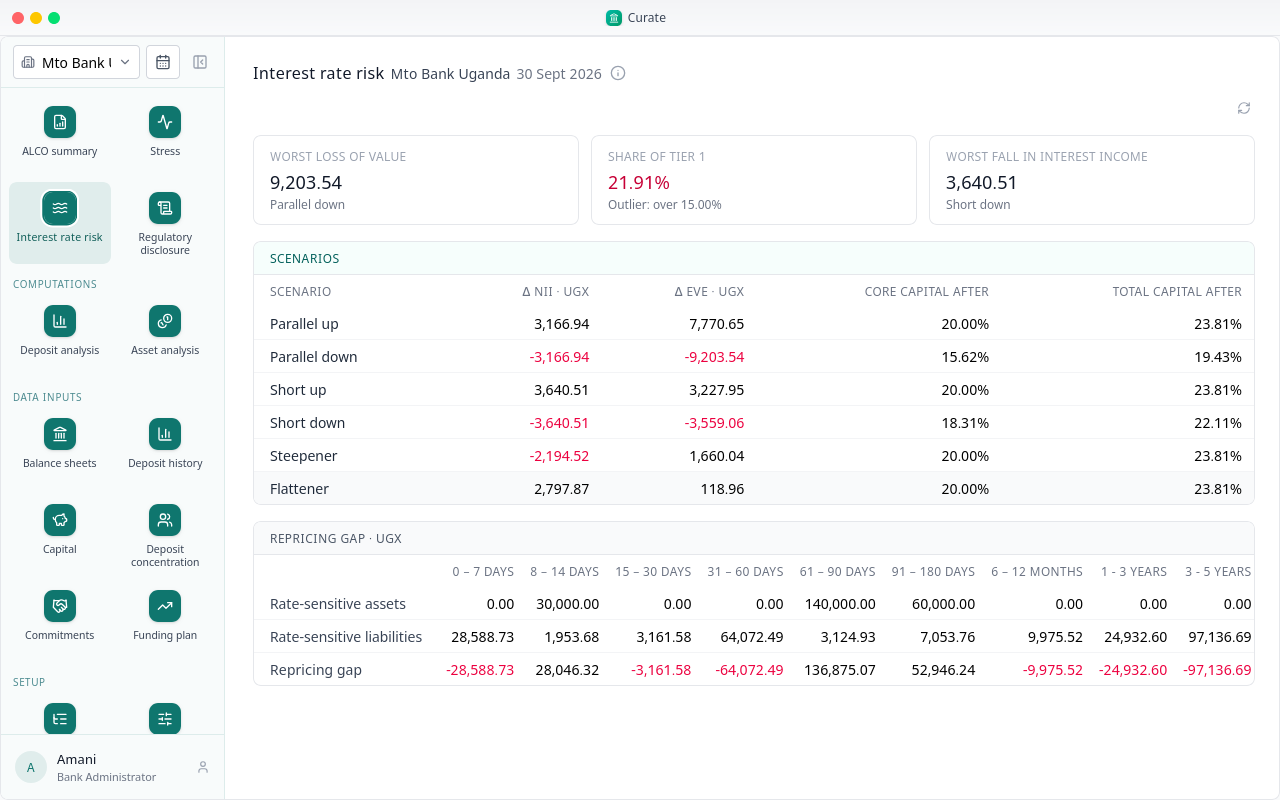
Below, every scenario: the change in next year's interest income and in the value of the balance sheet, and the bank's capital after the shock.
That is Curate from setup to the reports. Each new period, the figures go in again and the reports follow from them.
Chapter 7
When your regulator's forms are not in Curate
Curate carries some regulators' forms and ratios, but not every country's. Mto Capital Group's bank in Rwanda has none, so its setup is built from scratch. The steps are the same; only these three differ.
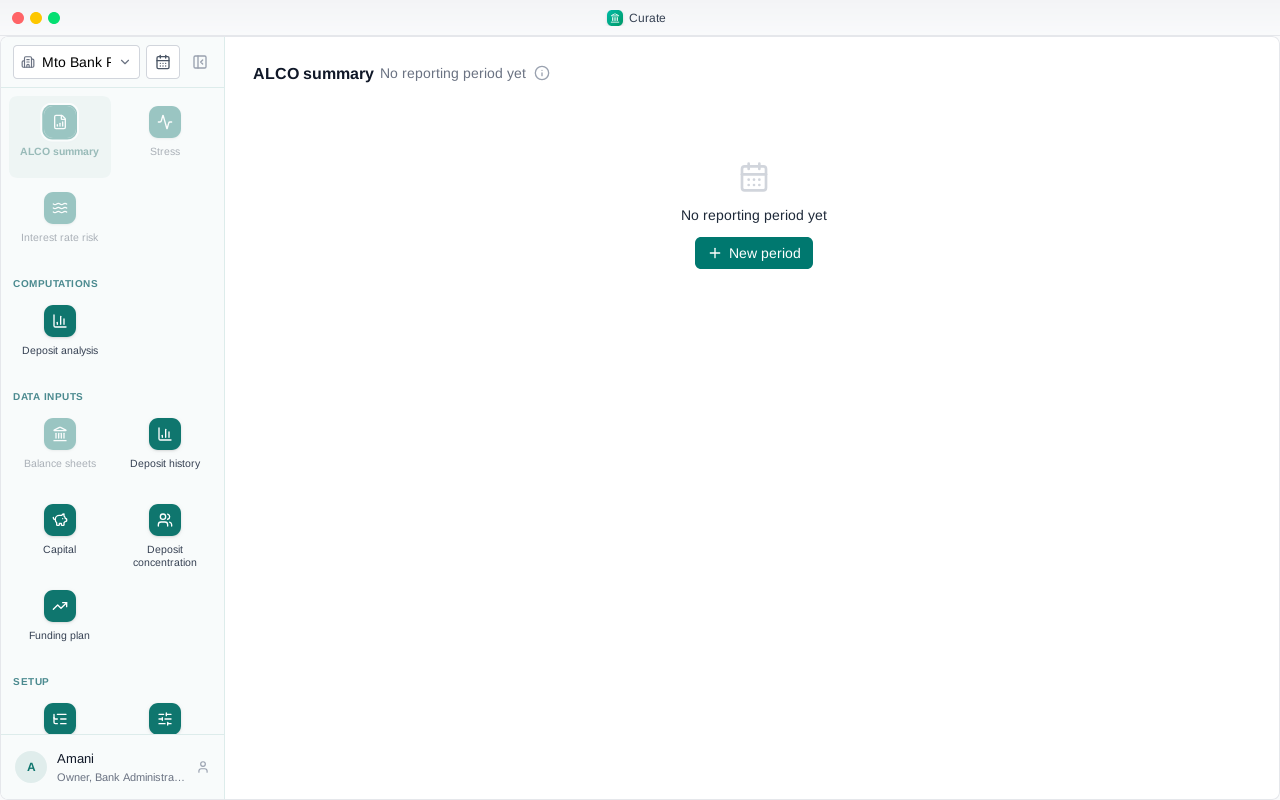
System templates is empty for Rwanda.
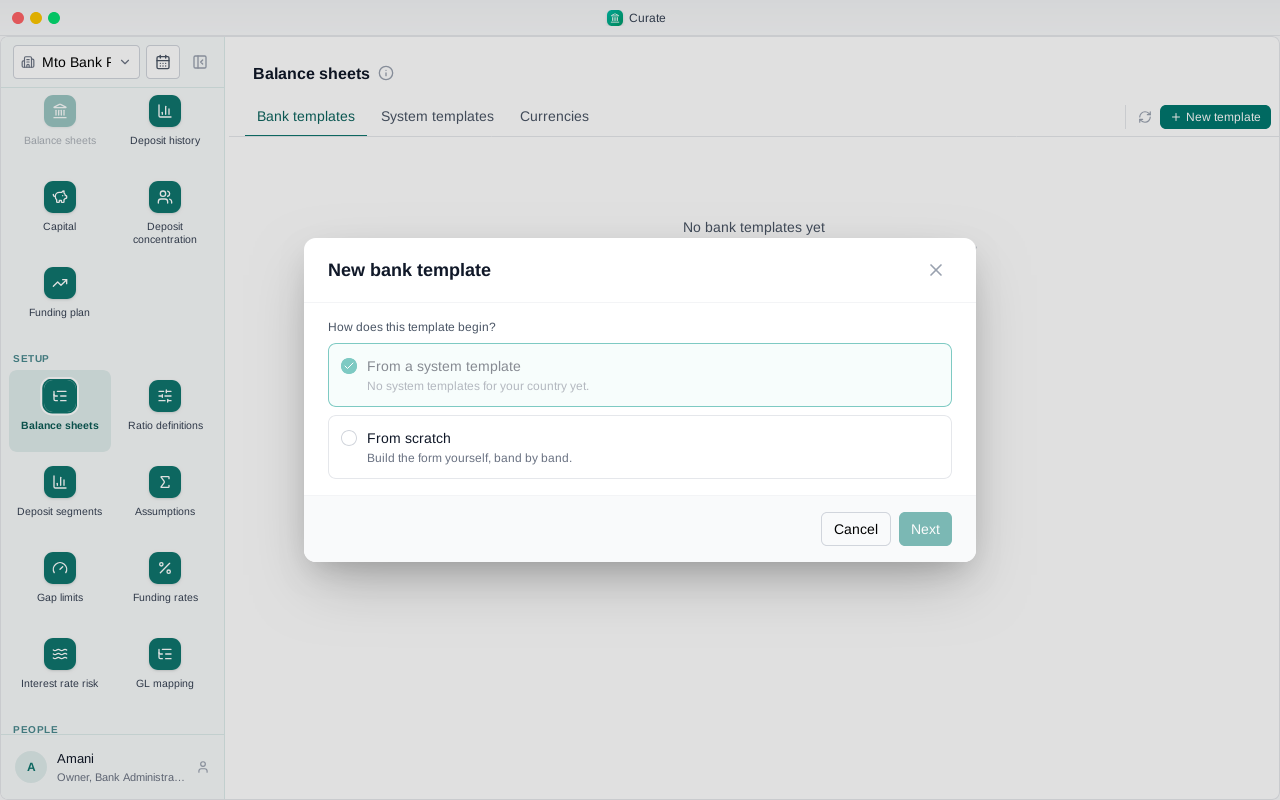
So the new template starts from scratch. Choose From scratch, then Next.
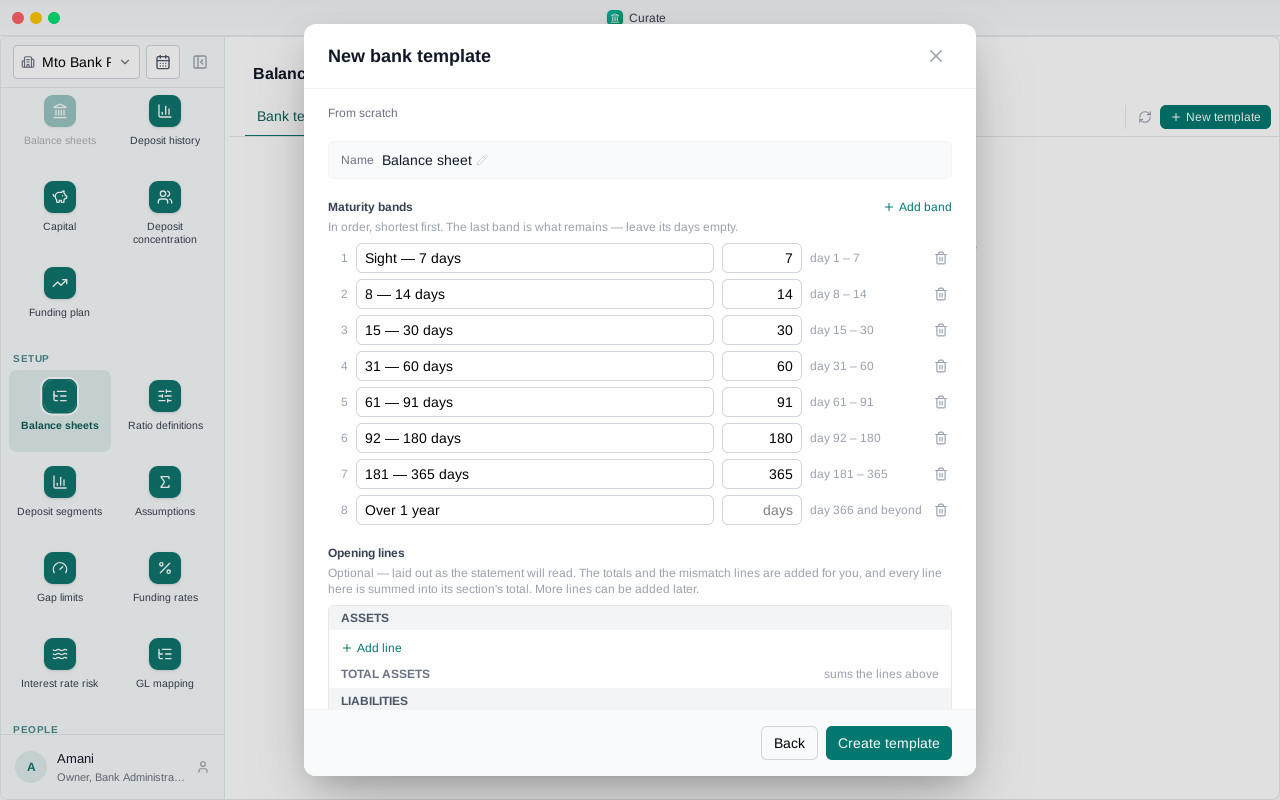
Name it, and check the maturity bands: one row each, with the day it ends. Add or remove bands to match the return you send your regulator.
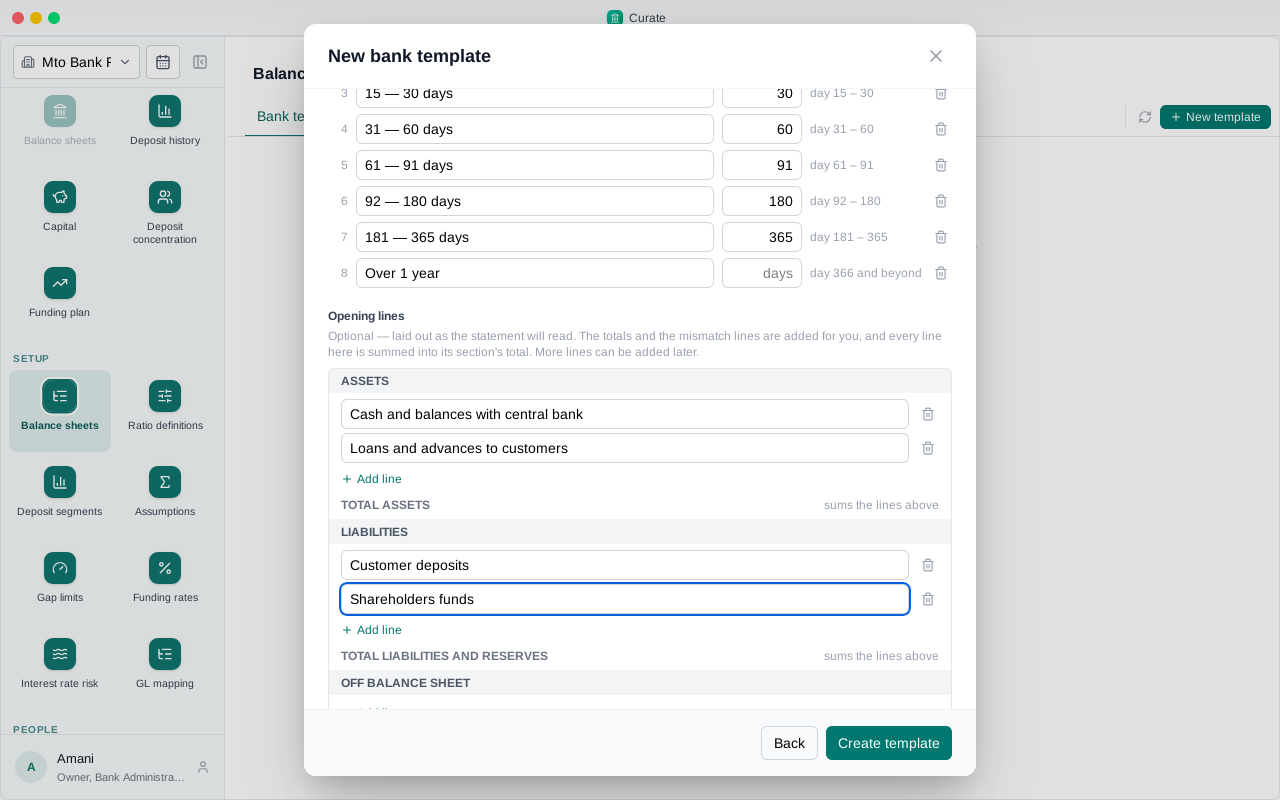
Then add the lines your bank reports, under assets and under liabilities, and choose Create template.
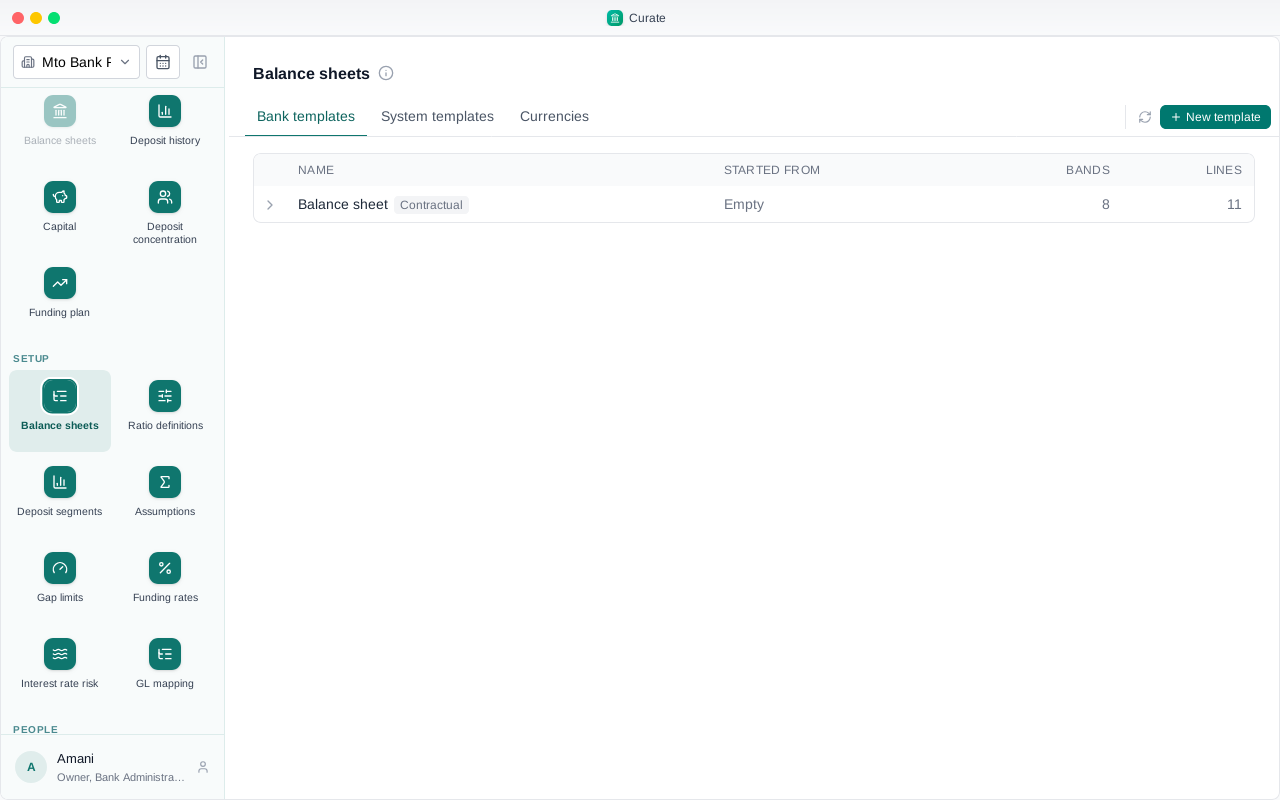
The template is listed. More lines can be added to it at any time.
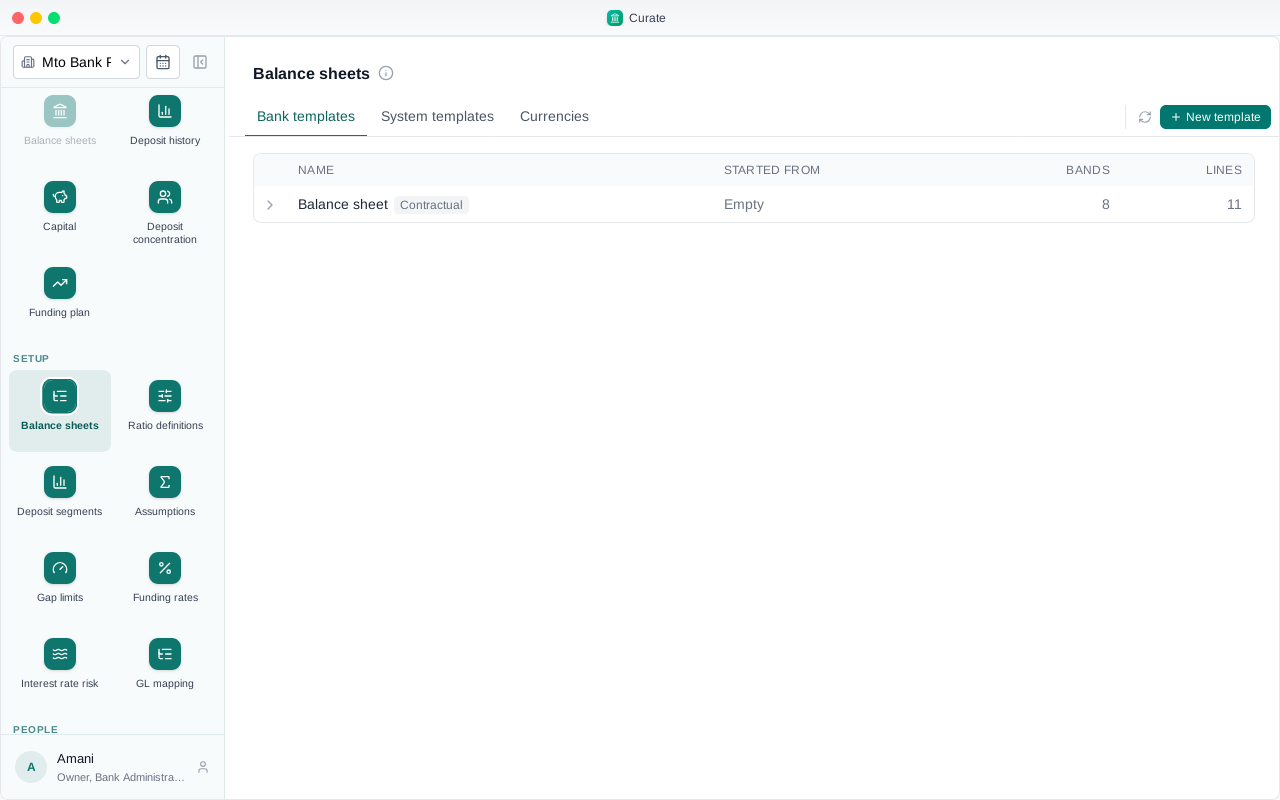
With no regulator's ratios to copy, Add ratio offers Create my own.
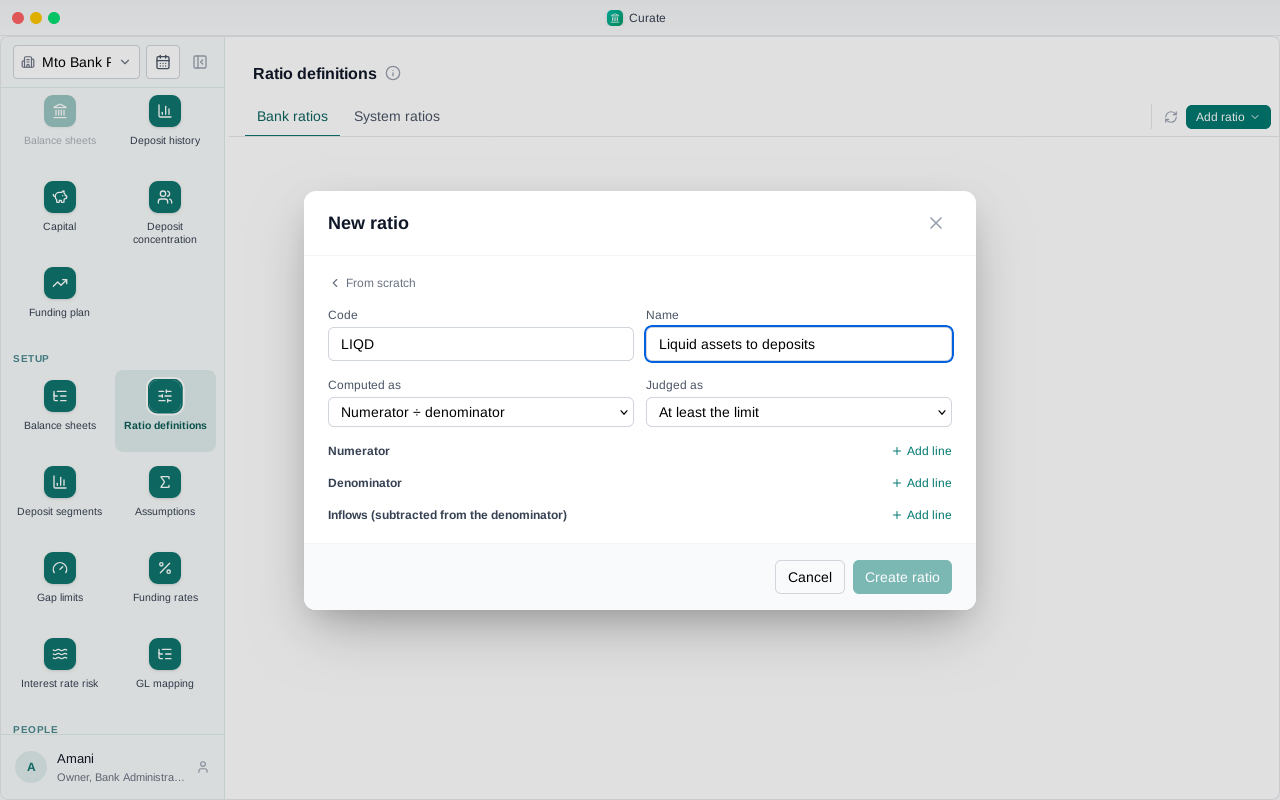
Give it a code and a name. A code of your own: the regulator's codes, like LCR or NSFR, are kept for their ratios.
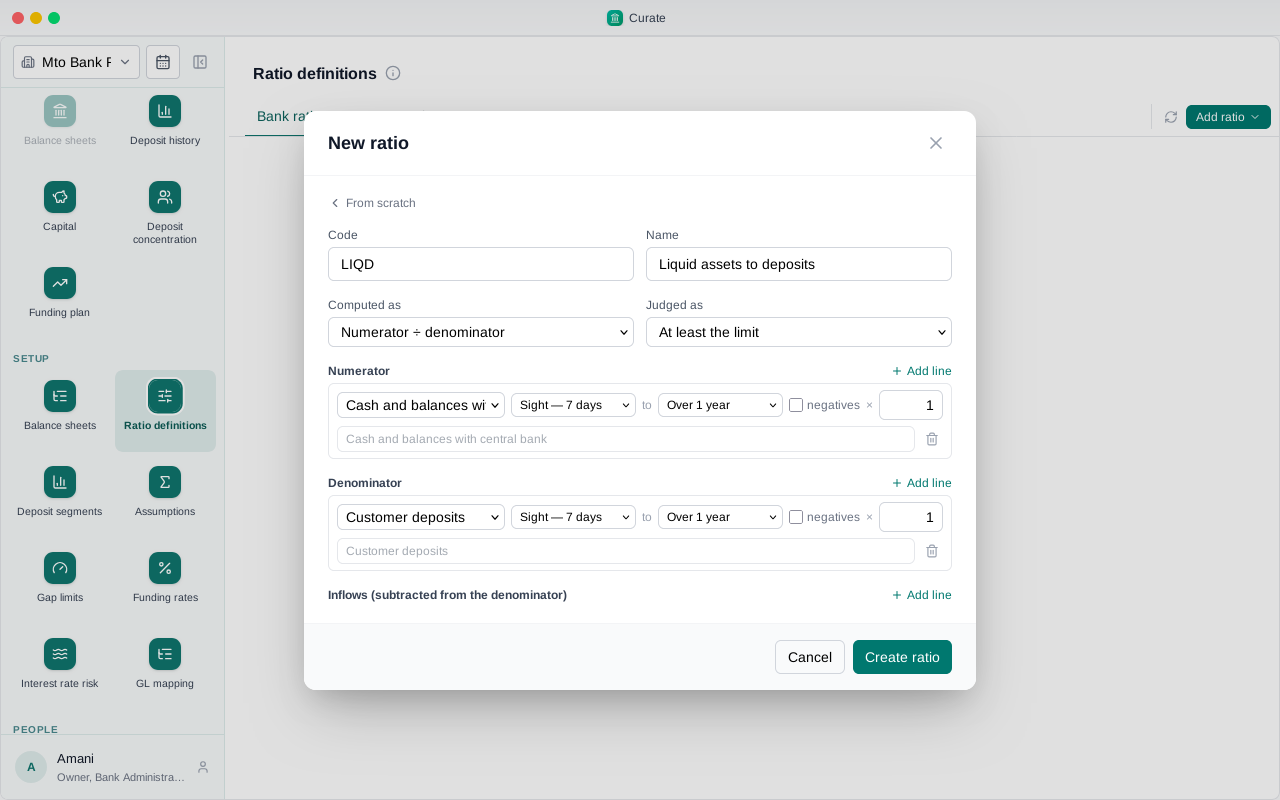
It is worked out as numerator over denominator. Add a line to each, and pick the bands it counts.
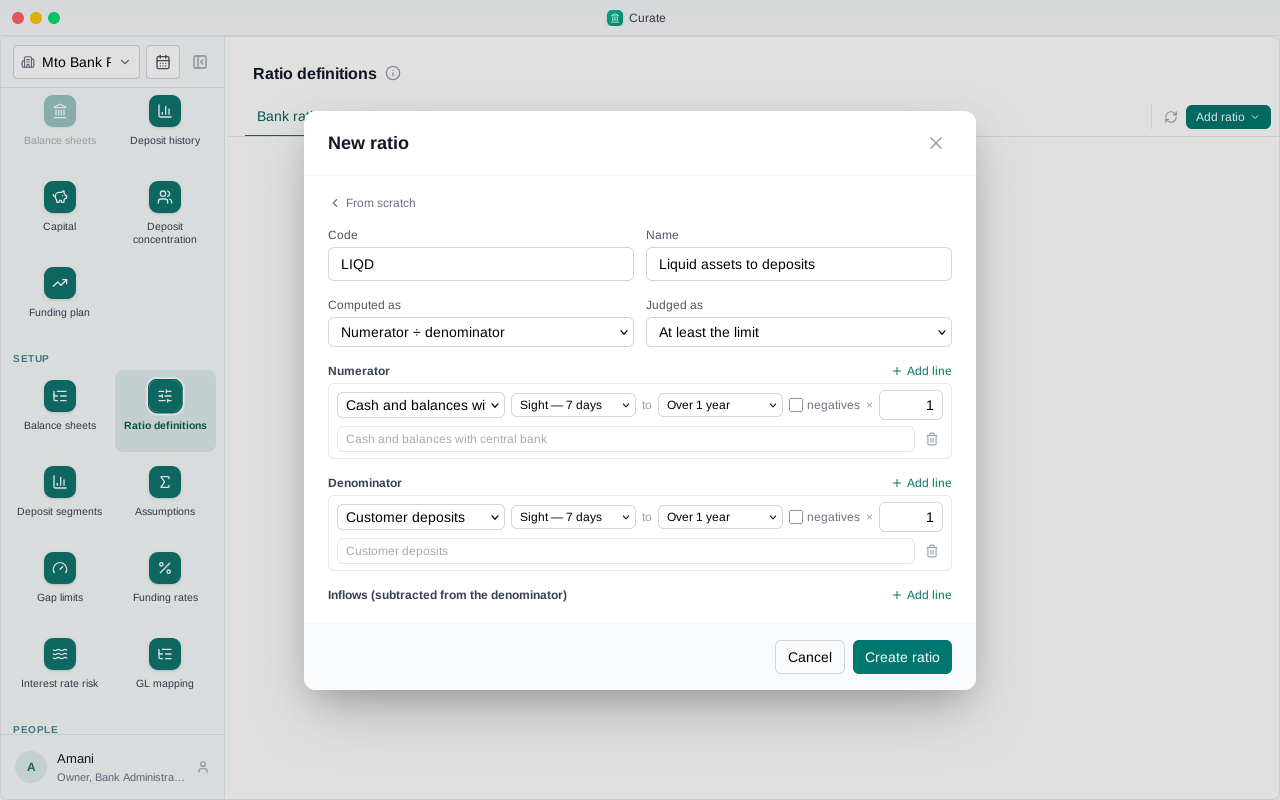
Choose Create ratio.
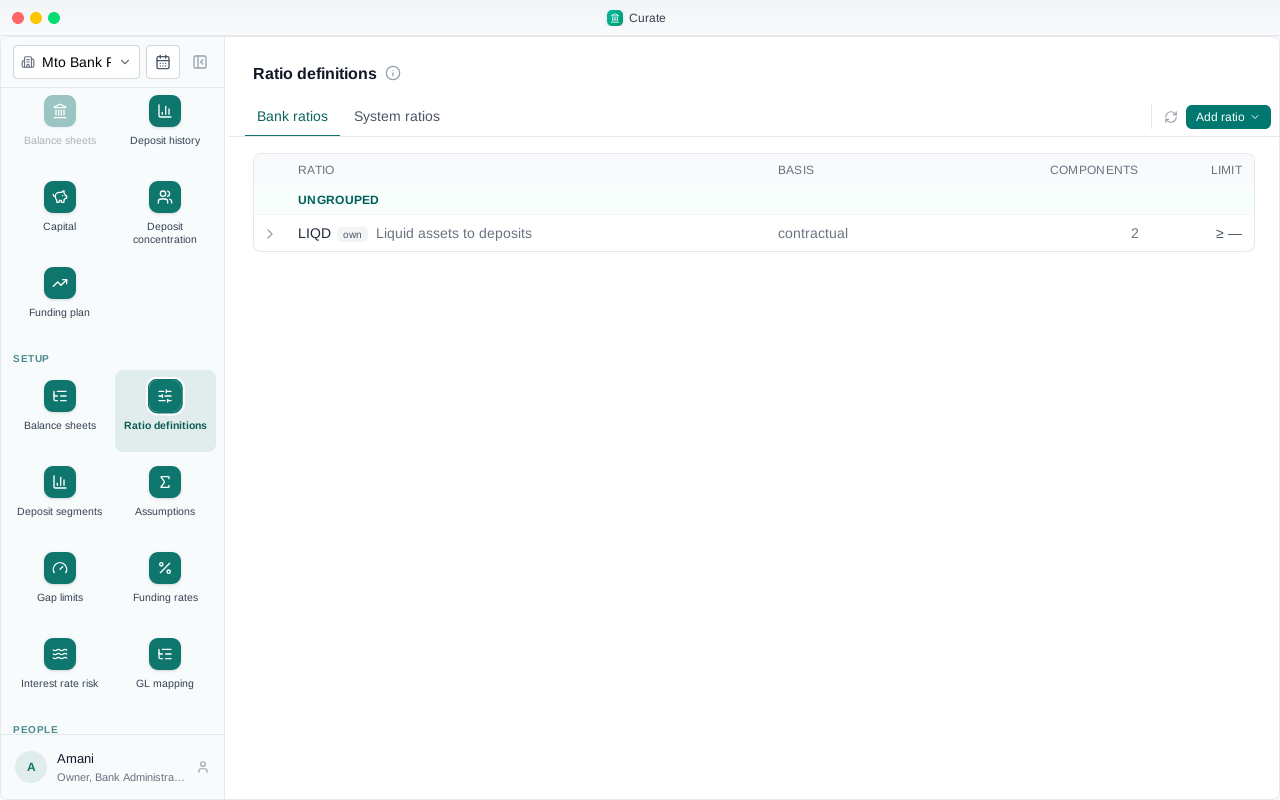
It is listed with the bank's ratios, as the bank's own measure.
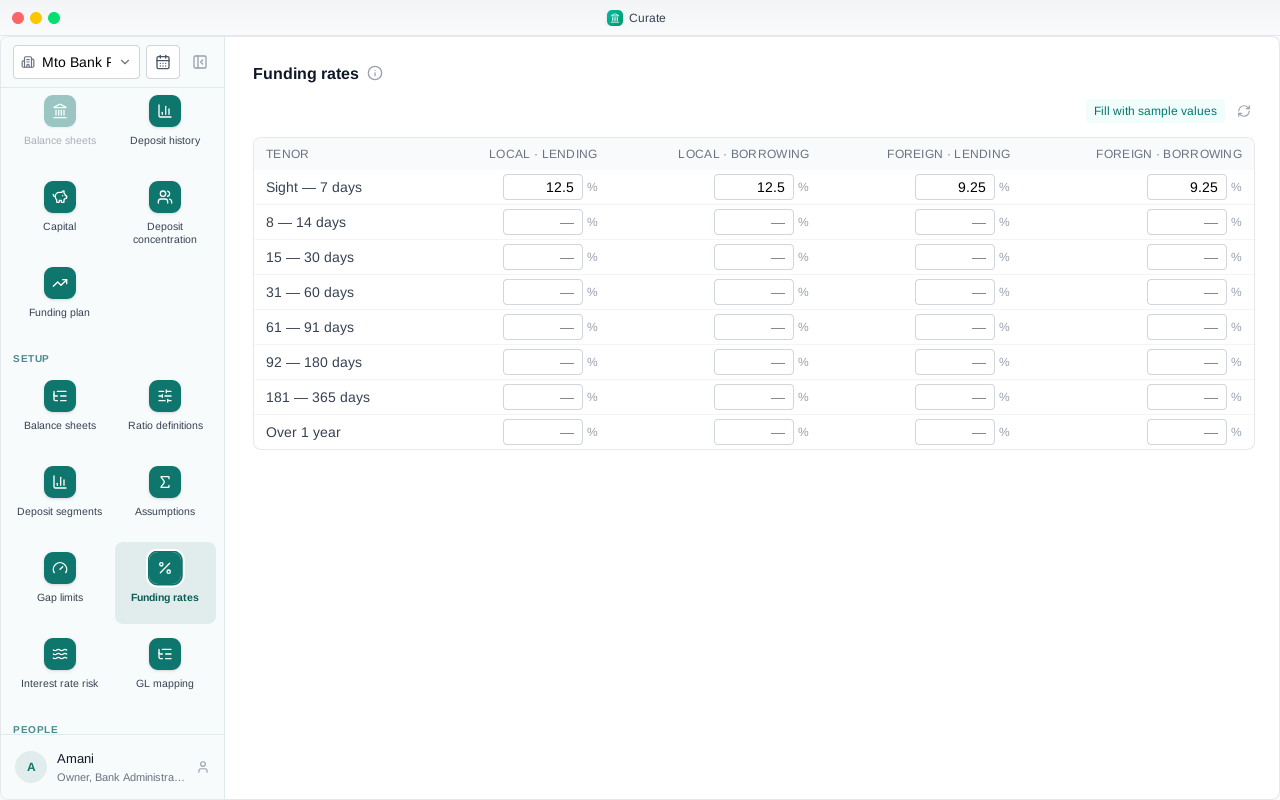
Without sample values for Rwanda, the funding rates are typed in, band by band, from your treasury desk.
The same goes for the interest rate risk settings: each tab is filled by hand. Everything after setup works as it does for any bank.
Chapter 8
Six banks, six ways: majors, the OTH and FCY books, quarter by quarter
Every foreign currency a bank holds has its own balance sheet. The major ones are reported on their own; the rest are added together into one book, OTH. This chapter shows the ways a bank can choose its majors, on six banks set up one way each.
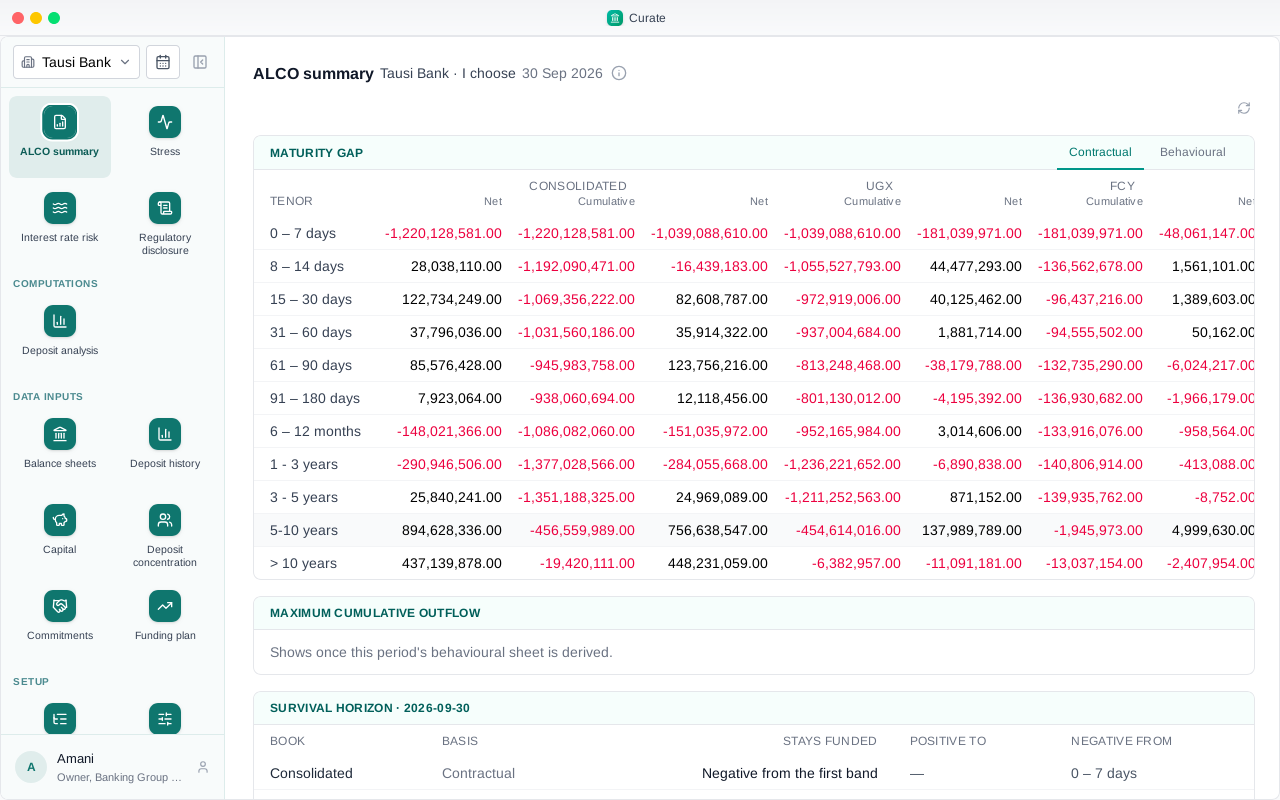
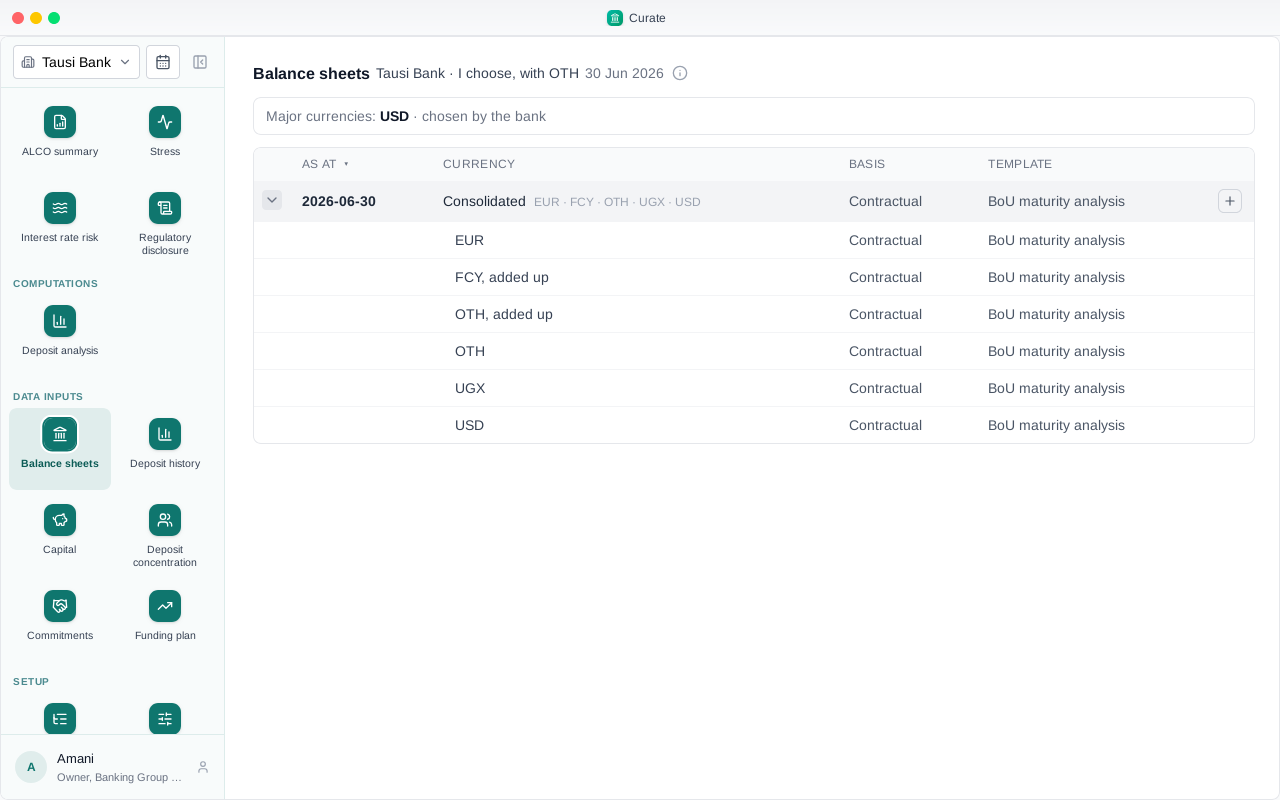
Under Setup, Balance sheets, Currencies, the bank answers one question: how are your major currencies decided. This bank chooses them itself: US dollars and euros.
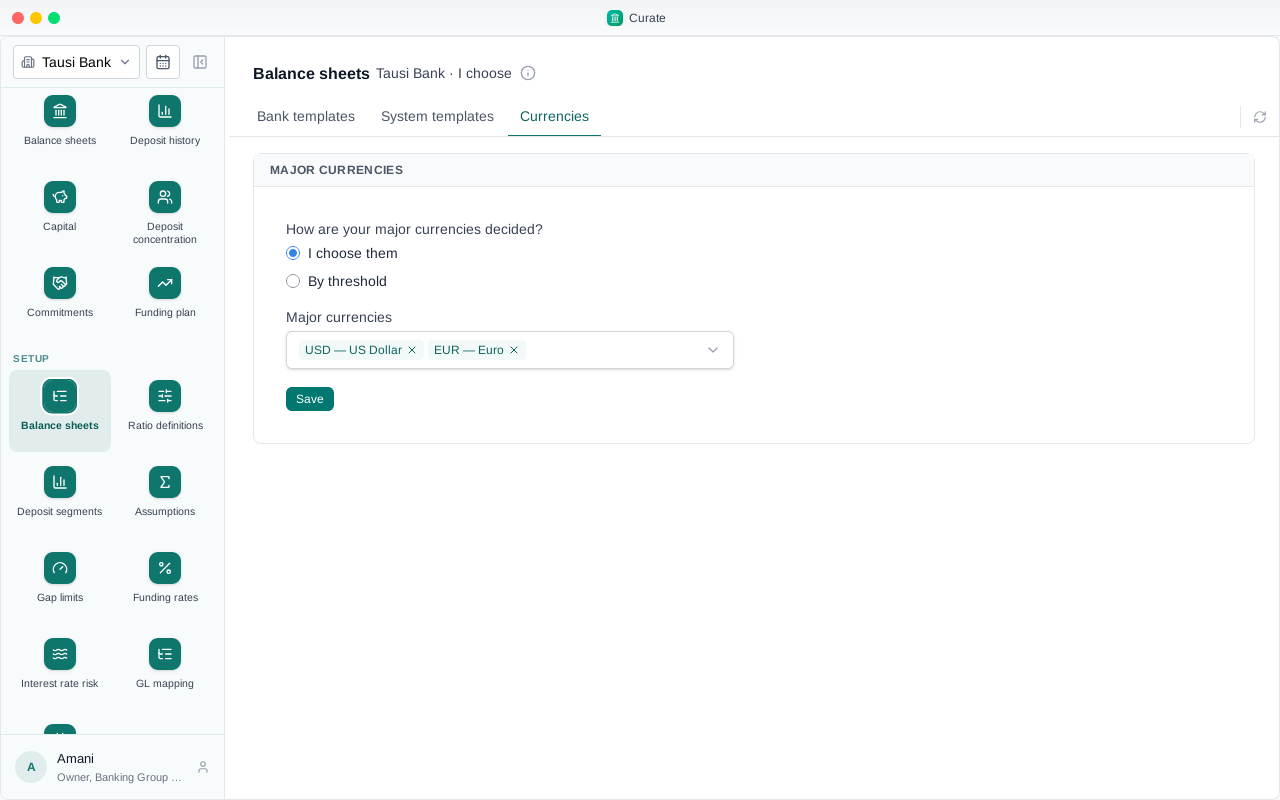
On the balance sheets for the quarter, the page names the period's majors and how they were chosen. Below, a sheet for each currency, and the books Curate adds up from them.
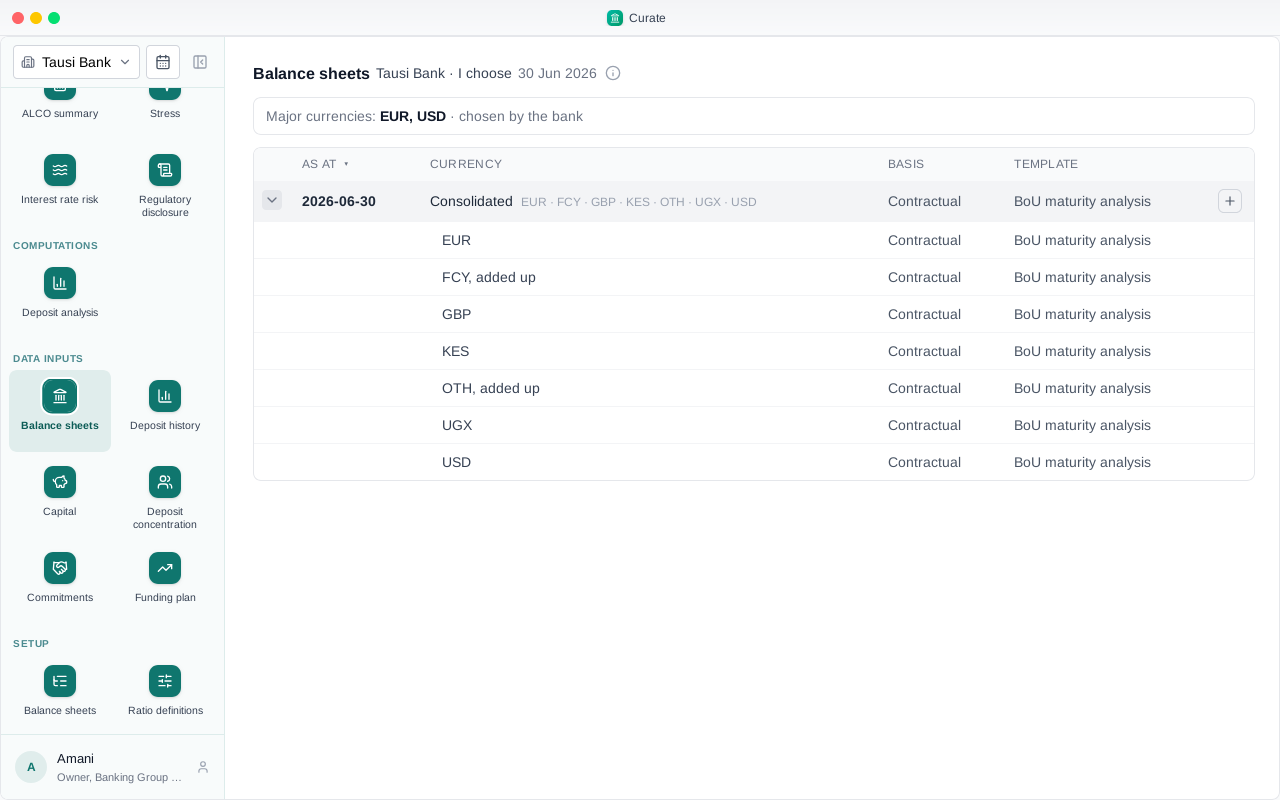
Pounds and Kenya shillings are not major here, so they are added into the OTH book. The FCY book adds up every foreign currency once, majors and the rest.
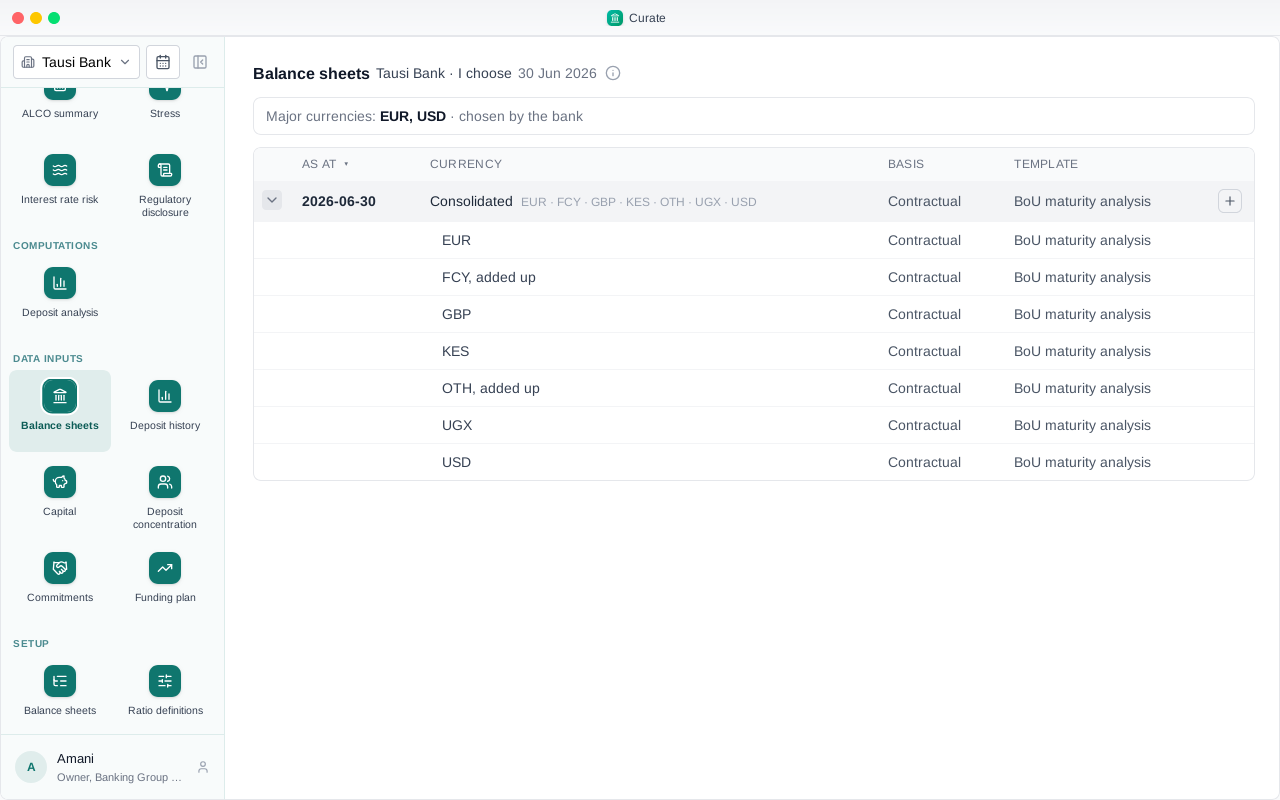
A bank can also enter its small currencies together, on one OTH sheet, rather than one sheet each. This bank names only US dollars, and its OTH book is its OTH sheet plus every other currency it filed on its own.
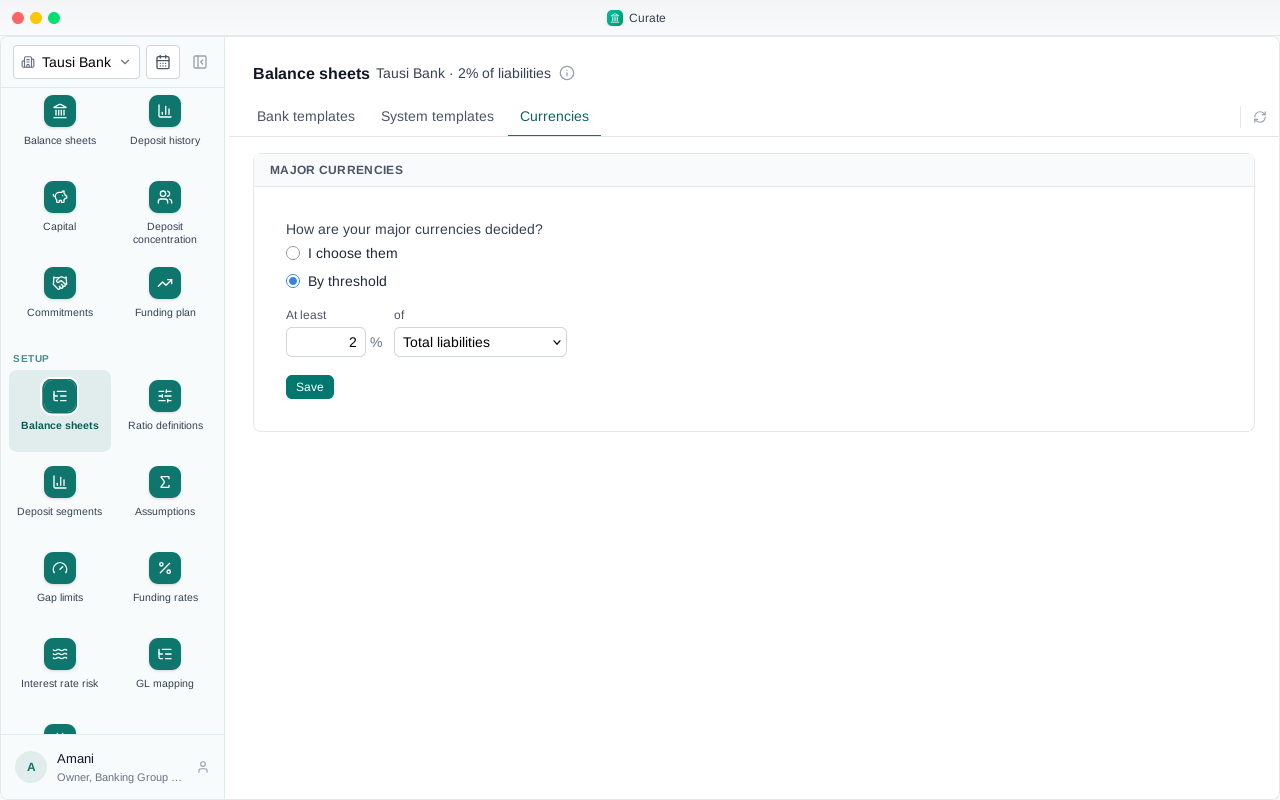
The other way is a threshold: every foreign currency whose share of a base reaches it is major for that quarter. This bank takes 2% of total liabilities.
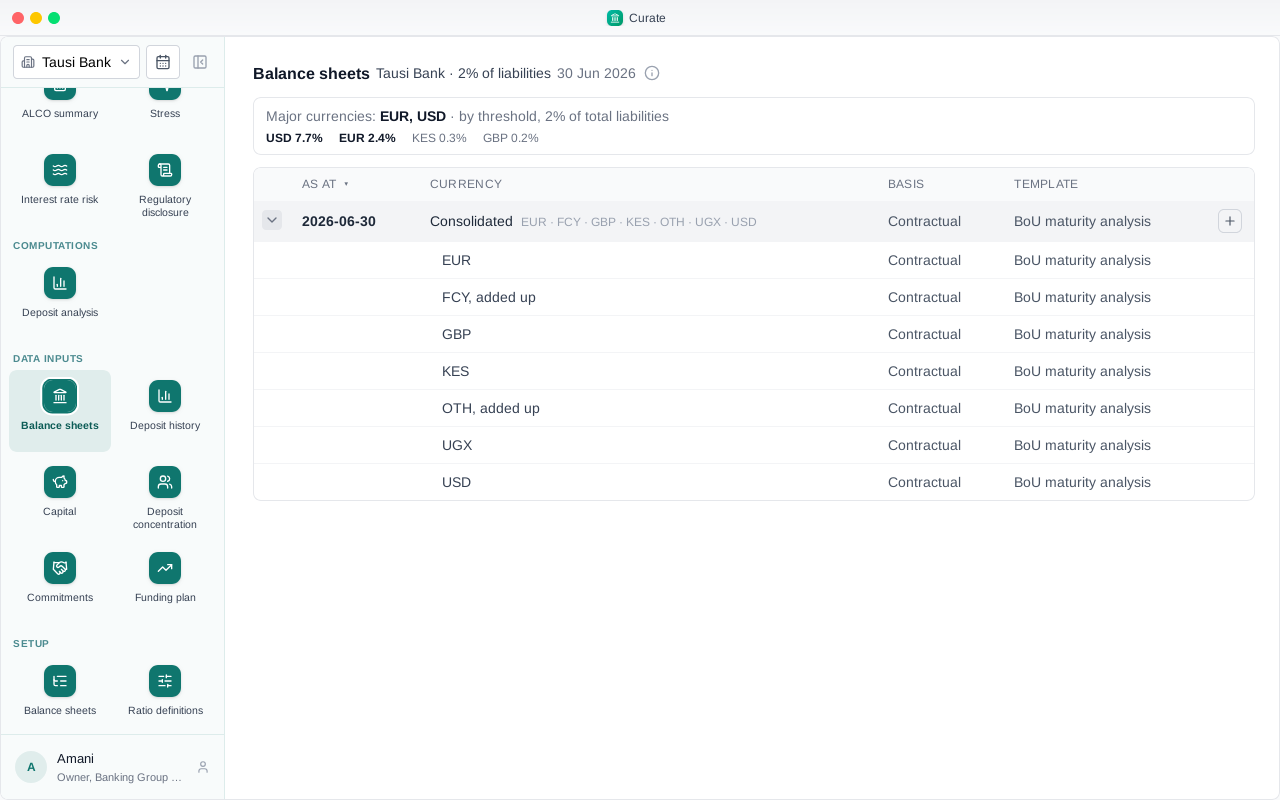
At the end of June, US dollars are 7.7% of its liabilities and euros 2.4%, so both are major. Kenya shillings, at 0.3%, go into OTH.
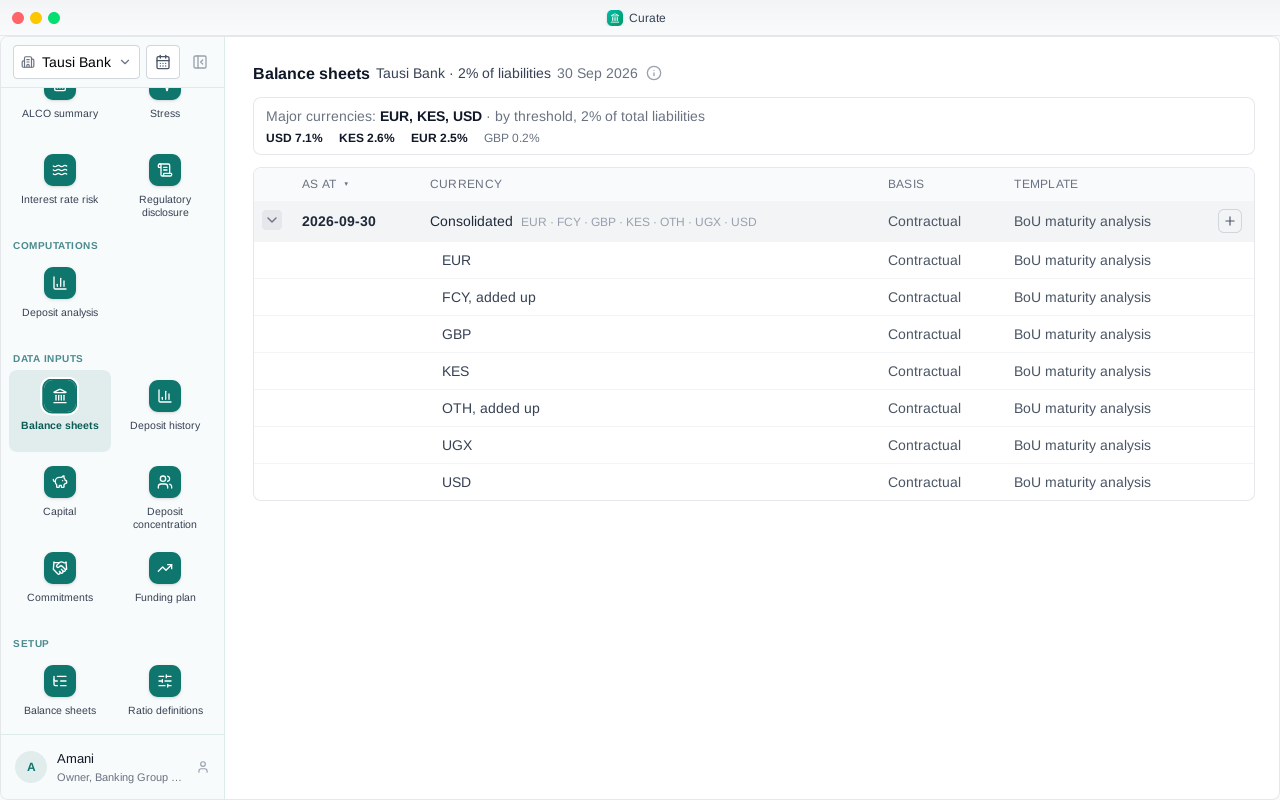
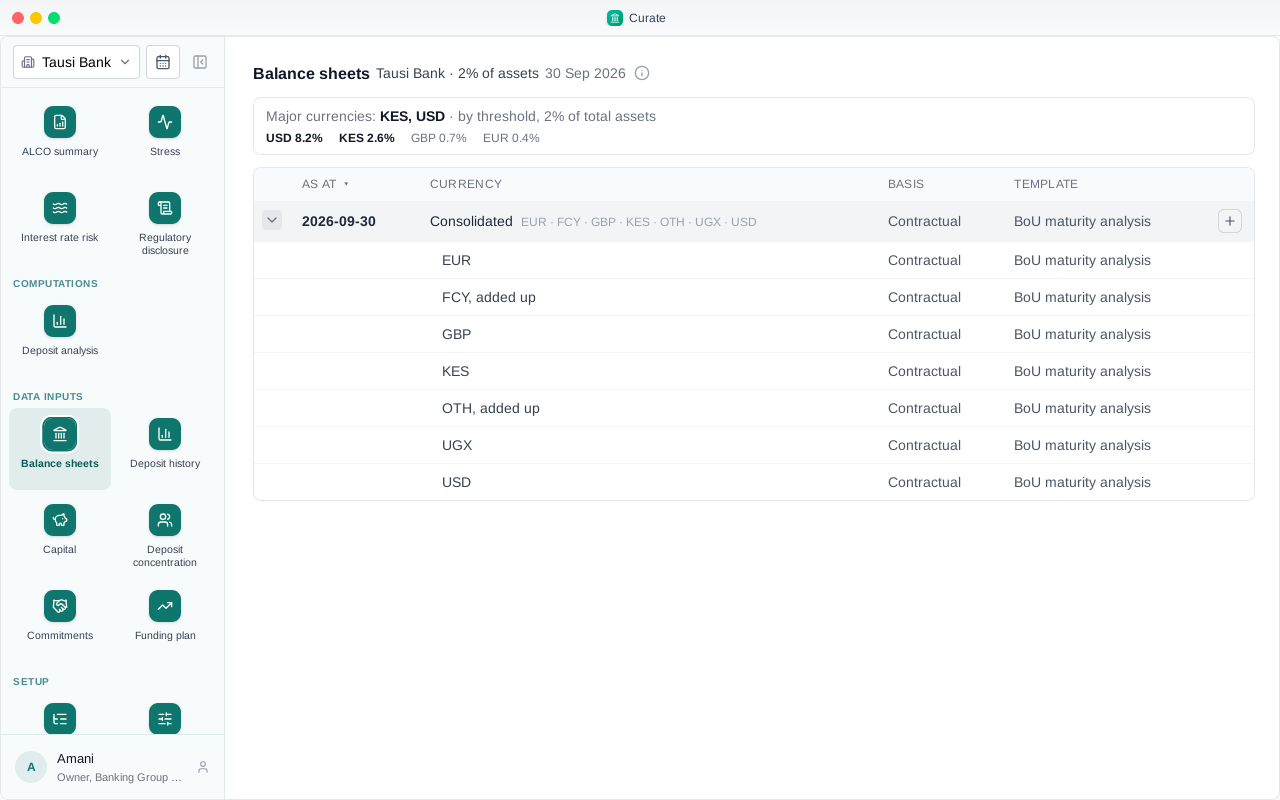
By September the shillings have grown to 2.6%, so this quarter they are major too, with a book of their own. June keeps the majors it was worked out with.
The base can be total assets instead. Measured against assets, pounds were major in June at 2.7%.
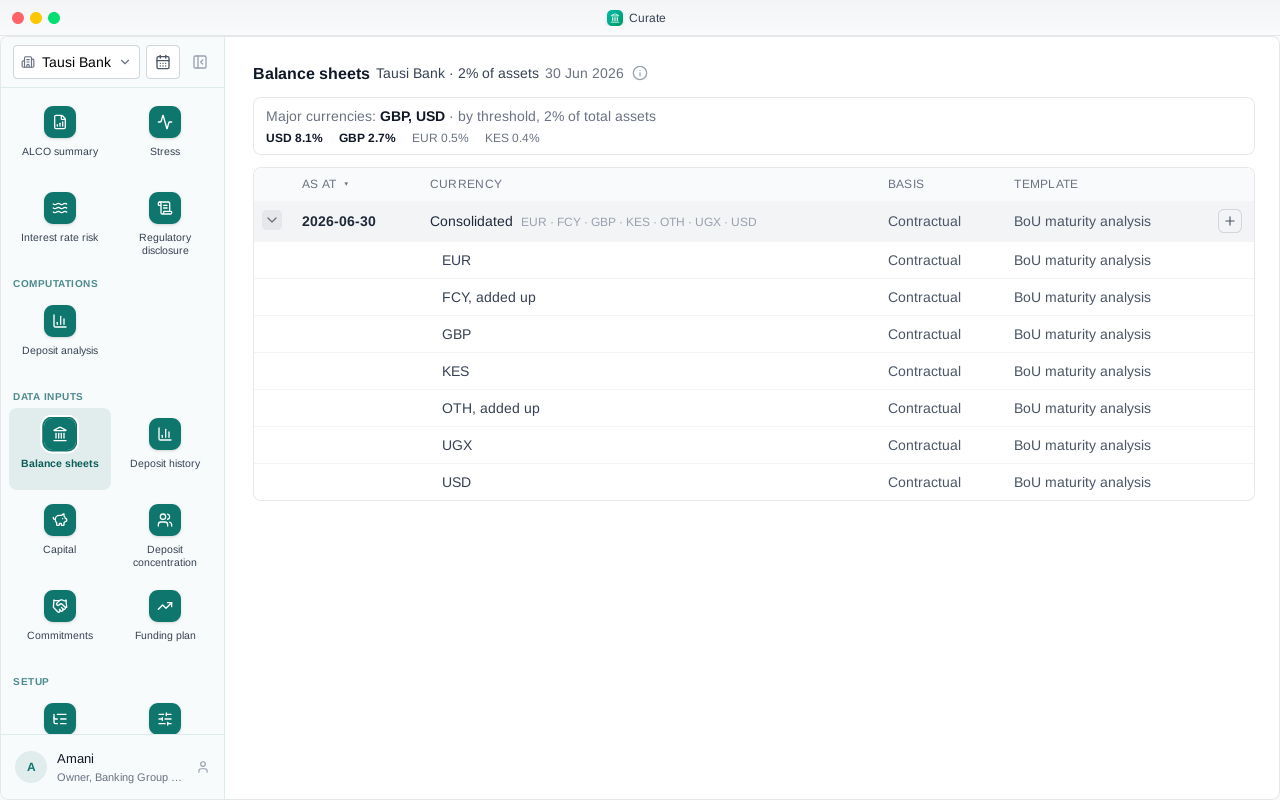
In September pounds fell to 0.7% and went into OTH, and shillings came in at 2.6%.
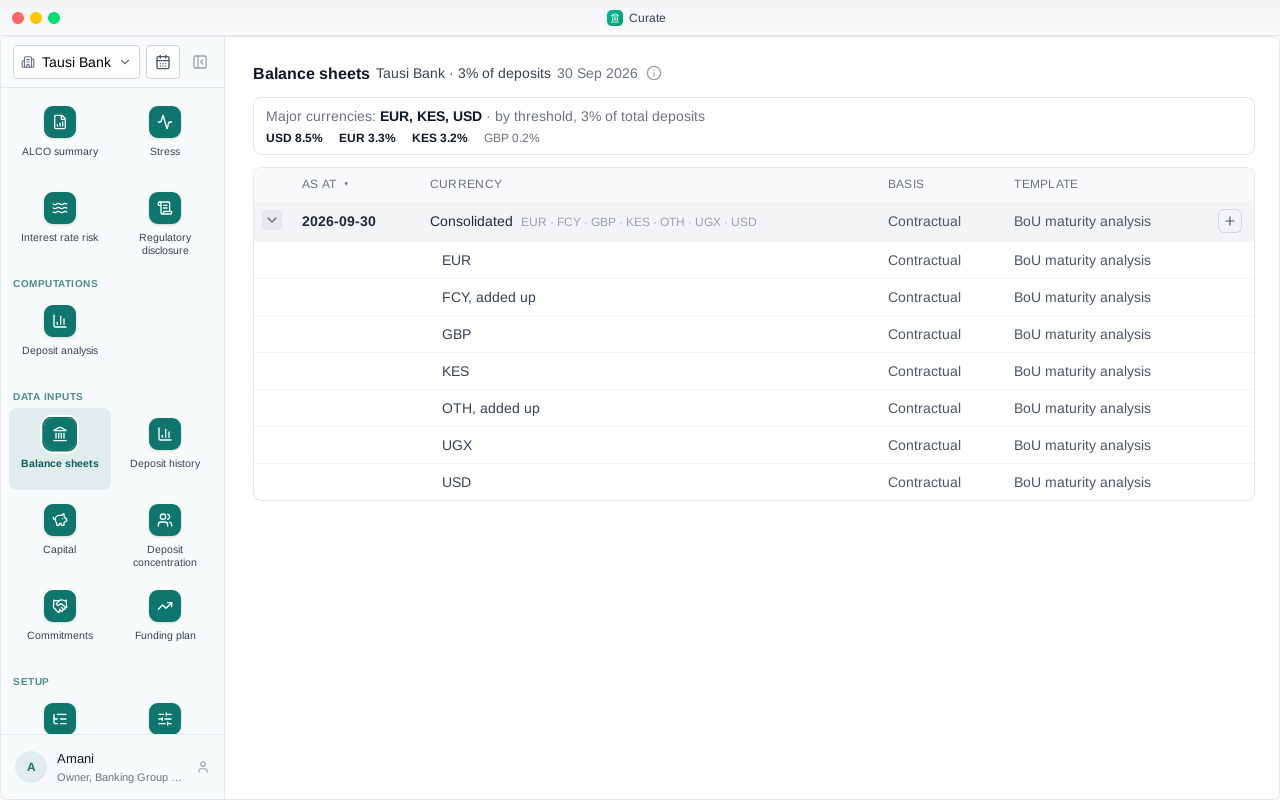
Against total deposits, at 3%, September has three majors: US dollars, euros and Kenya shillings.
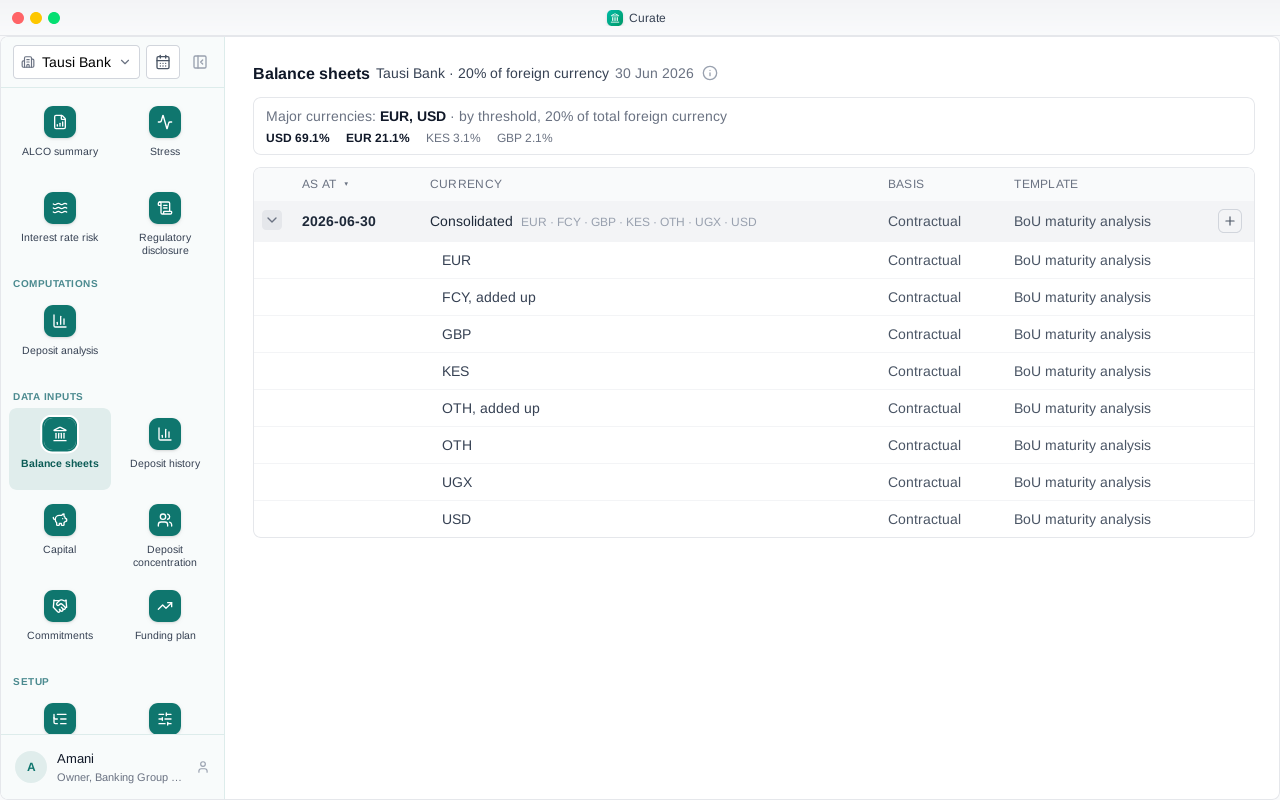
The last base is the foreign currency book itself: a currency is major when it is at least 20% of all foreign currency. In June that is US dollars and euros, euros at 21.1%.
In September euros are 19.5%, just under, and go into OTH. Kenya shillings, at 20.5%, take their place.
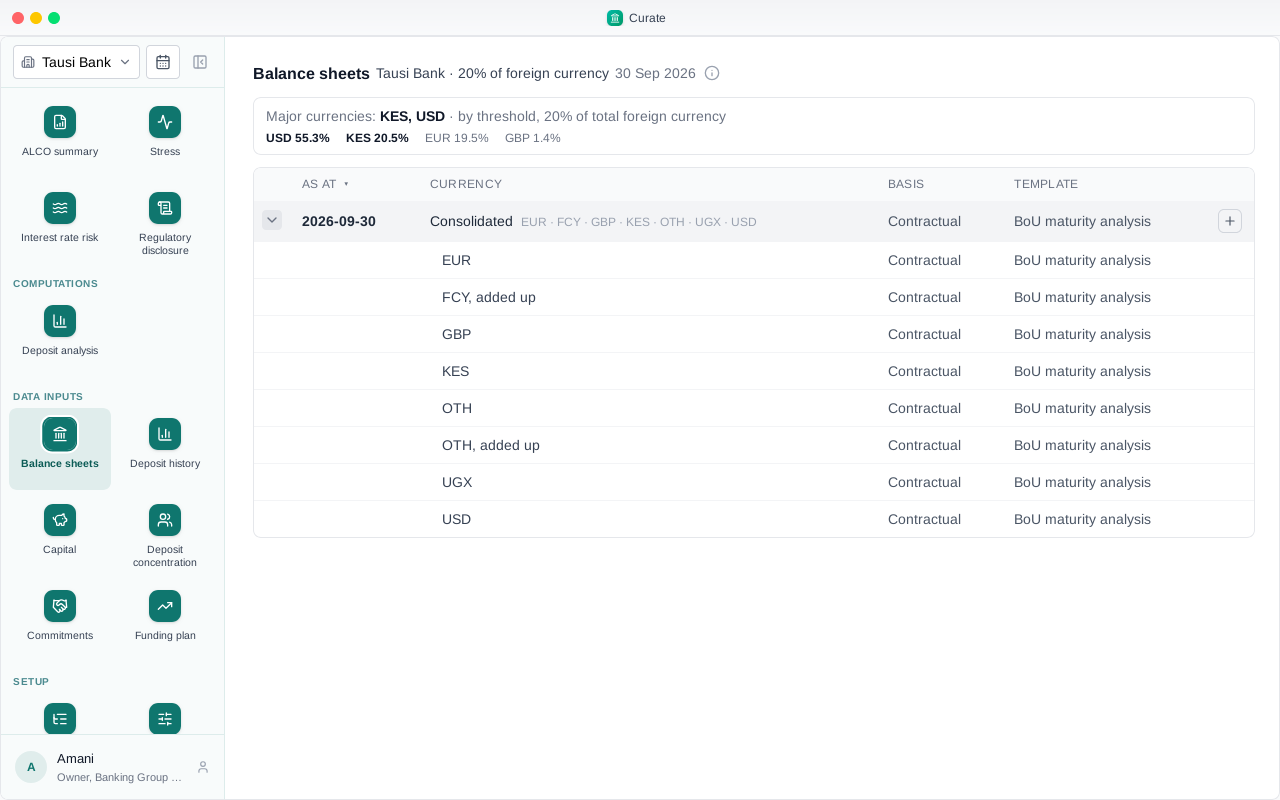
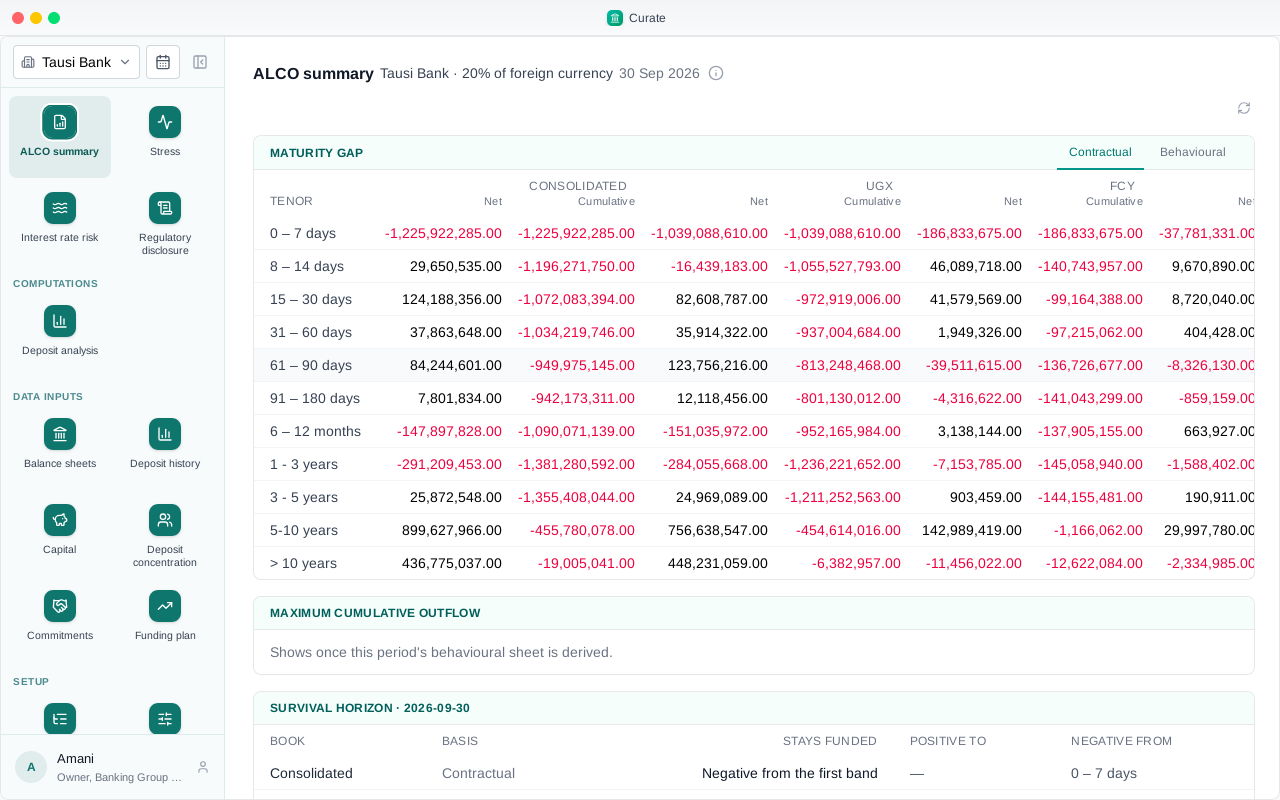
The reports follow the books. The ALCO summary for September has a column for each: the consolidated bank, the local currency, the FCY book, each major, and OTH.
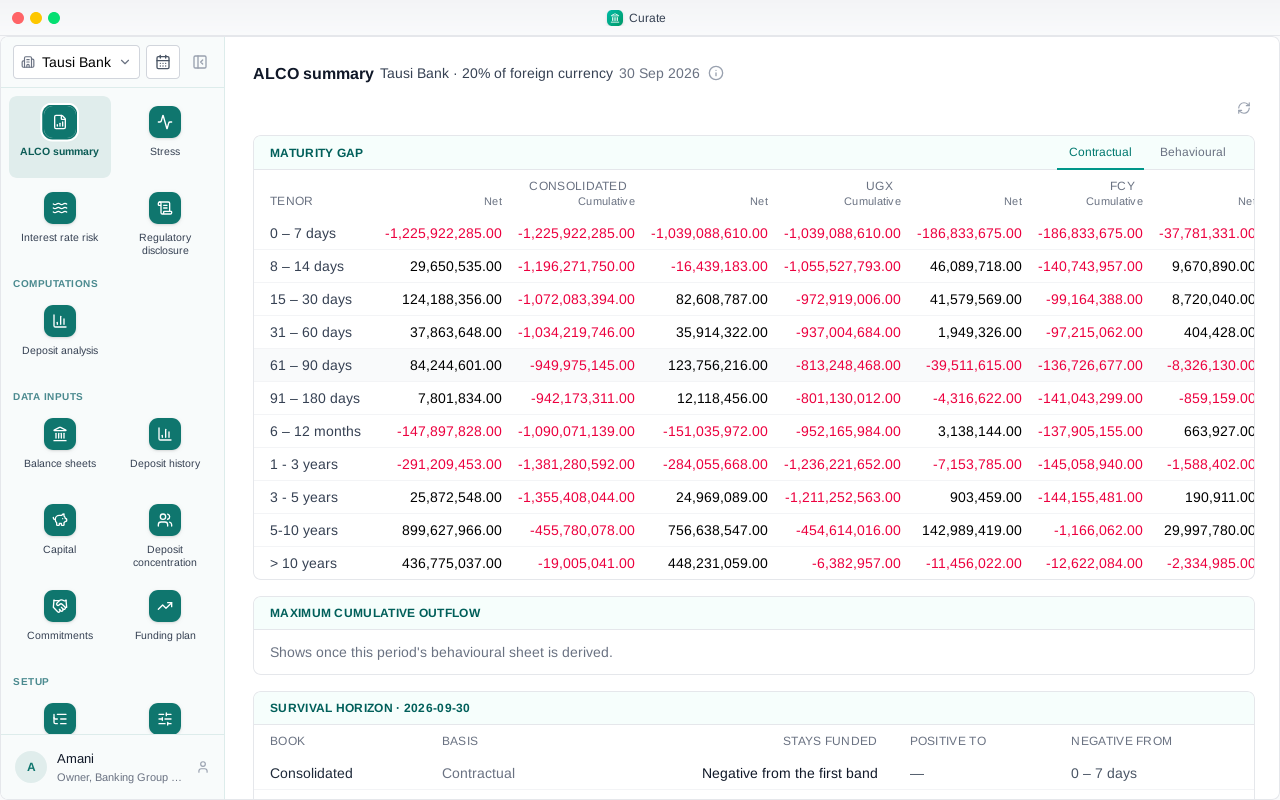
Change the way majors are chosen and new periods follow it. Periods already made keep the rule they were made with.
Chapter 9
A quarter's balance sheets in, the contractual reports out
This chapter takes one bank from an empty quarter to its contractual reports. The bank is set up, and its major currencies are chosen by threshold: 2% of total liabilities.
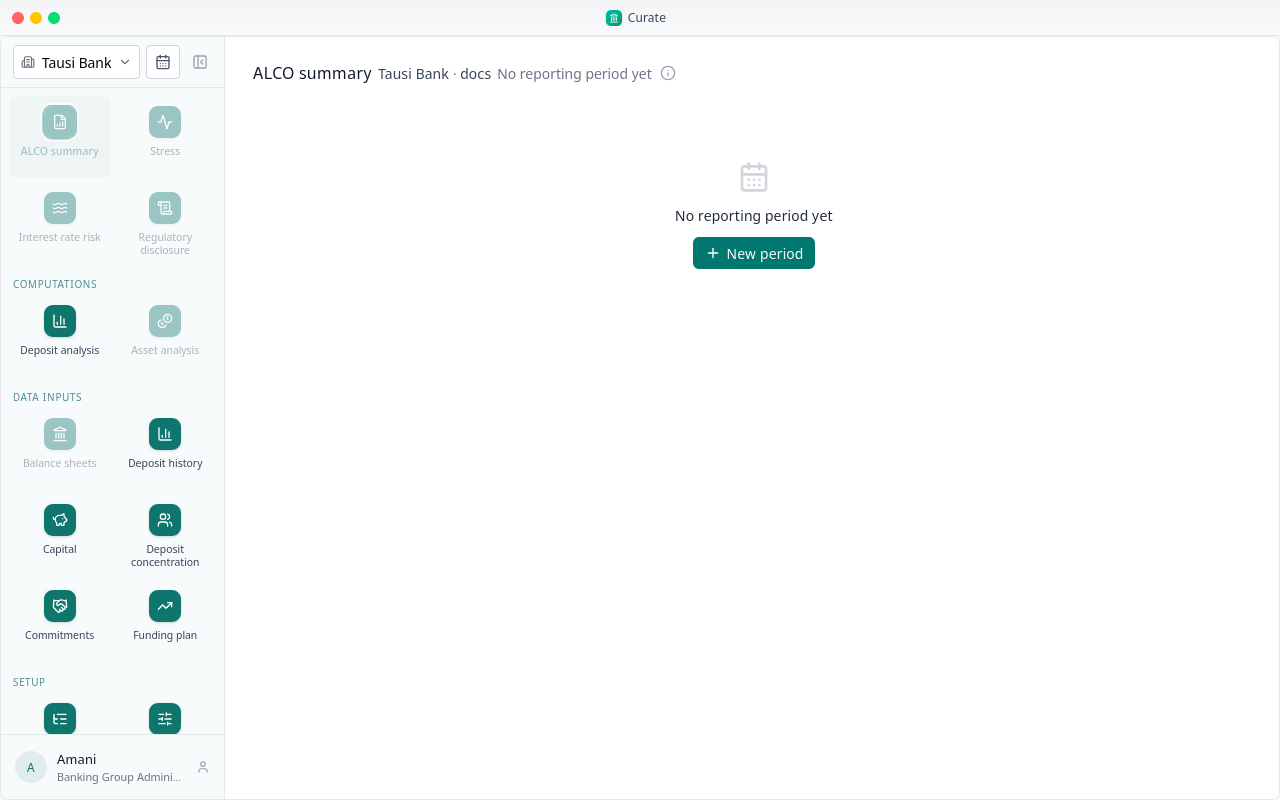
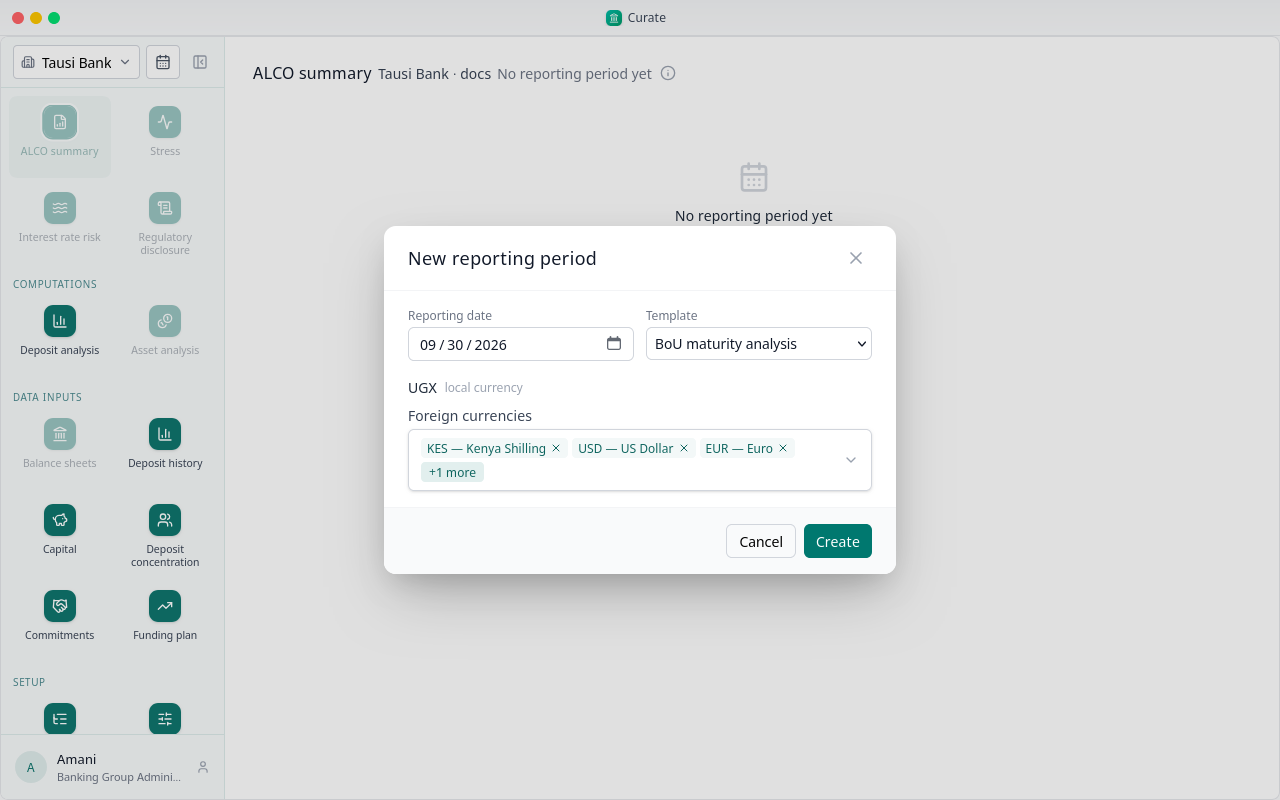
A new period for 30 September. The bank holds US dollars, euros, pounds and Kenya shillings, so each gets a sheet of its own beside the local one.
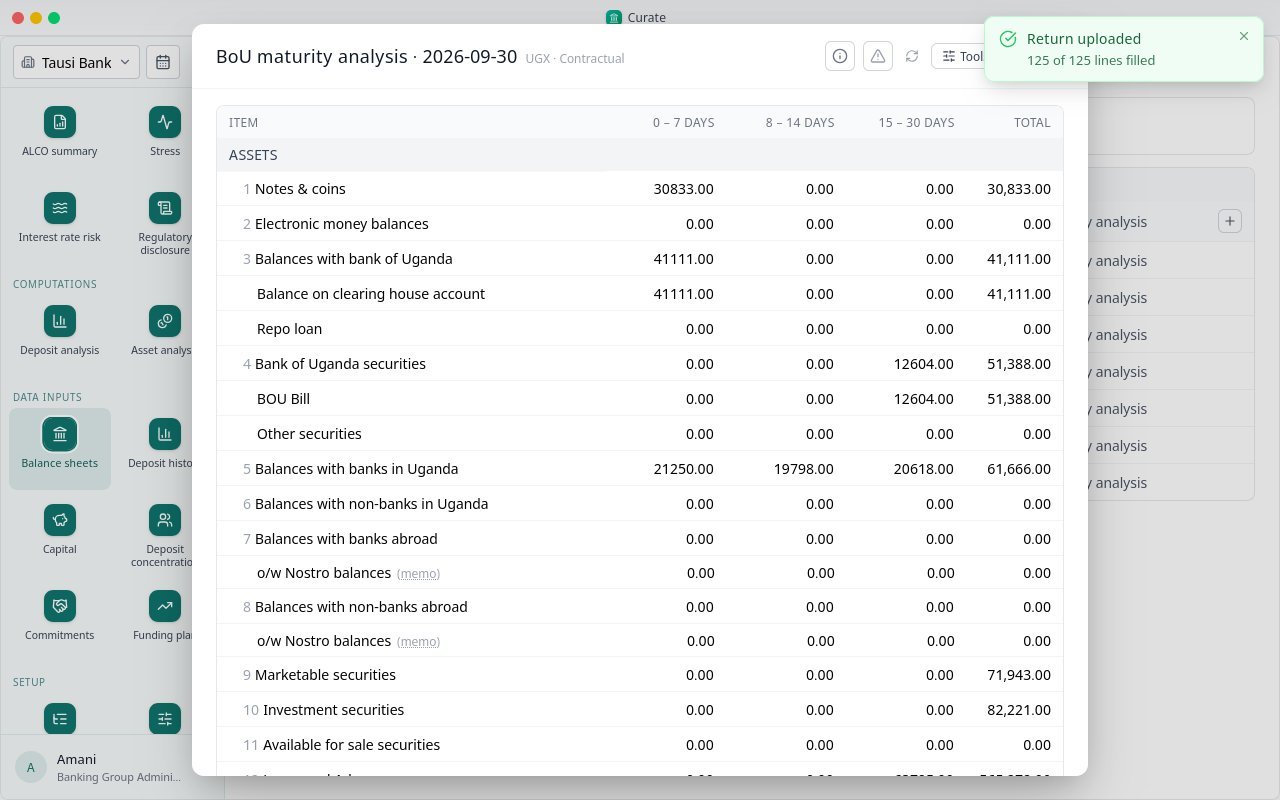
Each sheet is filled from the return the bank sends the regulator: open it, and under the sheet tools choose Upload return.
The local sheet is in. The four foreign ones go in the same way.
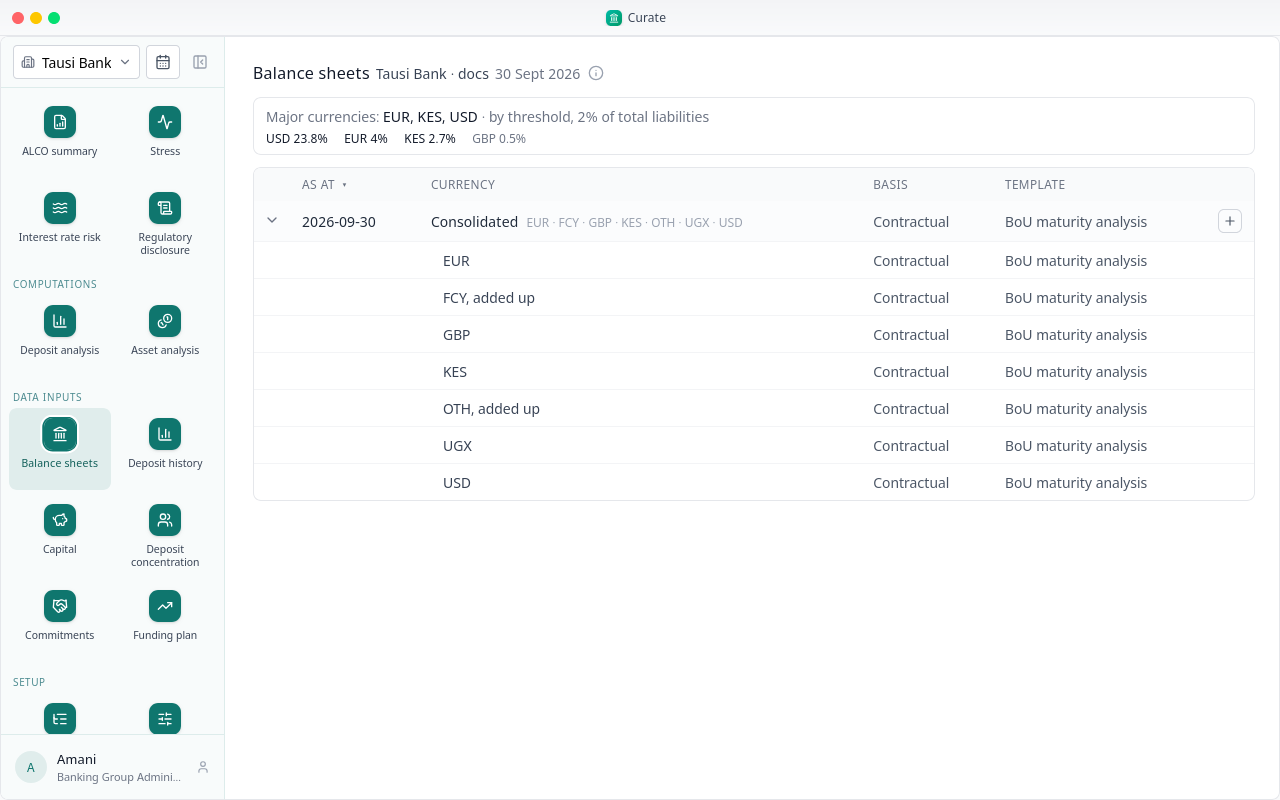
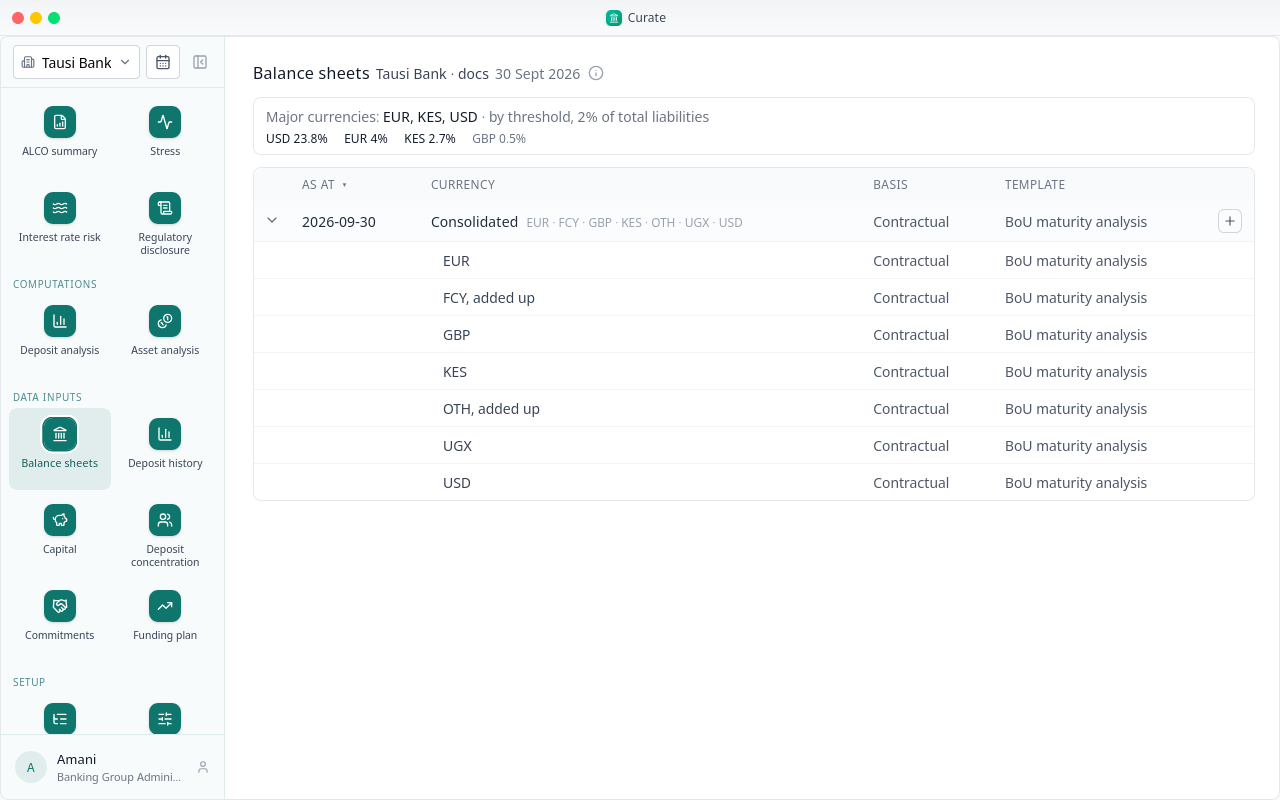
With every sheet in, Curate works out the period's majors, here euros, Kenya shillings and US dollars, and adds up the consolidated sheet, the OTH book and the FCY book.
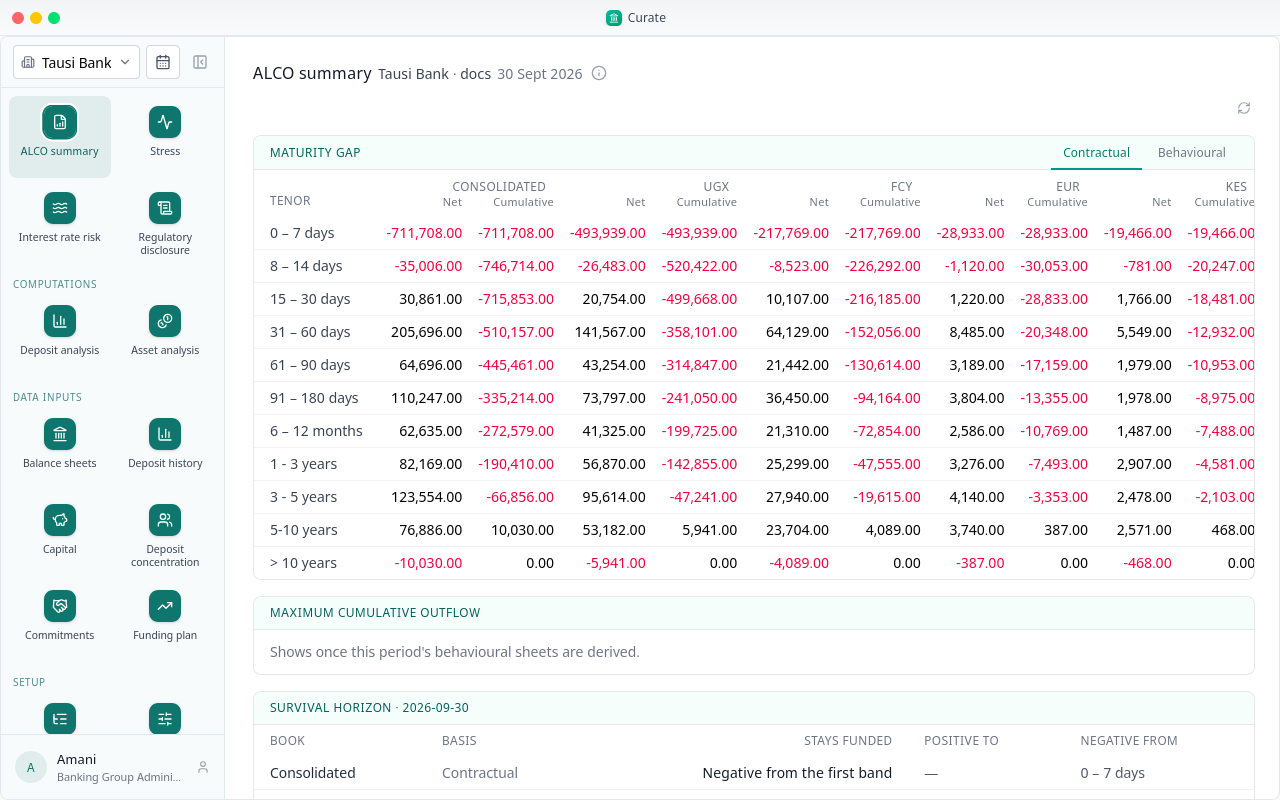
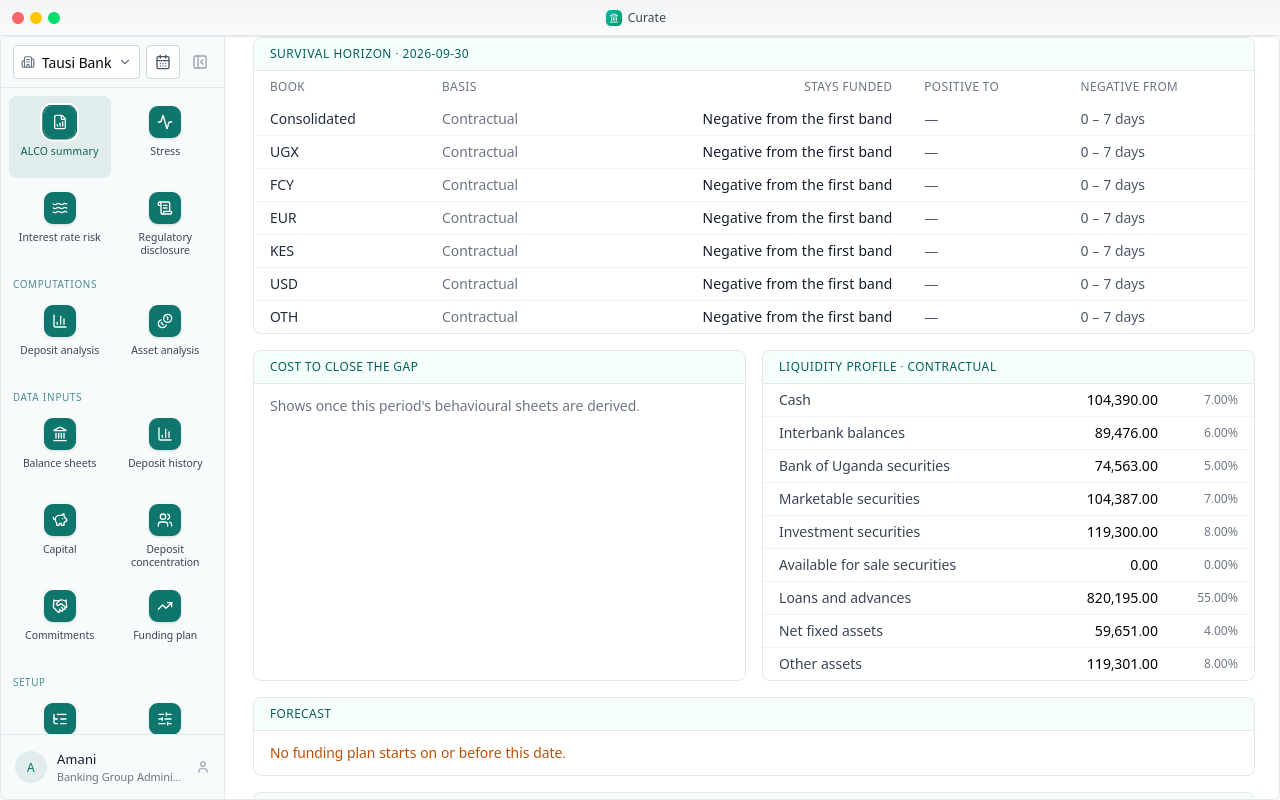
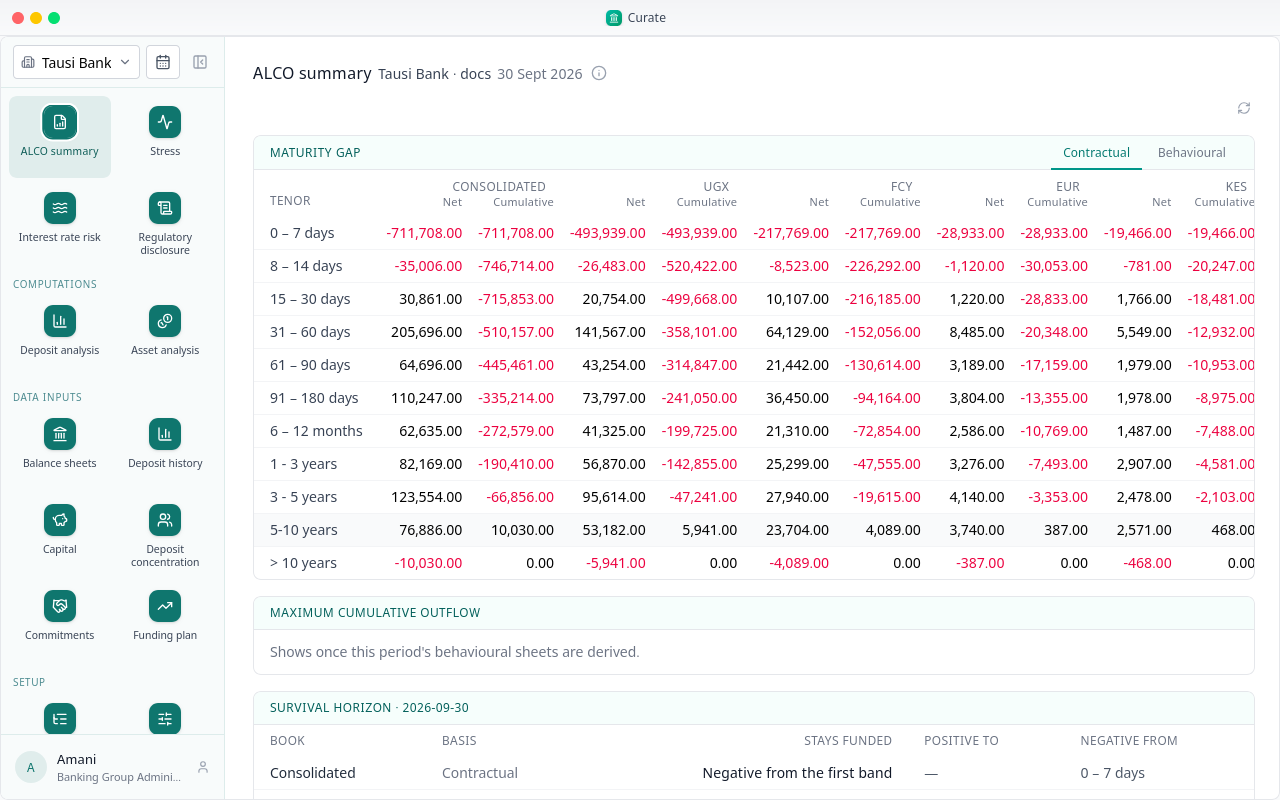
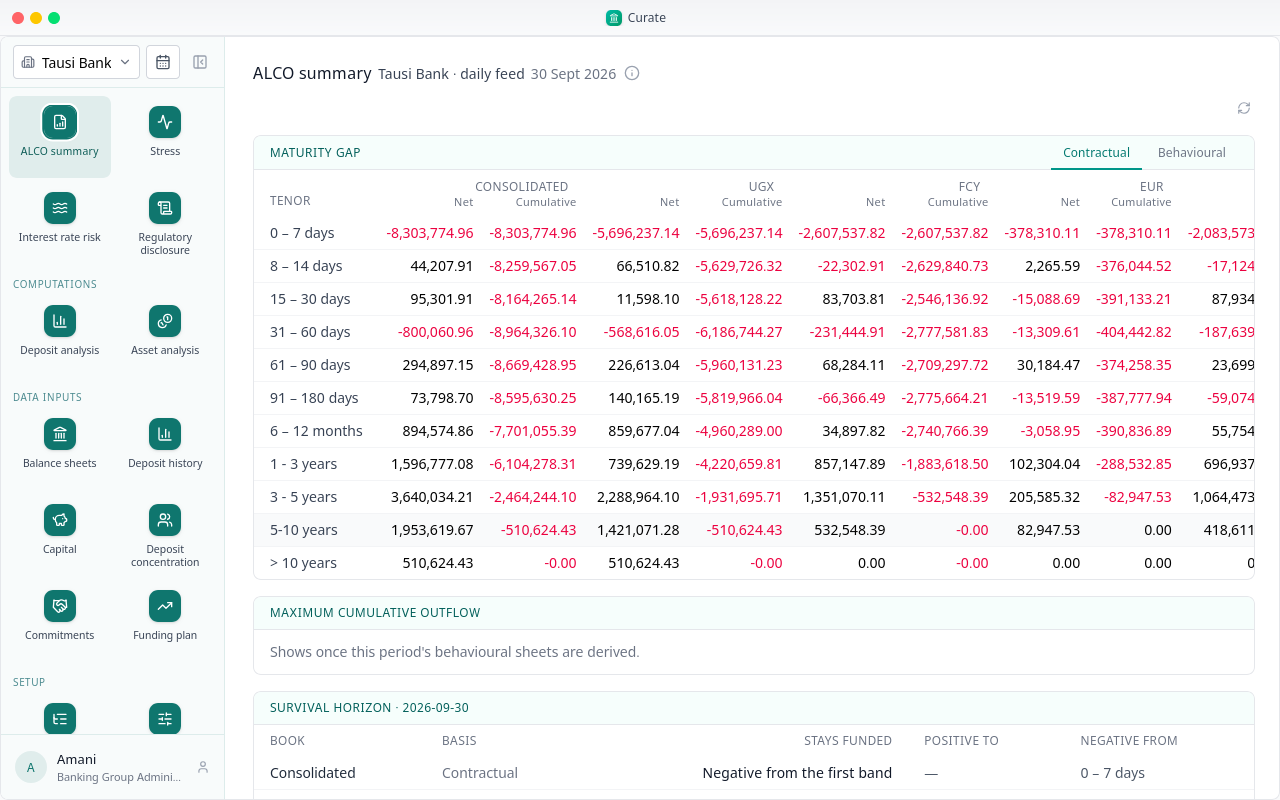
The ALCO summary is ready from the balance sheets alone. First the maturity gap, contractual, for the consolidated bank and each book.
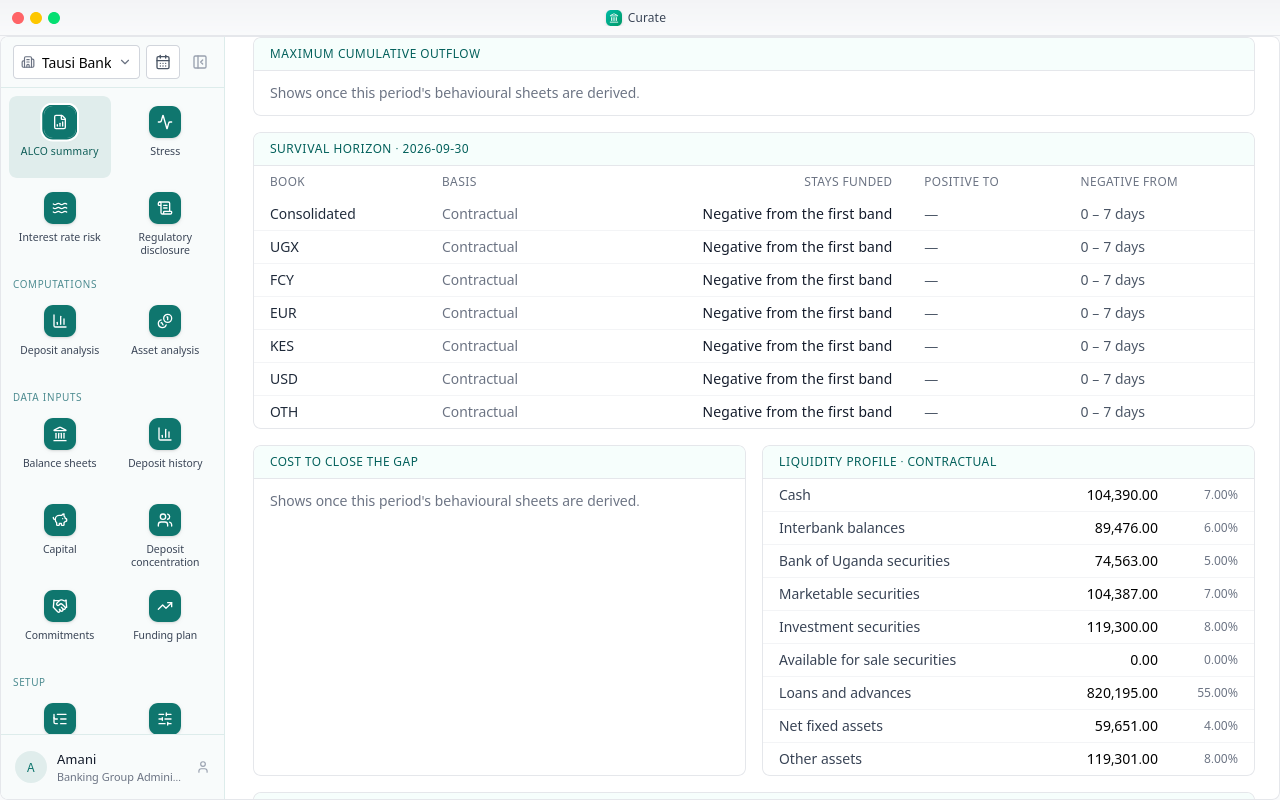
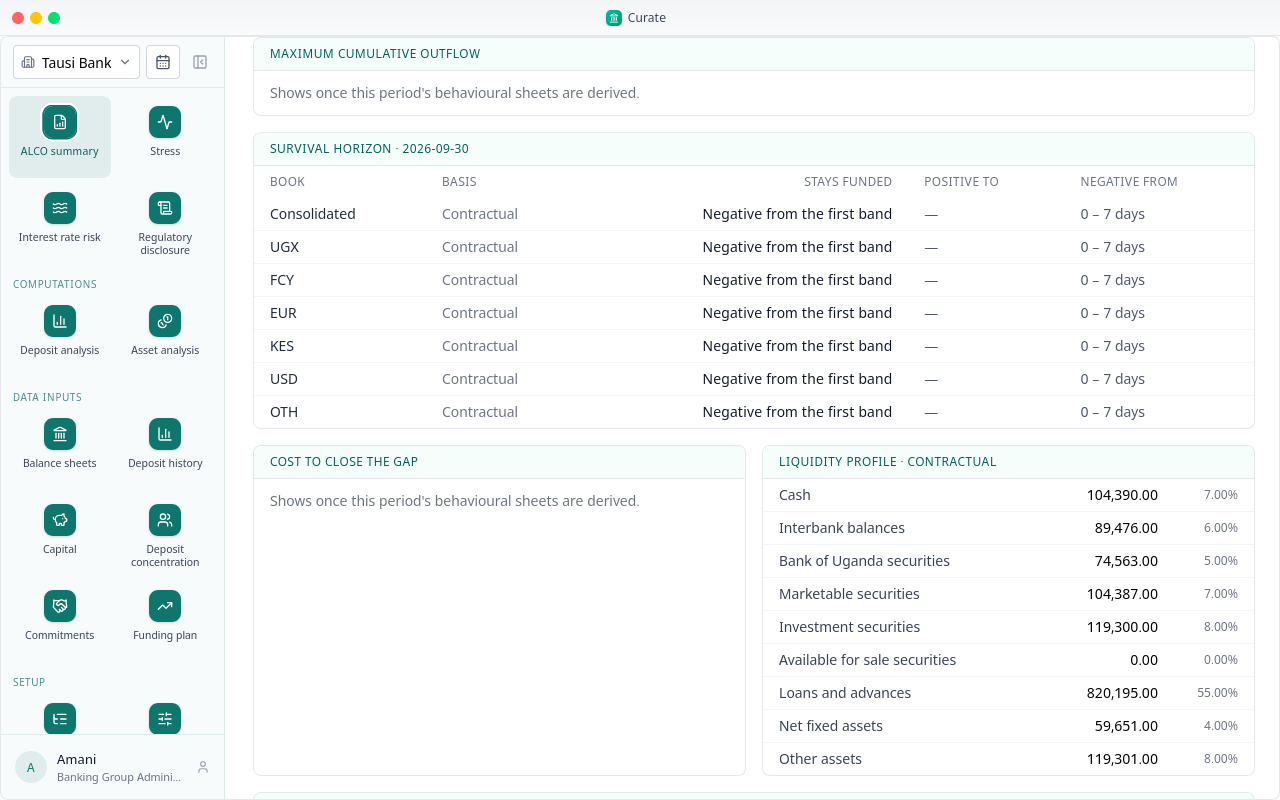
The liquidity profile: the bank's assets by how readily they turn to cash, each class with its share.
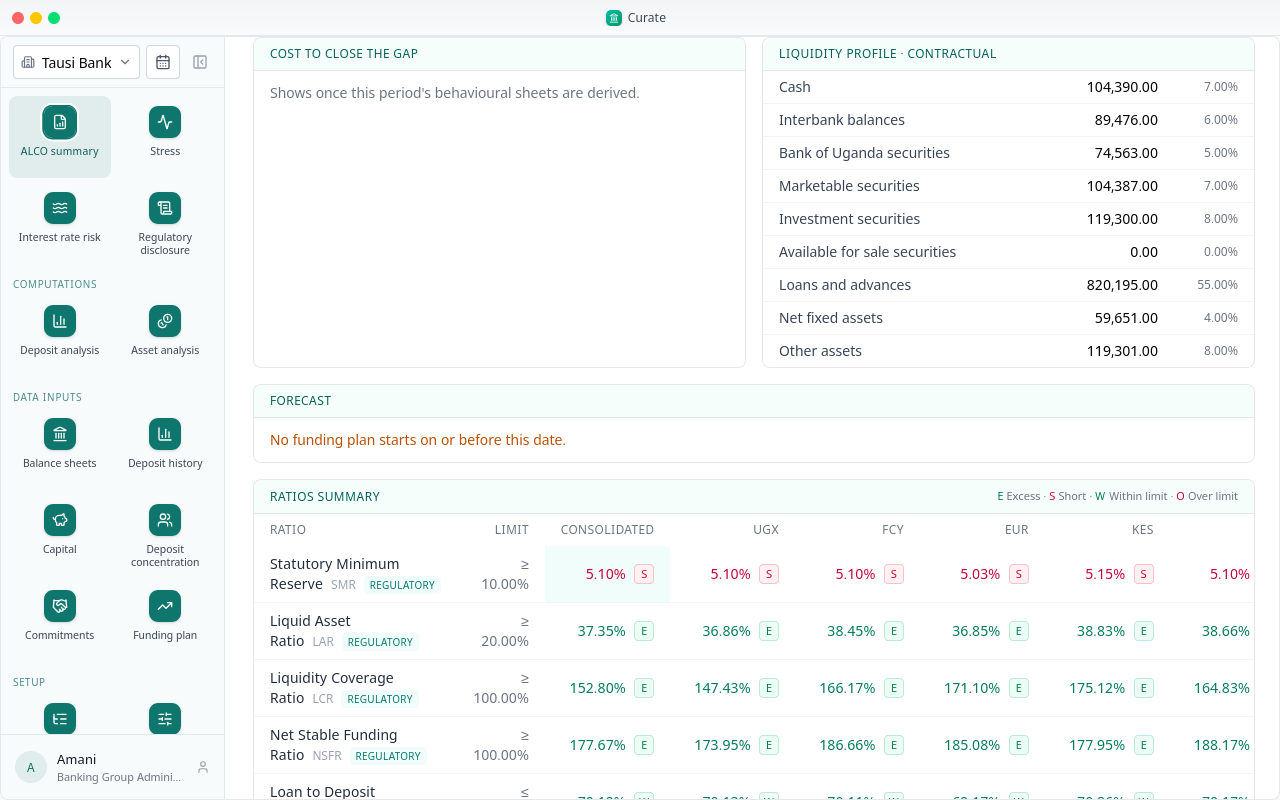
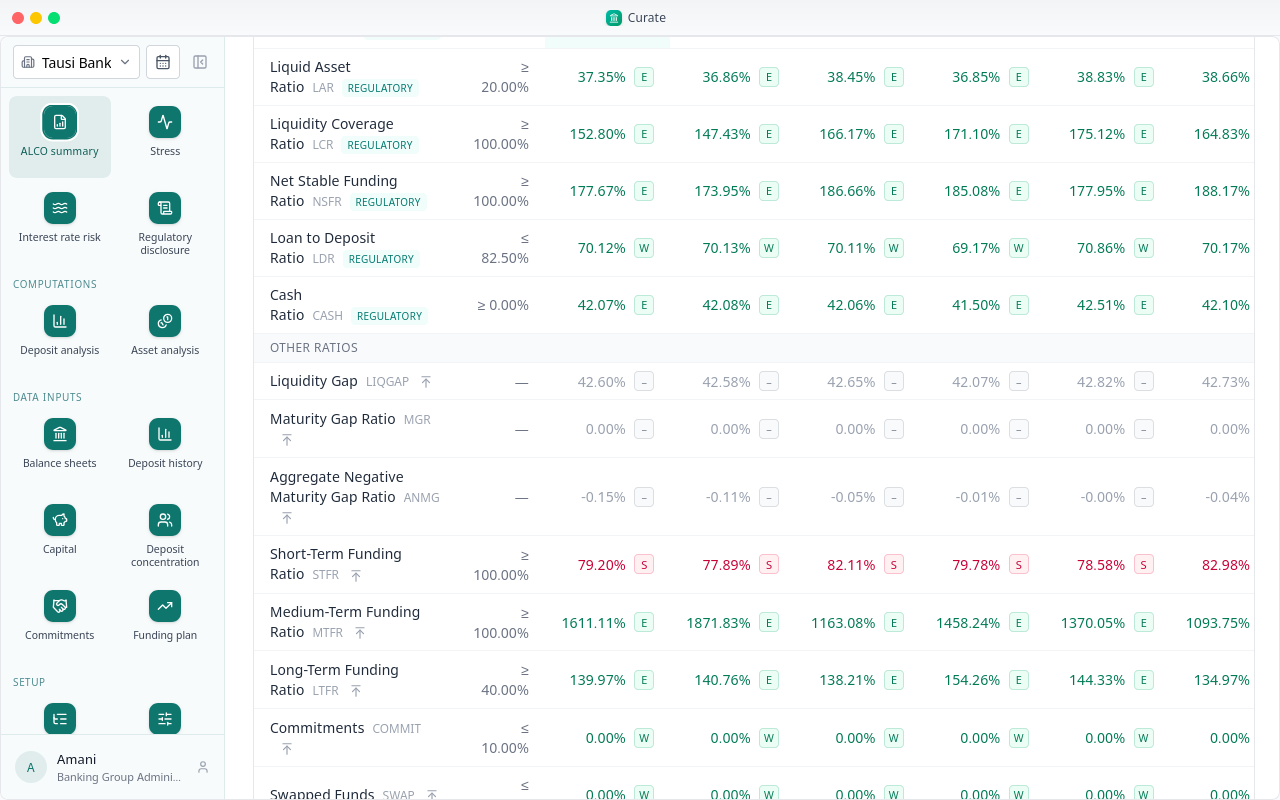
Then every contractual ratio the regulator asks for, for each book, against its limit.
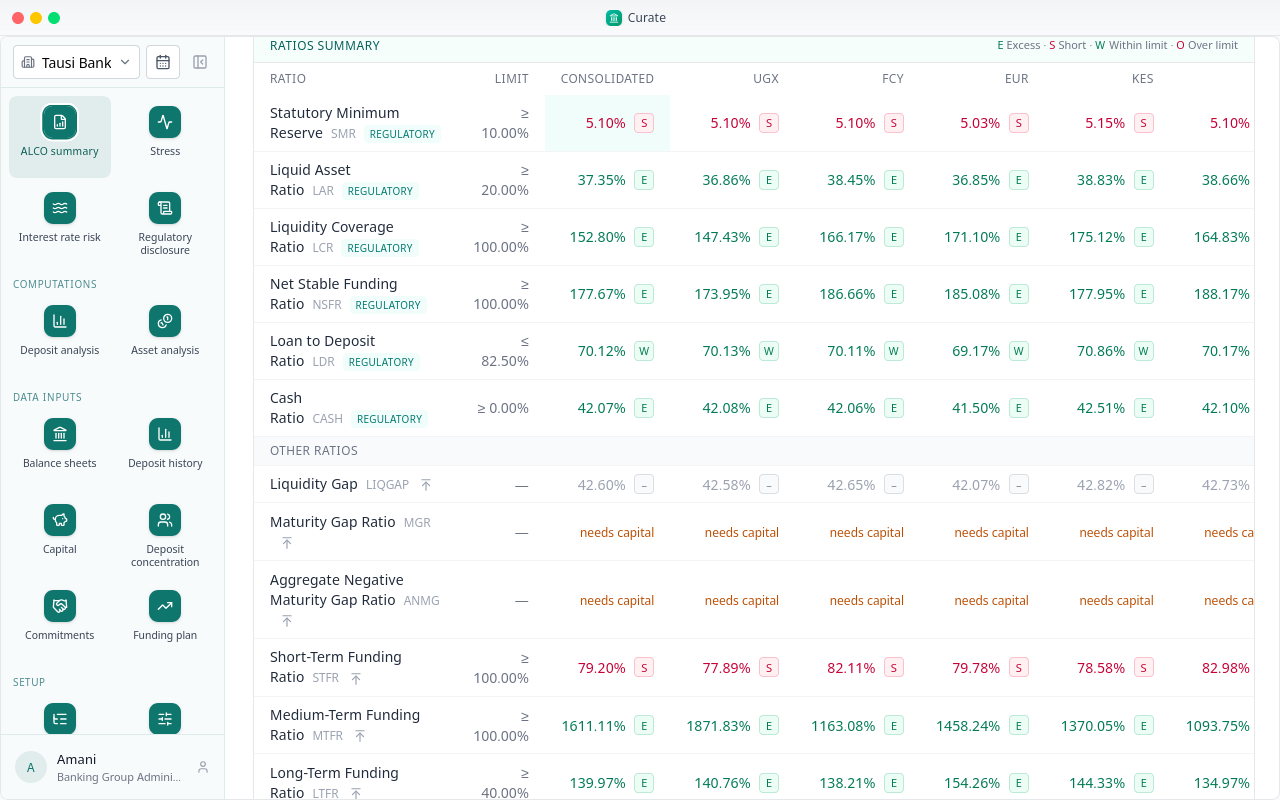
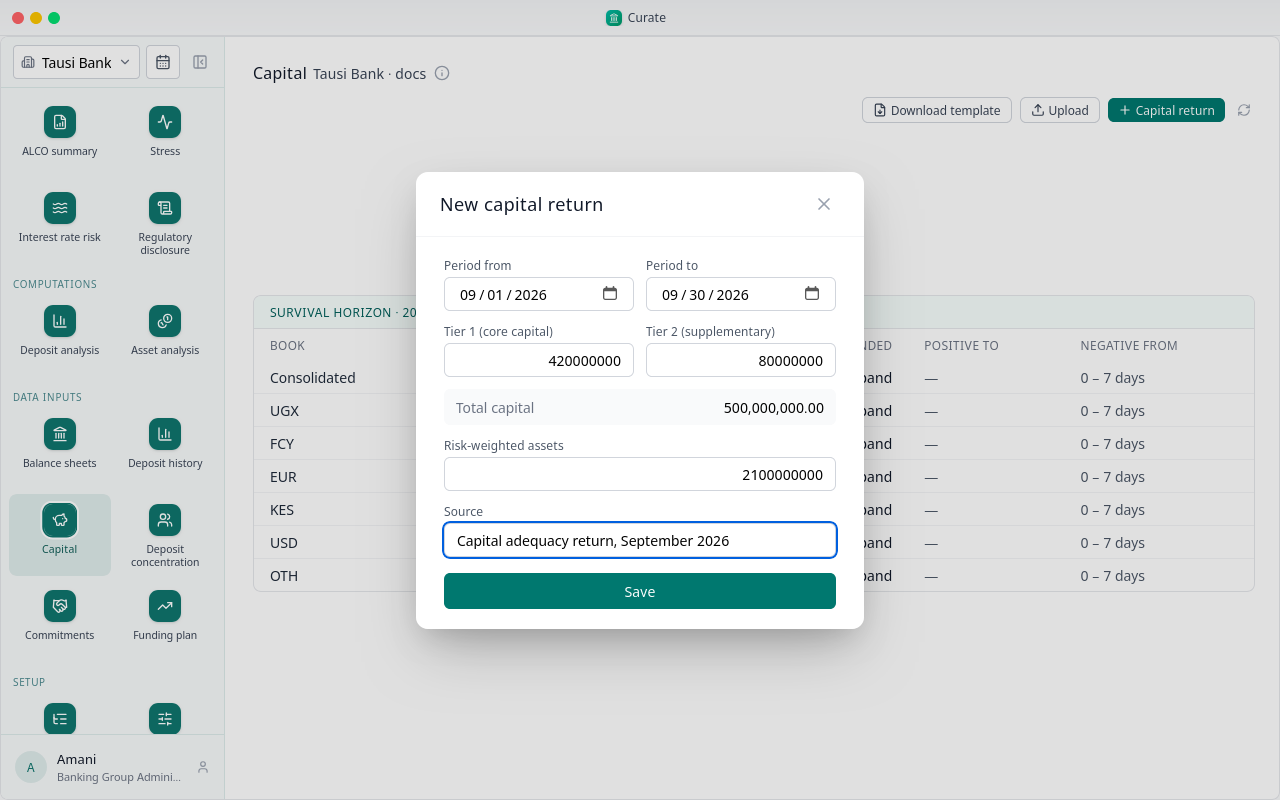
Two read needs capital: they measure against the bank's capital, which comes from its capital return.
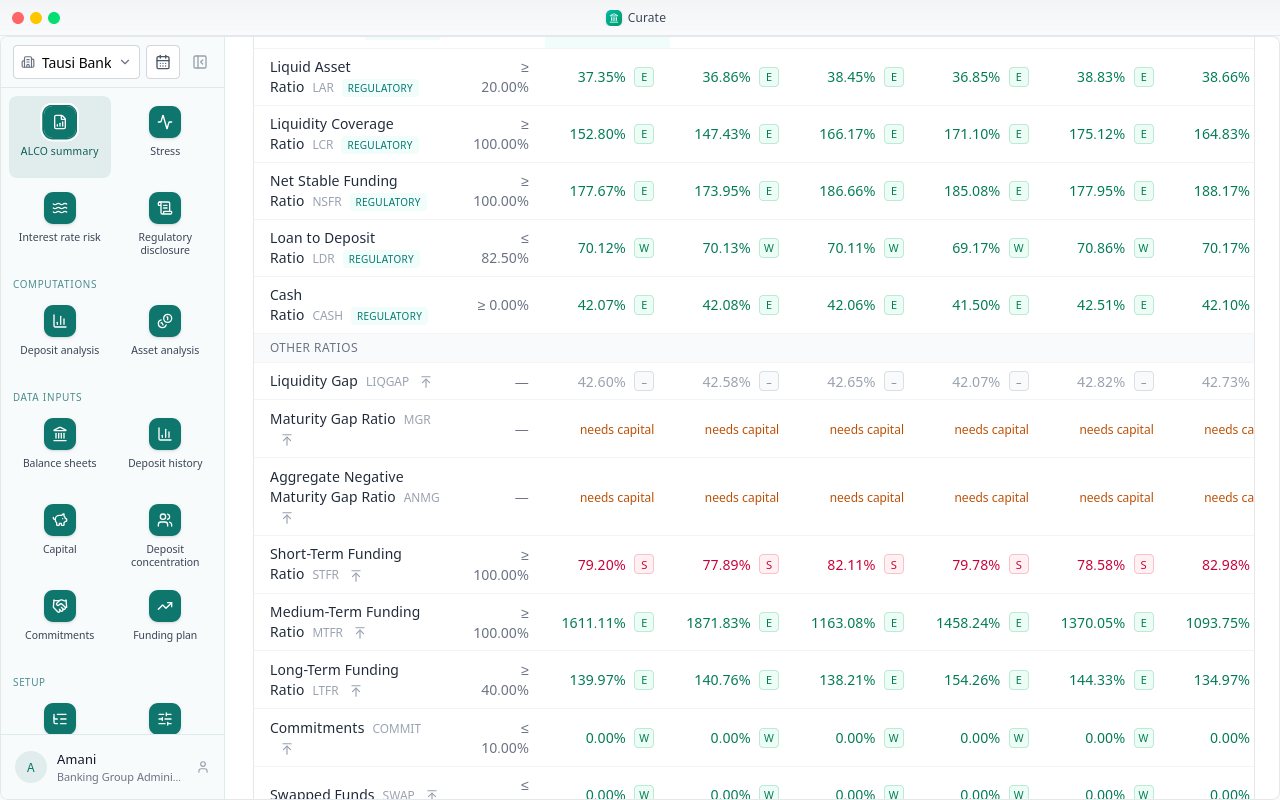
Fill in the capital return for the quarter and save.
Back on the ALCO summary, those two ratios now have their figures.
The survival horizon reads the contractual gap. Here every book is short from the first band, the first seven days.
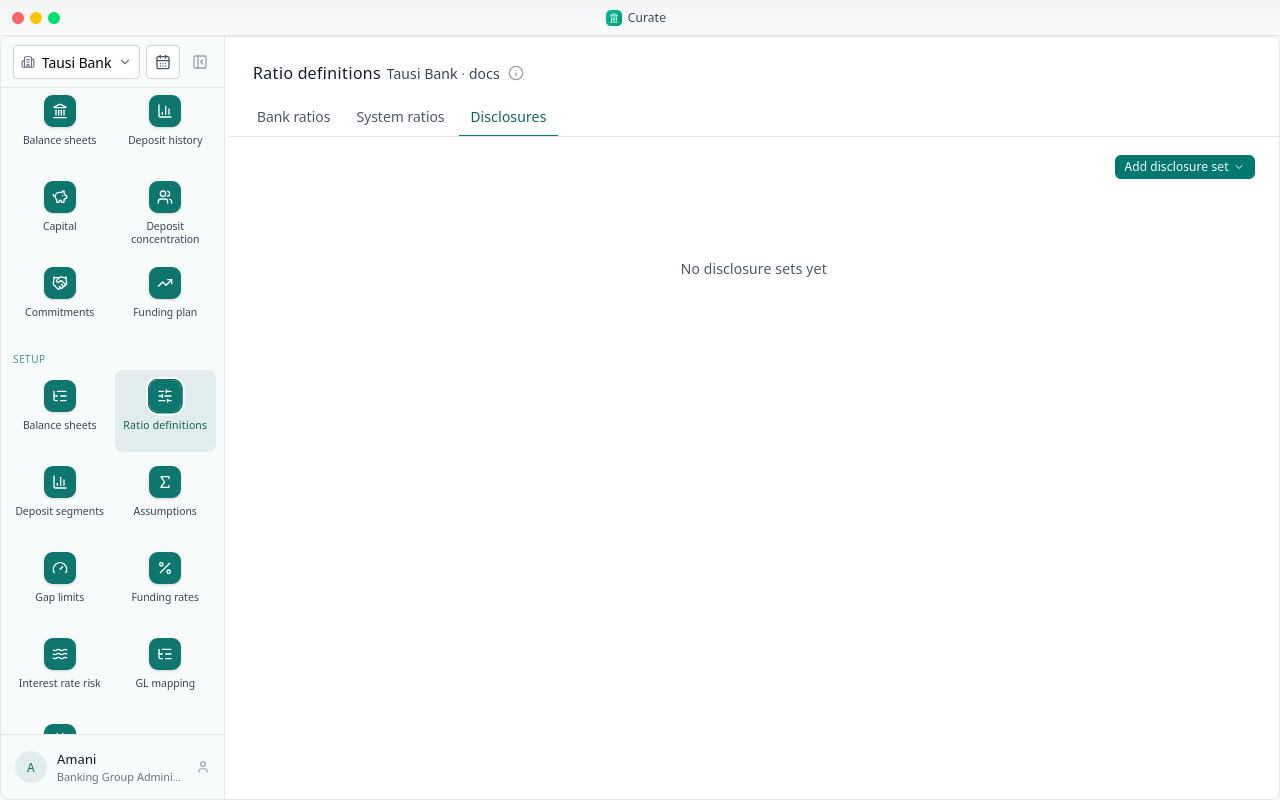
The table the regulator asks banks to publish is a disclosure set. Under Setup, Ratio definitions, Disclosures, copy the regulator's.
Regulatory disclosure fills it from the same figures, for the period.
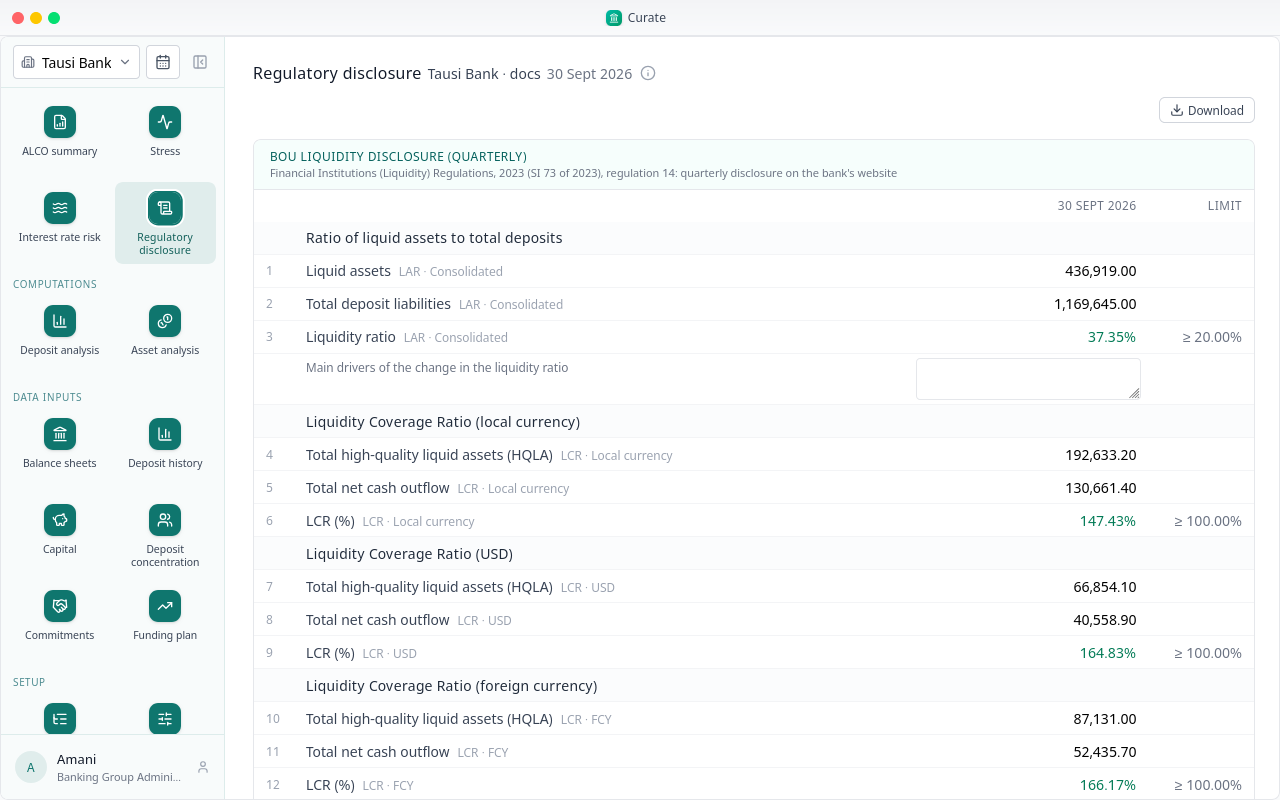
Some blocks wait, and say for what. The maximum cumulative outflow, and the cost to close the gap, show once the period's behavioural sheet is derived from an approved deposit analysis.
Stress works on the behavioural sheet too. Everything shown in this chapter came from the balance sheets and the capital return alone.
Chapter 10
Account and customer IDs in, a run per account
A bank's core banking system can export every deposit account's balance, with the account and the customer it belongs to. Curate takes that file as it is, and can measure each account on its own.
Upload deposit history and pick the export. Each row carries its date, account, customer, product code, currency and balance.
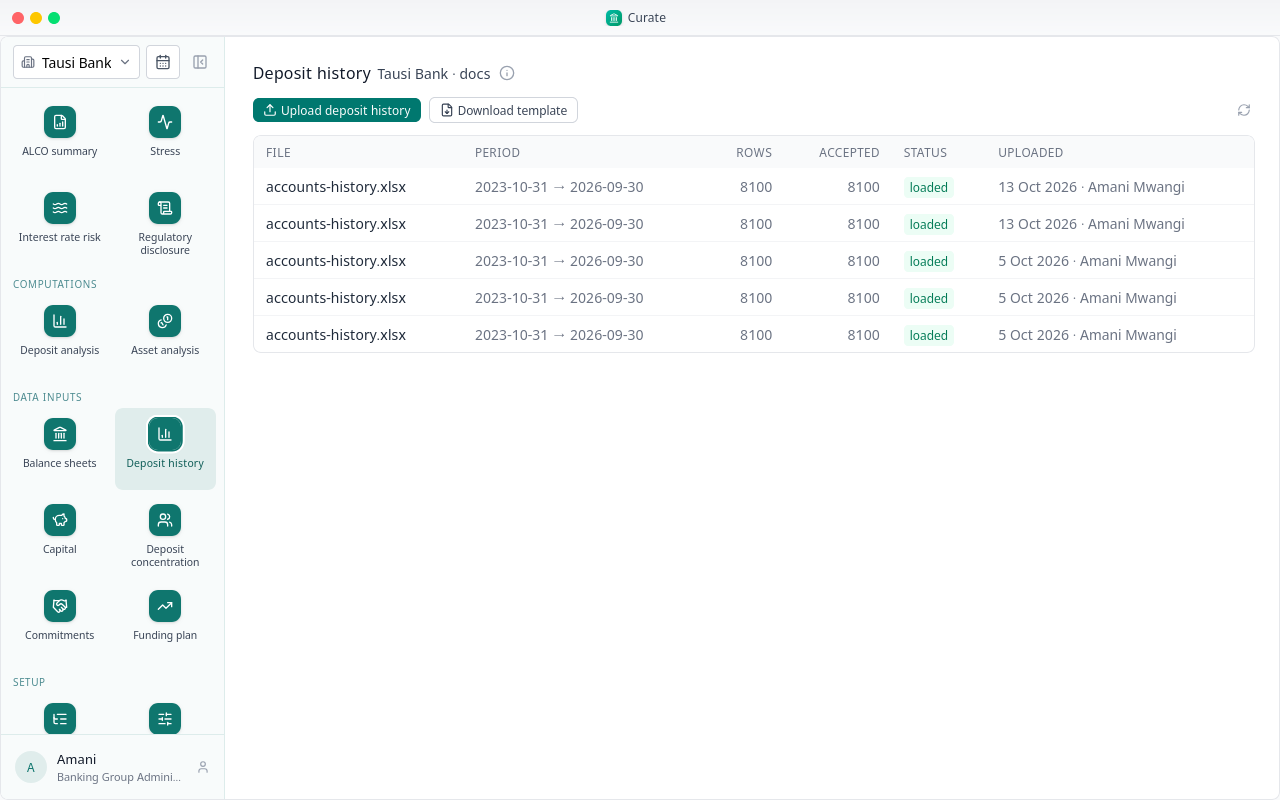
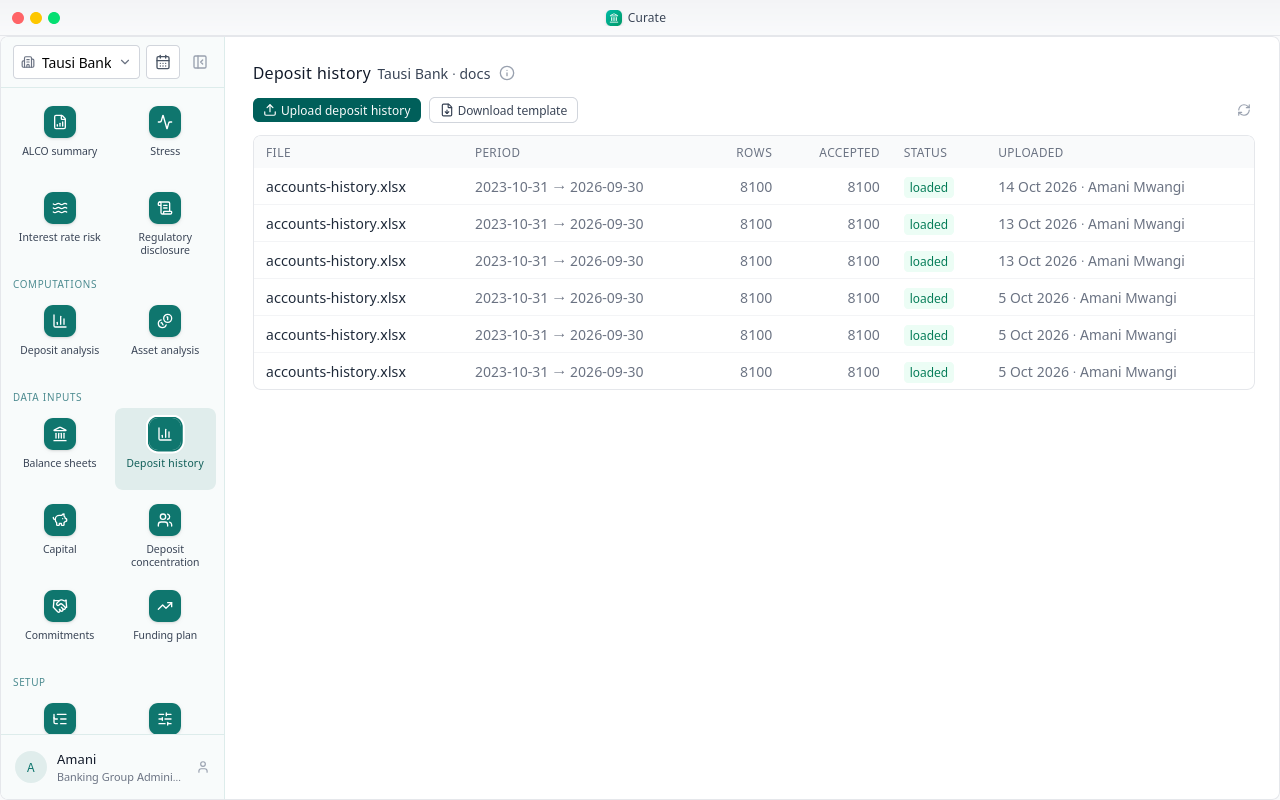
Here 225 accounts over 36 month-ends, in shillings, dollars and euros. Every row matched a segment by its product code, so none was turned away.
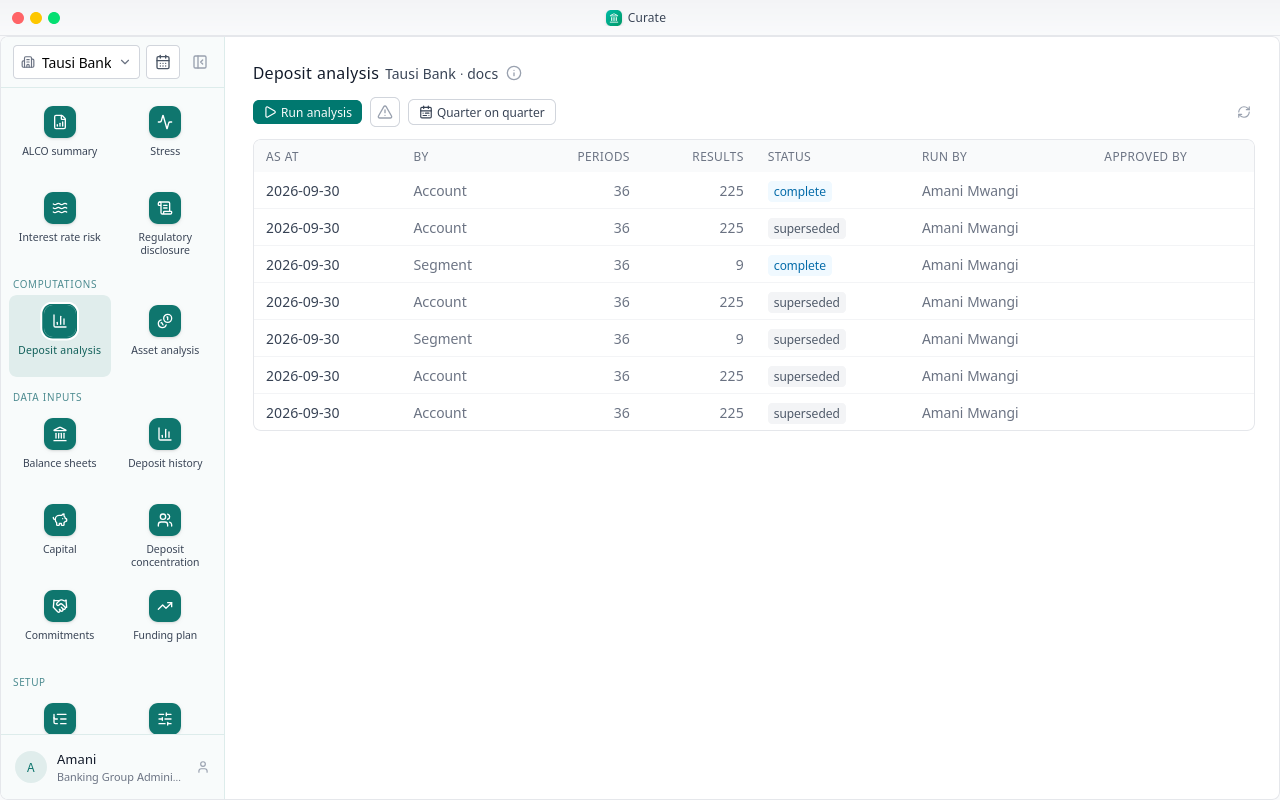
Run analysis offers the level to measure at. By account measures every account on its own.
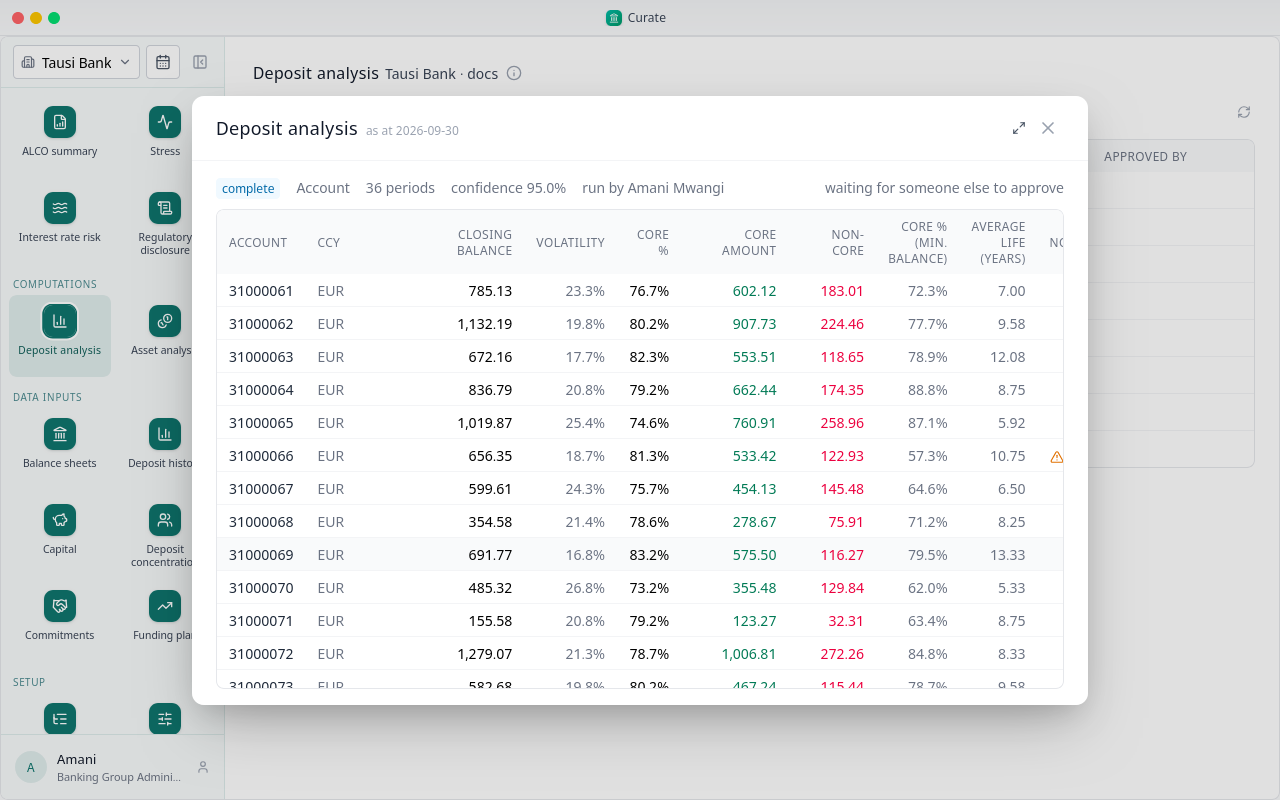
Each account comes back with its currency, closing balance, volatility and core share, with the minimum balance check beside it.
An account run is for looking closely. The behavioural balance sheet, stress and interest rate risk read a run by segment, and approving and deriving one is chapter 6.
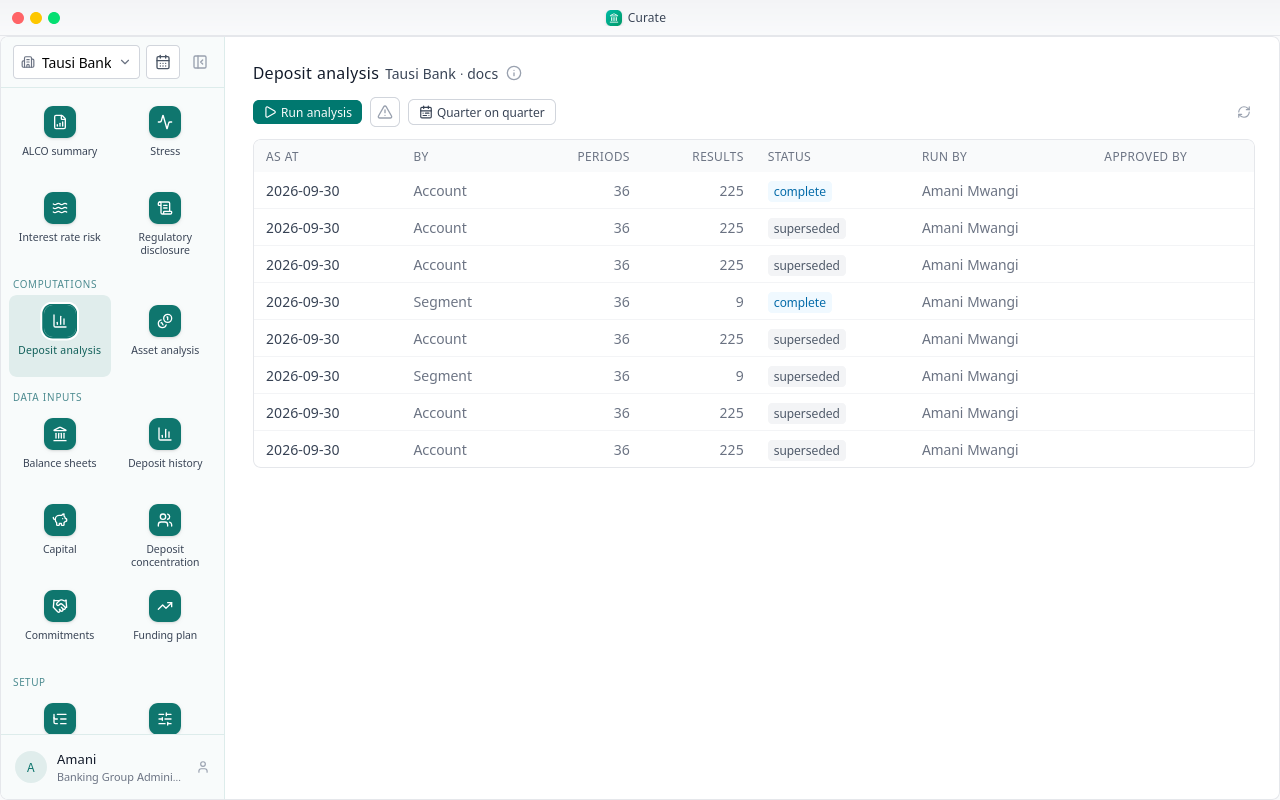
By segment adds the accounts up into the bank's segments, per currency. That is the run a bank approves.
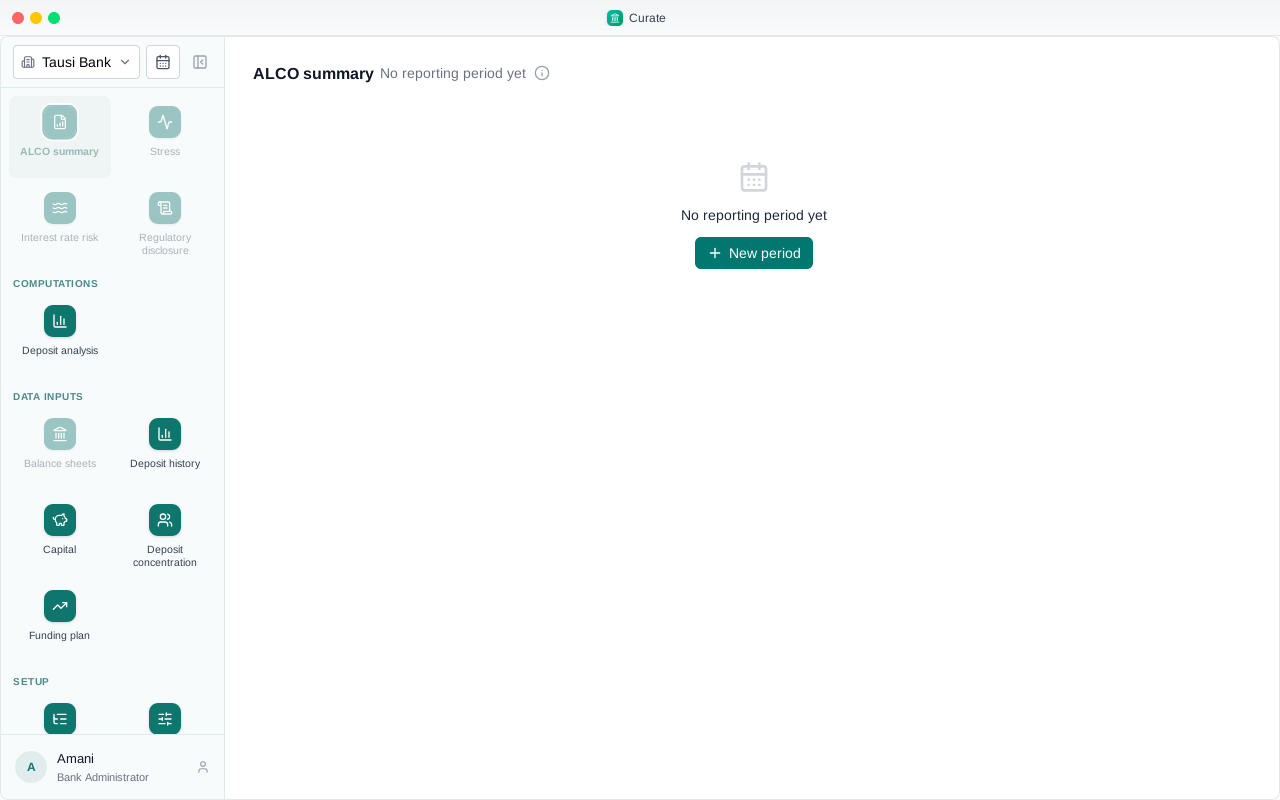
Chapter 11
Fetched each business day, built into balance sheets
Instead of uploading a balance sheet each quarter, a bank can let its core banking system feed Curate every day: the trial balance, and each deposit account's balance.
Under Setup, Core banking, the bank chooses how. Either its system sends the figures, or Curate fetches them. This bank lets Curate fetch them.
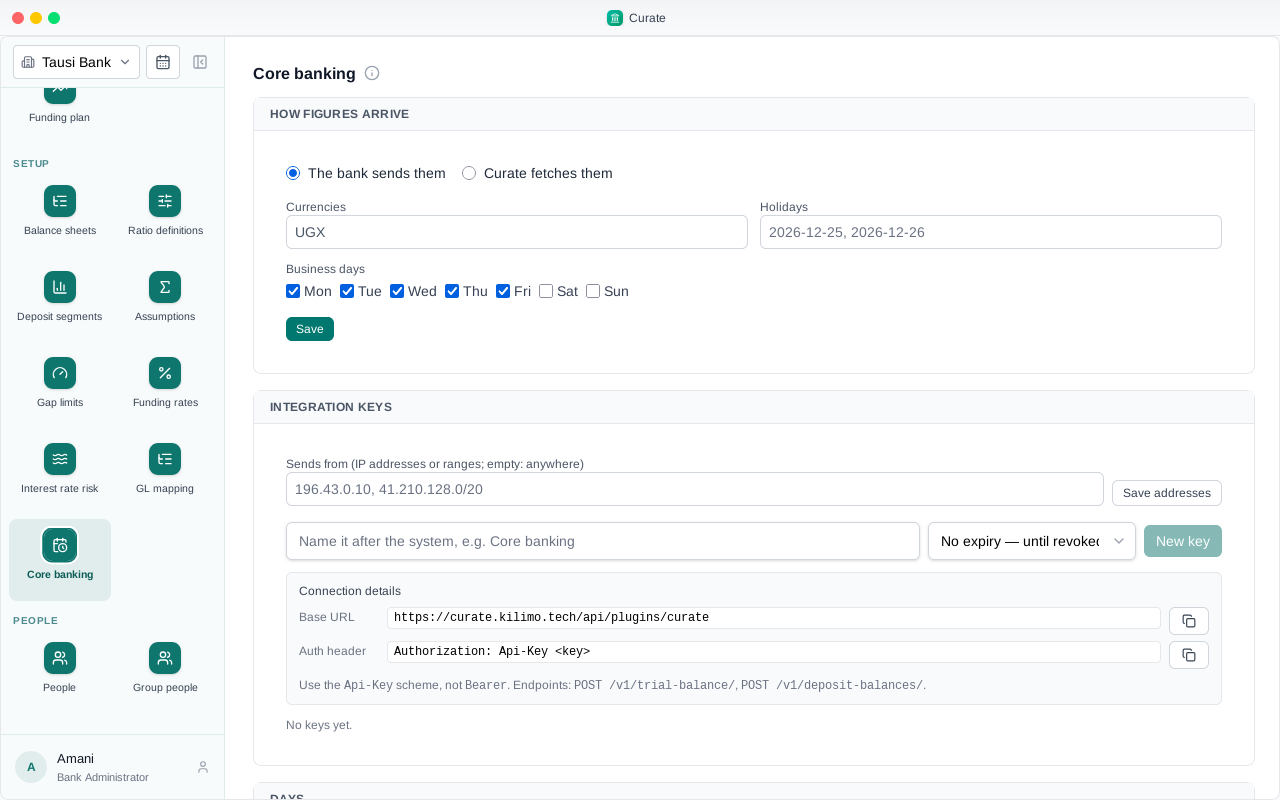
The address of the system, this bank's name on it, its token, and the currencies to fetch. Curate fetches after six each business day.
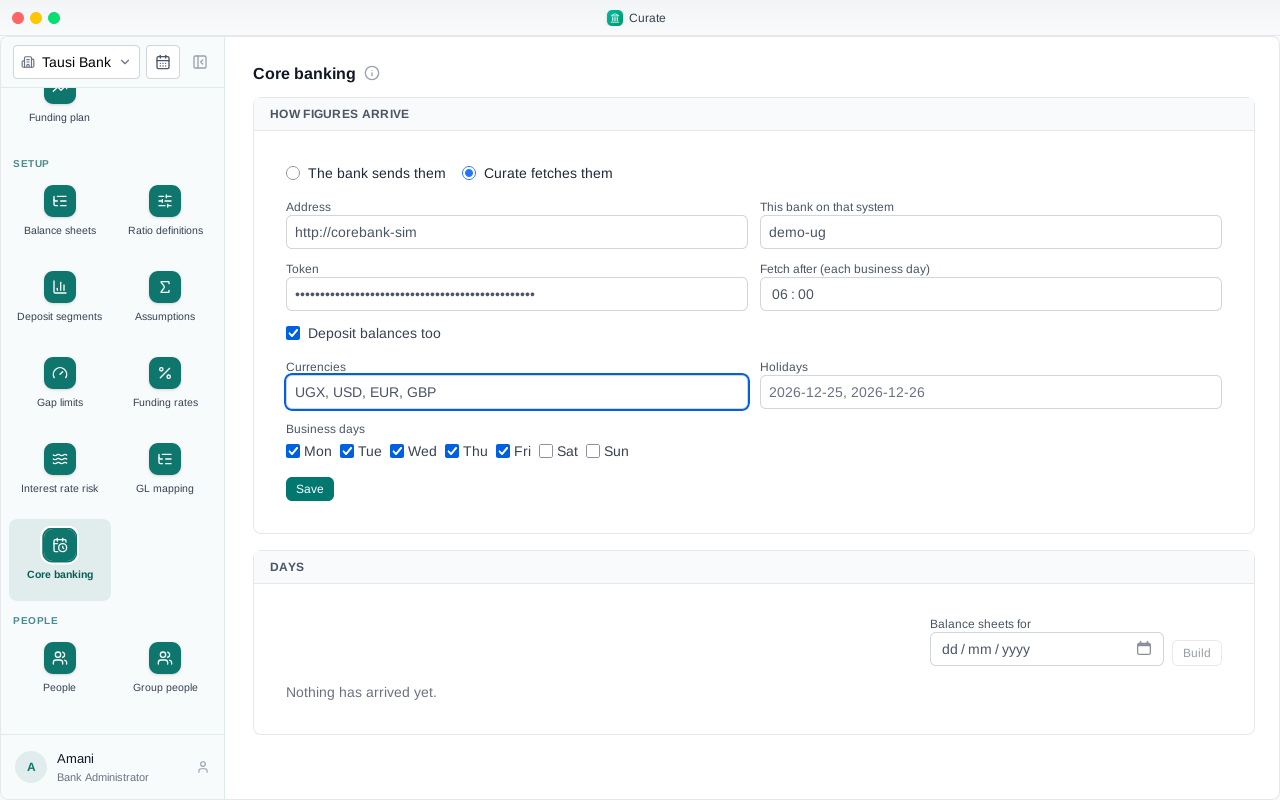
Saved. Test asks the system for its chart of accounts.
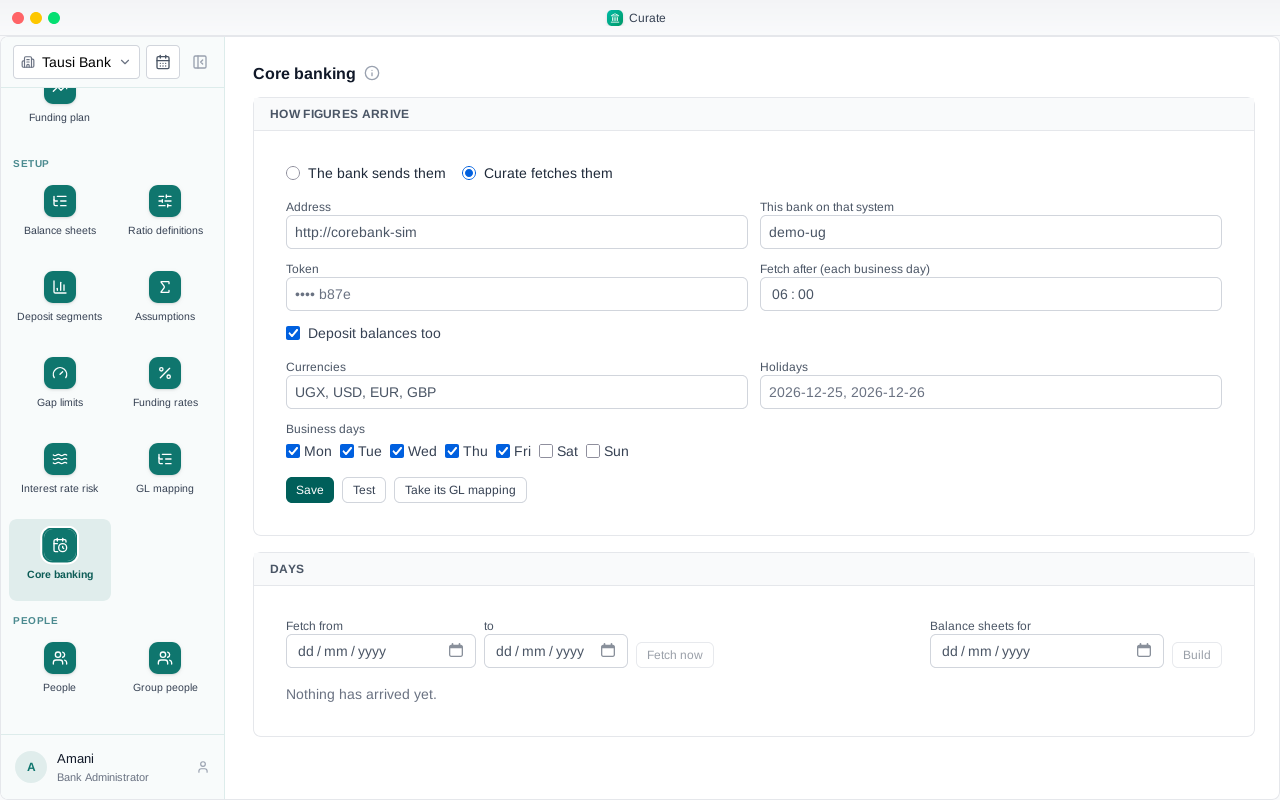
It answers. Take its GL mapping brings in the system's own suggestion: which balance sheet line and band each GL account goes to.
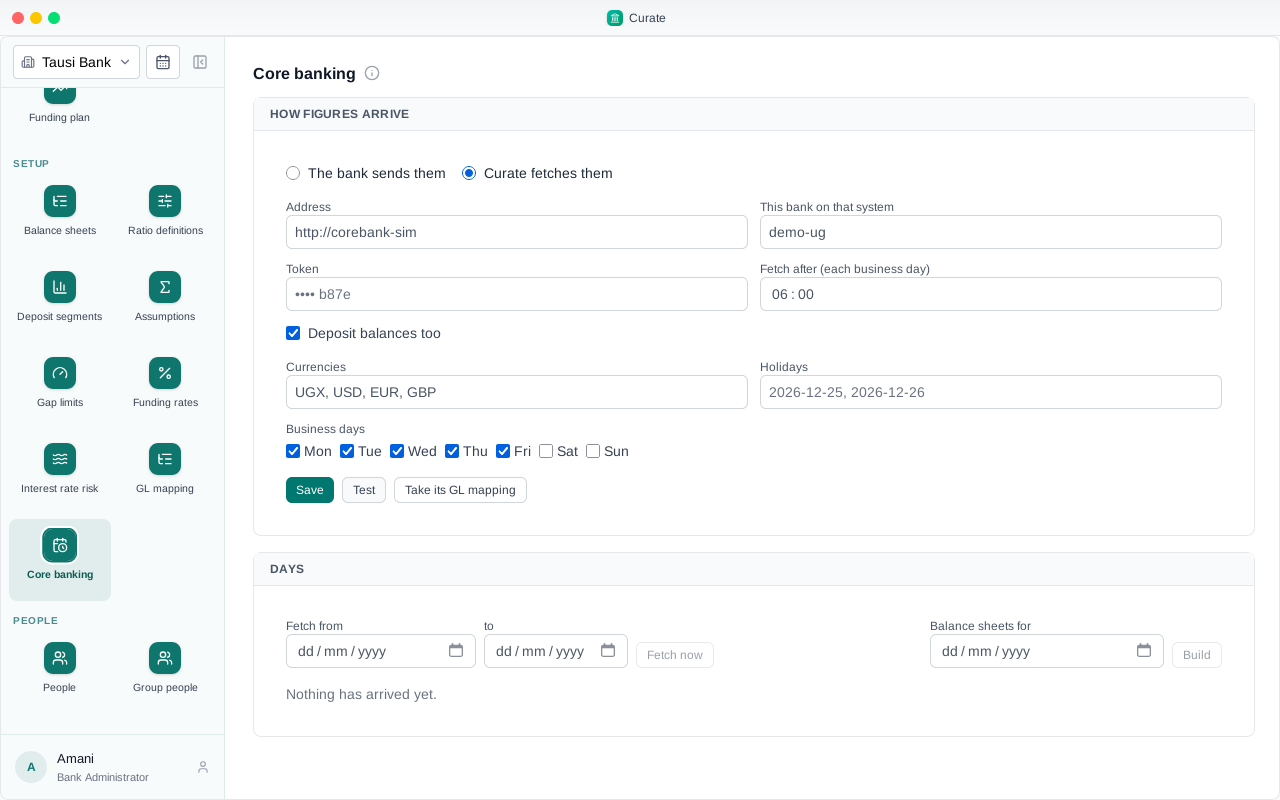
The mapping is in, and can be checked and changed under GL mapping like any other.
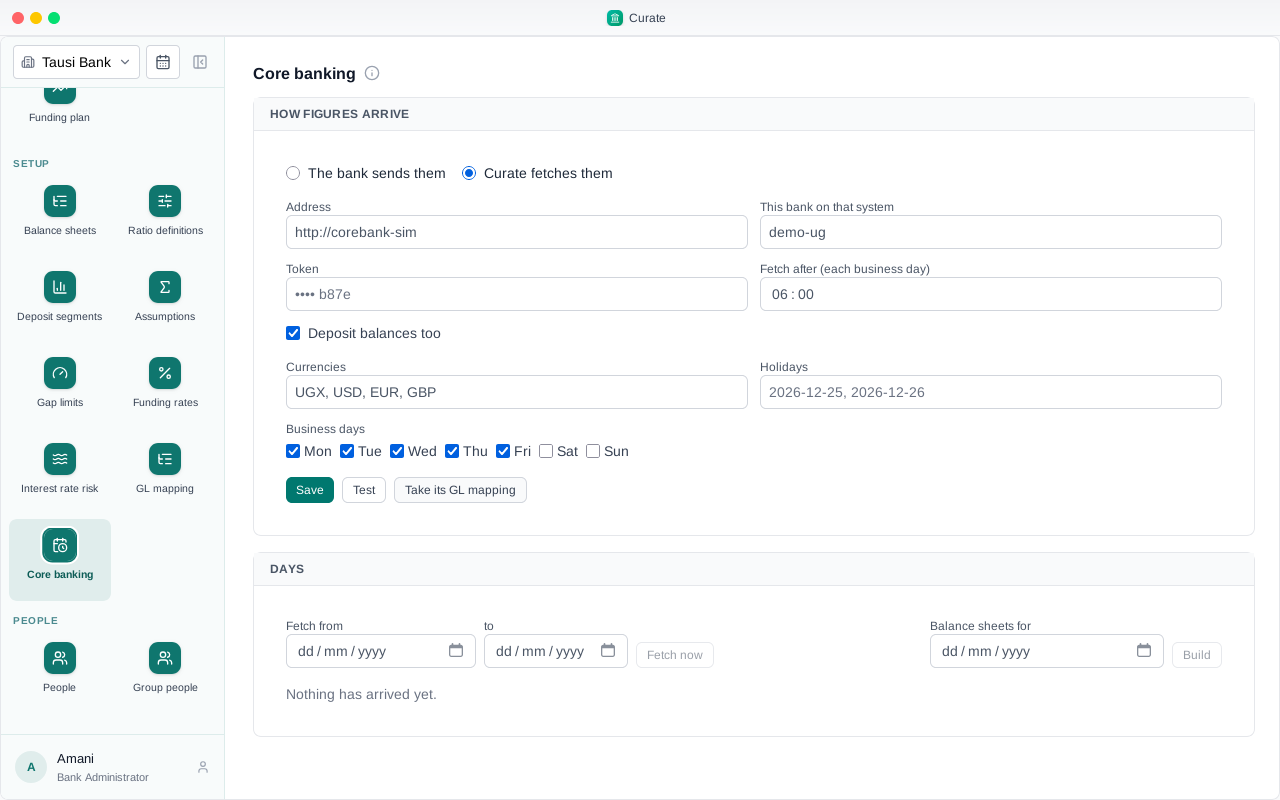
Each day is fetched on its own. To start, fetch the last days of September.
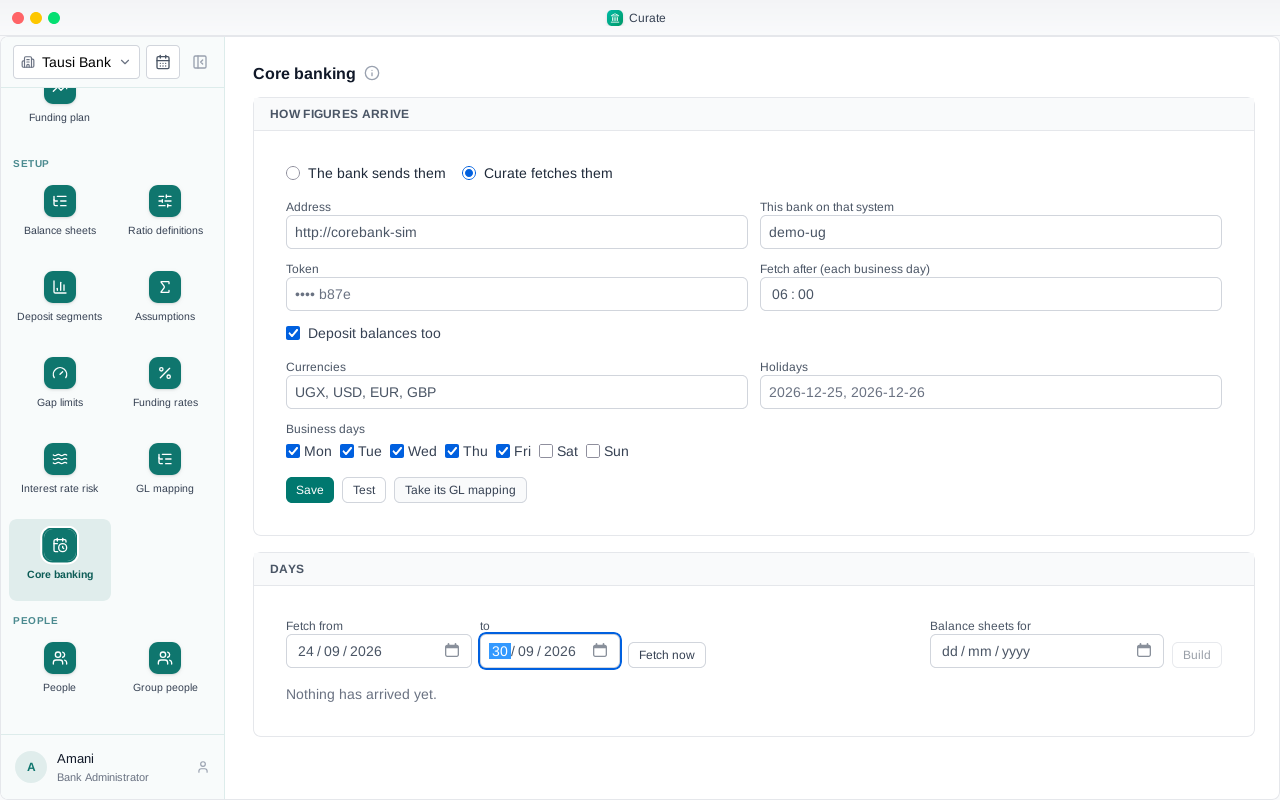
For each business day, the trial balance of each currency and every deposit account's balance, kept as they came. The 30th is the month's end, so its balance sheet was built from them.
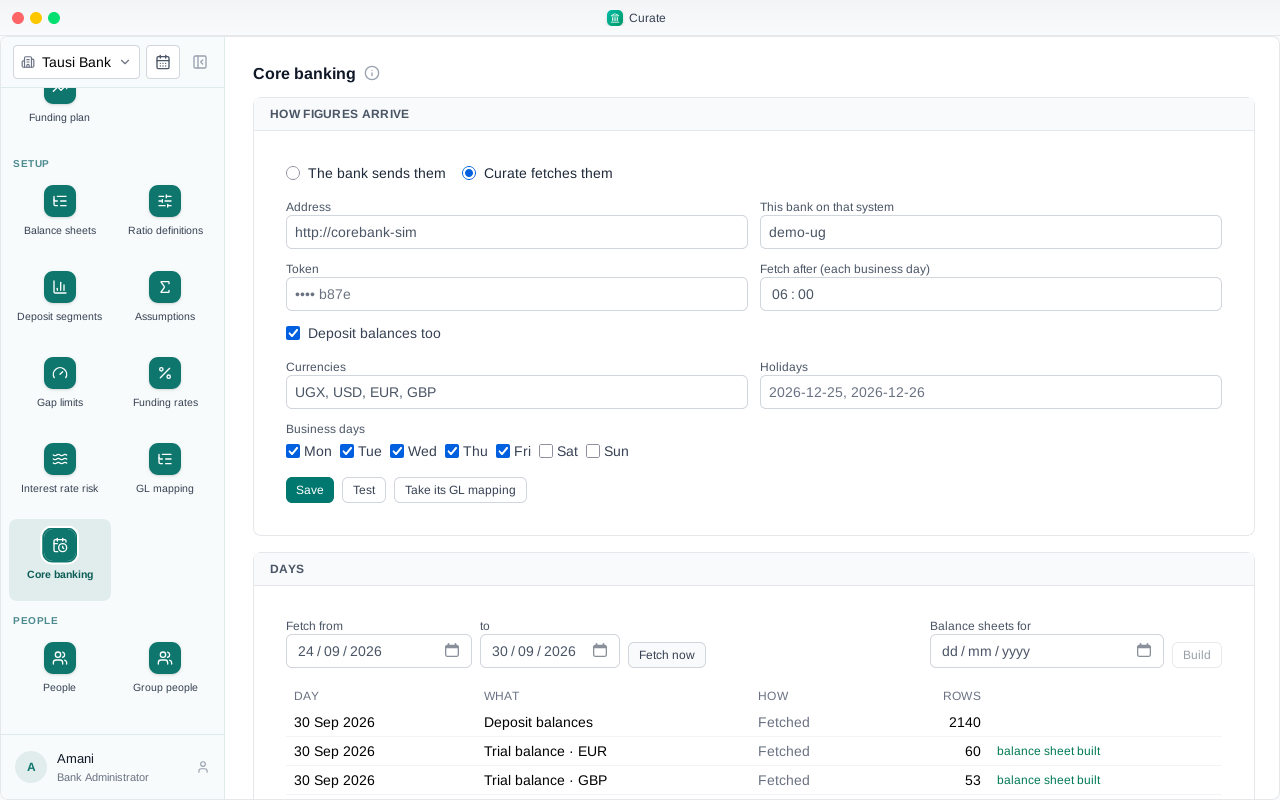
There it is under Balance sheets: a sheet for each currency, filled through the GL mapping, with the majors worked out as for an uploaded one. From here every report reads it the same way.
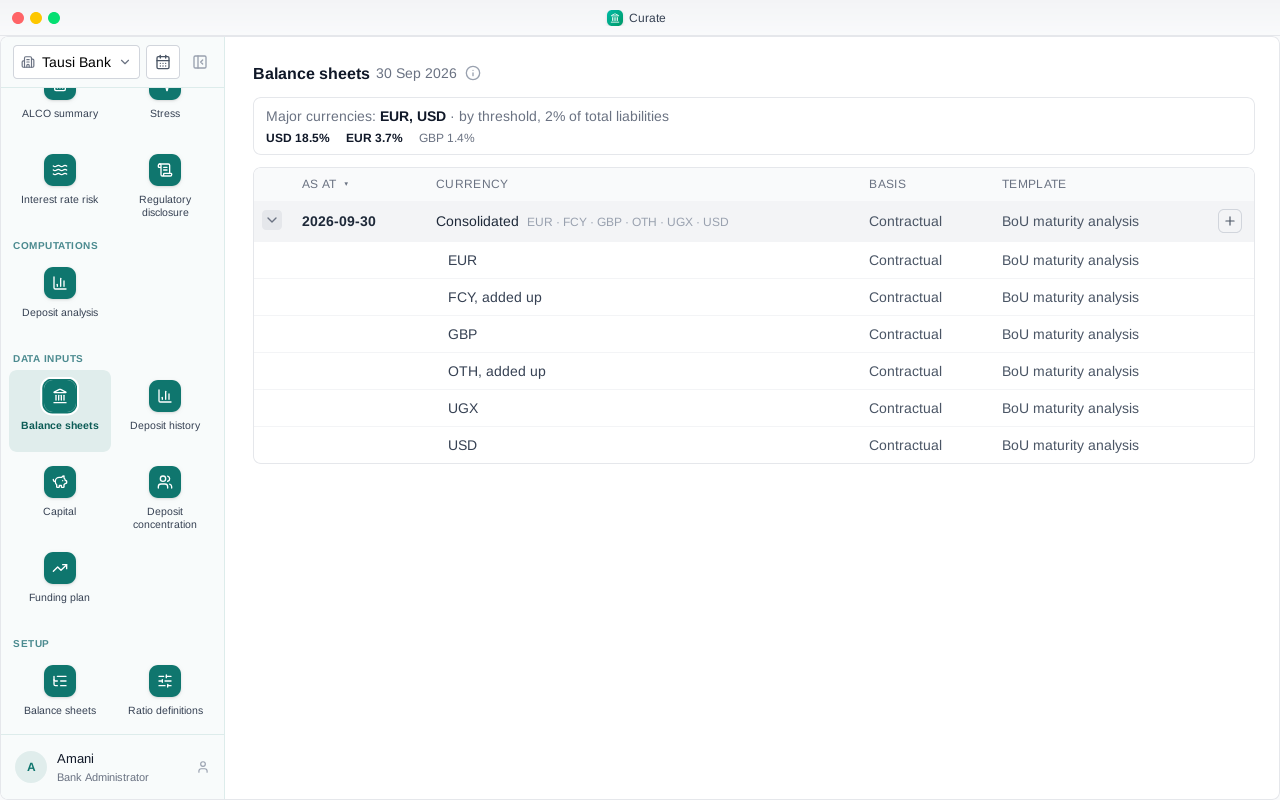
From now on Curate fetches each business day by itself. A day that fails is tried again, and shows here with the reason.
Chapter 12
Limits, what is drawn, and the drawdown
Overdrafts, card limits, loan commitments, guarantees, acceptances and letters of credit are promises to lend. Curate reads, from the bank's own history, how much of what is undrawn gets drawn, and by when.
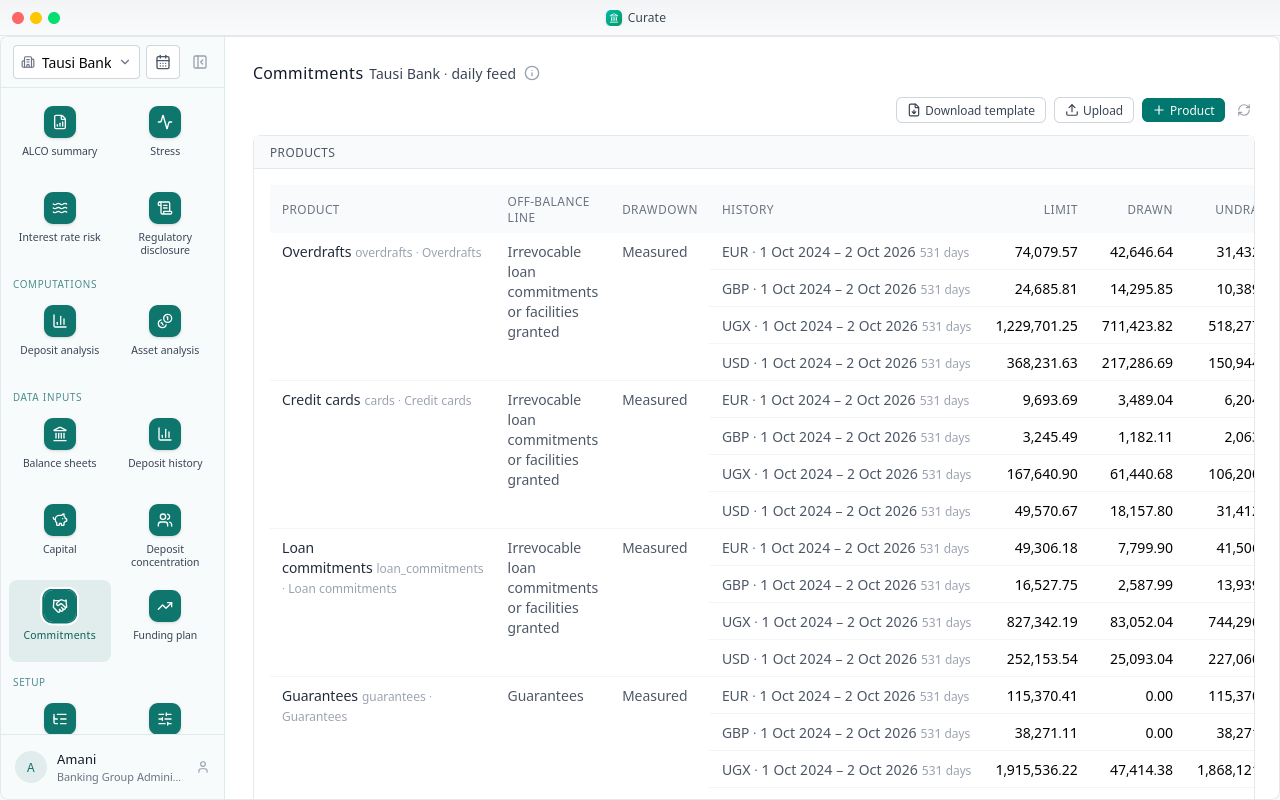
Under Commitments, each product's limit and drawn amount, per currency. This bank's core banking system sent them each business day: 531 days, from 1 October 2024 to 2 October 2026.
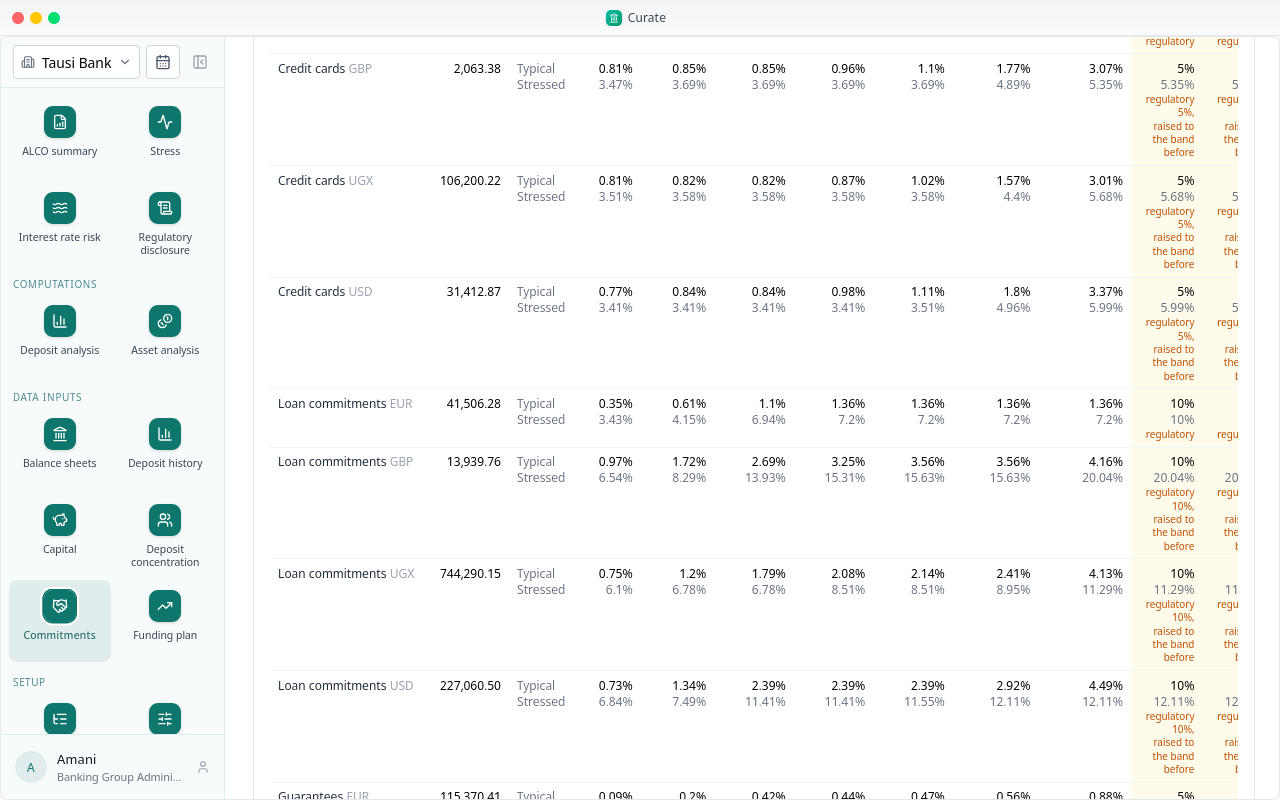
Below, the drawdown: for each product and currency, how much of what is undrawn has been drawn by the end of each band, typically and at the assumptions' 95% confidence.
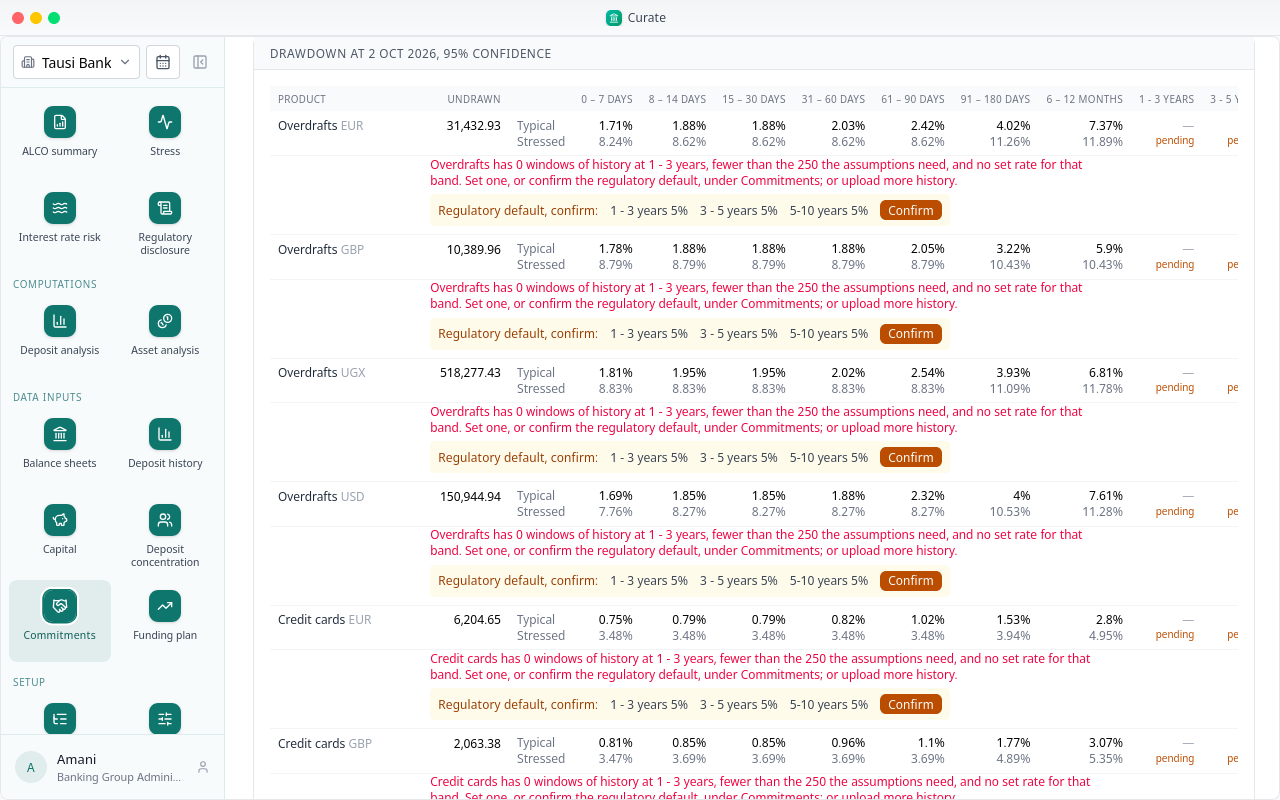
Two years of history cannot show what is drawn over one to three years or longer. Those bands are marked pending; the bands up to a year are already measured. Under each row, it says why.
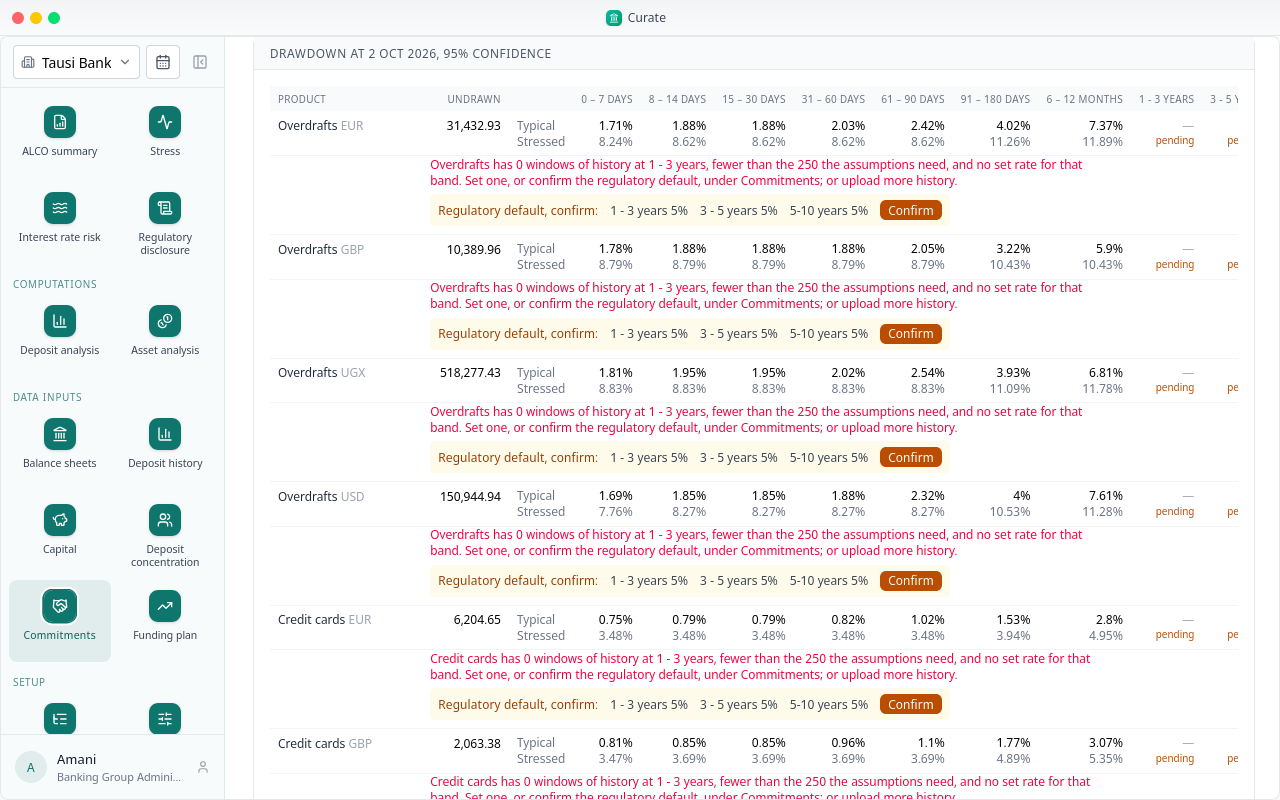
For those bands Curate offers the regulator's rate: the 30-day rate of the LCR for that kind of facility, held beyond 30 days. It is used only once the bank confirms it.
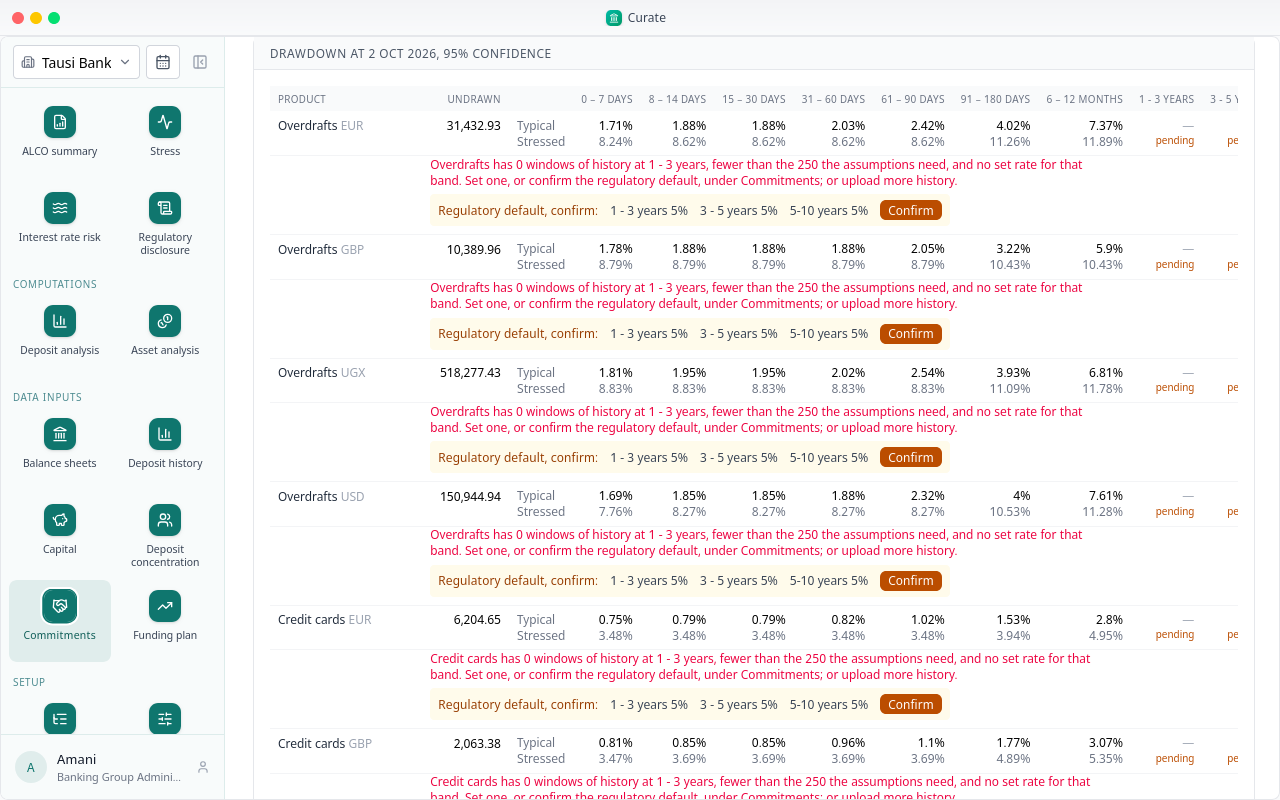
Confirm takes it for the product, in every currency. Overdrafts now has a rate in every band: the long ones are marked regulatory.
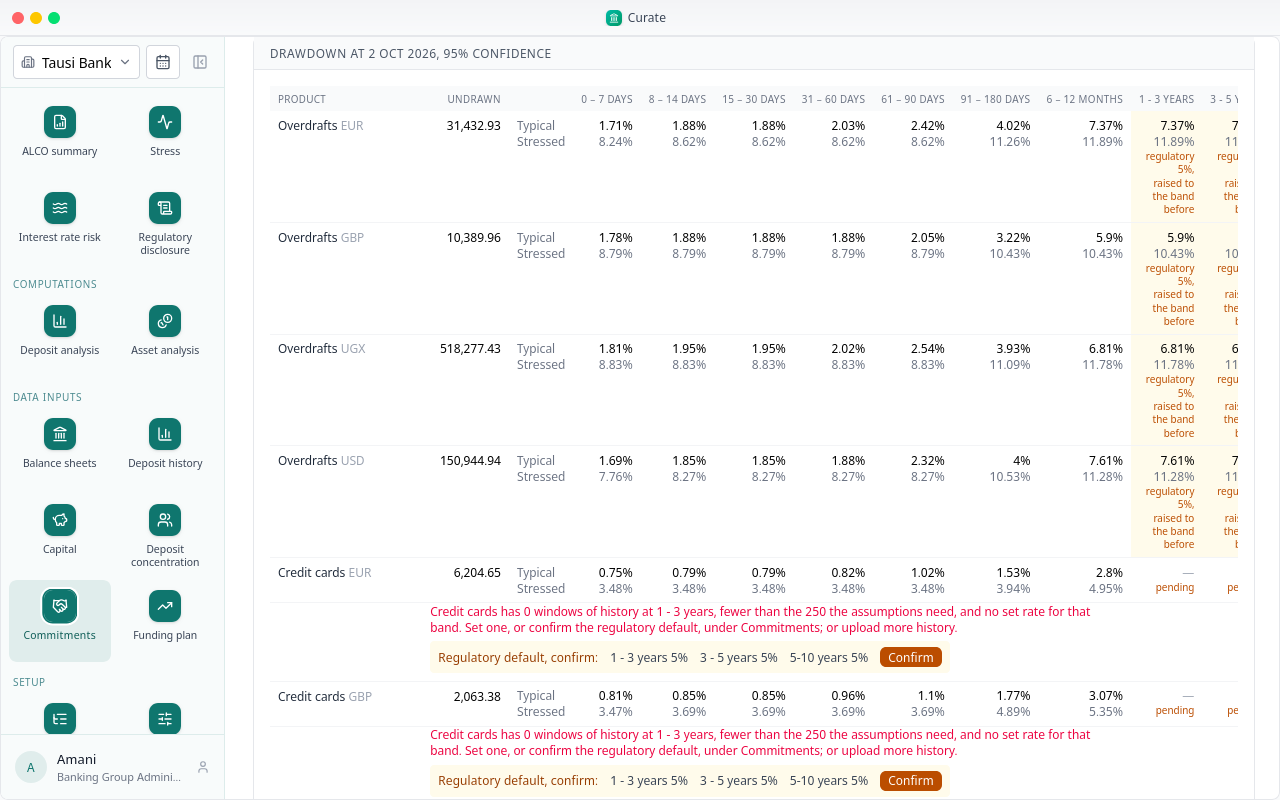
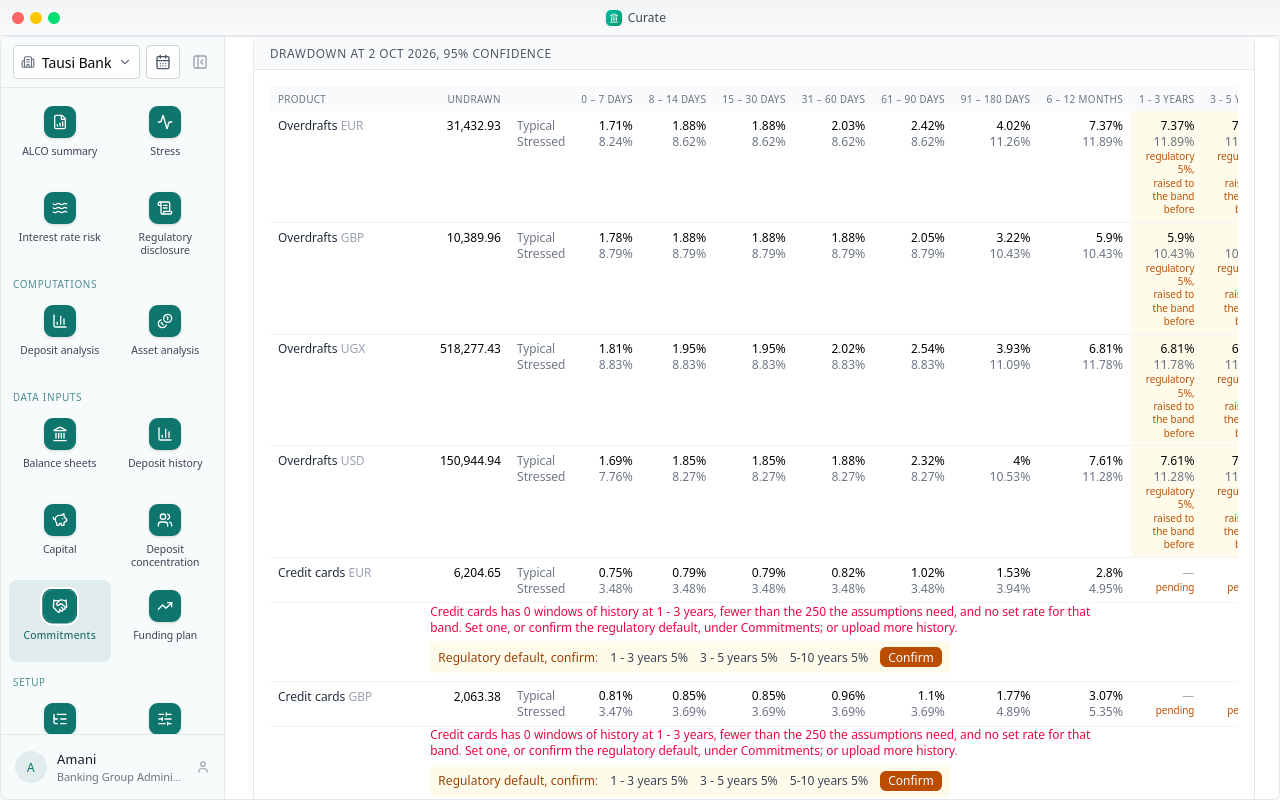
A drawdown never falls from one band to the next. Where more than the regulator's rate is drawn within a year, a long band keeps that figure, and says so: the regulator's rate, raised to the band before.
The same for the other products. Loan commitments take 10%, the rate for corporate credit lines; the others 5%.
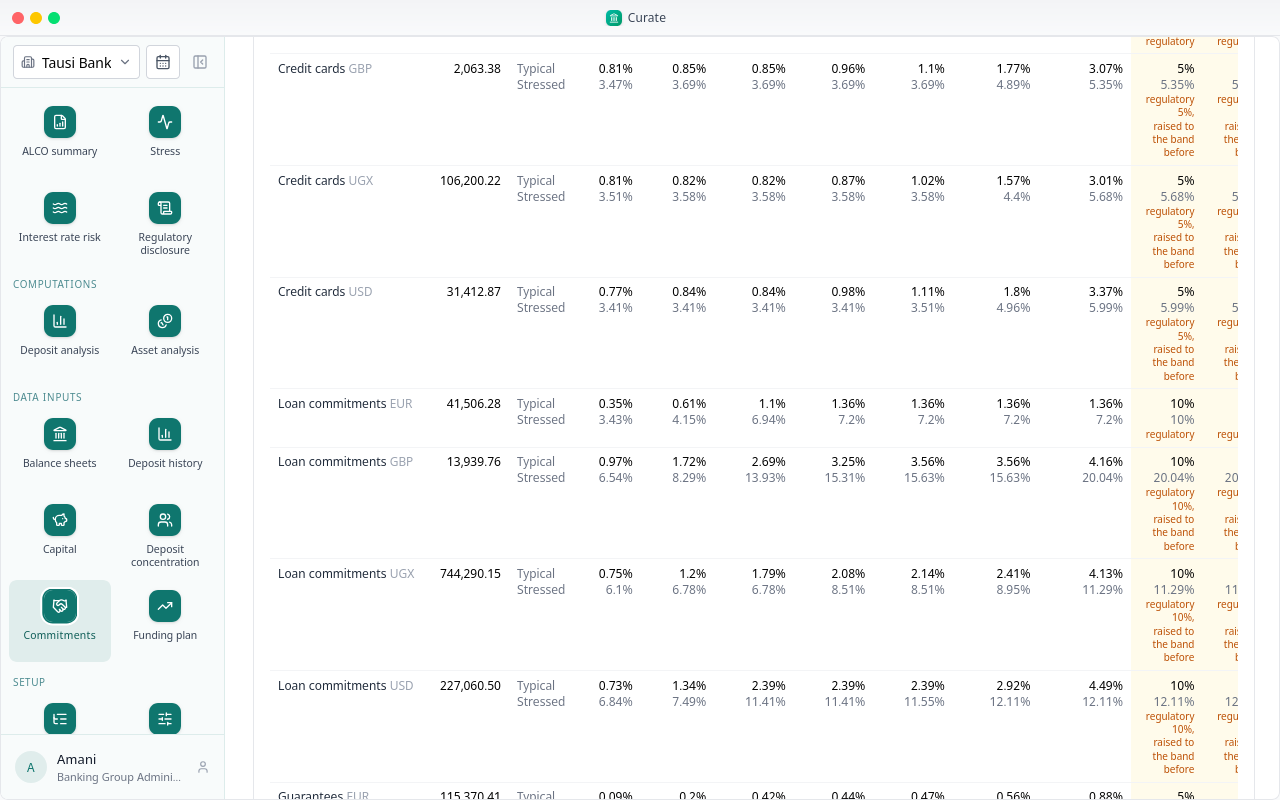
On a balance sheet, an off-balance line set to From commitments is placed by the typical drawdown when the behavioural sheet is derived. Stress draws the same lines at the stressed one.
Chapter 13
Lending, fixed income and commitments for the period
Asset analysis is step 17, beside Deposit analysis. It reads, for the period, the bank's lending and fixed income off its balance sheets, and the commitments Curate keeps. It changes nothing; every figure is one Curate already holds.
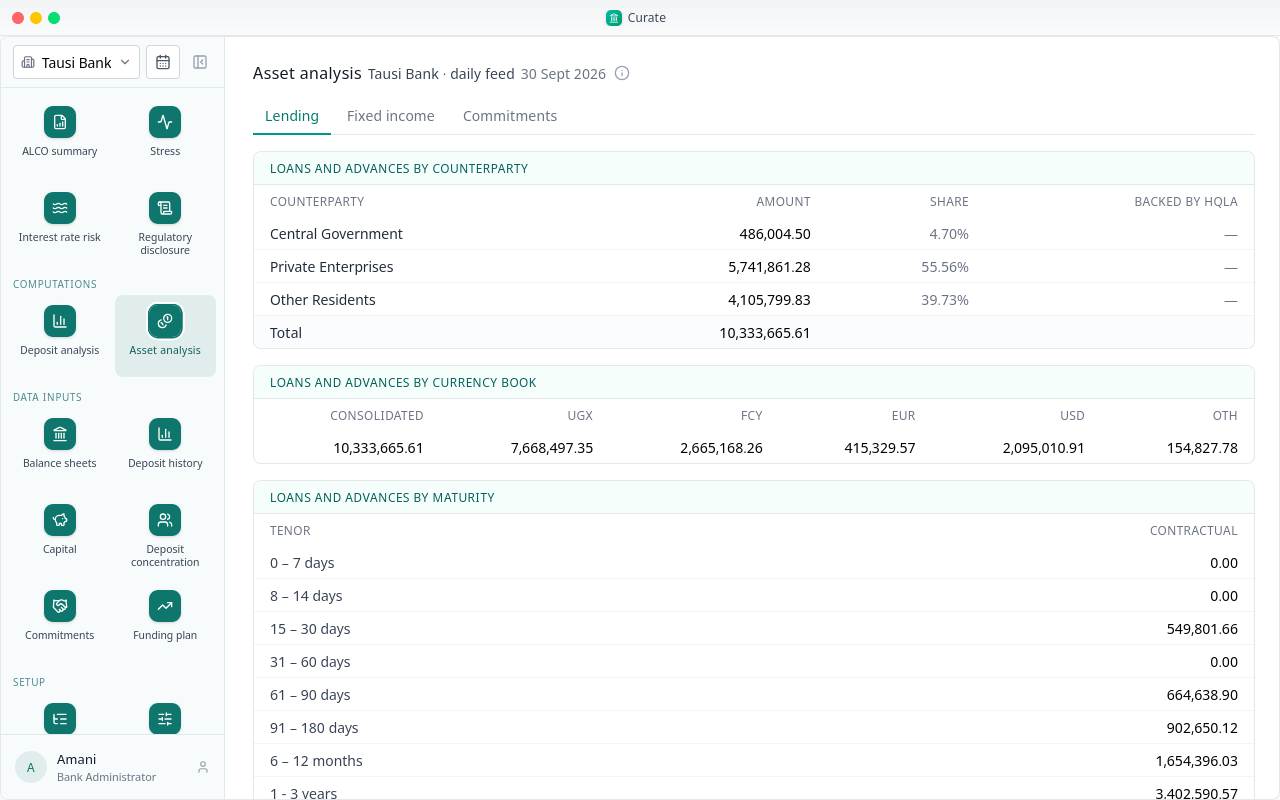
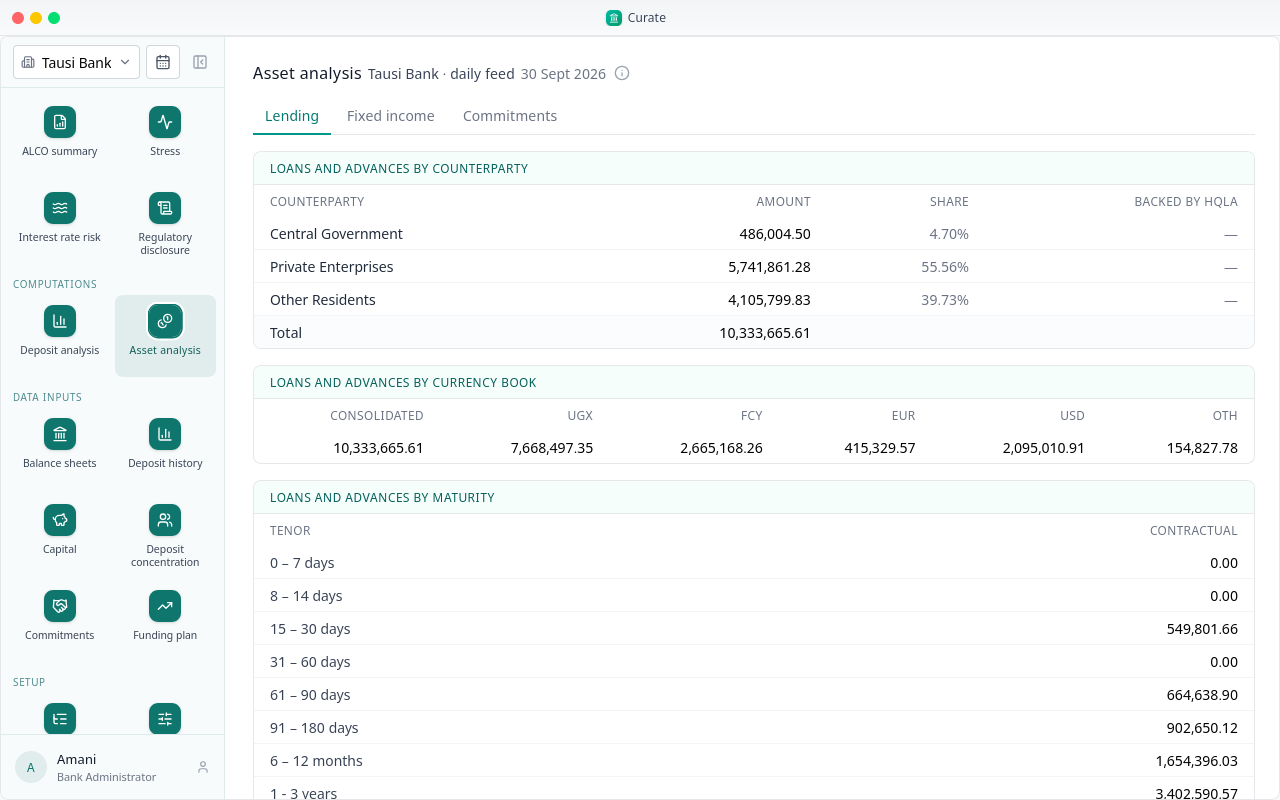
Lending opens first: the loans and advances by counterparty, each with its amount and share, and a column for how much is backed by high-quality liquid assets, empty here.
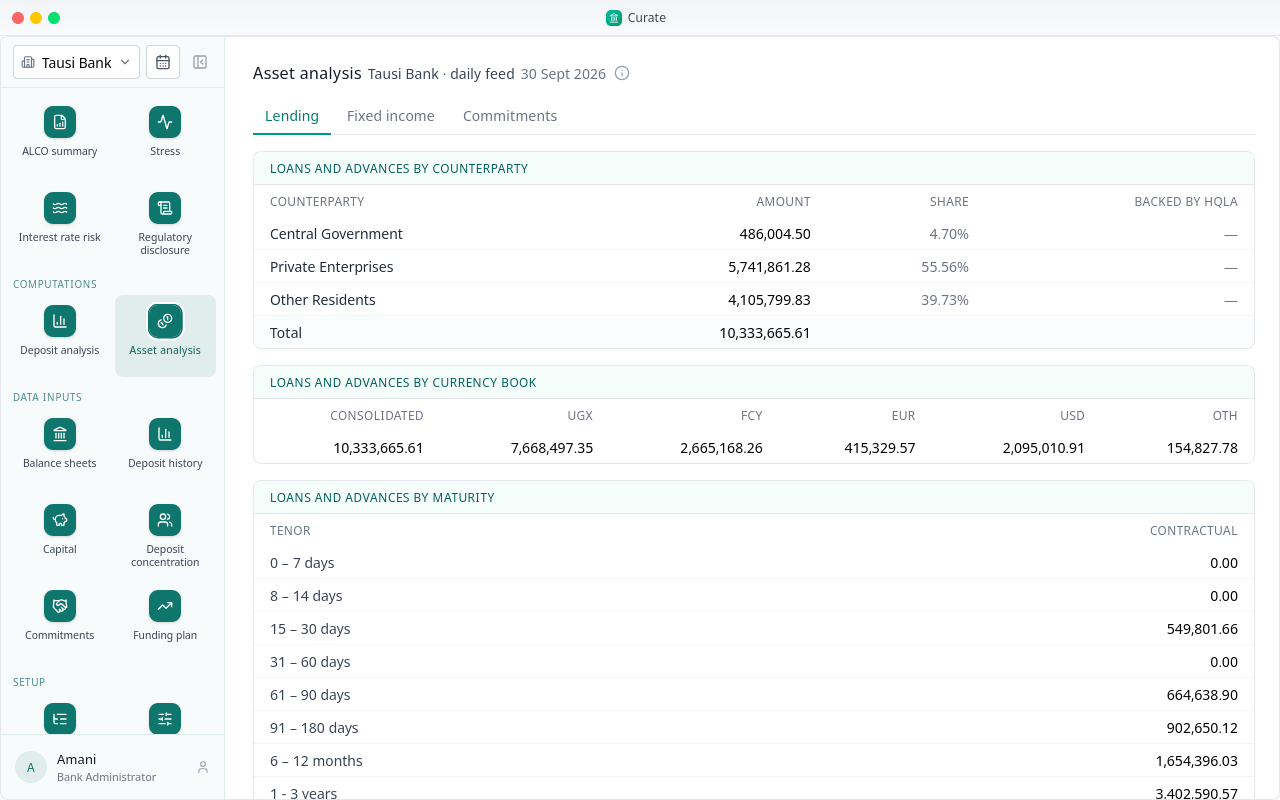
Then by currency book: the consolidated bank, the local currency, the FCY book, each major, and OTH.
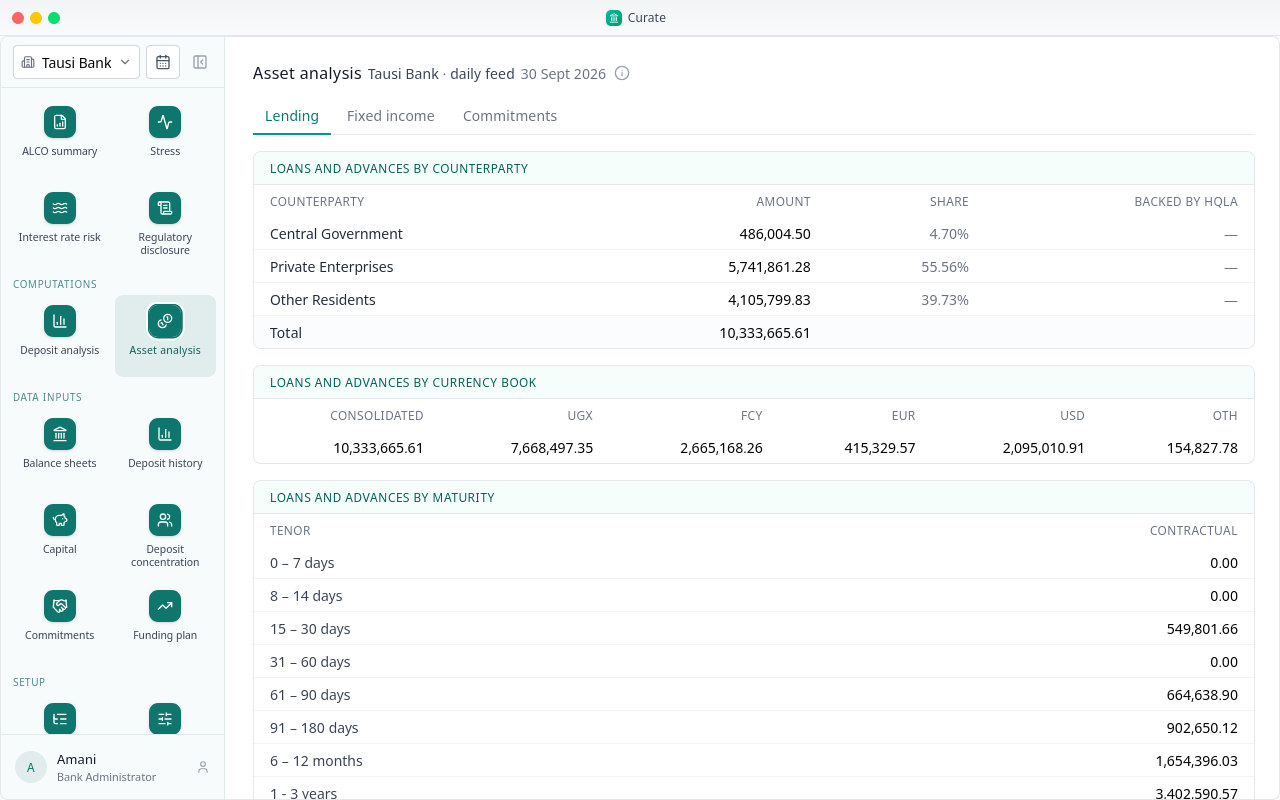
And by maturity band, as the contract has them.
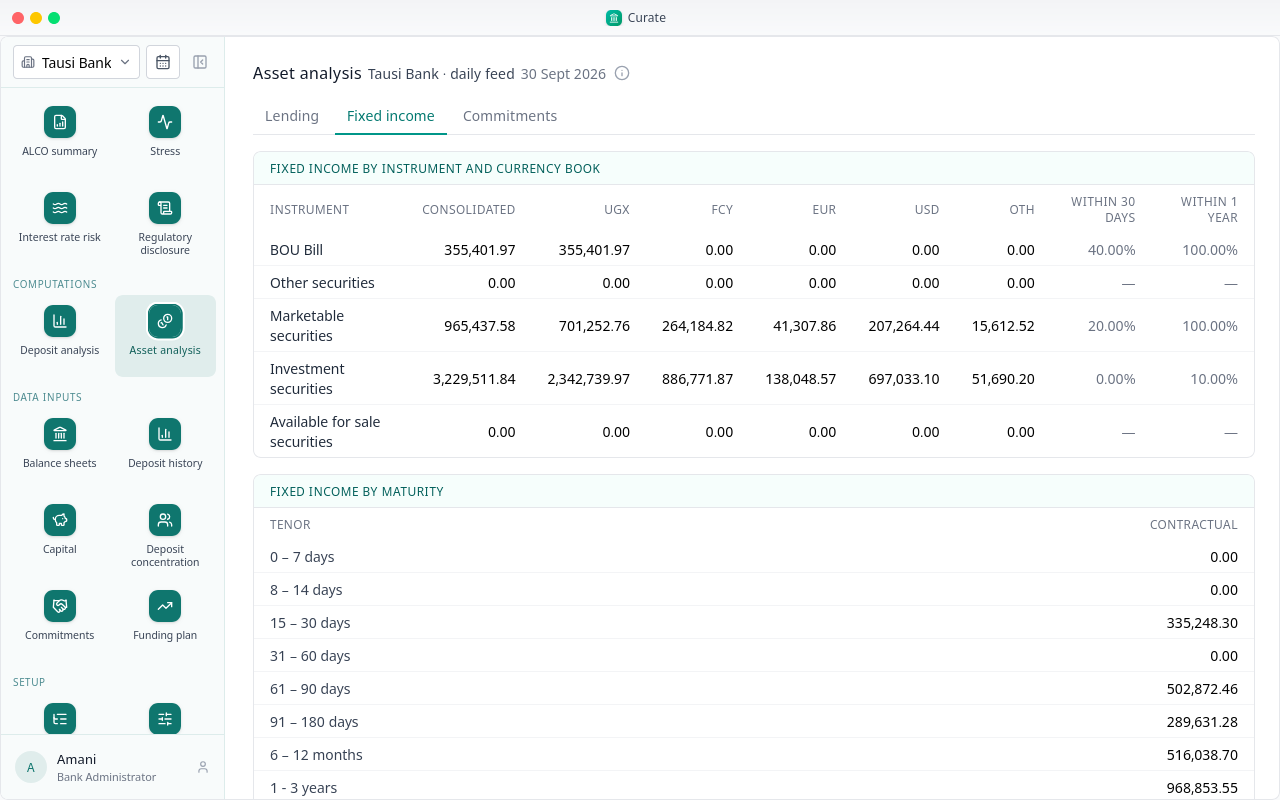
Fixed income lists each instrument by currency book, with the share of it that falls due within 30 days and within a year.
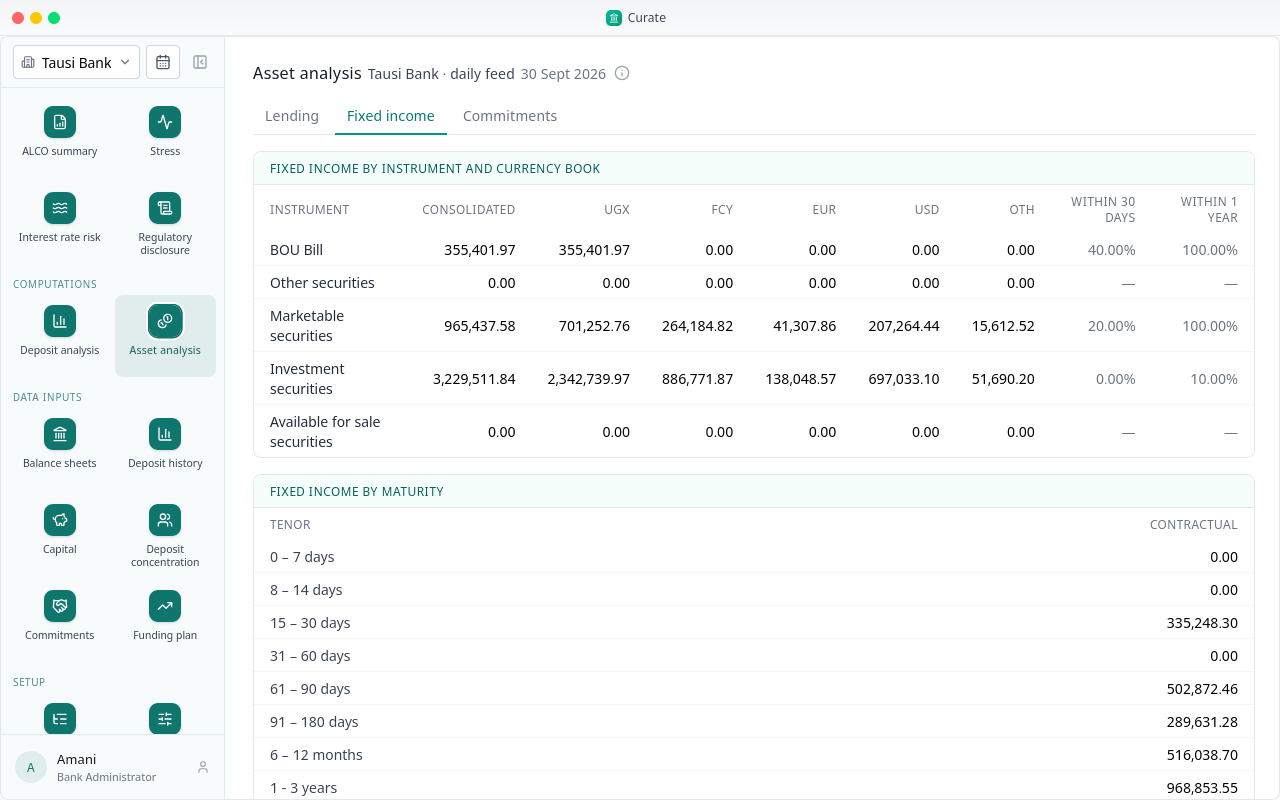
Below, the whole book by maturity band.
Commitments shows each product's limit, what is drawn and undrawn, and the utilisation, per currency, with the share of the undrawn amount drawn within 30 days, typically and under stress.
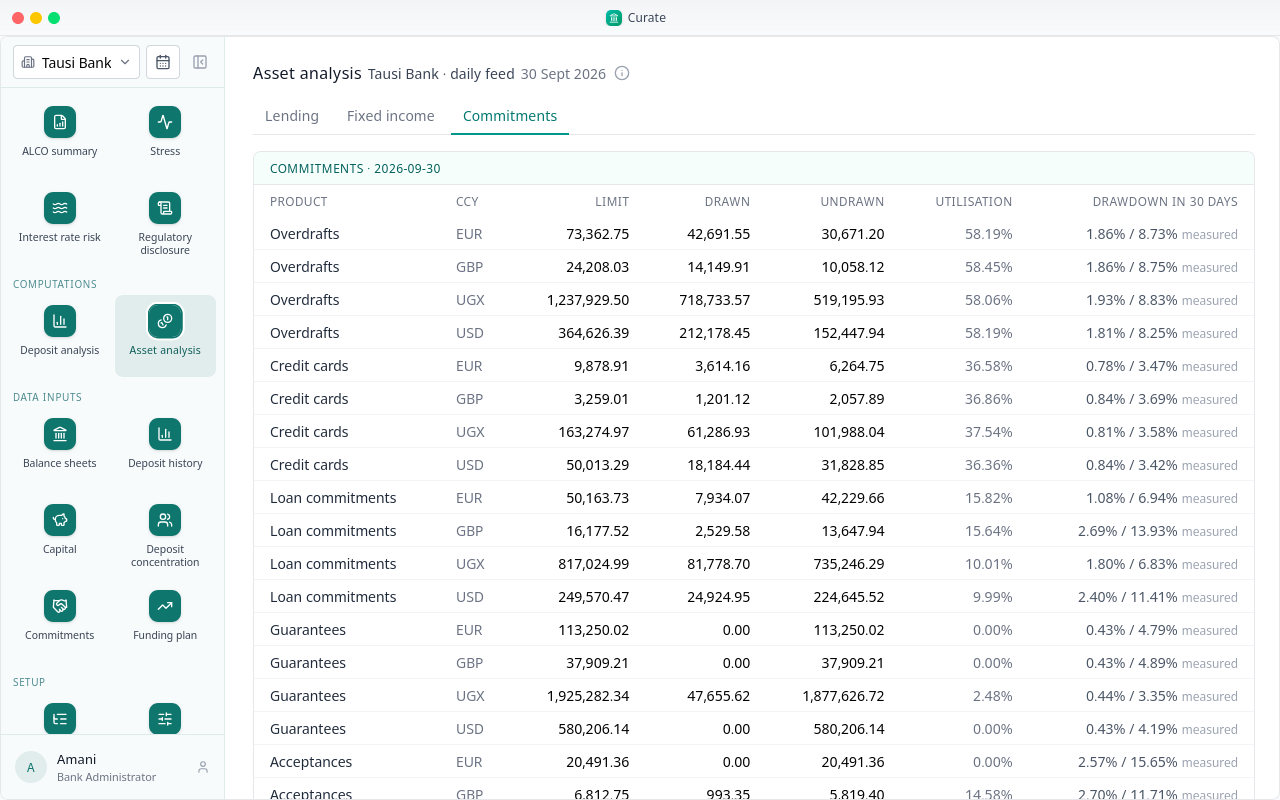
Those drawdown rates are the ones read off the bank's own history under Commitments. Chapter 12 shows how.