Chapter 1
Curate is invite-only
Curate is invite-only, so there is no sign-up here. To sign in, choose Continue with single sign-on.
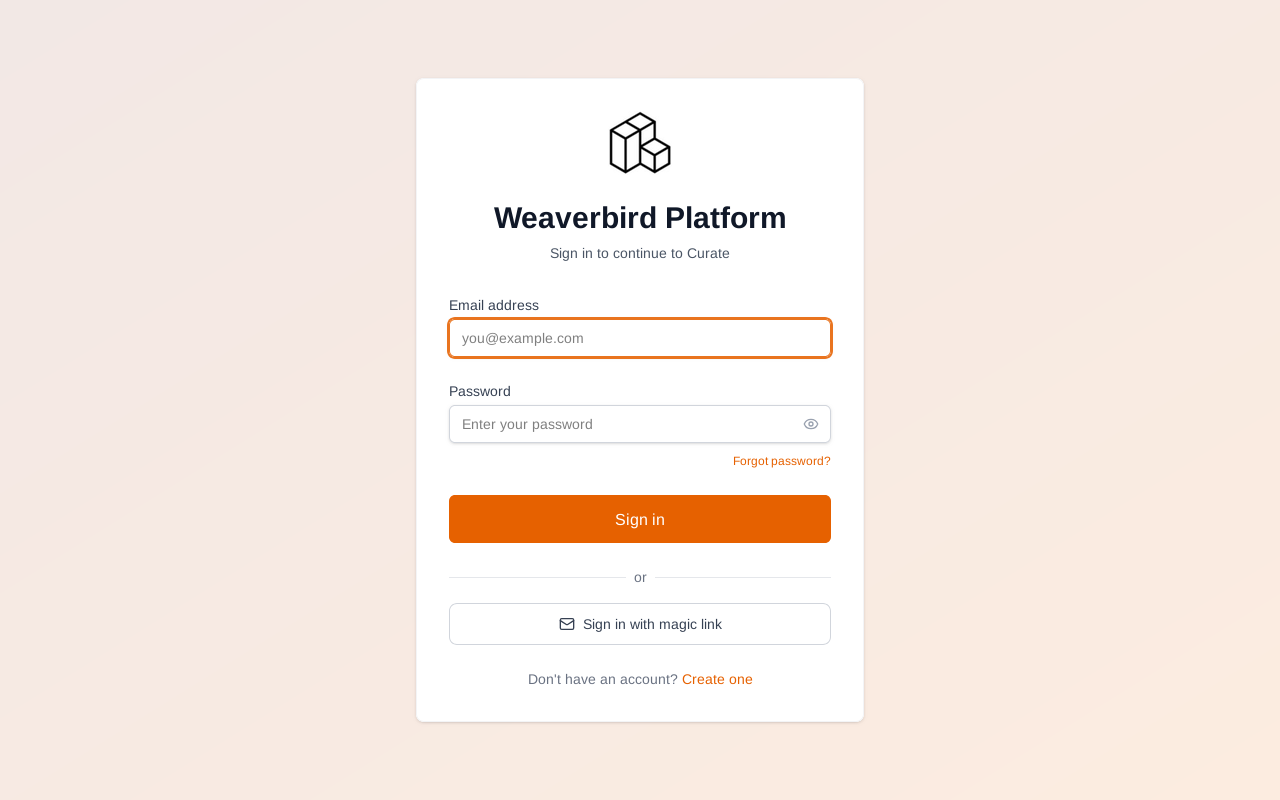
Sign in with the account you were made a product operator with.
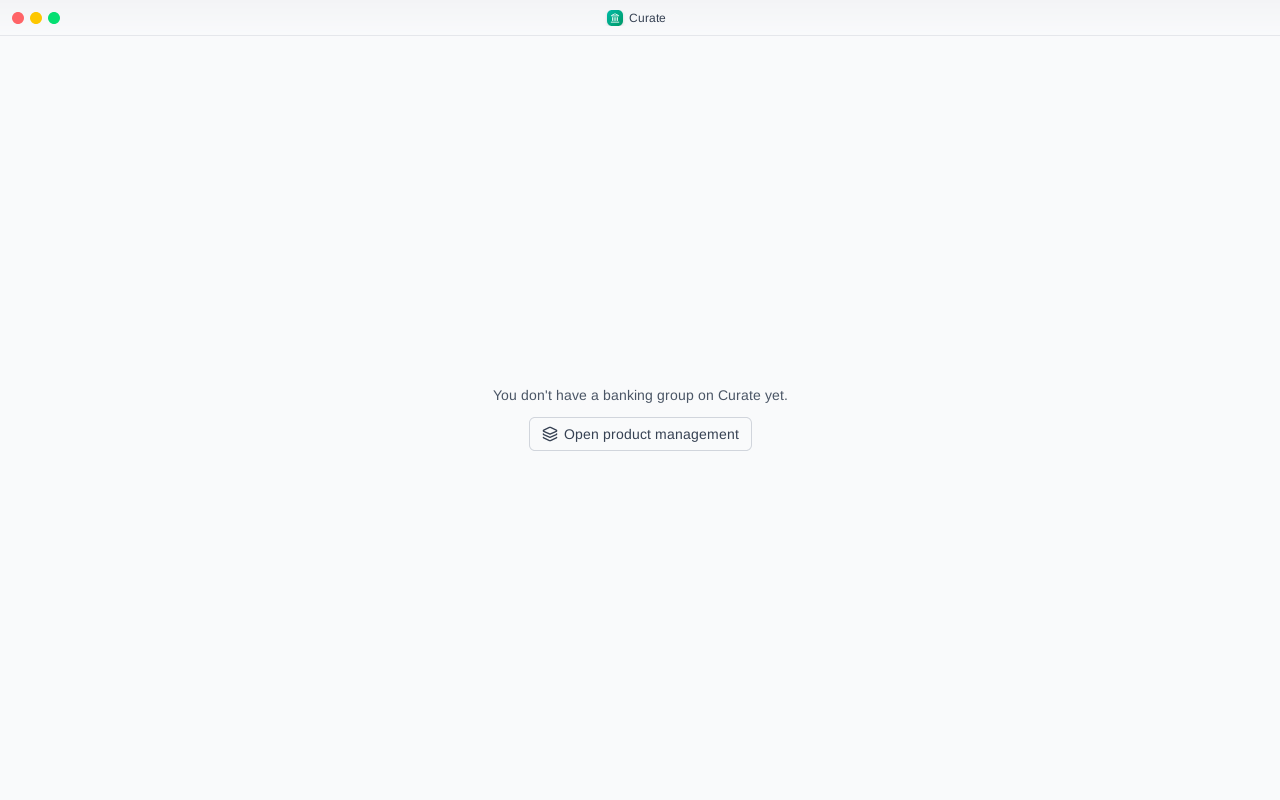
Curate opens with You don't have a banking group on Curate yet. That is expected: an operator runs Curate, not a bank.
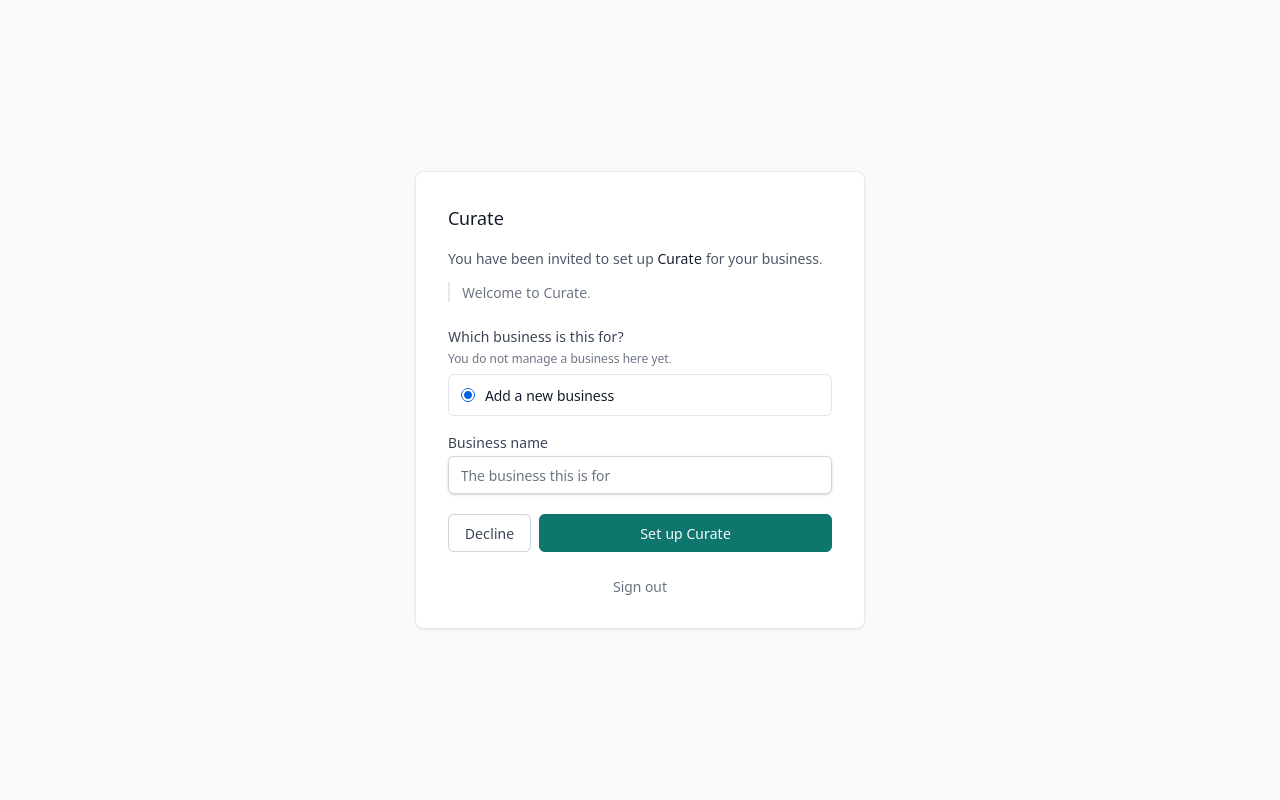
A bank user starts from the invitation email. If you have no account yet, the first email has you set one up, and a second email then brings the invitation itself.
Chapter 2
Inviting a colleague, and their side
A bank's administrator decides who else works on it. People sits at the foot of the sidebar.
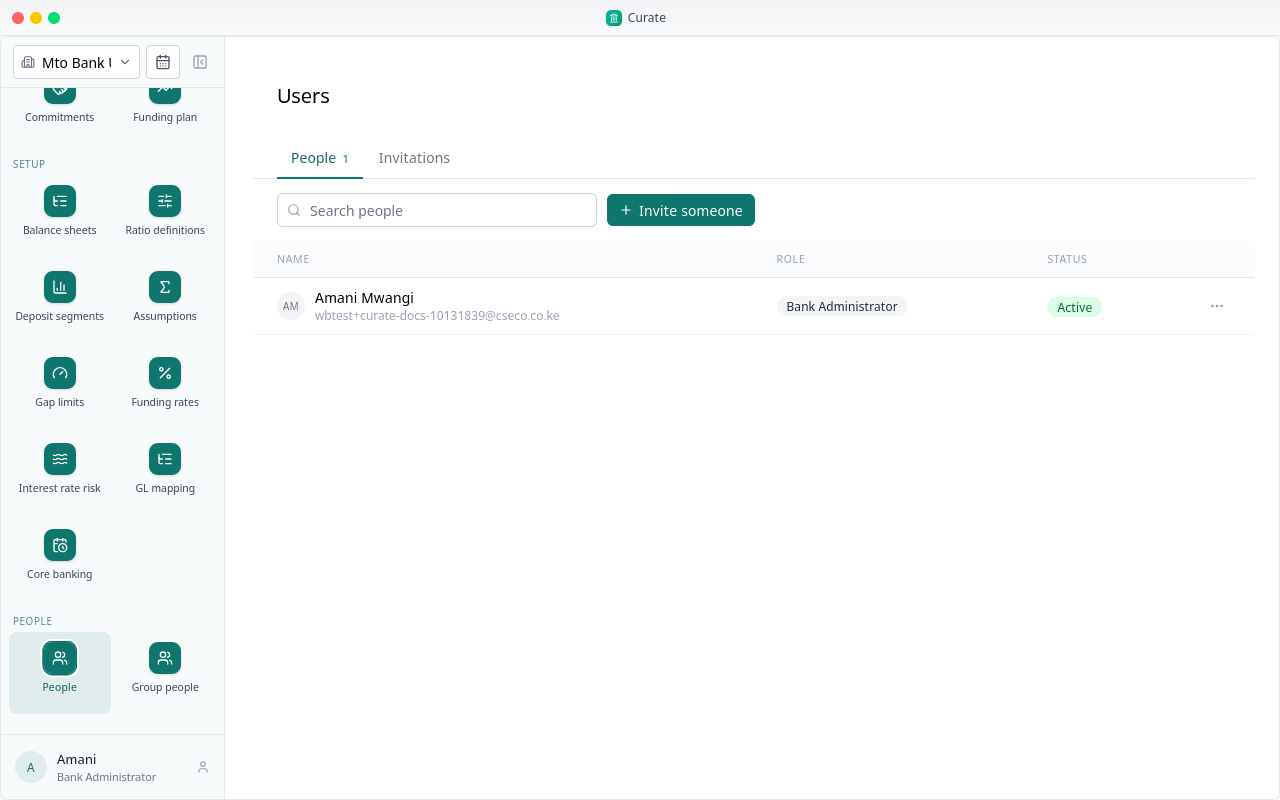
People lists everyone on the bank, with their role and whether they are active.
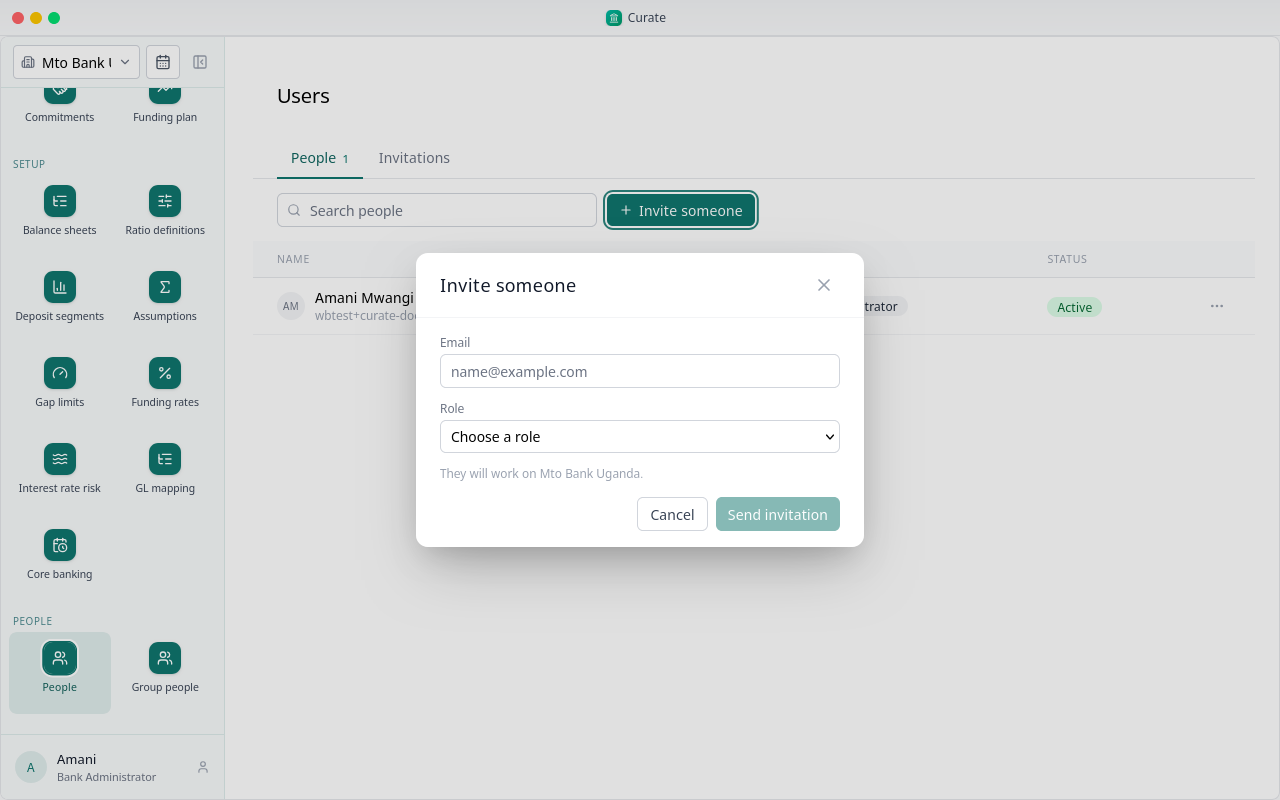
Choose Invite someone, and type your colleague's email address.
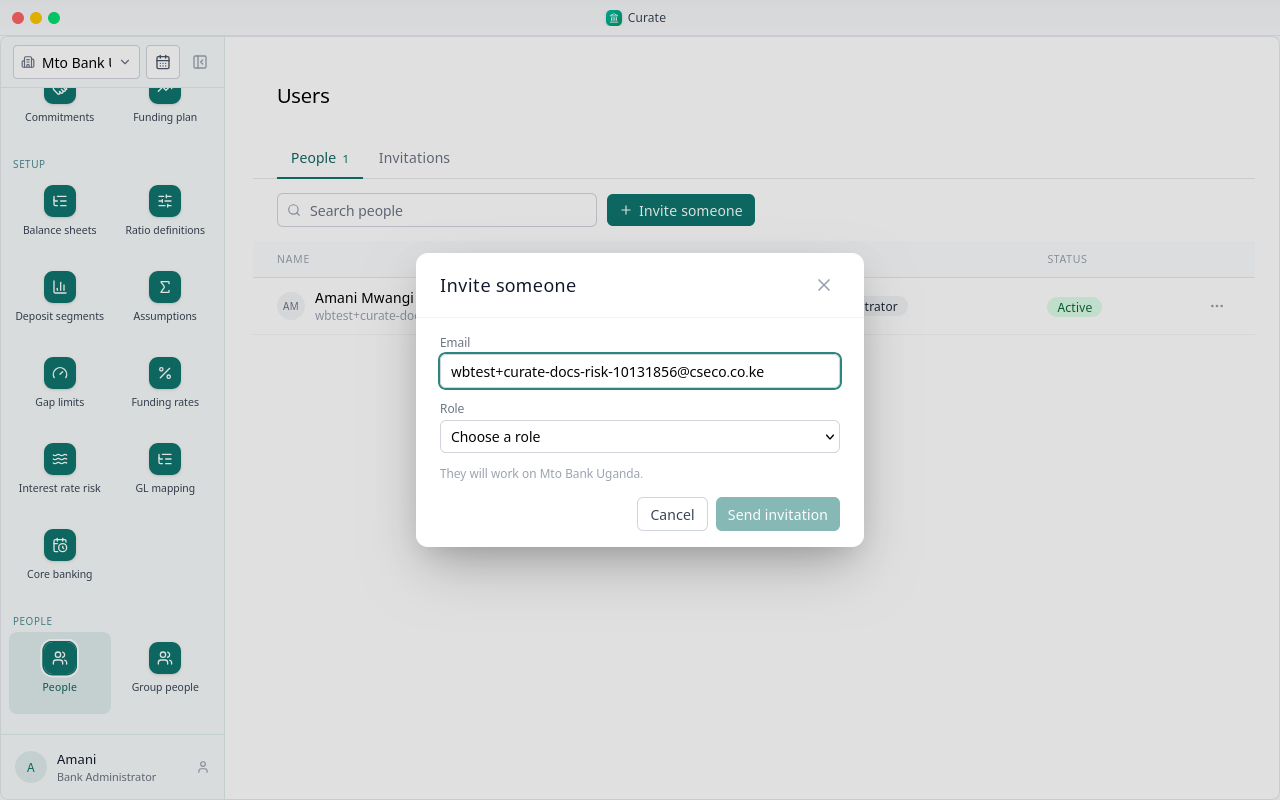
Pick their role. A Bank Administrator runs everything. An Analyst uploads the data and runs the analysis, but cannot approve it. A Risk Manager sets the assumptions and approves the analysis. A Viewer only reads.
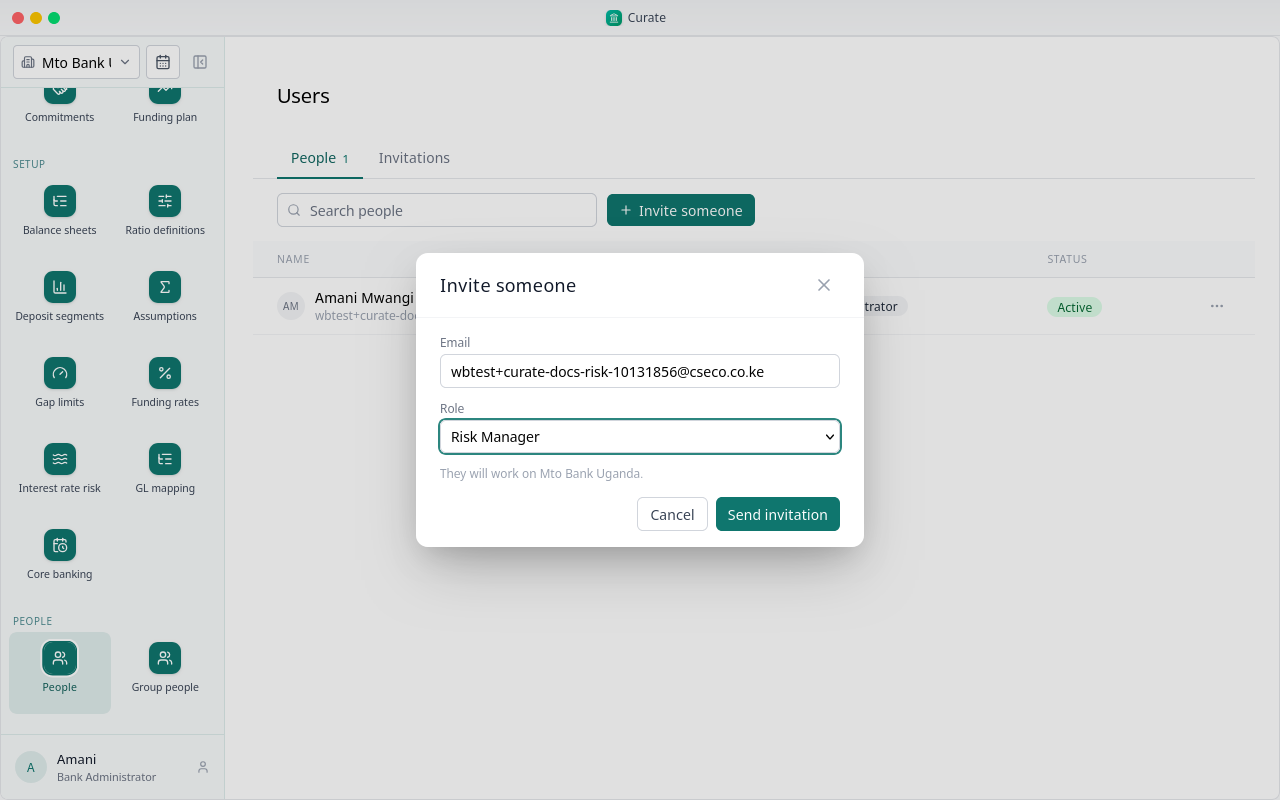
Send the invitation.
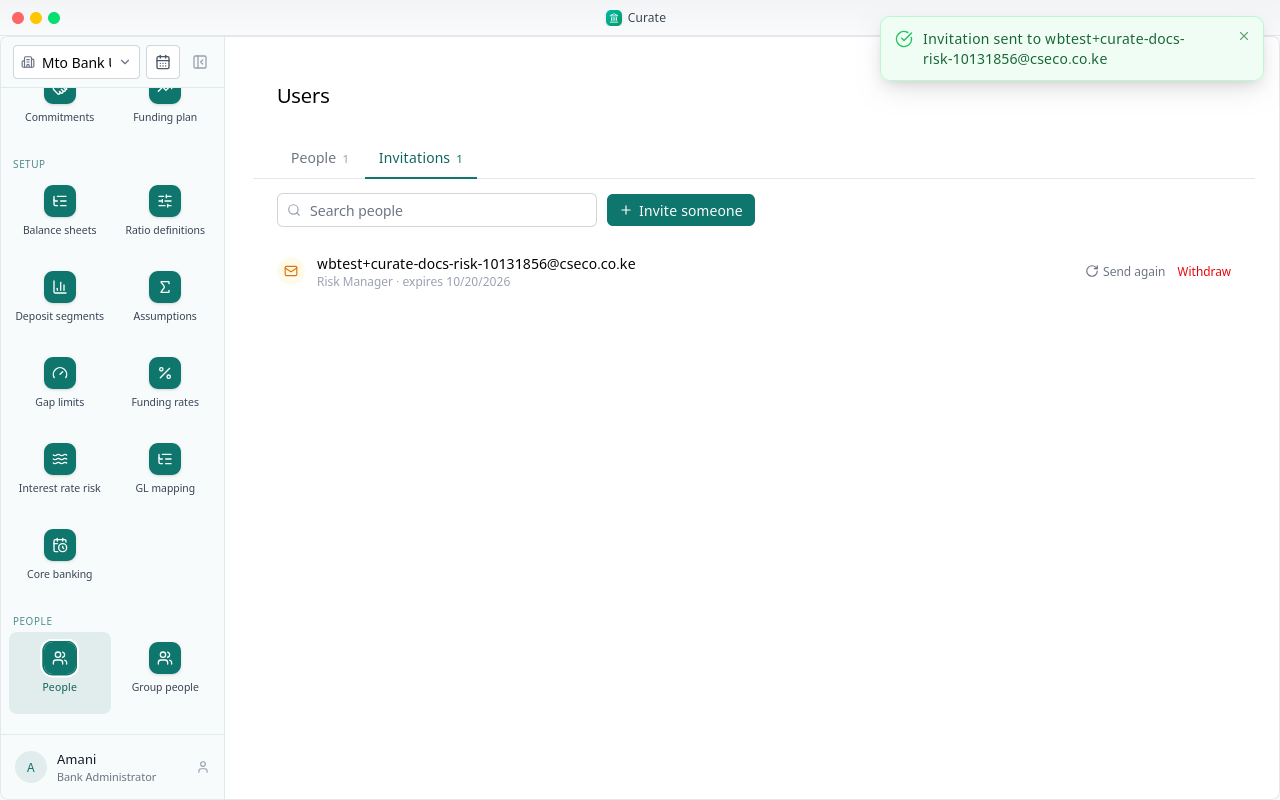
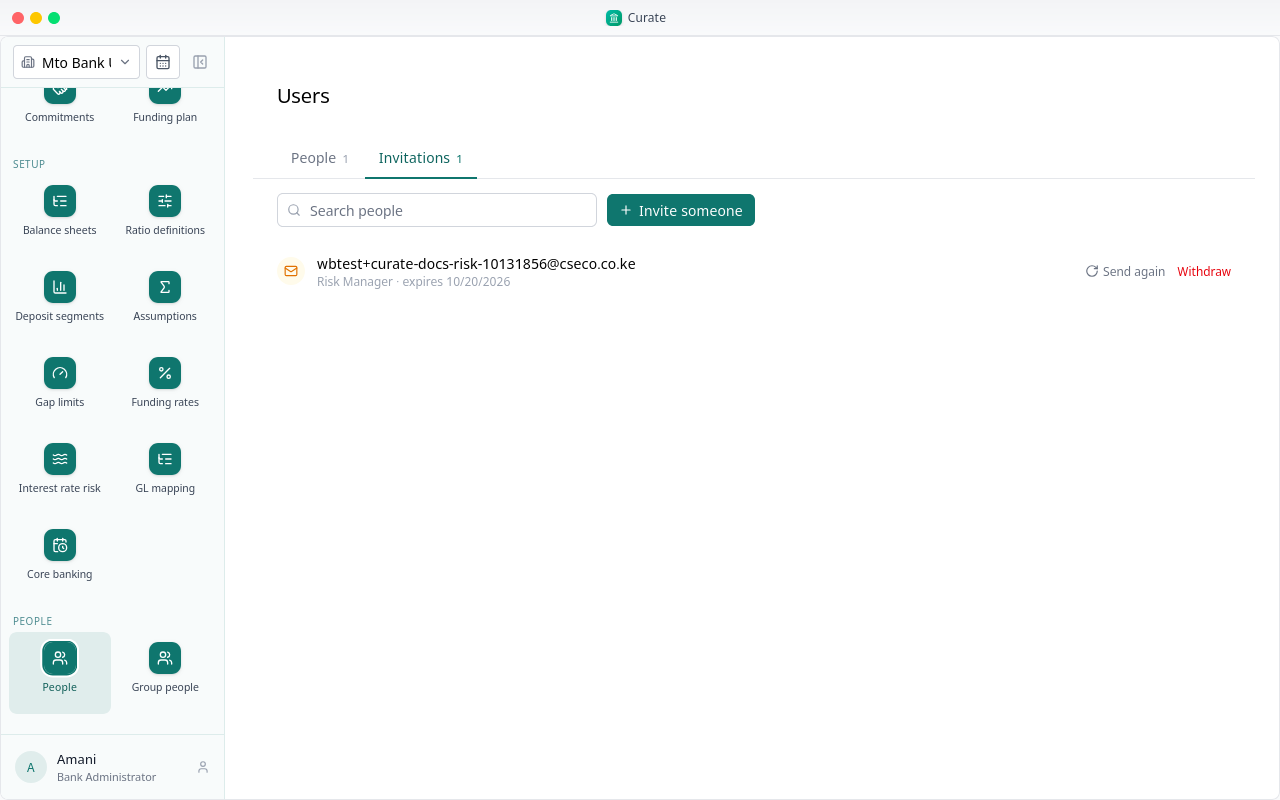
It waits under Invitations, with the role and the date it expires, until your colleague accepts it.
Your colleague opens the link in the email. Someone with no account yet sets one up there: their name and a password.
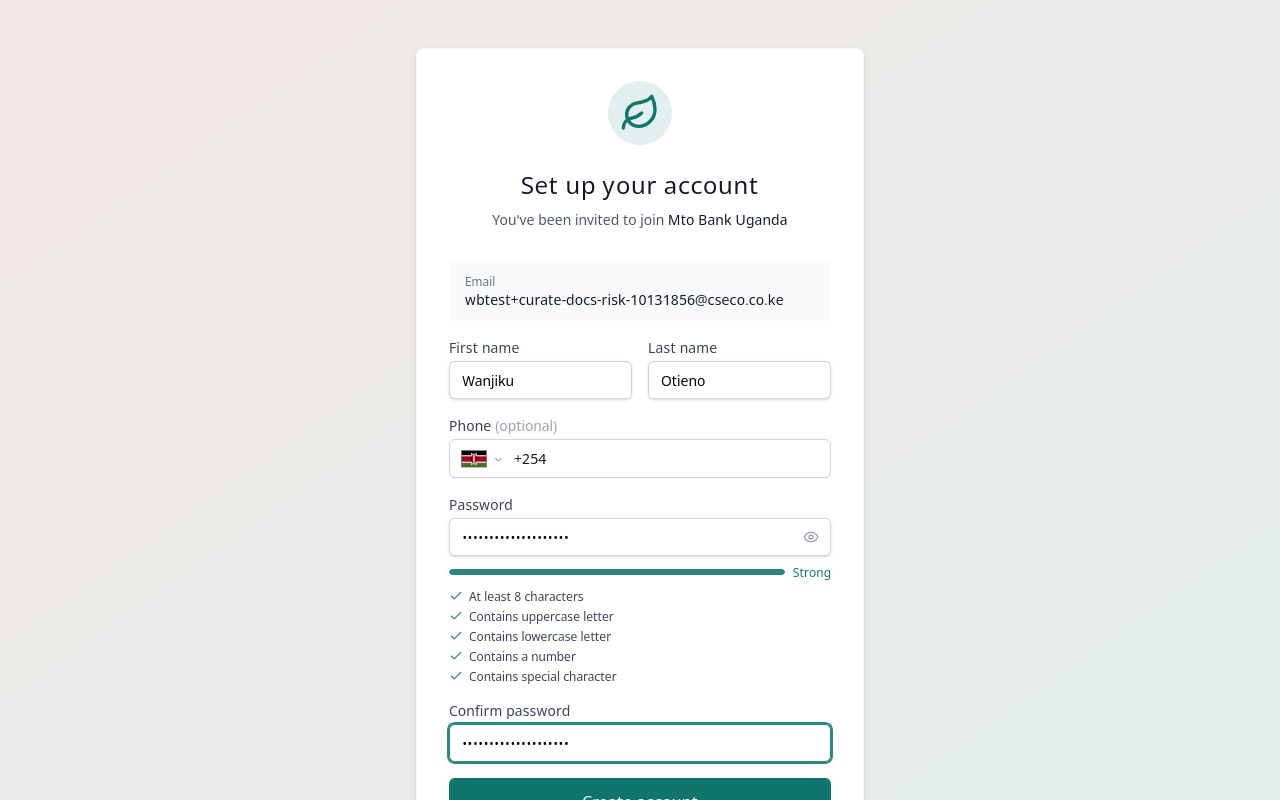
Creating the account also accepts the invitation. The link works once; opened again, it says the invitation is invalid or expired.
From then on they sign in to Curate like anyone else, and work on the bank with their role.
A Risk Manager has Setup, but no People: only an administrator decides who works on the bank.