Chapter 1
Finding a gym, and running one
KiGym does two things: it helps people find a gym, and it runs the gym. This is its home page, at kigym dot kilimo dot tech.
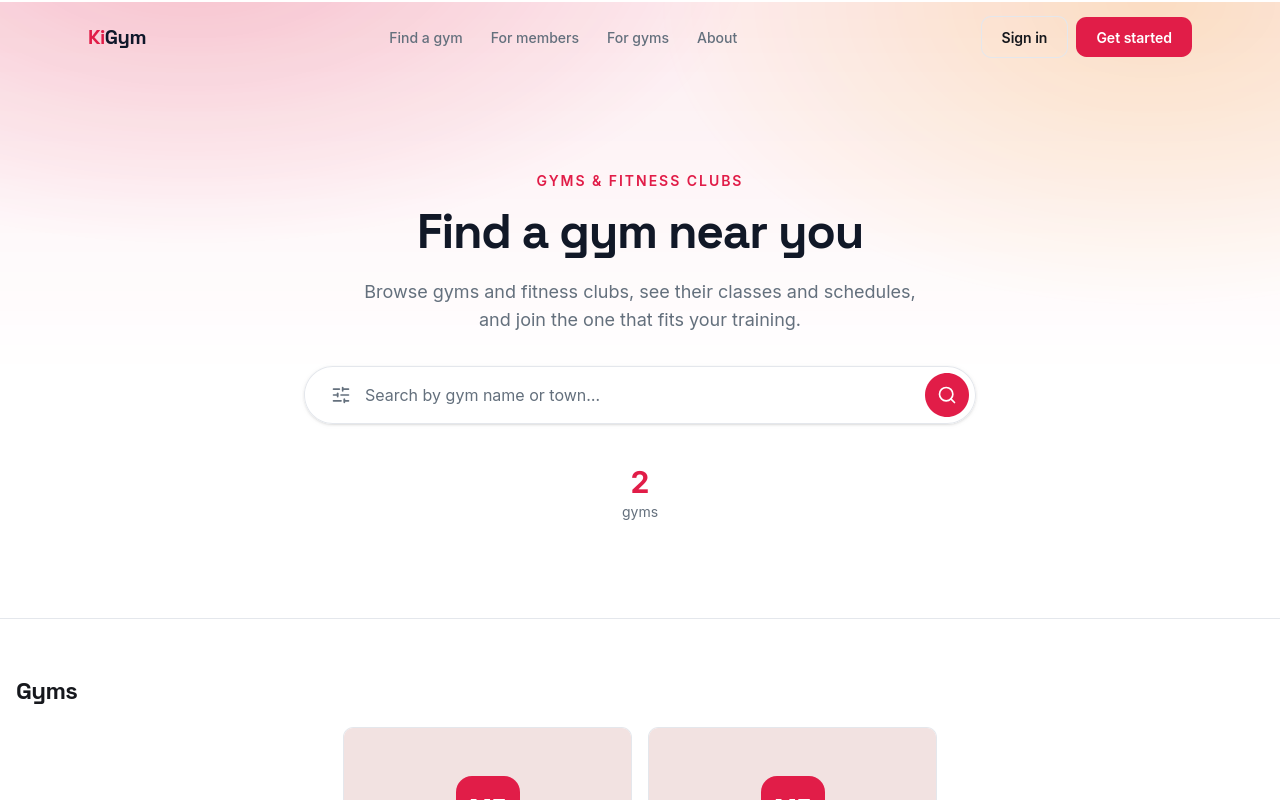
Anyone can search for a gym by name or town, without signing in. Open the filters, and type a town.
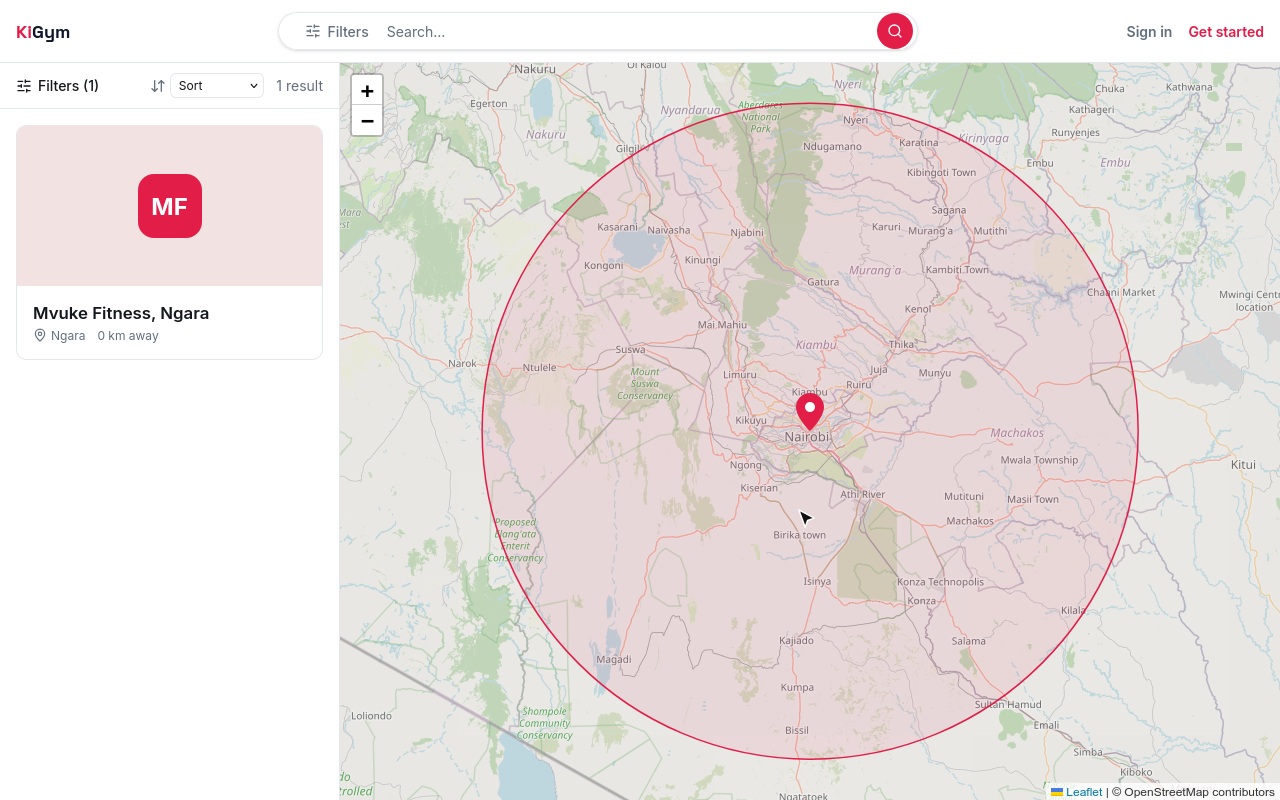
The gyms near Ngara. Open one to see its page.
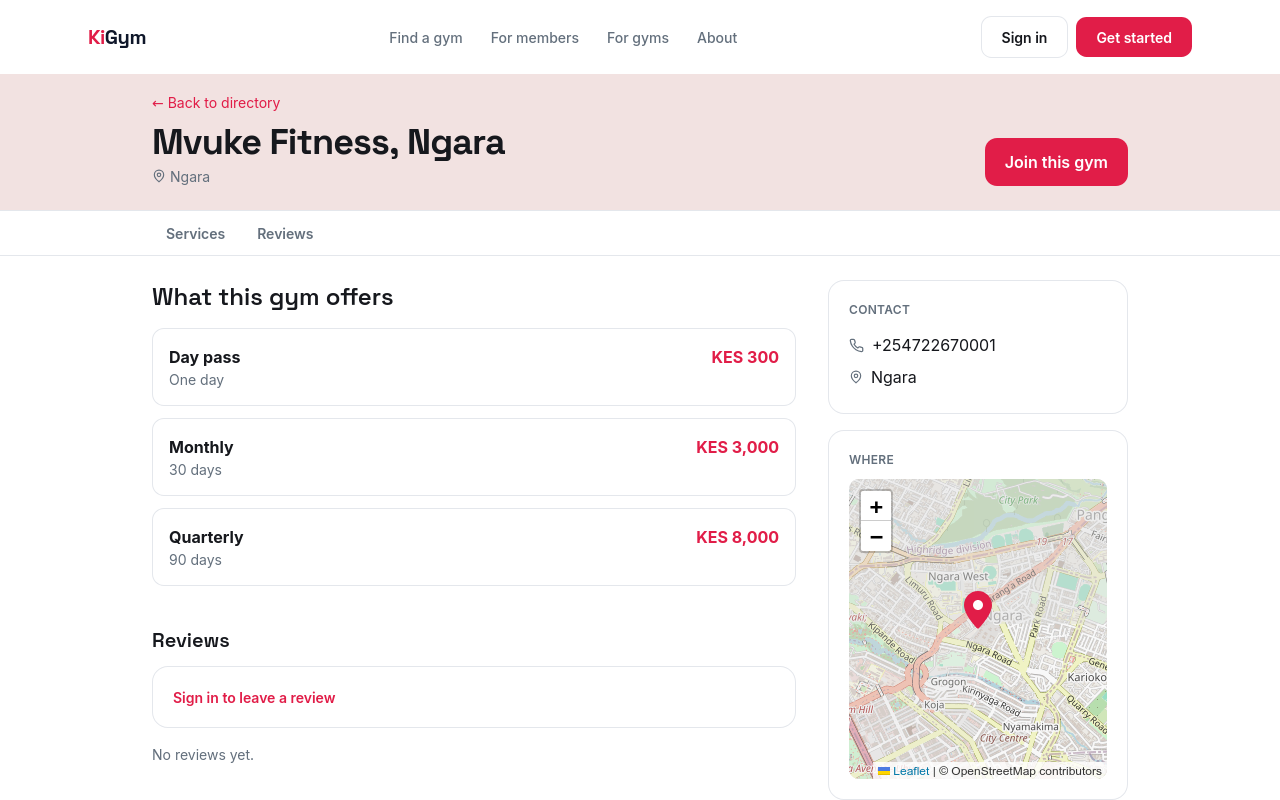
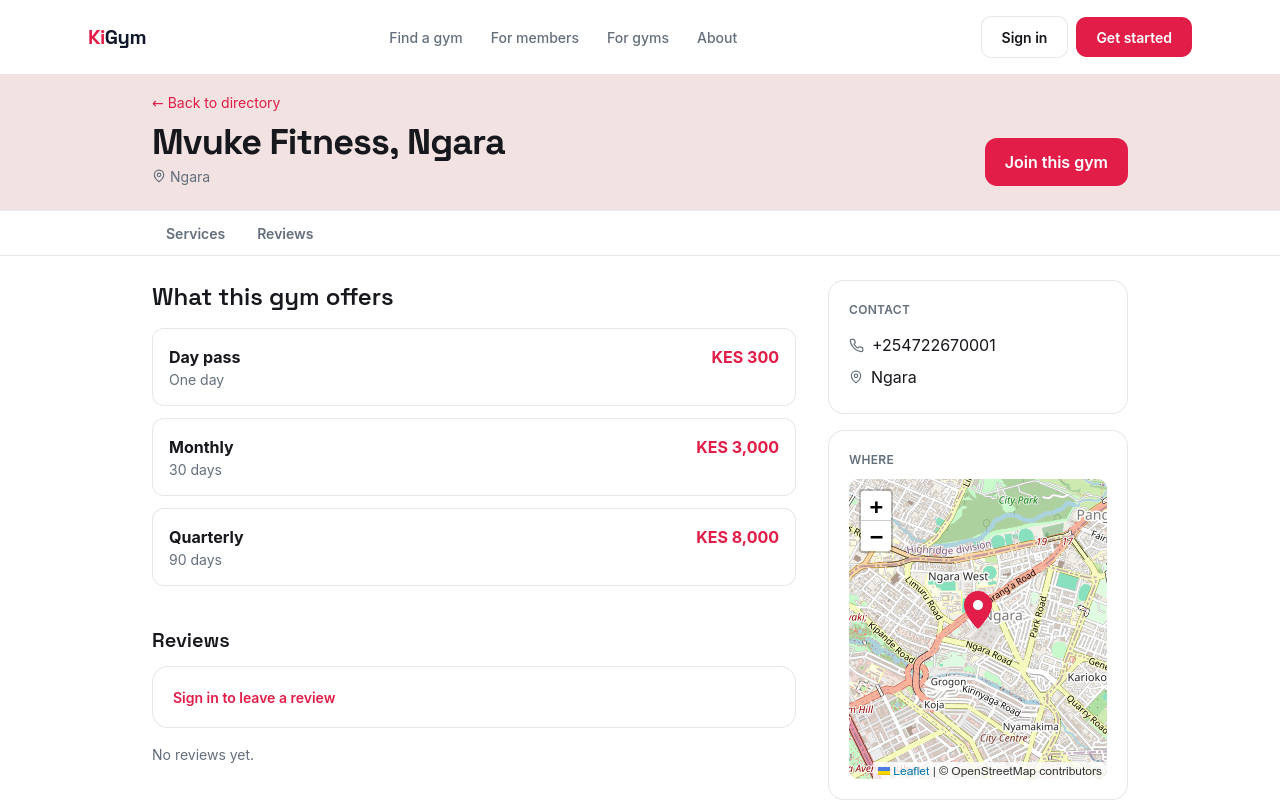
A gym's page shows what it sells and at what price, and how to reach it. A visitor asks to join from here, and the gym's desk lets them in.
For a gym, KiGym keeps the members and what they pay, cash or M-Pesa, lets them in at the desk, and runs the classes.
A gym owner starts with Get started, and signs the gym up. The next chapter does that.
Chapter 2
Your business and gym, the plans you sell, your staff and M-Pesa
The first time you sign in, KiGym asks whether you are looking for a gym, or running one. Choose Run a gym.
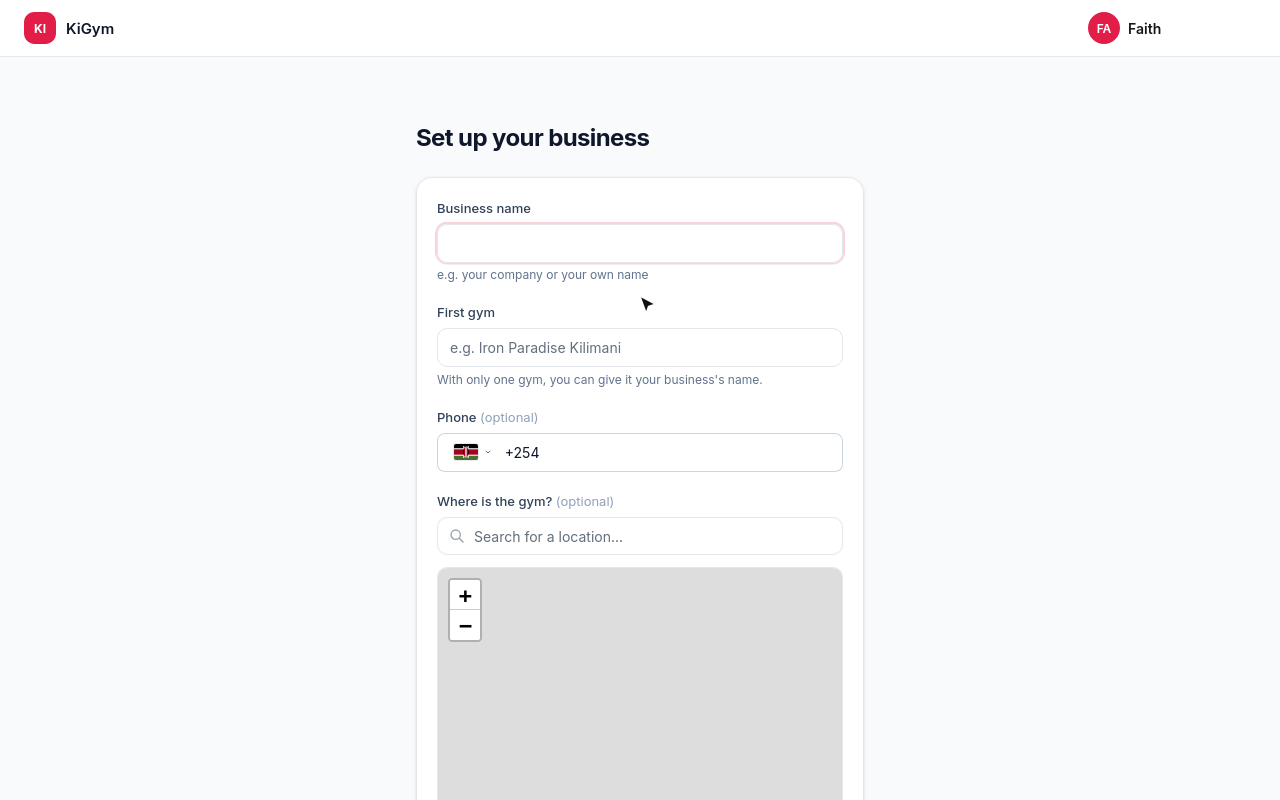
Name your business, and its first gym.
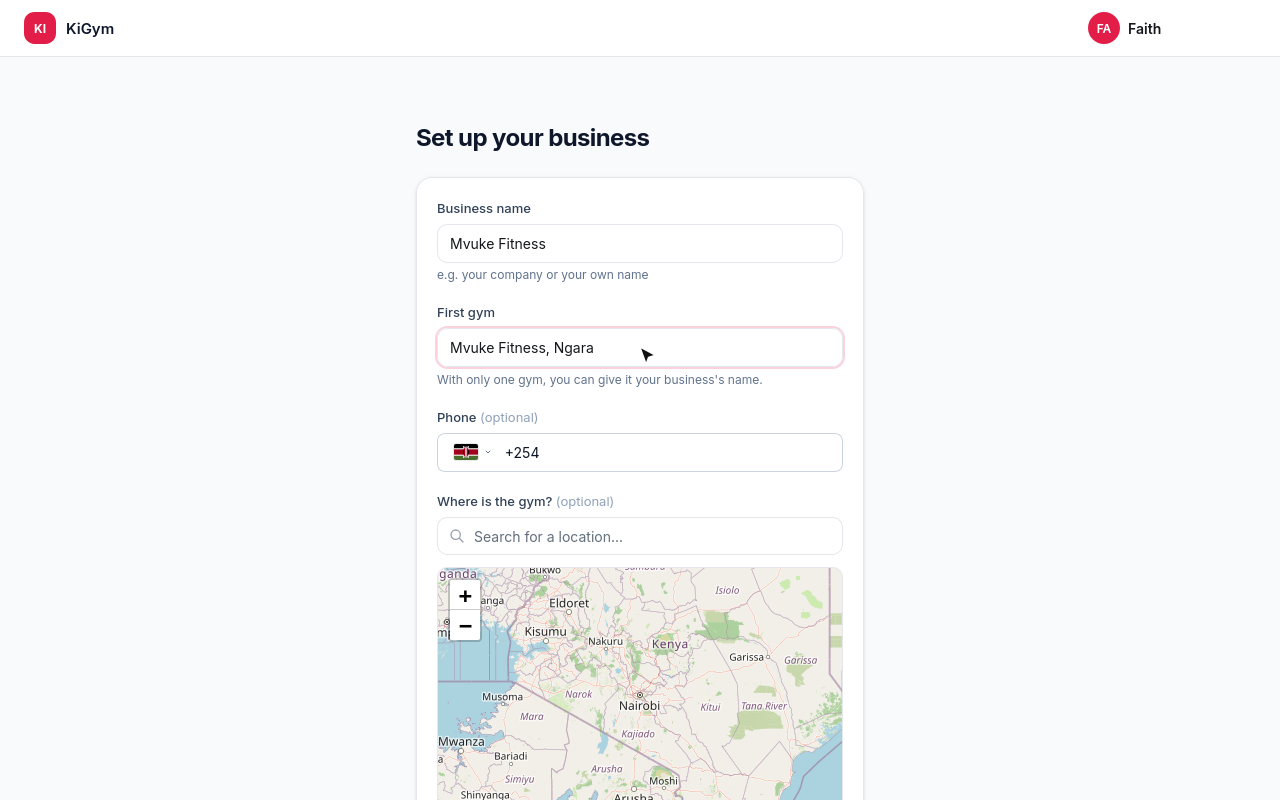
The gym's phone and where it is are optional. Search for the place, and pick it.
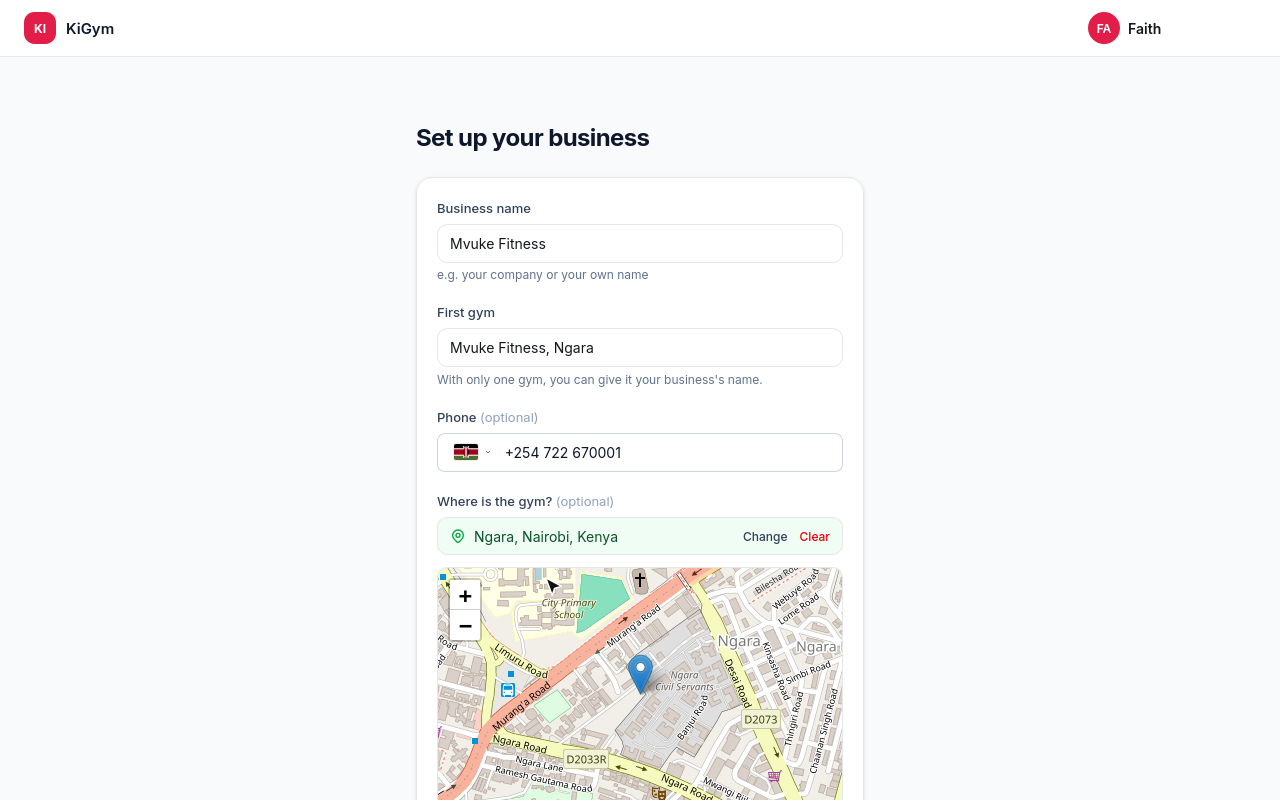
Choose Create gym.
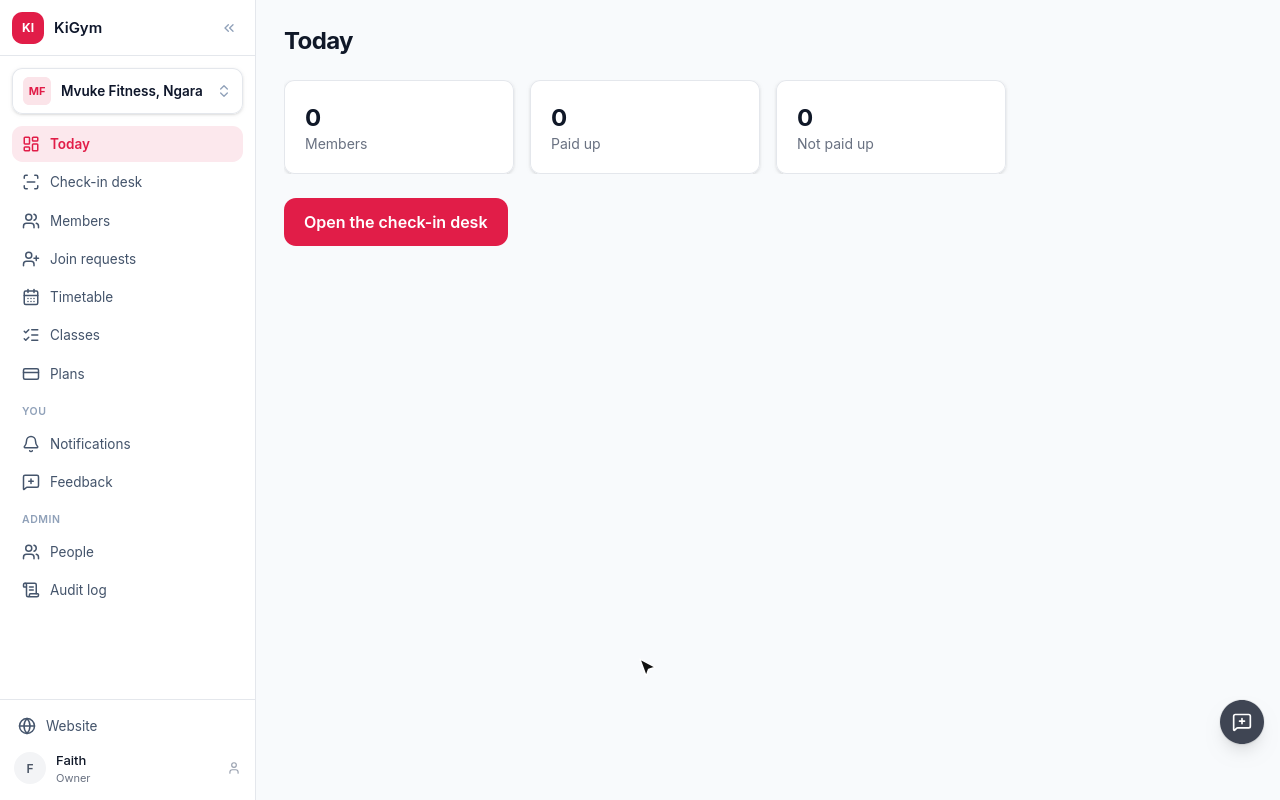
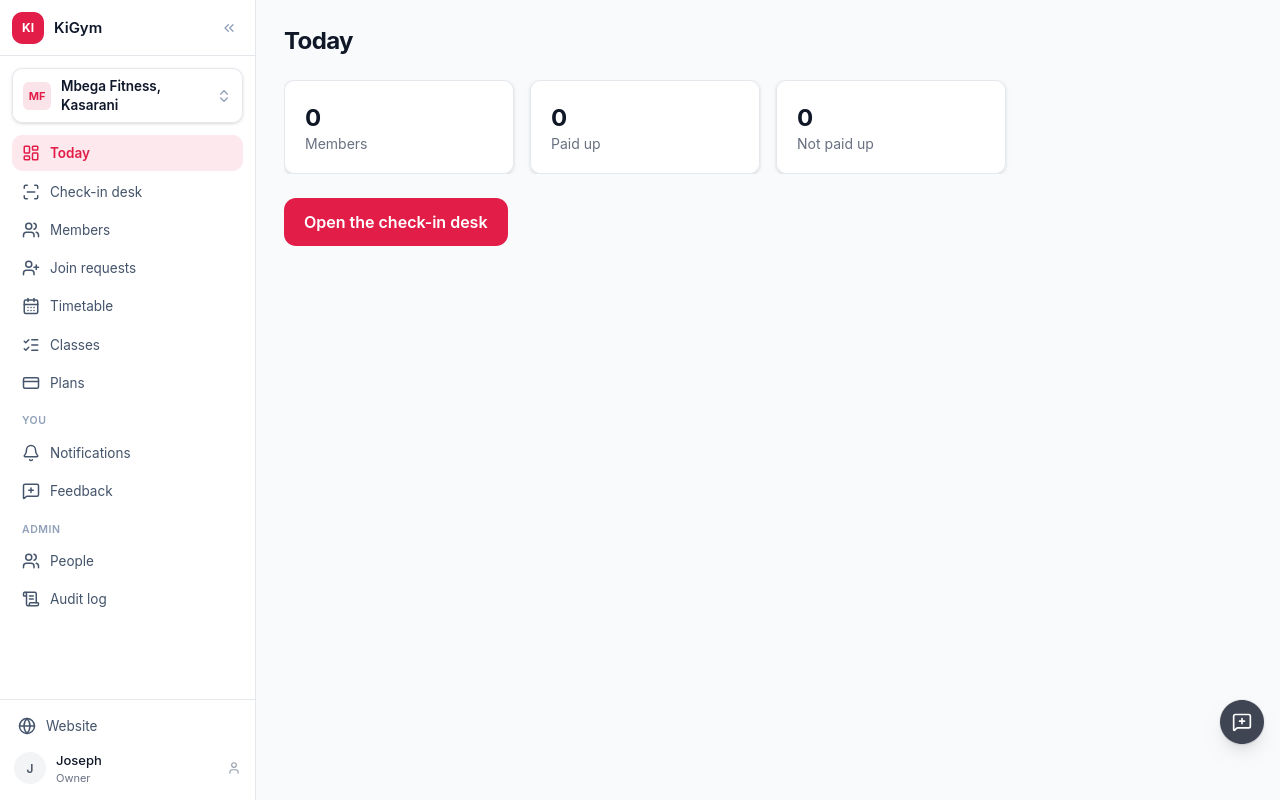
KiGym opens on the gym's Today. The menu has the check-in desk, members, join requests, the timetable, classes and plans. People is under Admin.
First, what the gym sells. Open Plans.
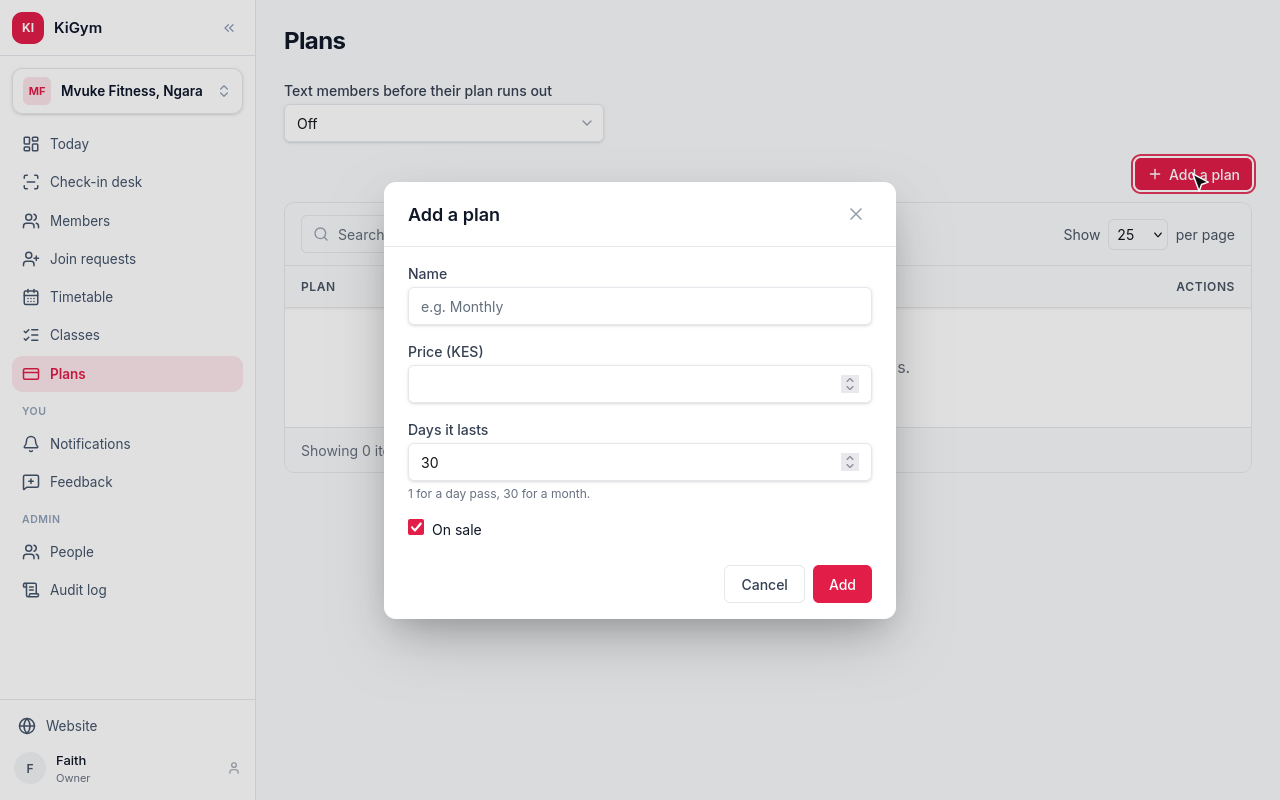
Choose Add a plan. Give it a name, its price in shillings, and how many days one payment lasts: one for a day pass.
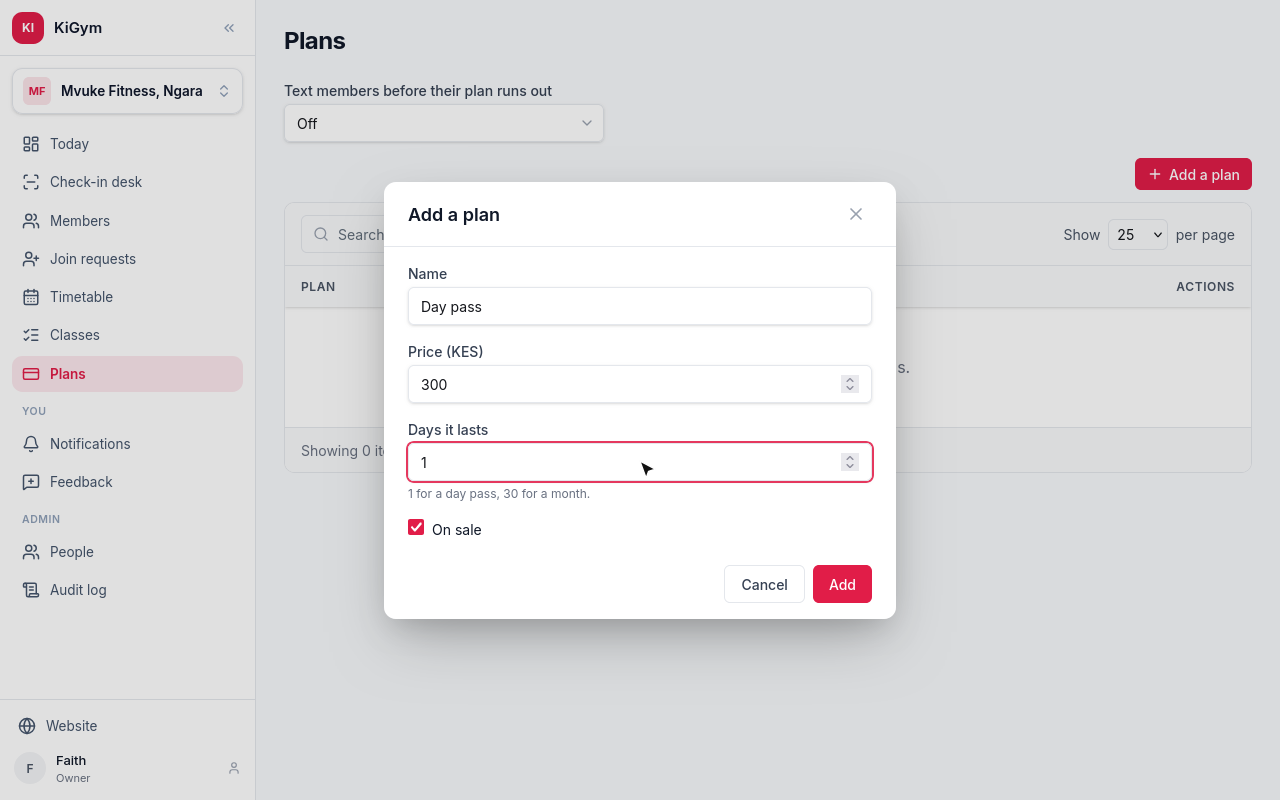
On sale stays ticked. Choose Add.
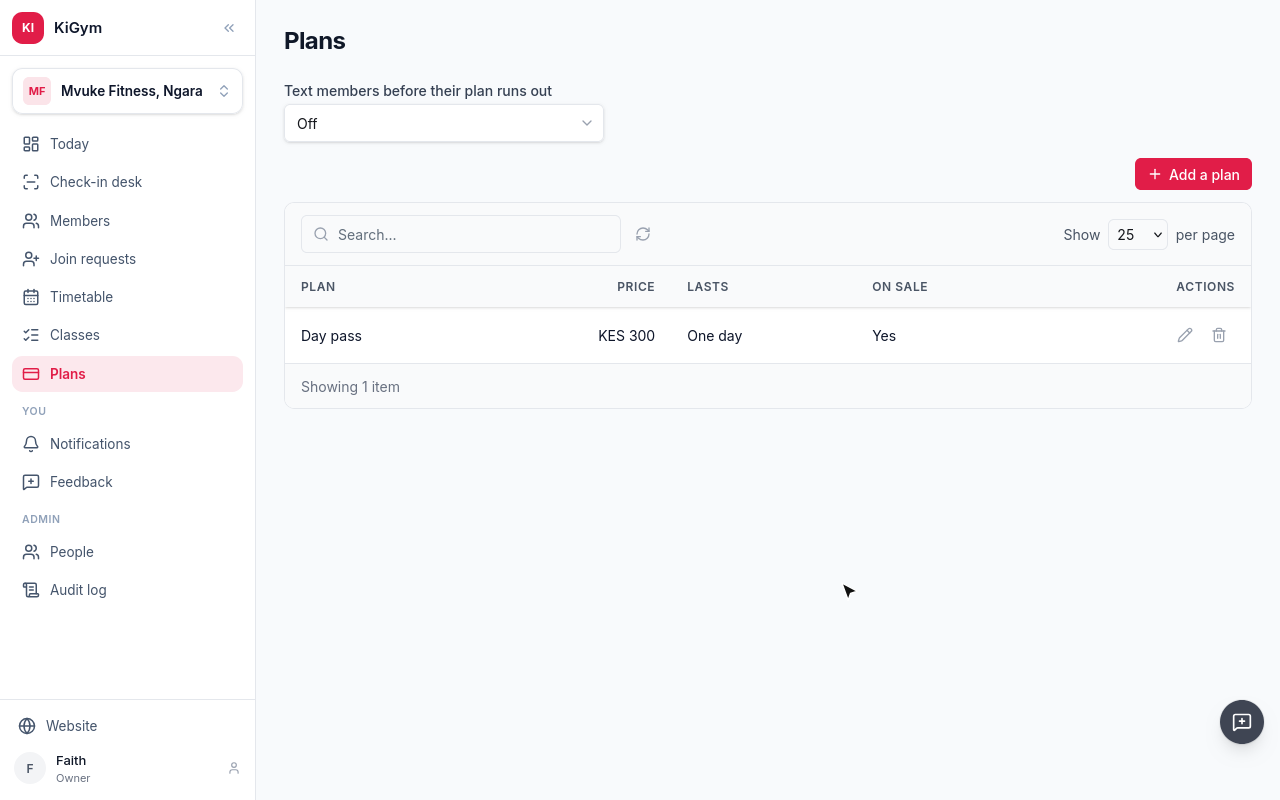
The day pass is on sale. Add the others the same way.
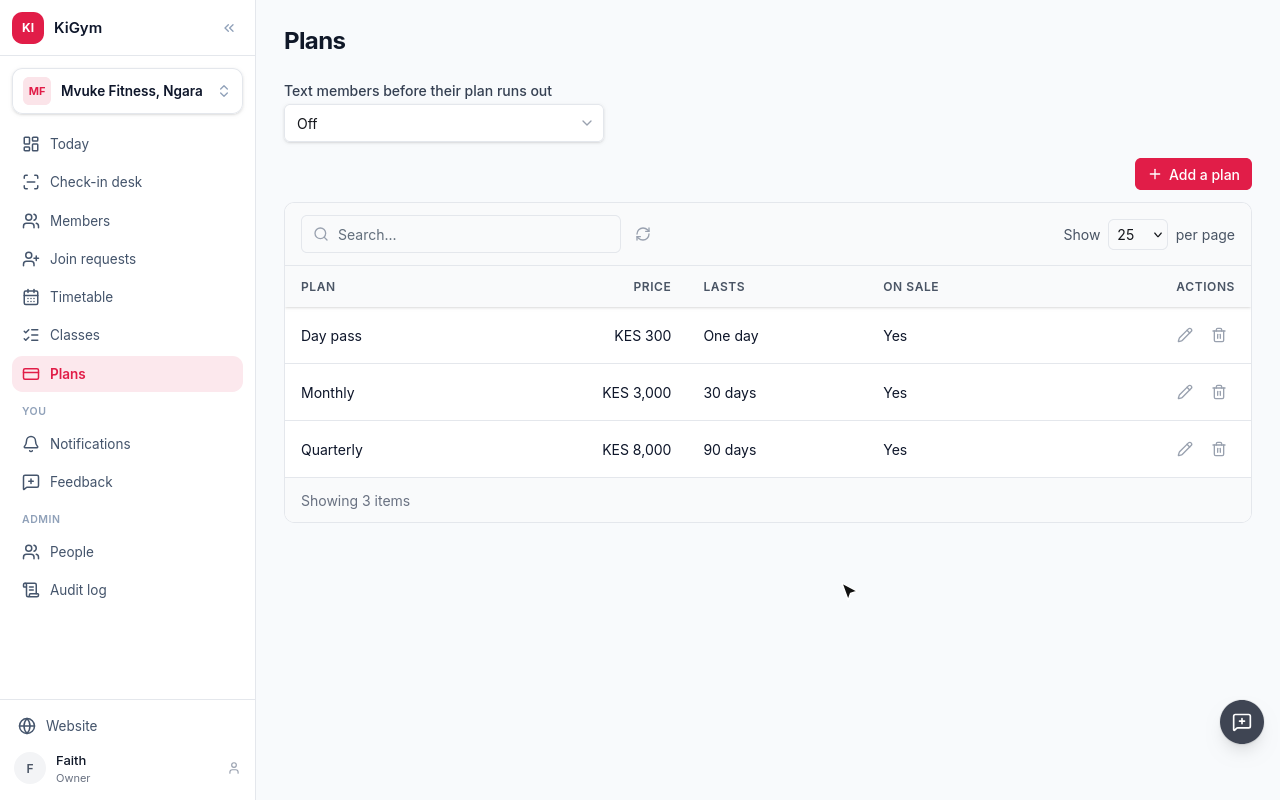
Mvuke now sells a day pass, a month and three months, at their prices.
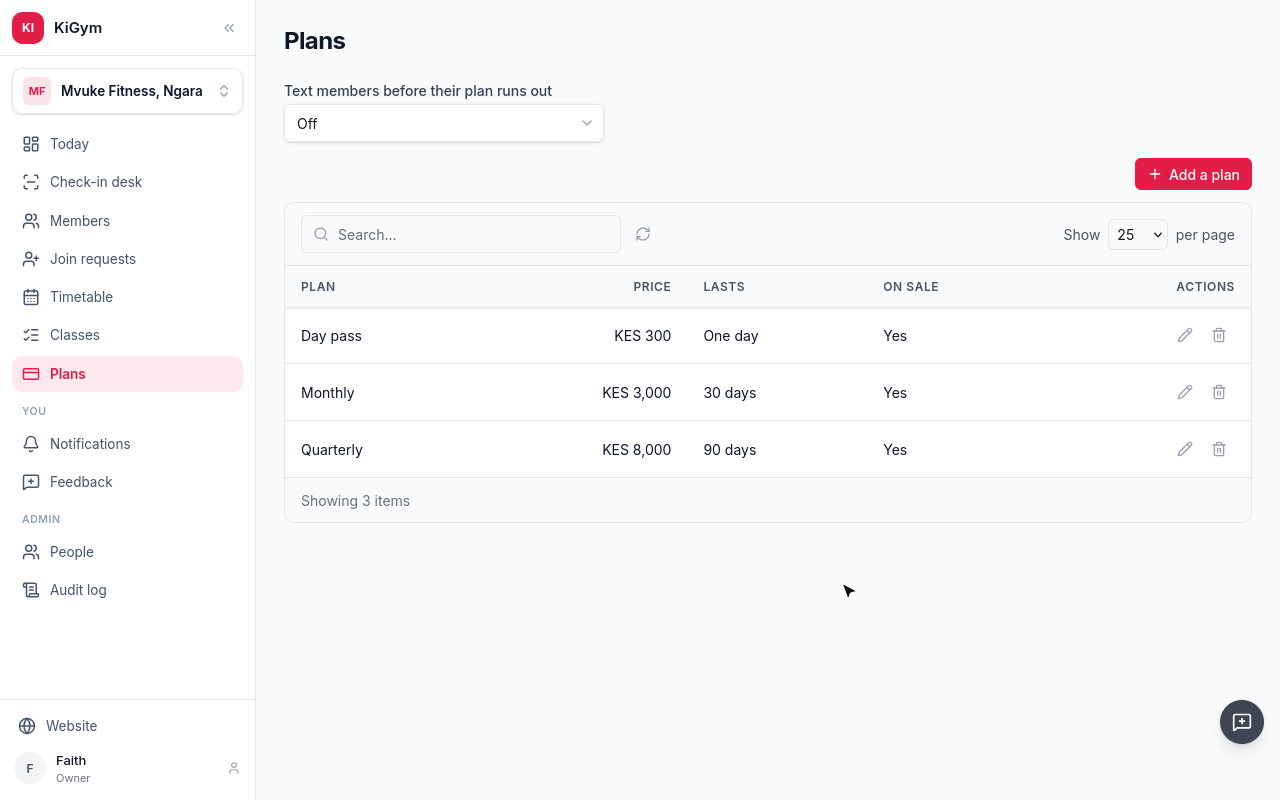
Above the plans, choose when members are texted before their plan runs out.
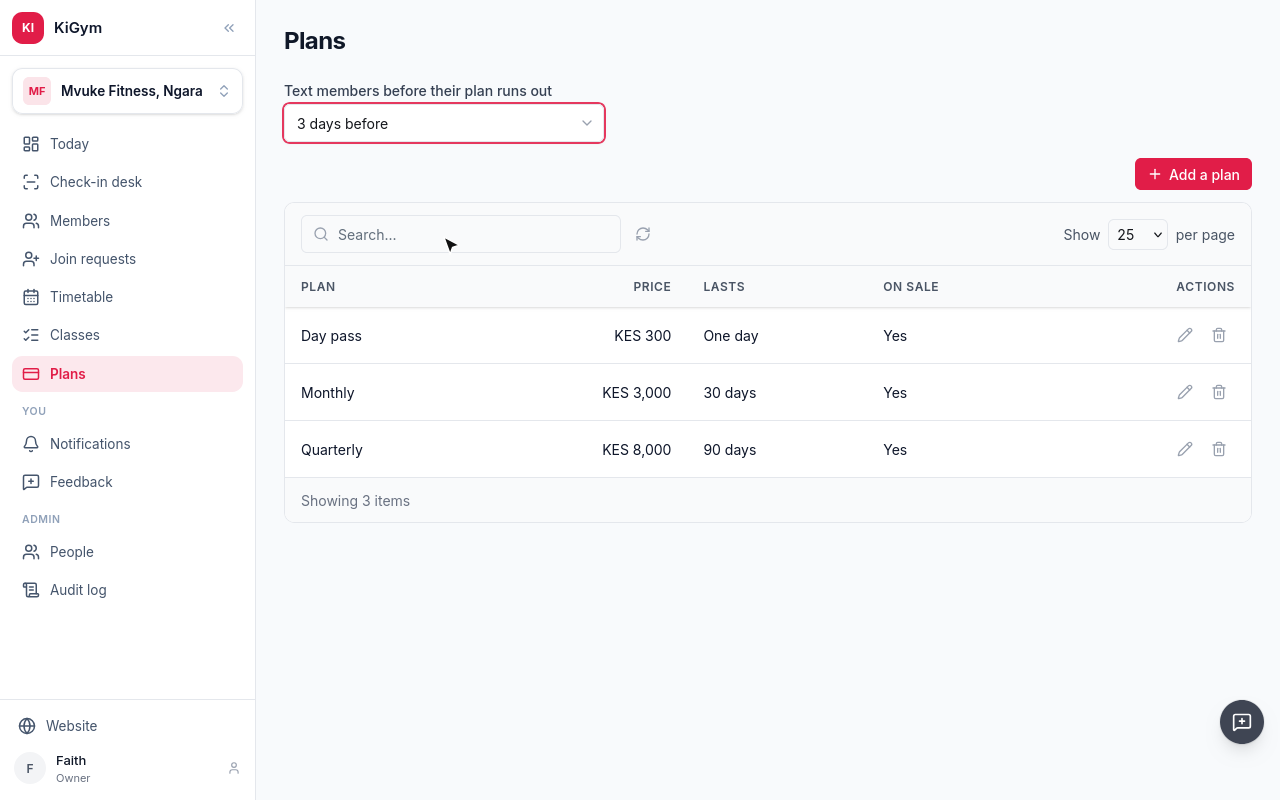
Now KiGym texts each member three days before their plan ends, unless they have already paid for the next one.
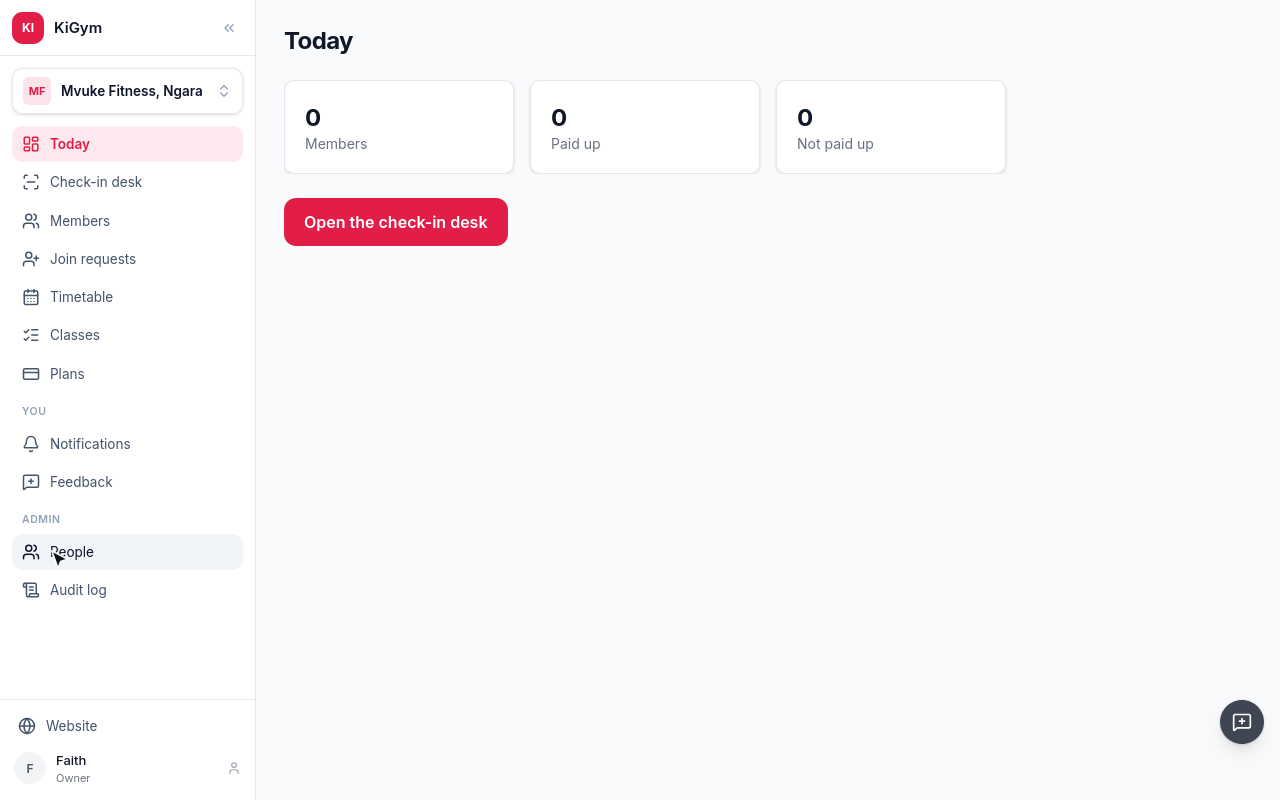
Next, the people who work here. Open People, and choose Invite someone.
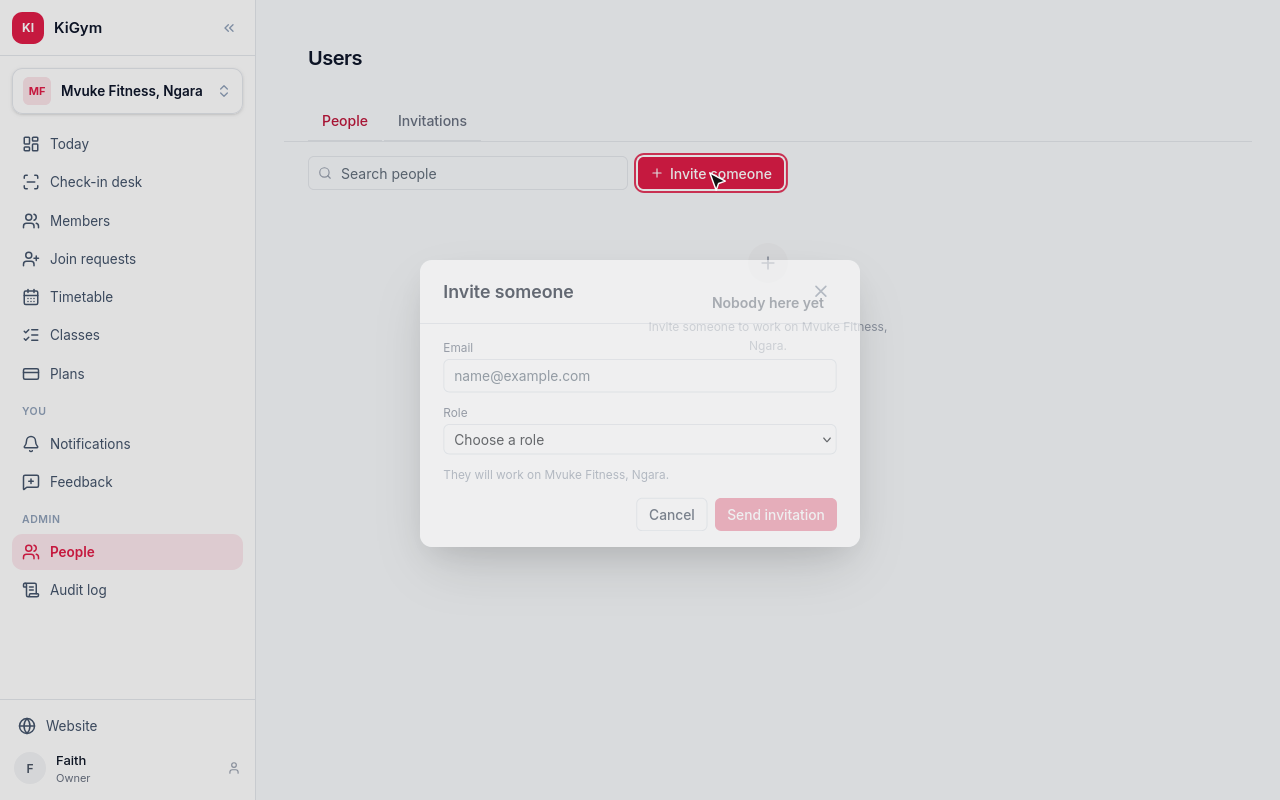
Give their email, and their role. Front Desk registers members, takes payments and checks people in.
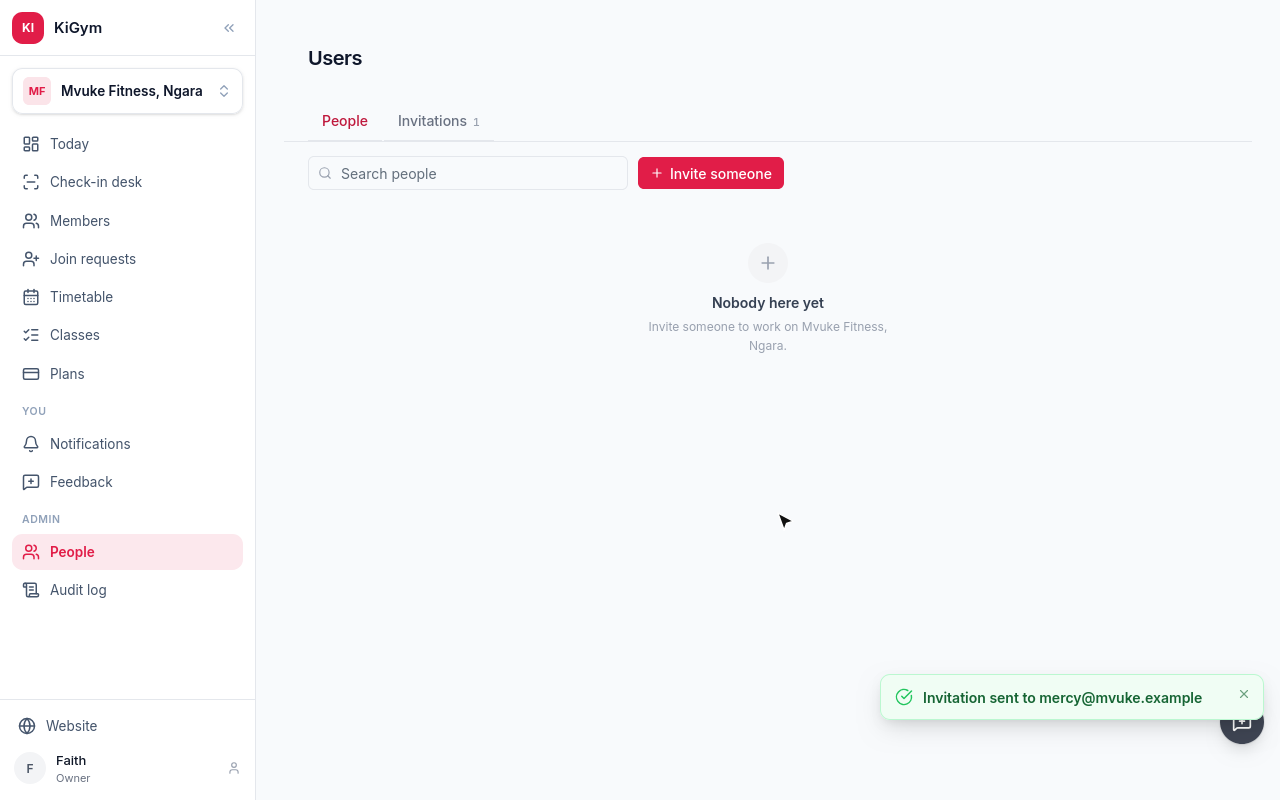
They get an email inviting them to the gym. Invite the trainer the same way.
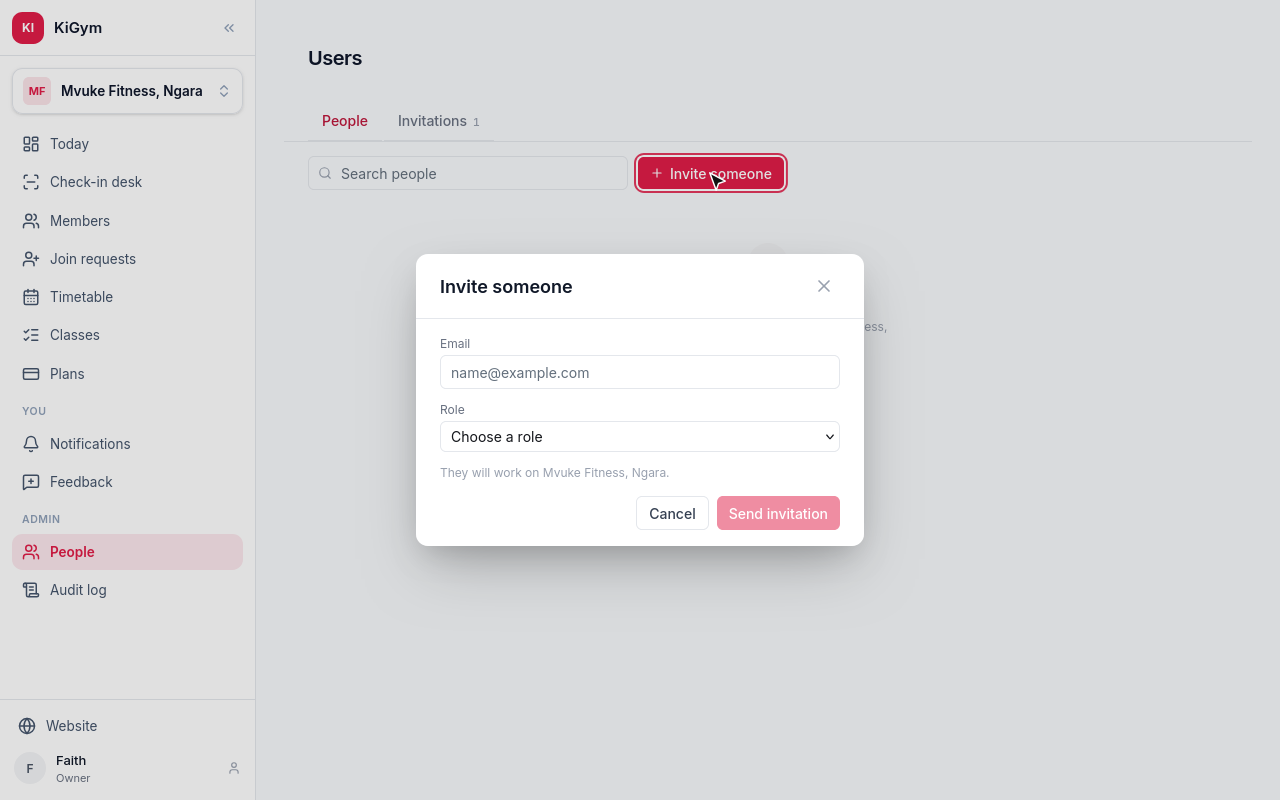
A Trainer sees the members and the timetable, and puts classes on it or calls them off. Taking payments and checking people in is the front desk's.
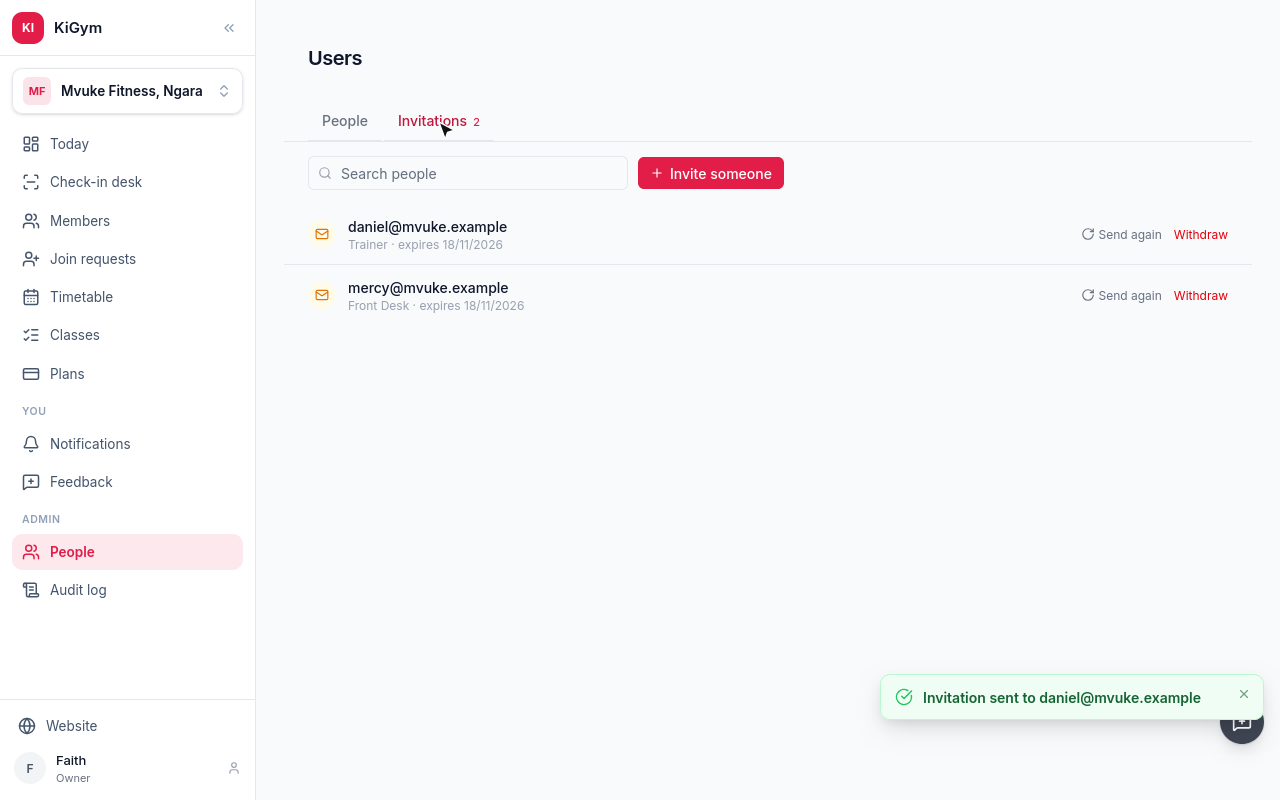
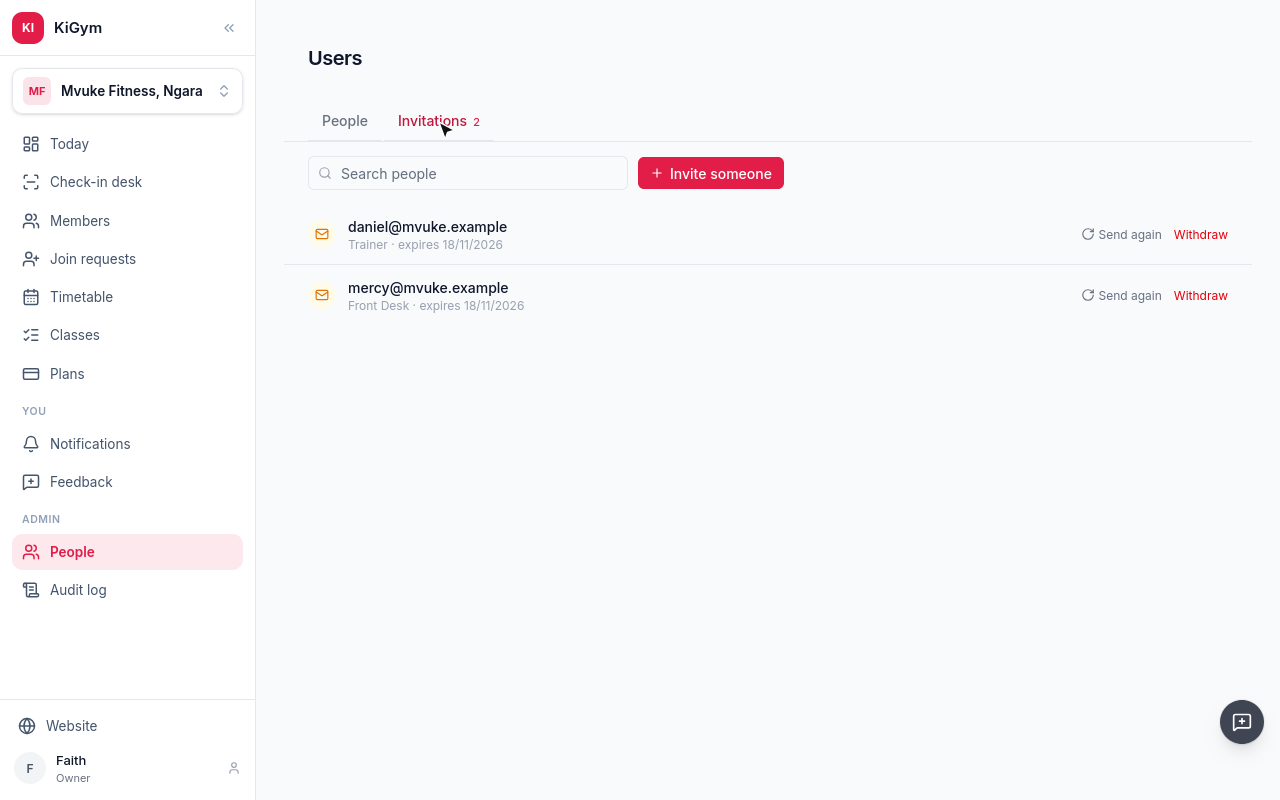
Mercy, on the front desk, and Daniel, a trainer, are invited. Each joins when they accept.
M-Pesa is set up on the business, not the gym. Switch to the business.
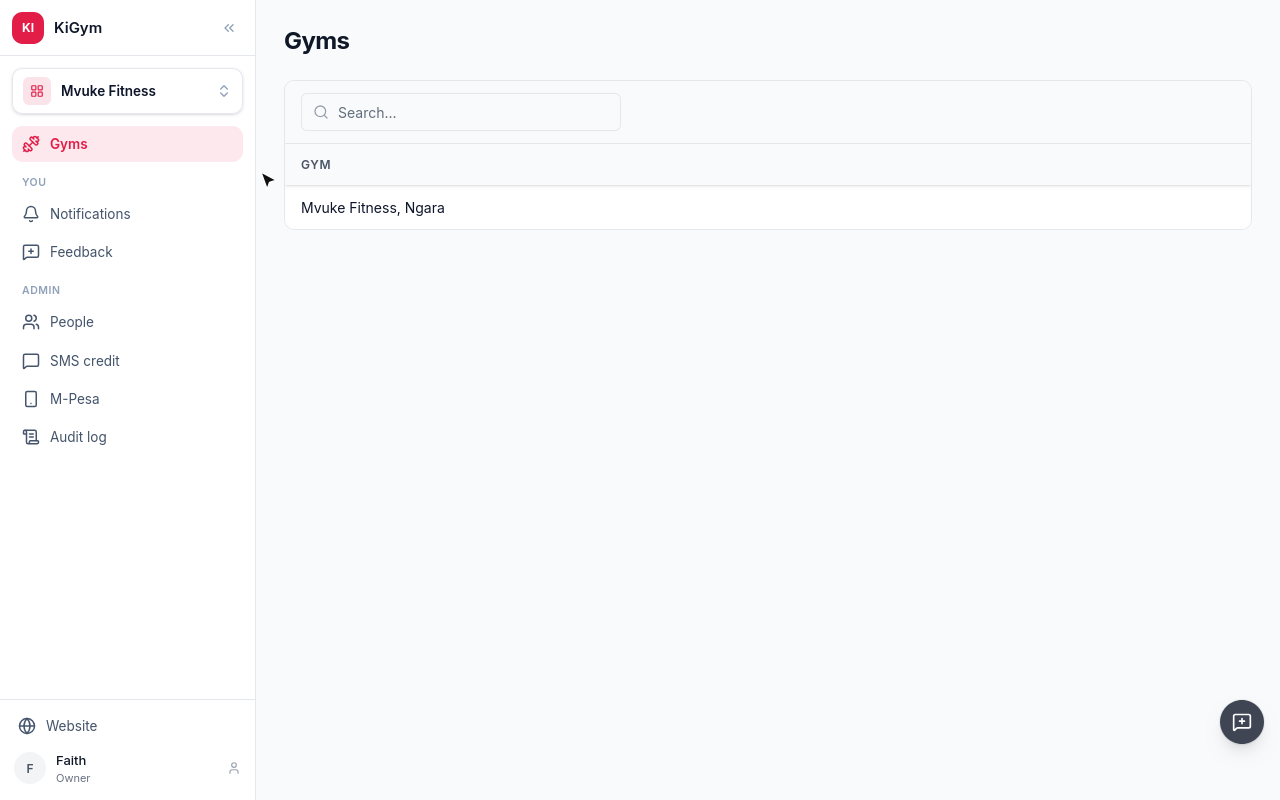
Under M-Pesa, the business connects its till with Daraja keys from Safaricom. The desk's M-Pesa prompts, and members paying by phone, go to it.
Next, the members.
Chapter 3
The members list, registering a walk-in, and admitting someone who asked to join
Members lists everyone at the gym, with their phone, the day they joined, and the day they are paid until.
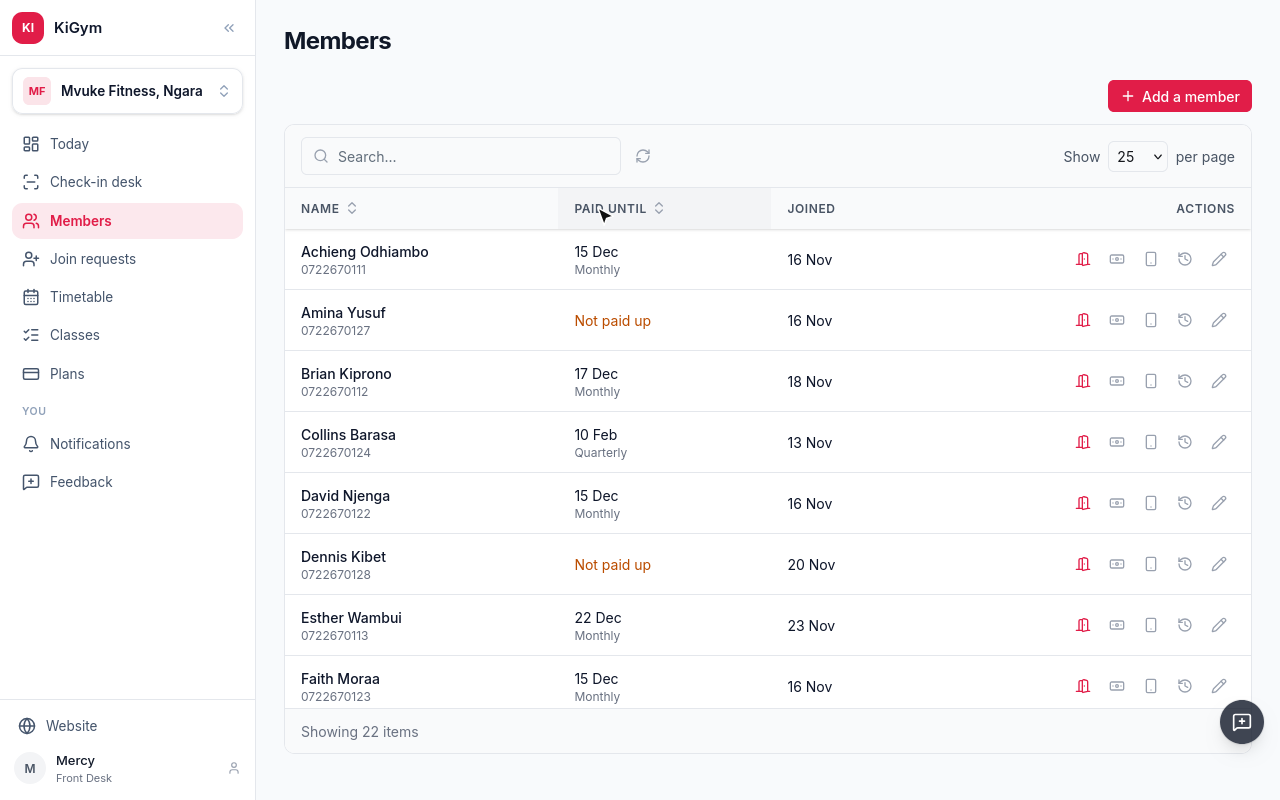
Not paid up means nothing they have paid for covers today.
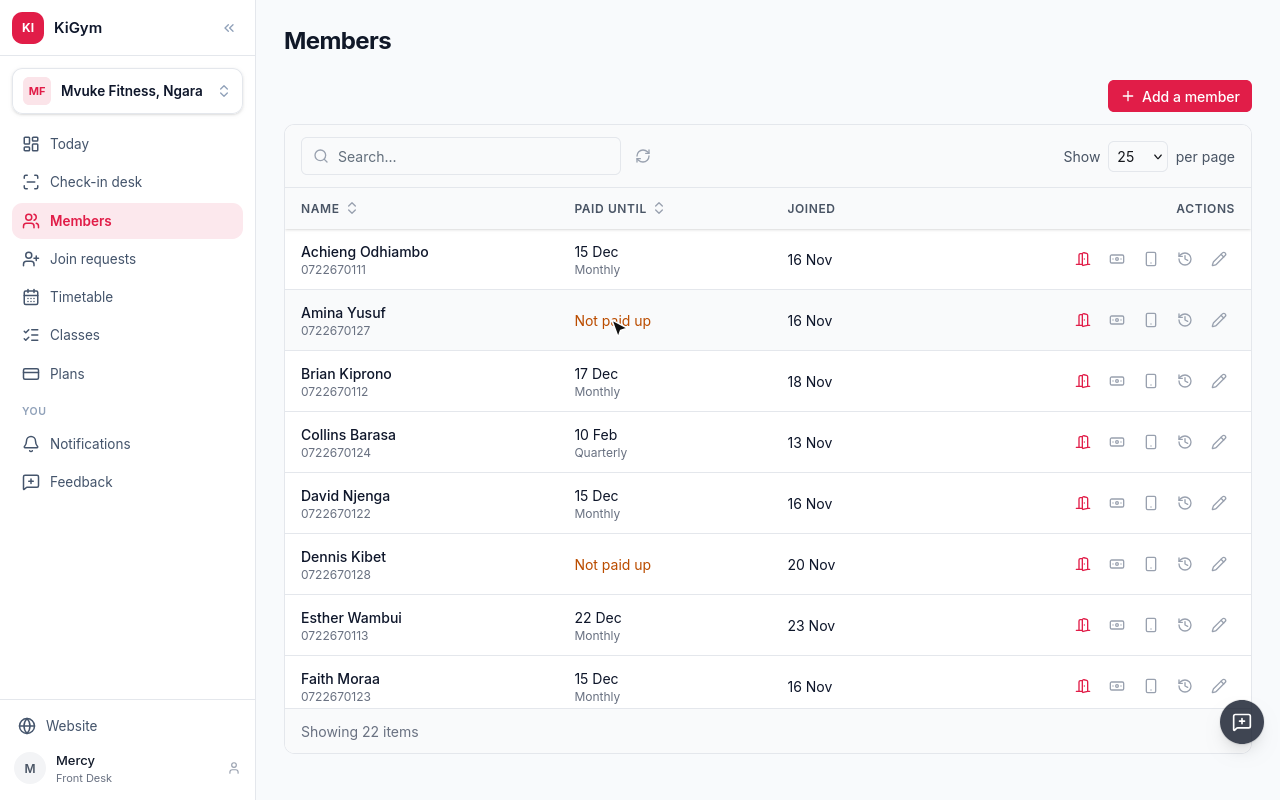
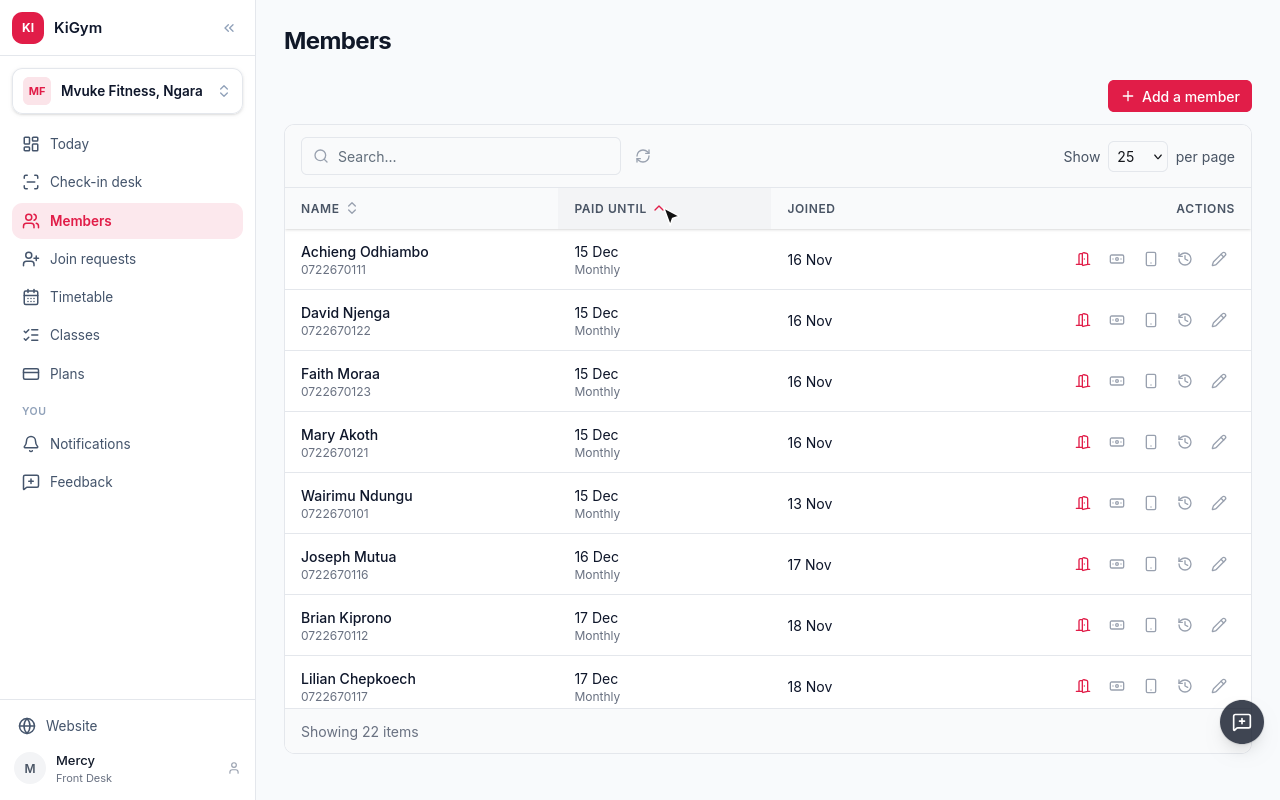
Sort by Paid until, and whoever runs out first is at the top.
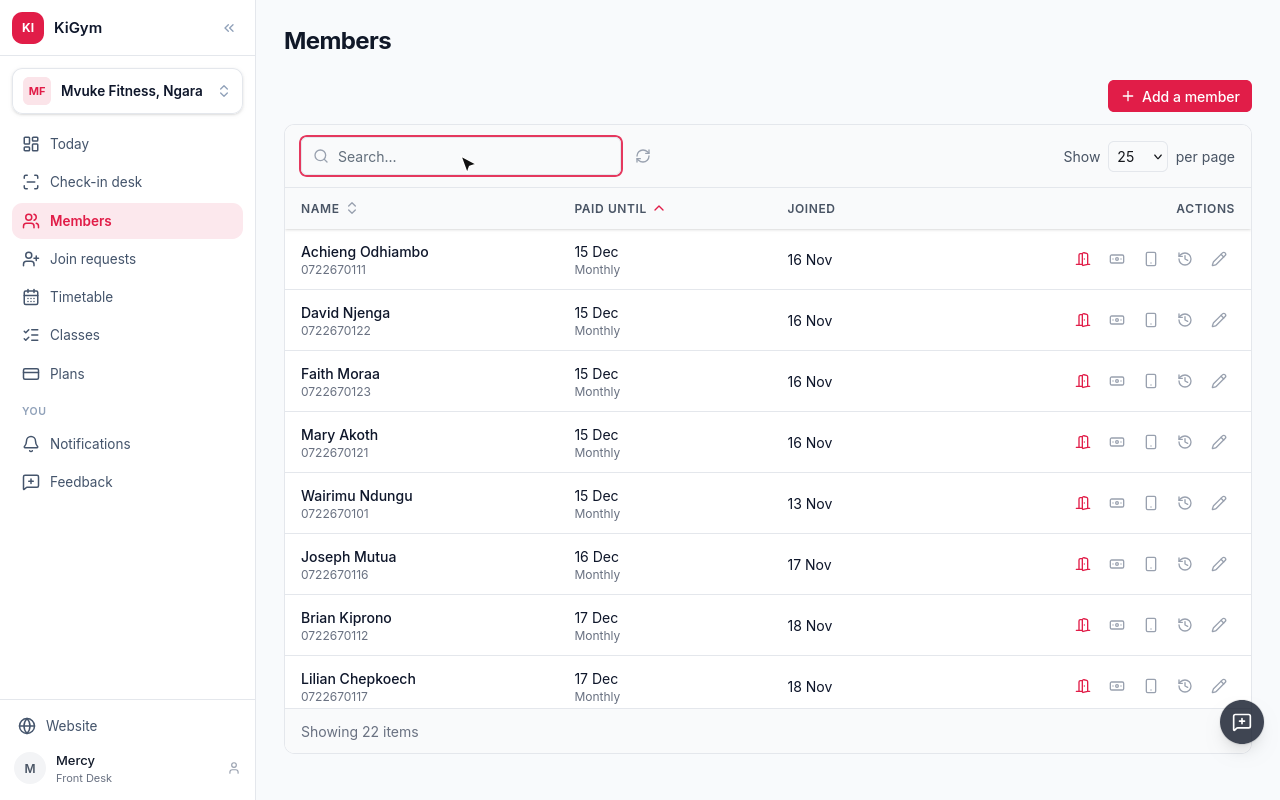
Search finds a member by name, phone or email.
Someone walks in to join. Choose Add a member.
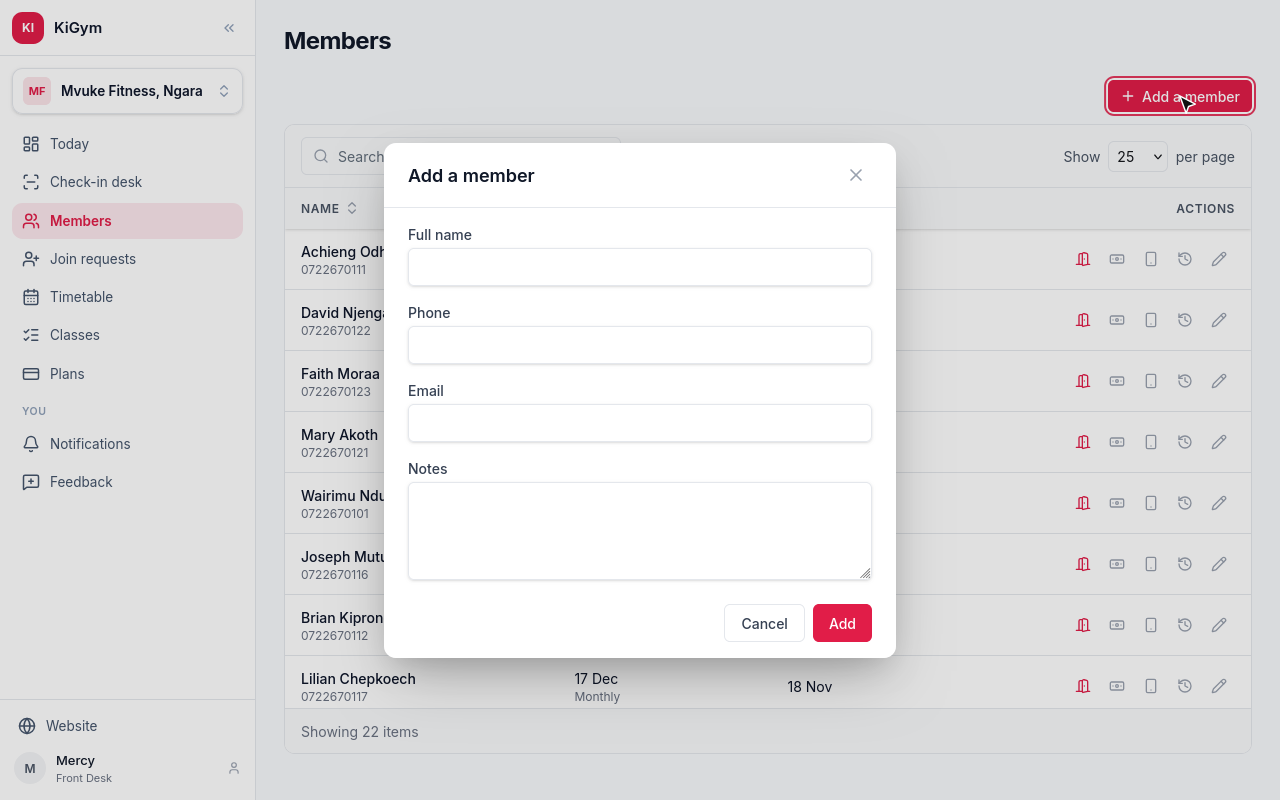
Their full name and phone are enough. Email and notes are optional.
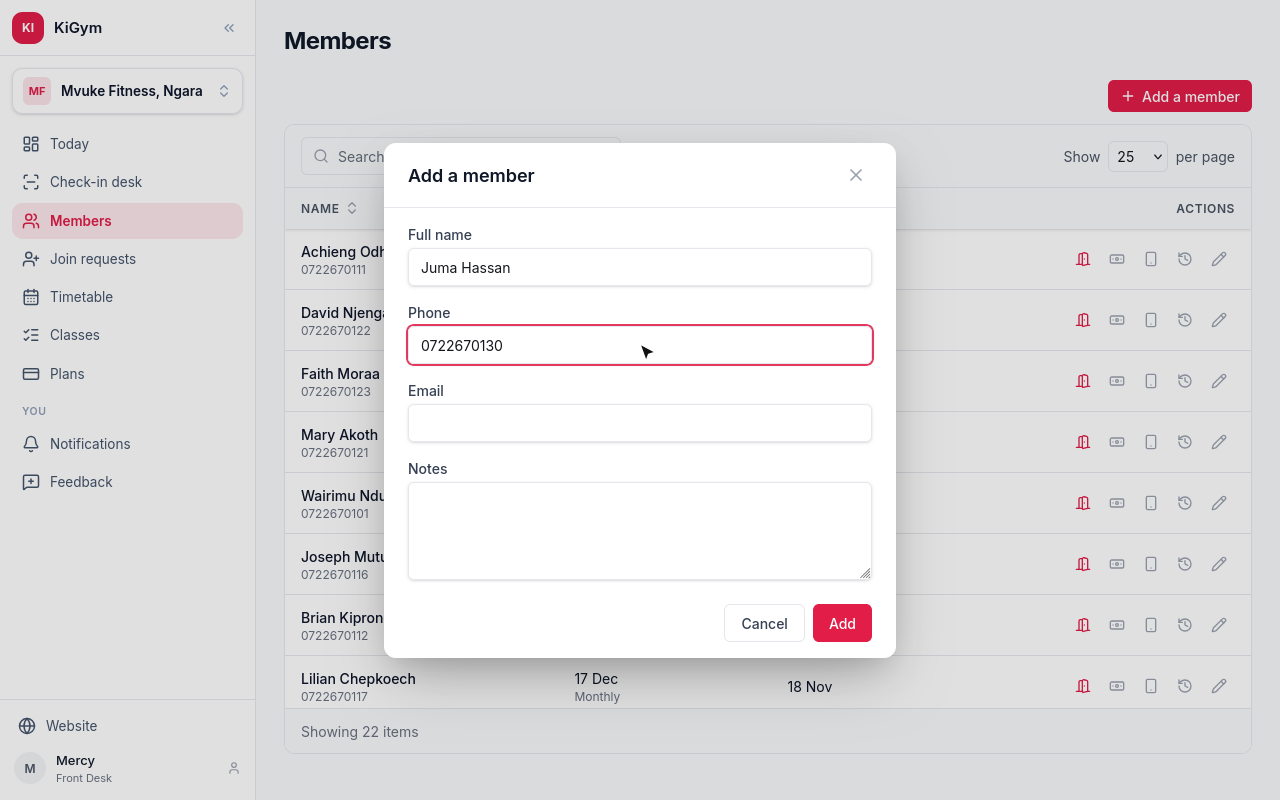
Choose Add.
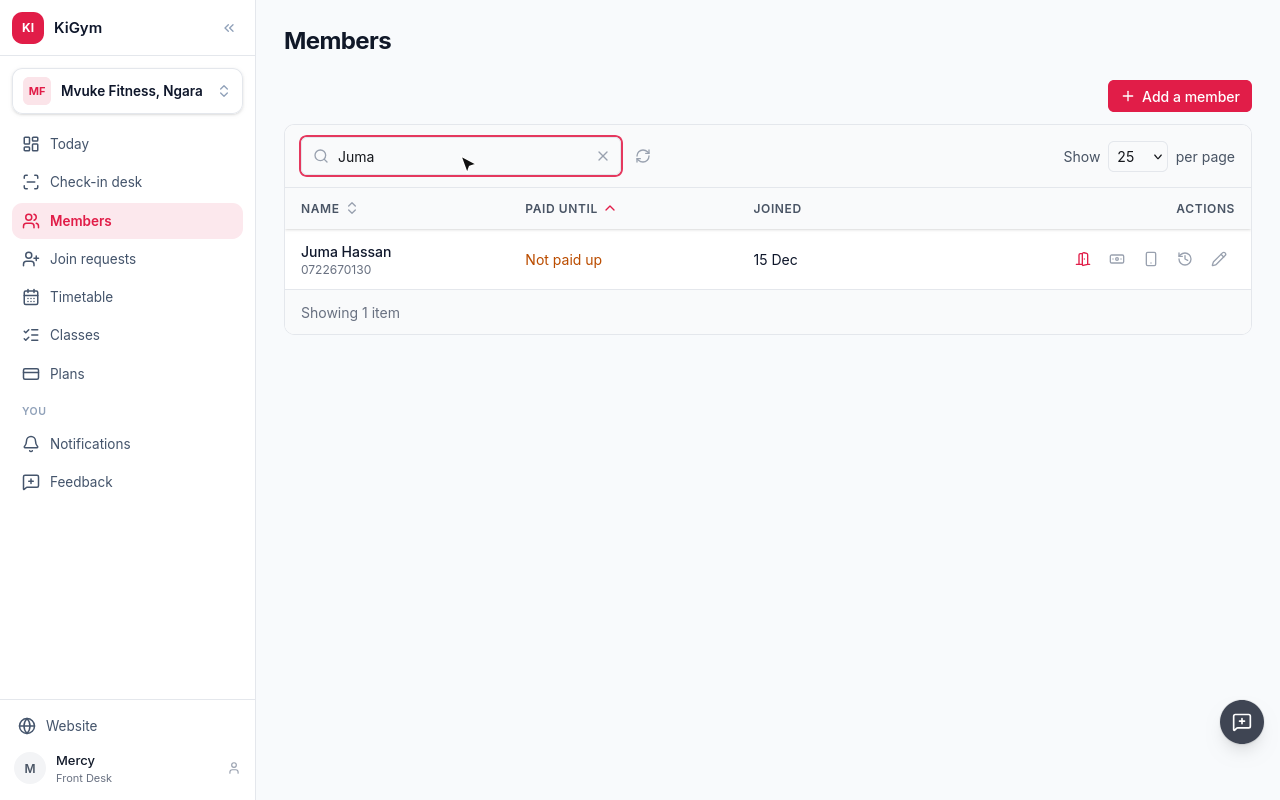
Juma is a member, and not paid up yet. Taking his payment is the next chapter.
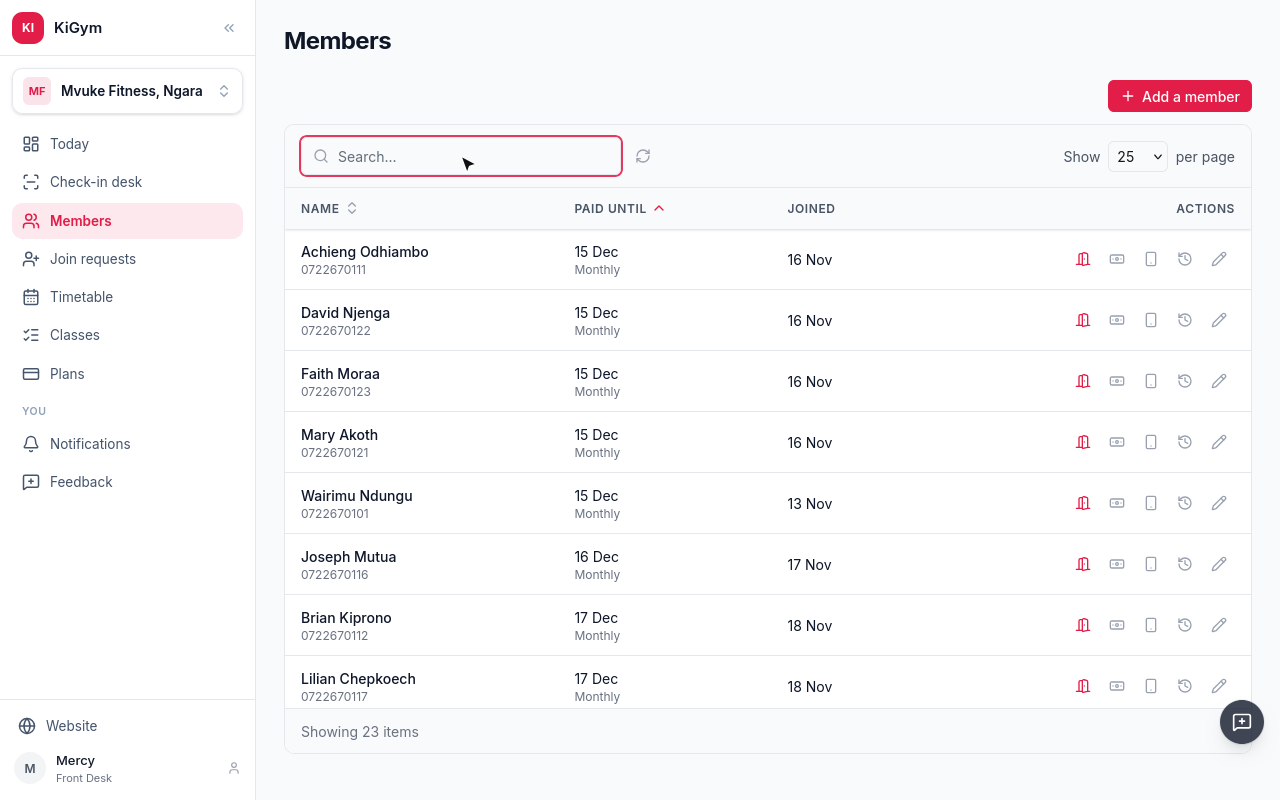
People can also ask to join from the gym's page on KiGym. Open Join requests.
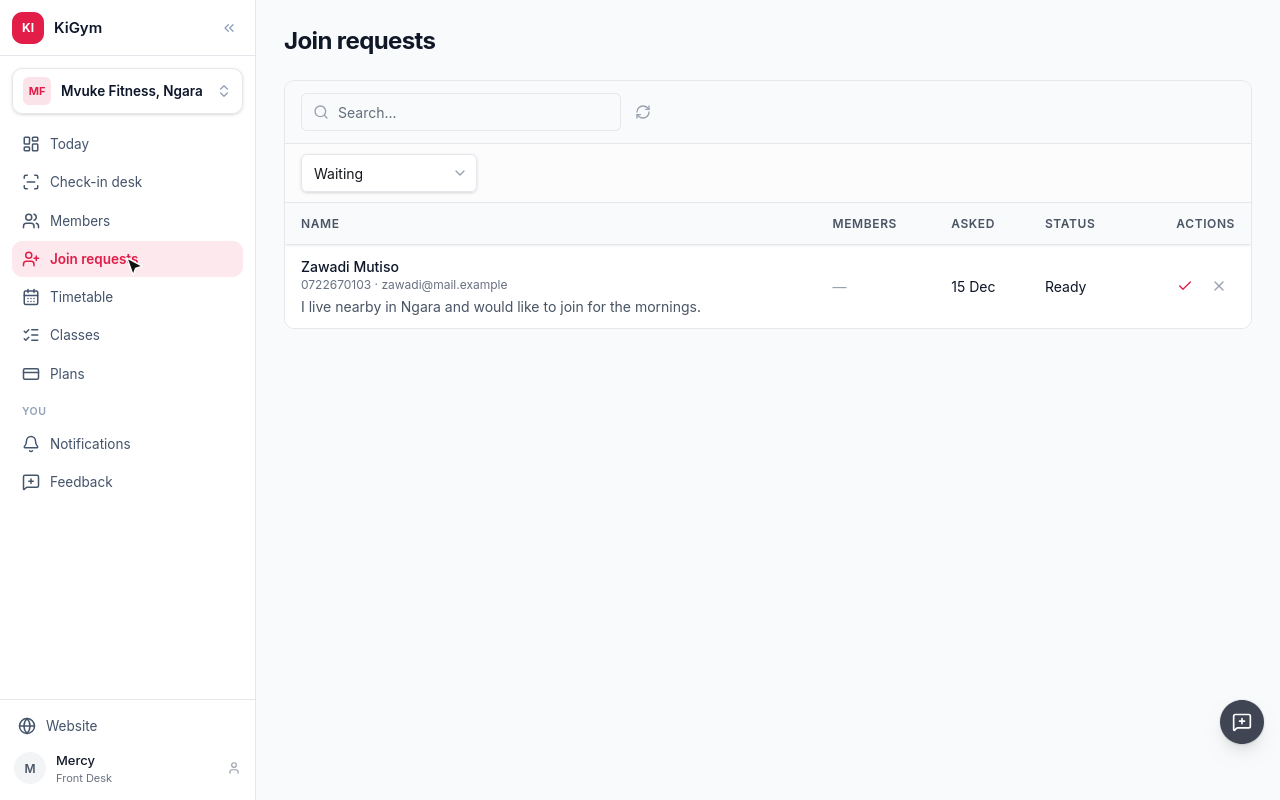
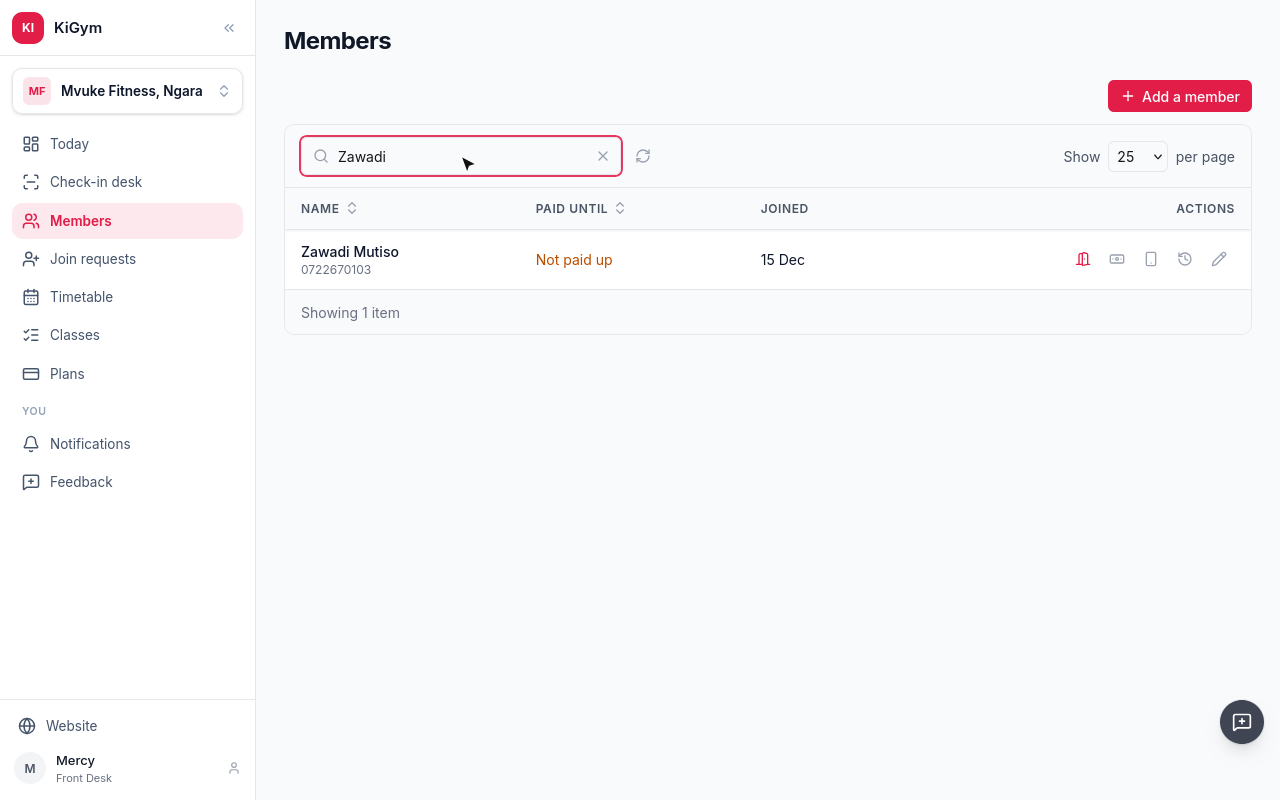
Zawadi asked this morning, with a note. To let her in, choose Admit.
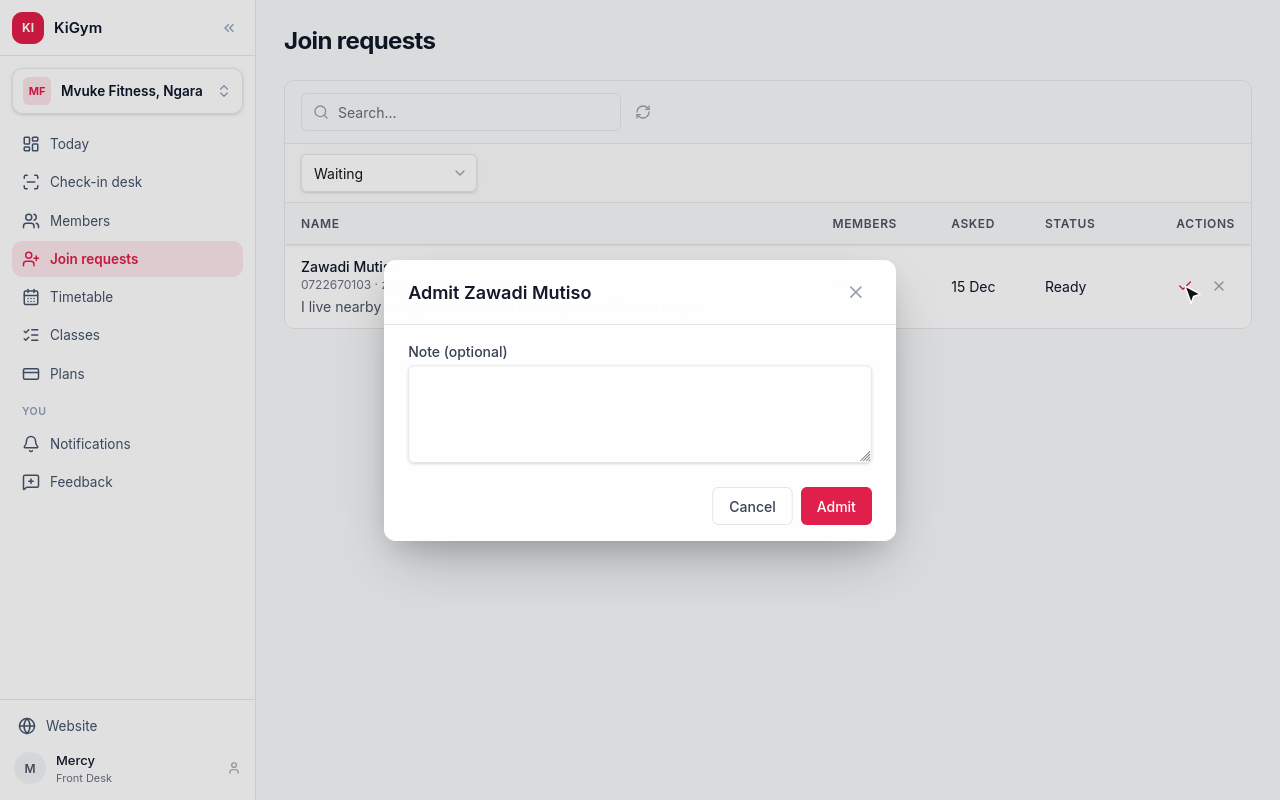
A note is optional. Choose Admit.
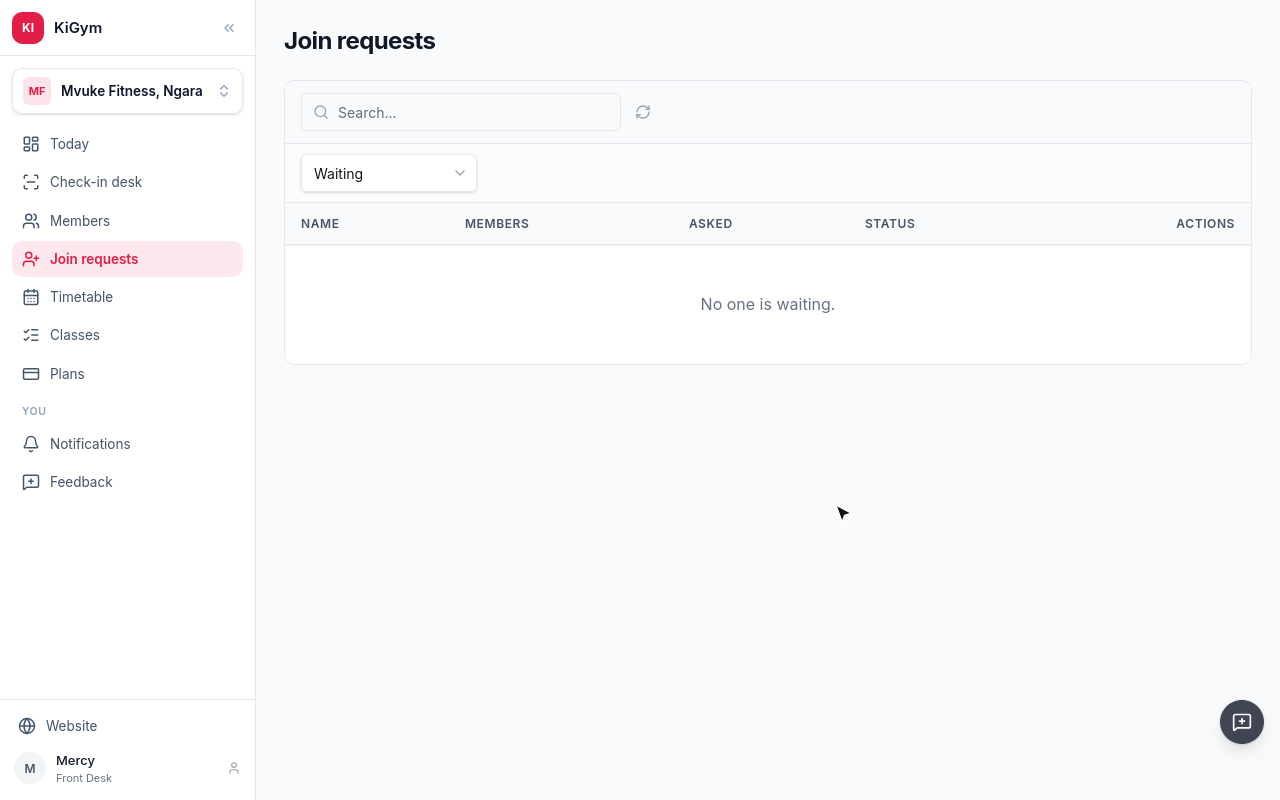
KiGym tells Zawadi she is in.
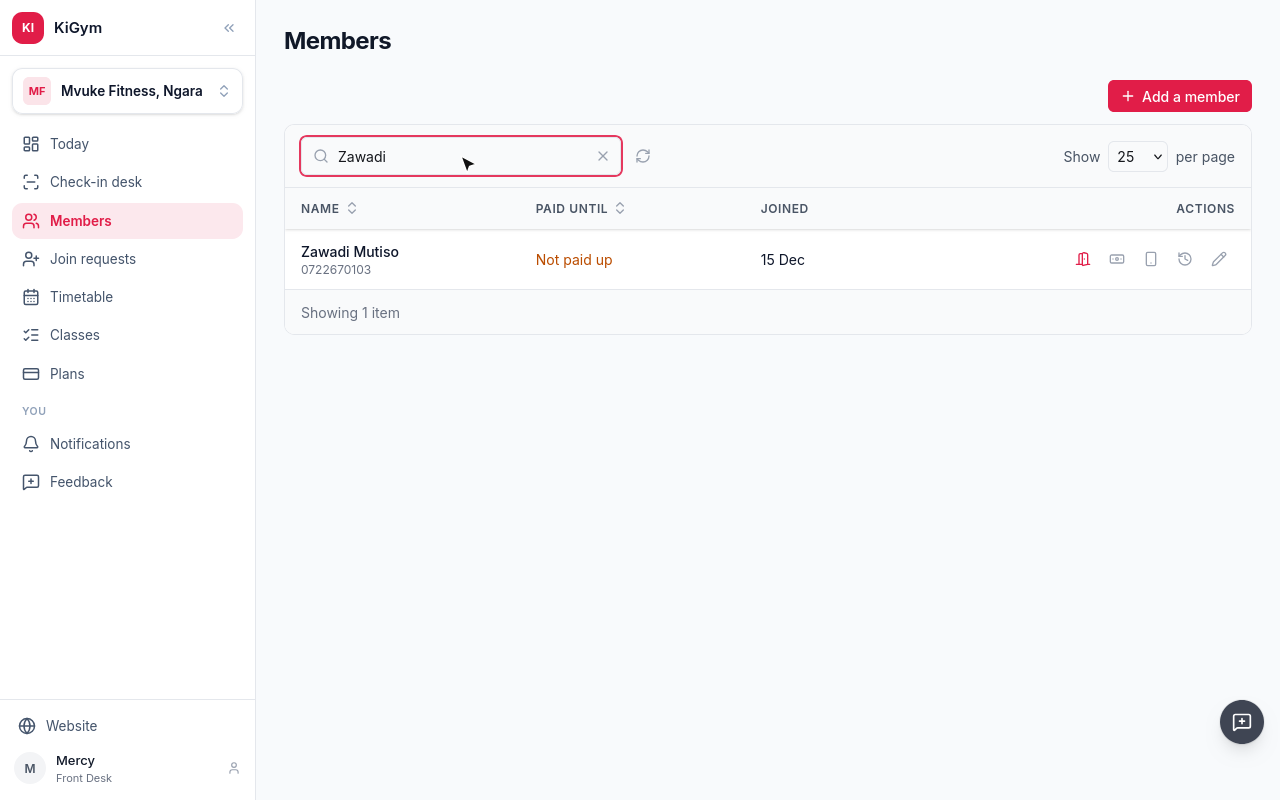
Zawadi is a member now. Her KiGym account is linked, so she can follow her membership when she signs in.
Next, taking payment.
Chapter 4
Cash at the desk, an M-Pesa prompt to the member's phone, and the receipts
Juma, who registered in the last chapter, pays for a month in cash. On his row, choose Took cash.
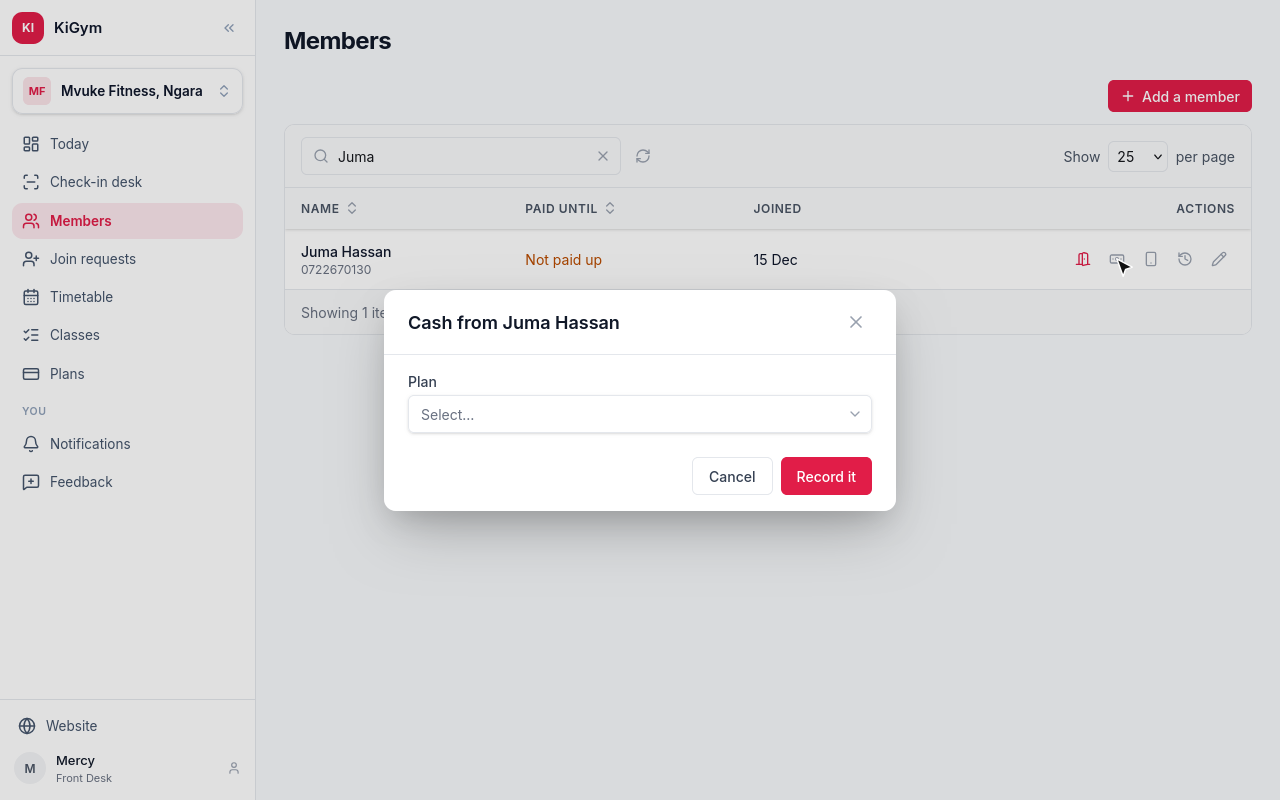
Pick the plan he paid for, and choose Record it.
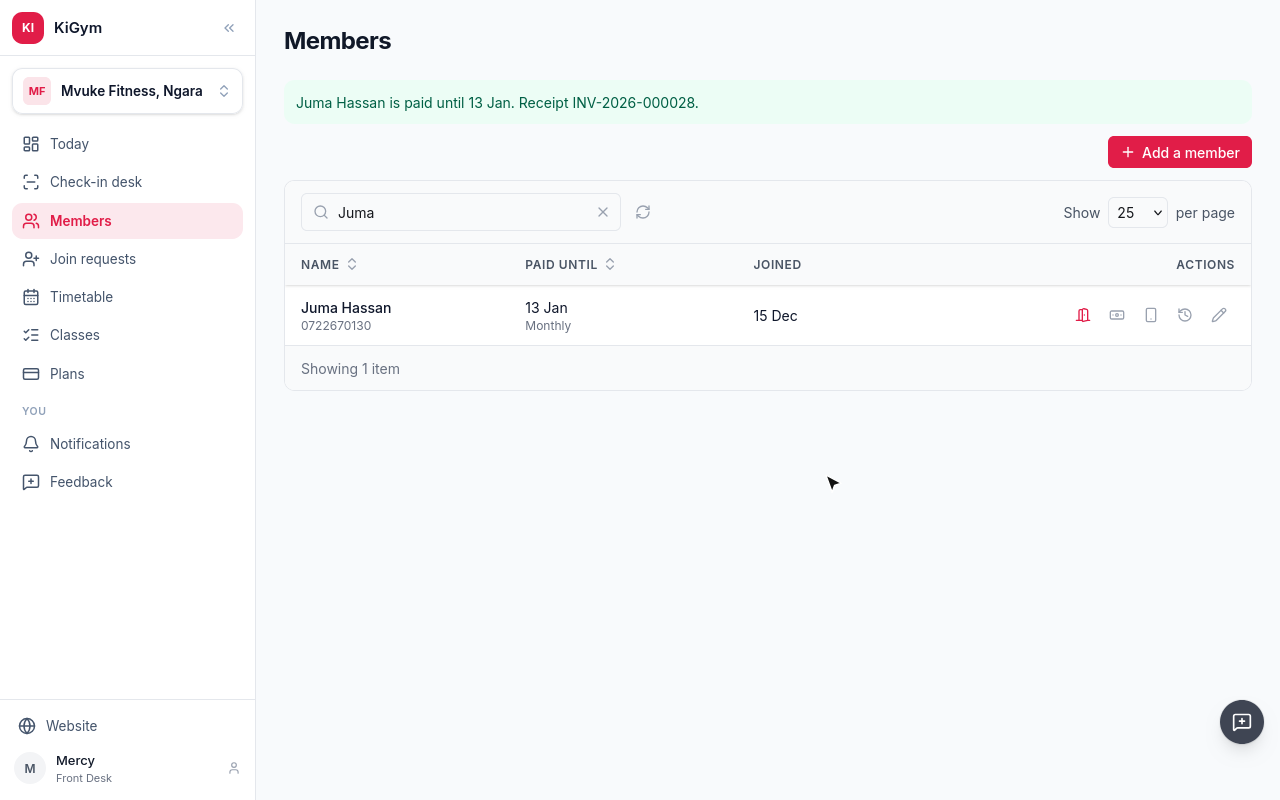
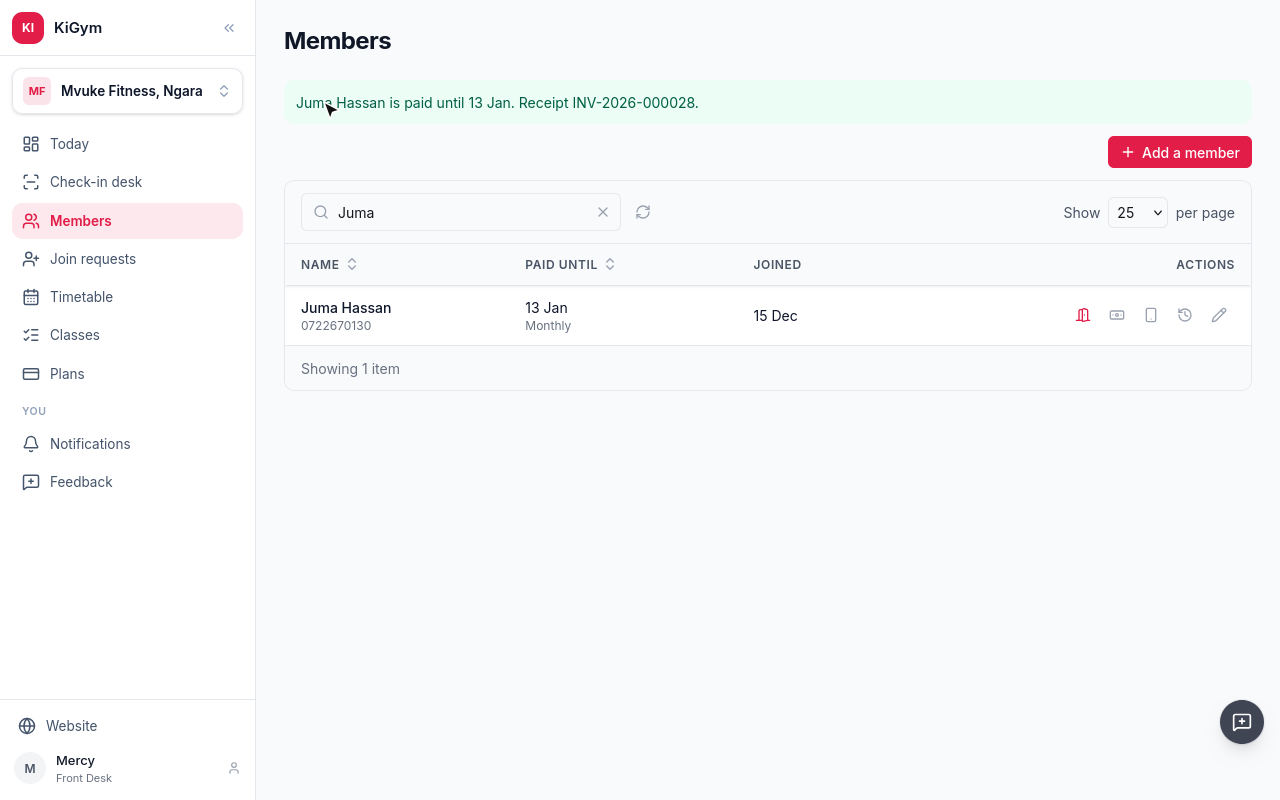
Juma is paid up for thirty days, and the payment has its receipt number.
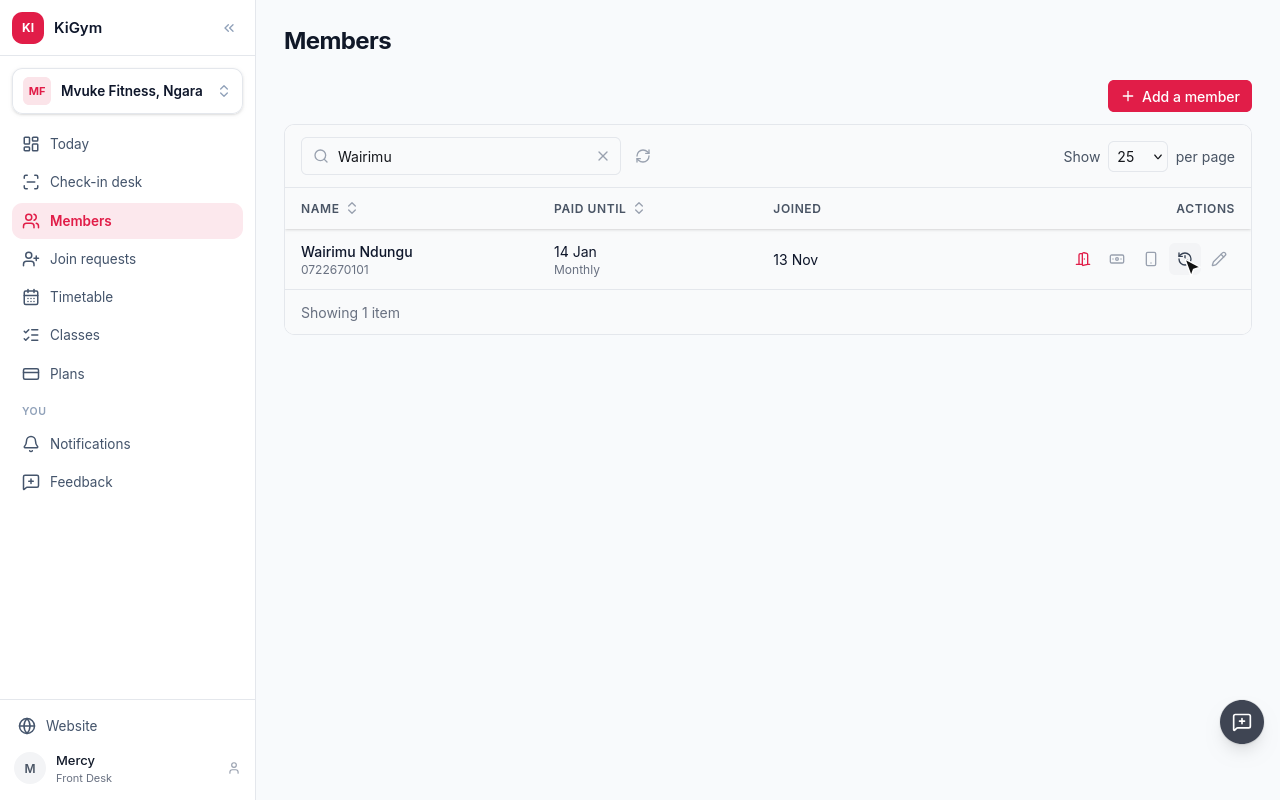
Visits and receipts shows what a member has paid for, each with its receipt, and every visit.
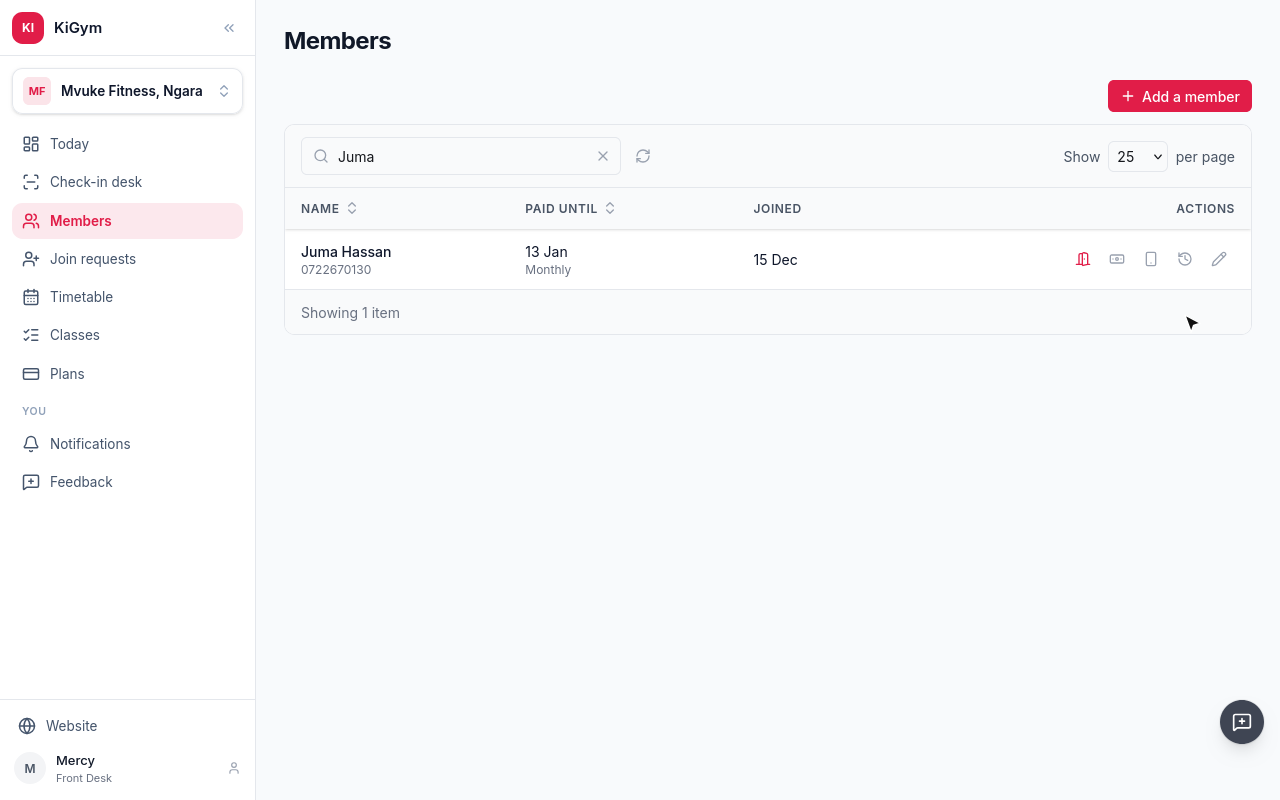
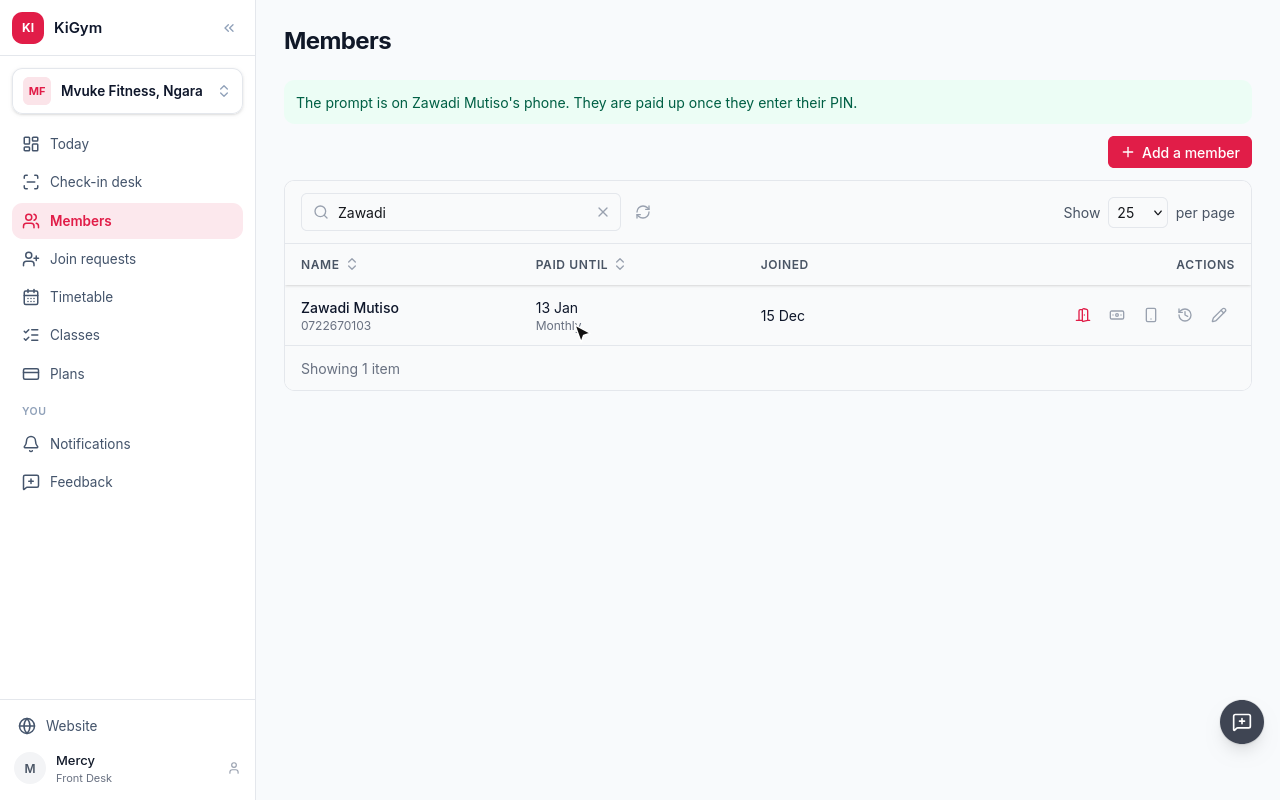
Zawadi, who joined this morning, pays by M-Pesa. Choose M-Pesa prompt.
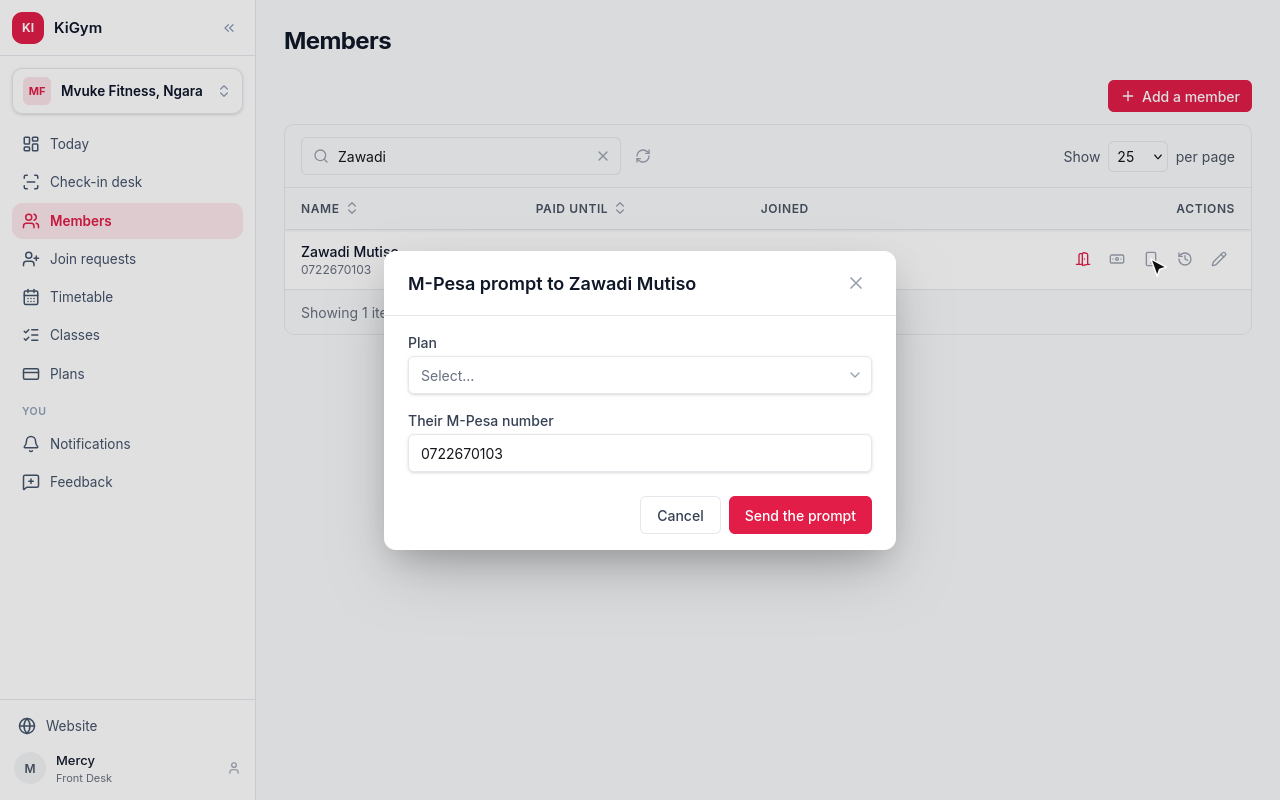
Pick the plan. Her M-Pesa number comes from her details. Choose Send the prompt.
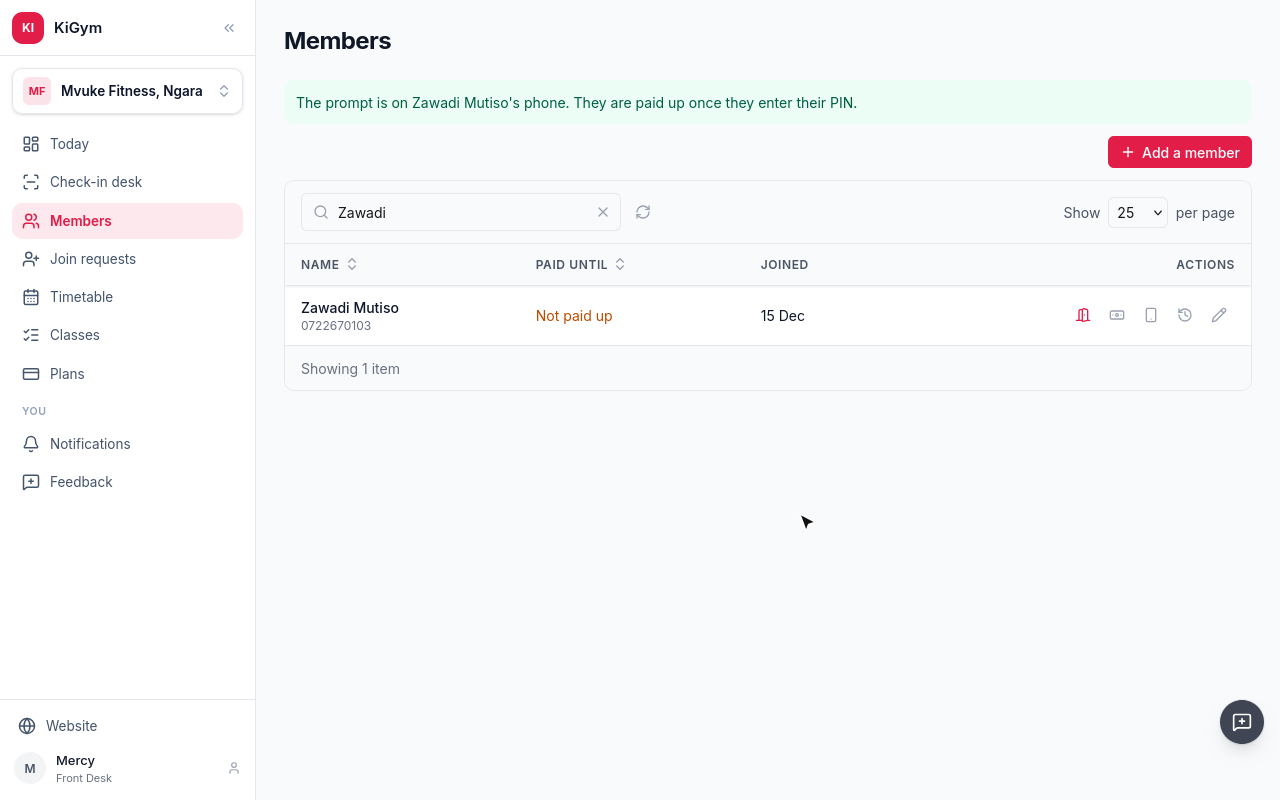
M-Pesa asks Zawadi for her PIN on her phone. When she enters it, the payment comes in.
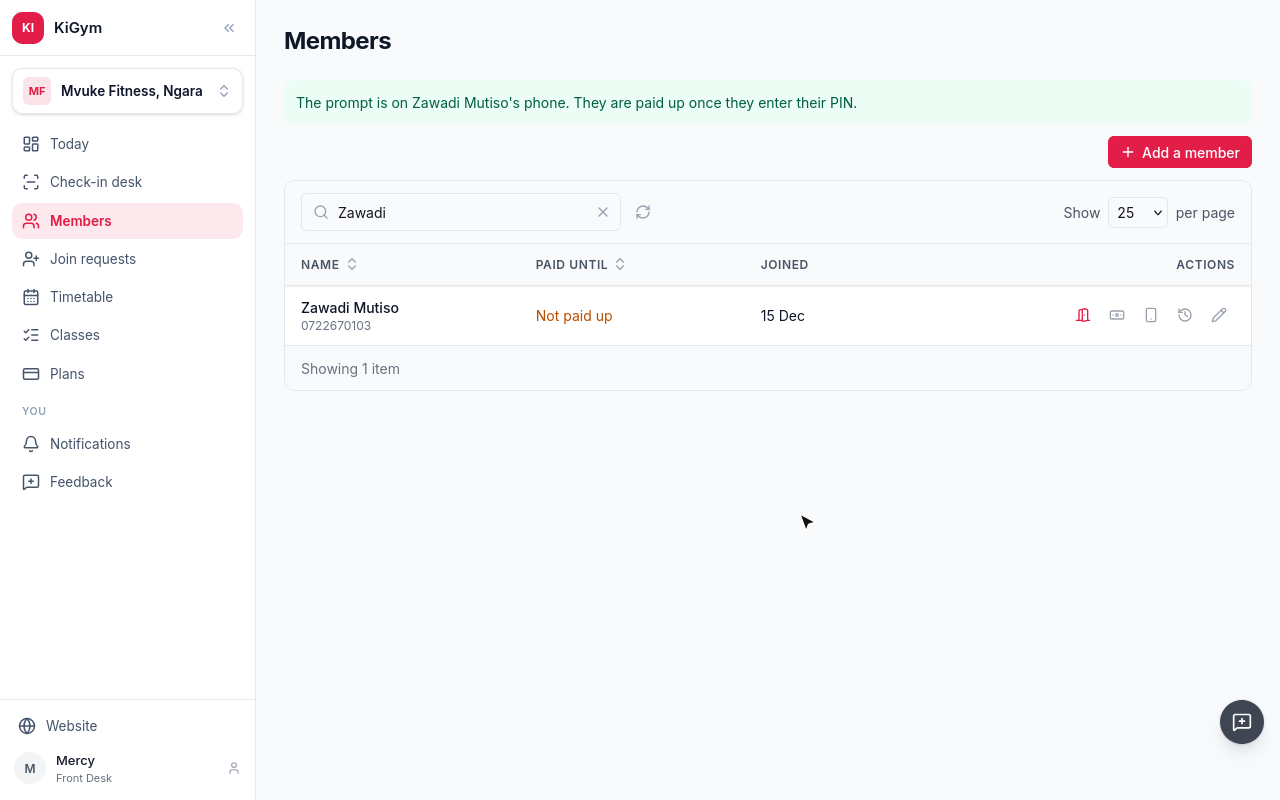
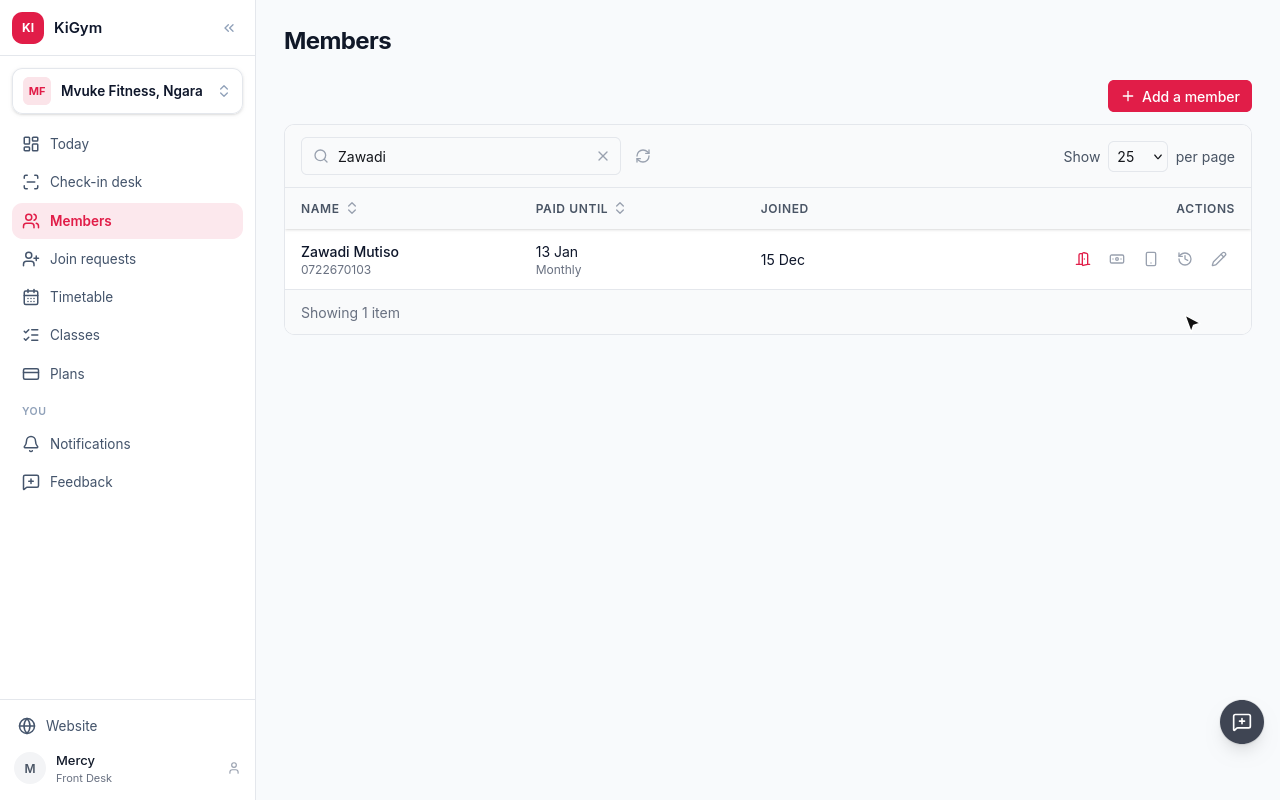
Refresh the list, and she is paid up.
Her receipt says M-Pesa.
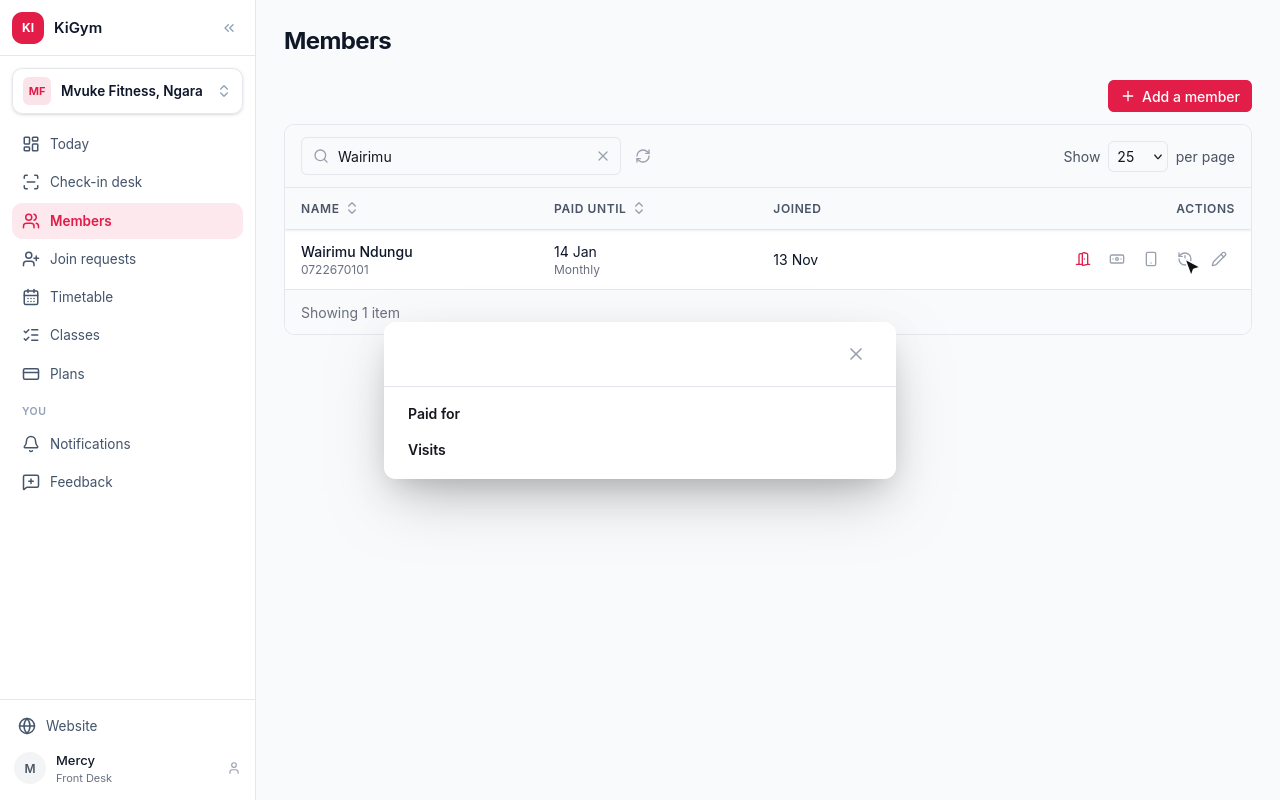
A member who pays before their plan runs out loses no days: the new month starts the day after the last one paid for. Wairimu paid early, yesterday.
Next, the check-in desk.
Chapter 5
Letting members in: a Sojaly ID scan, or finding them by name
The check-in desk is where members come in. A scanner at the desk reads the member's Sojaly ID into this box.
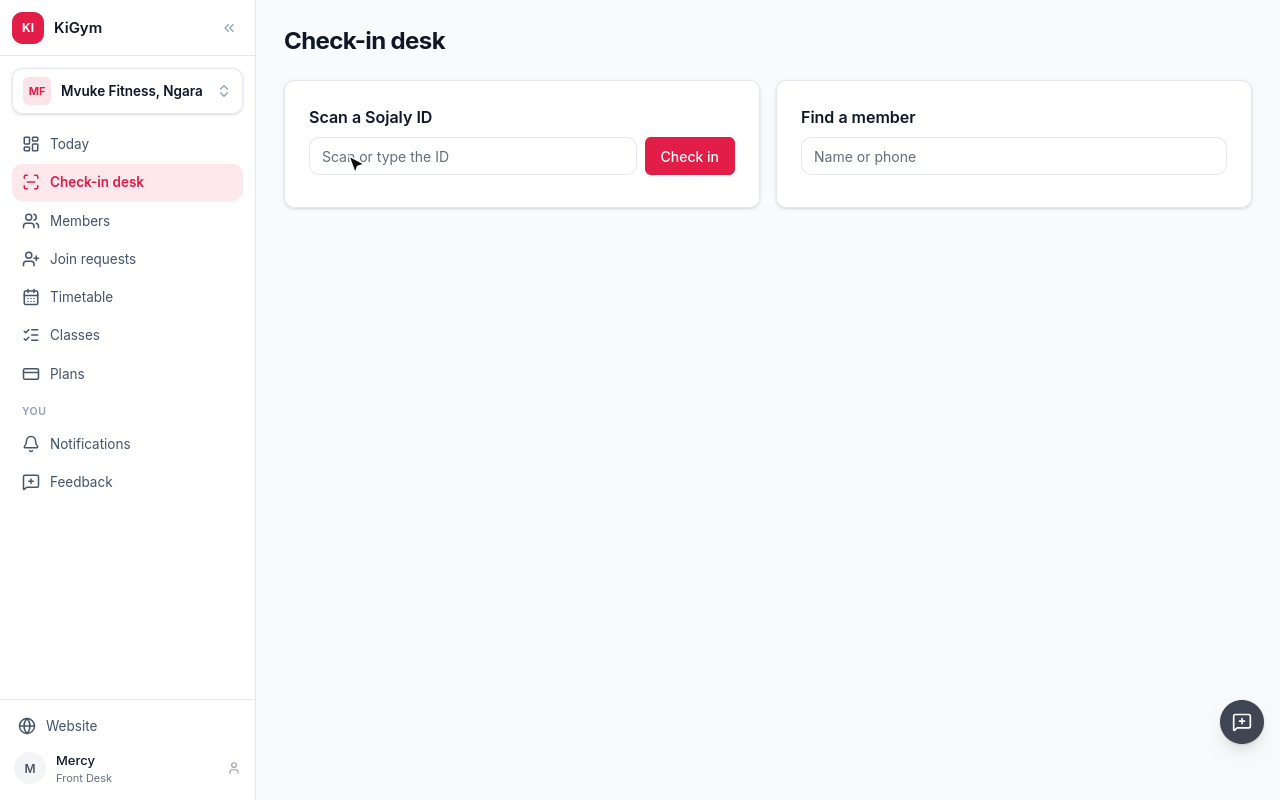
Wairimu's ID is read. She is paid up, so she is let in, and the desk sees until when.
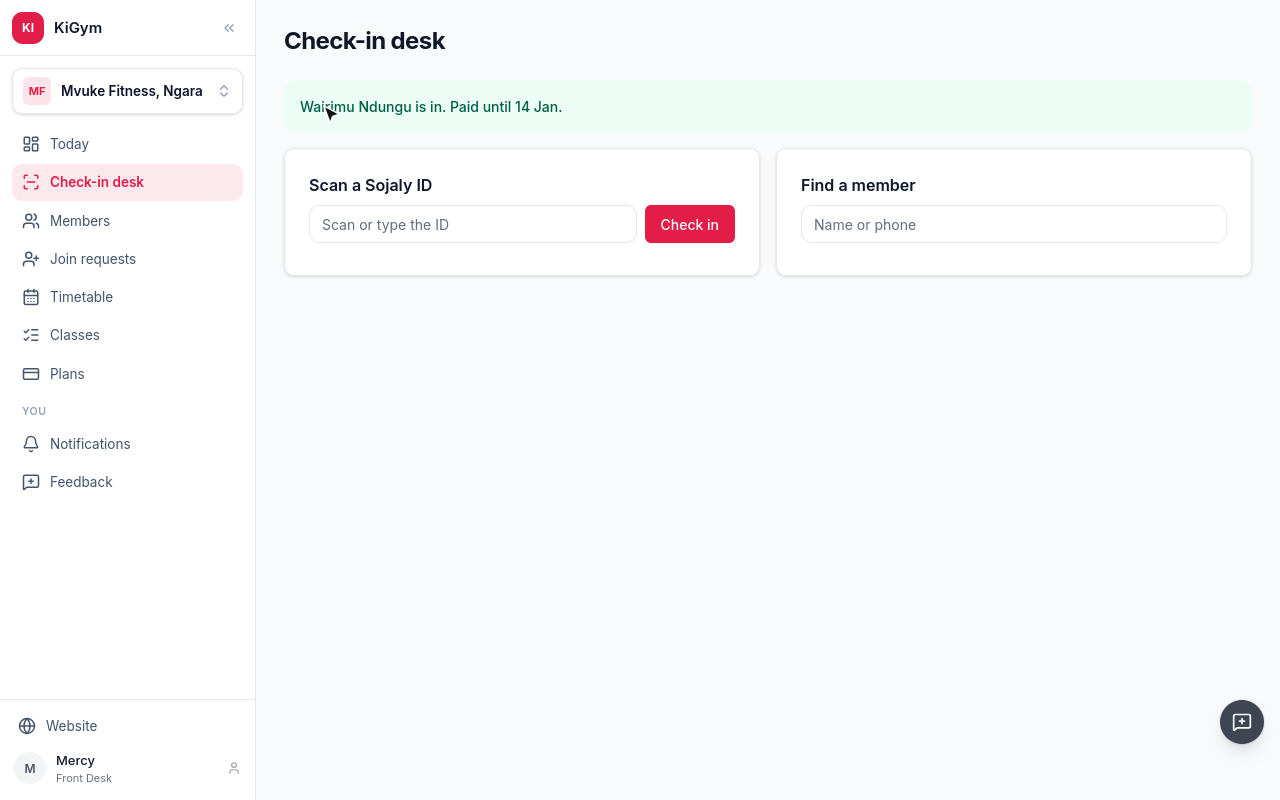
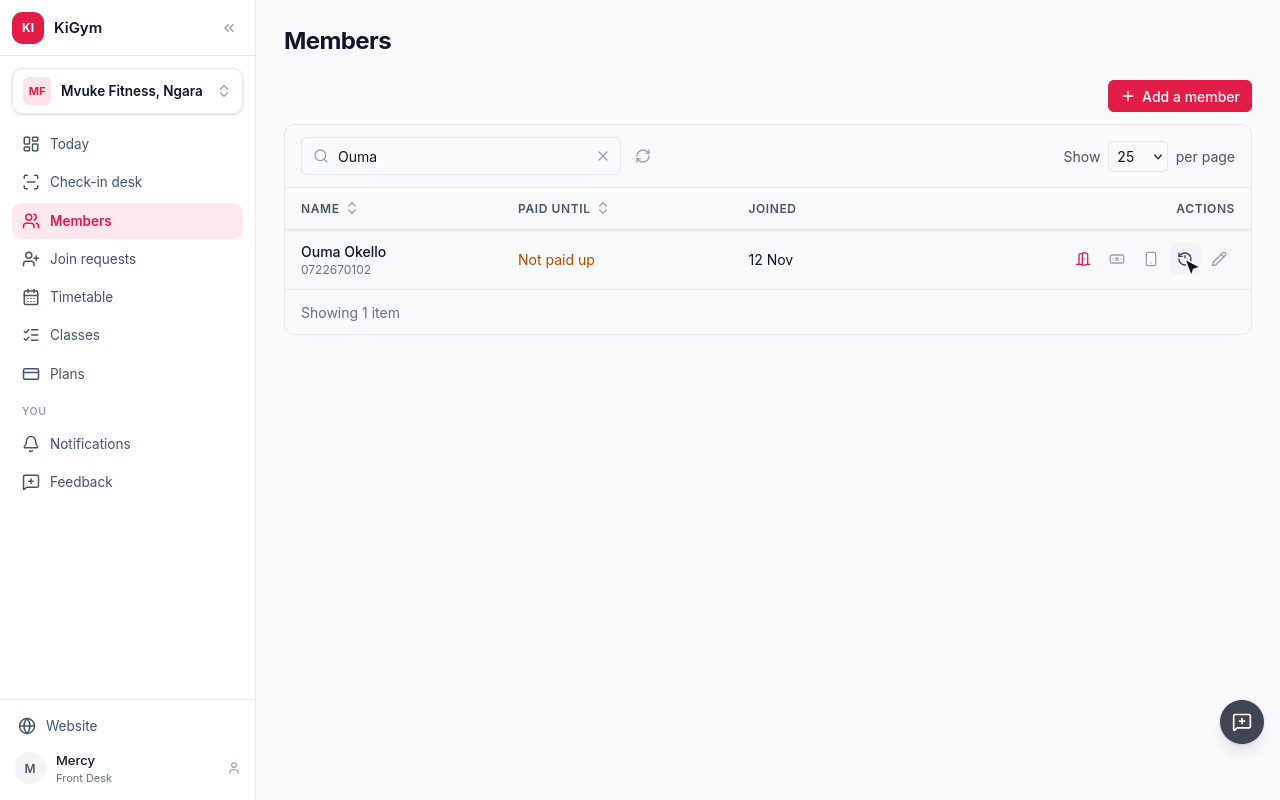
Ouma's month ran out on the eleventh, so Ouma is not let in, and the desk sees why. Paying at the desk lets Ouma straight in.
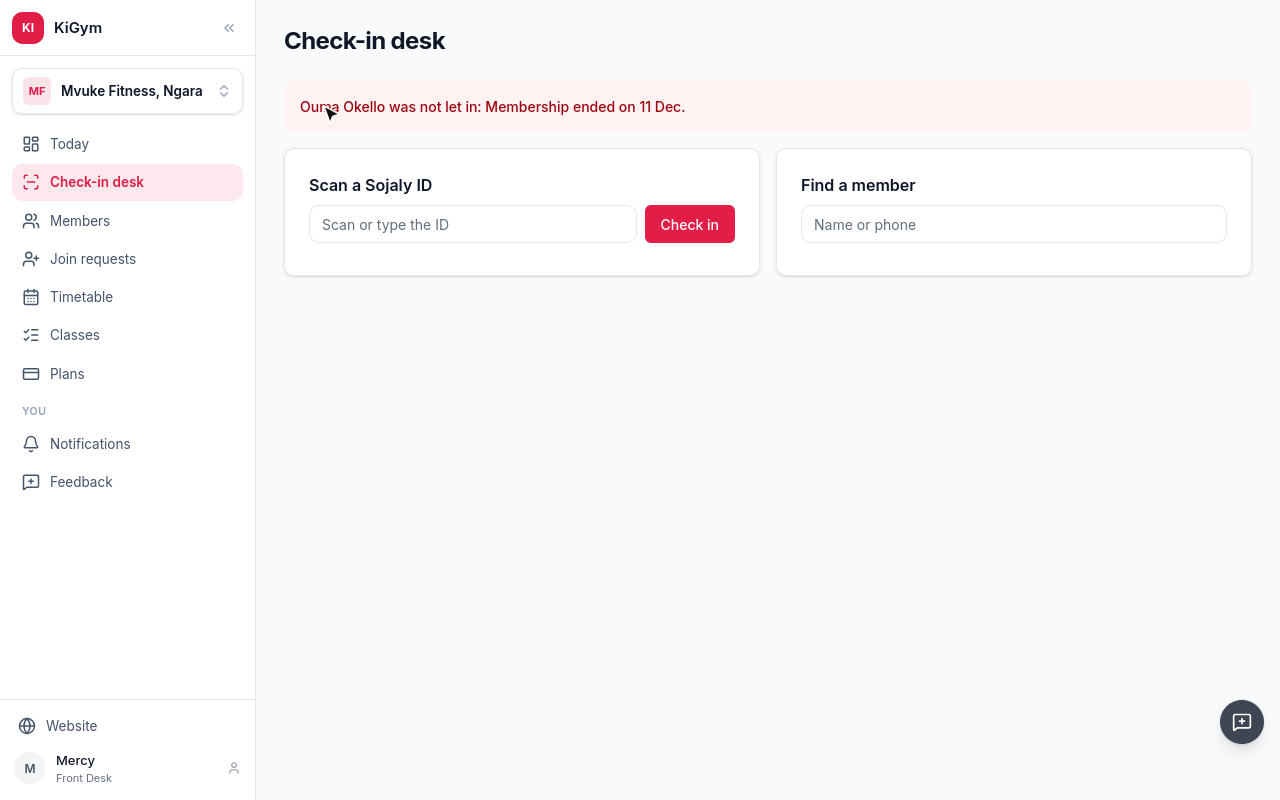
Someone without their ID is found by name or phone.
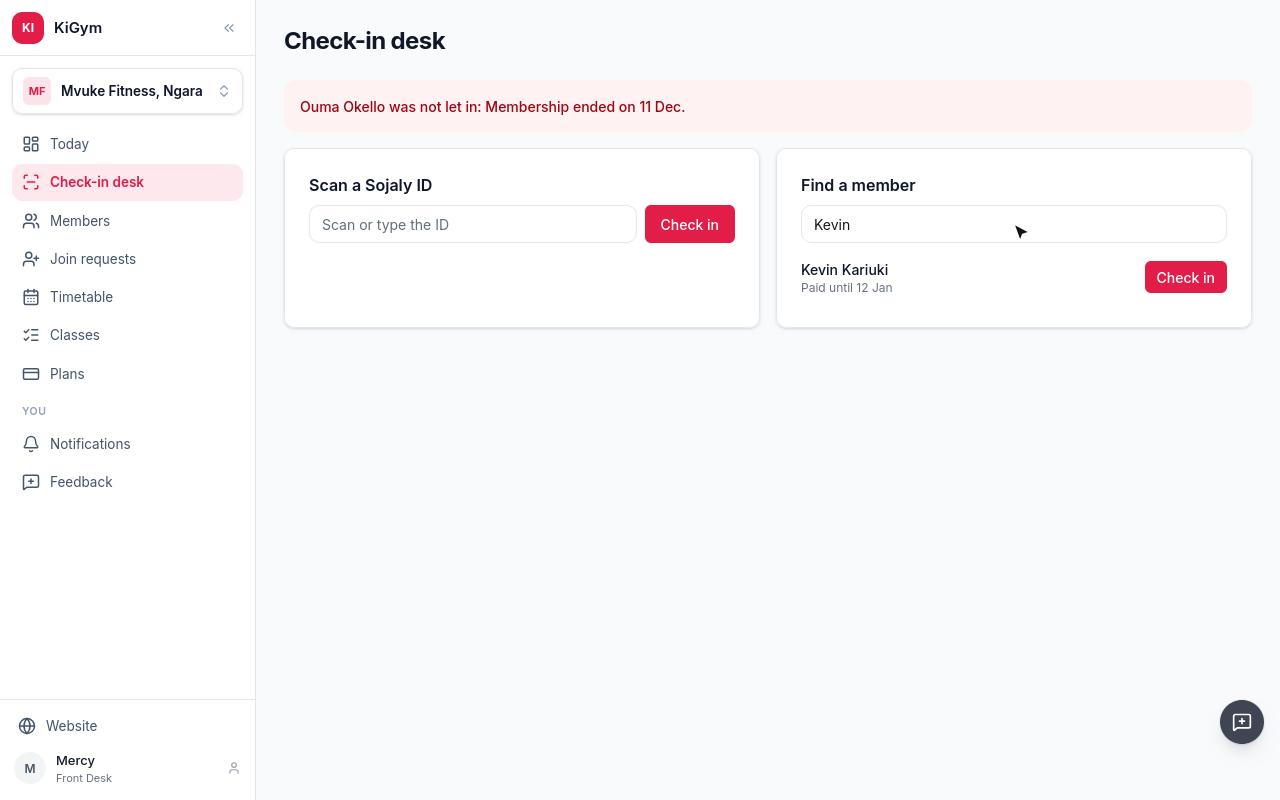
The list shows if they are paid up. Choose Check in.
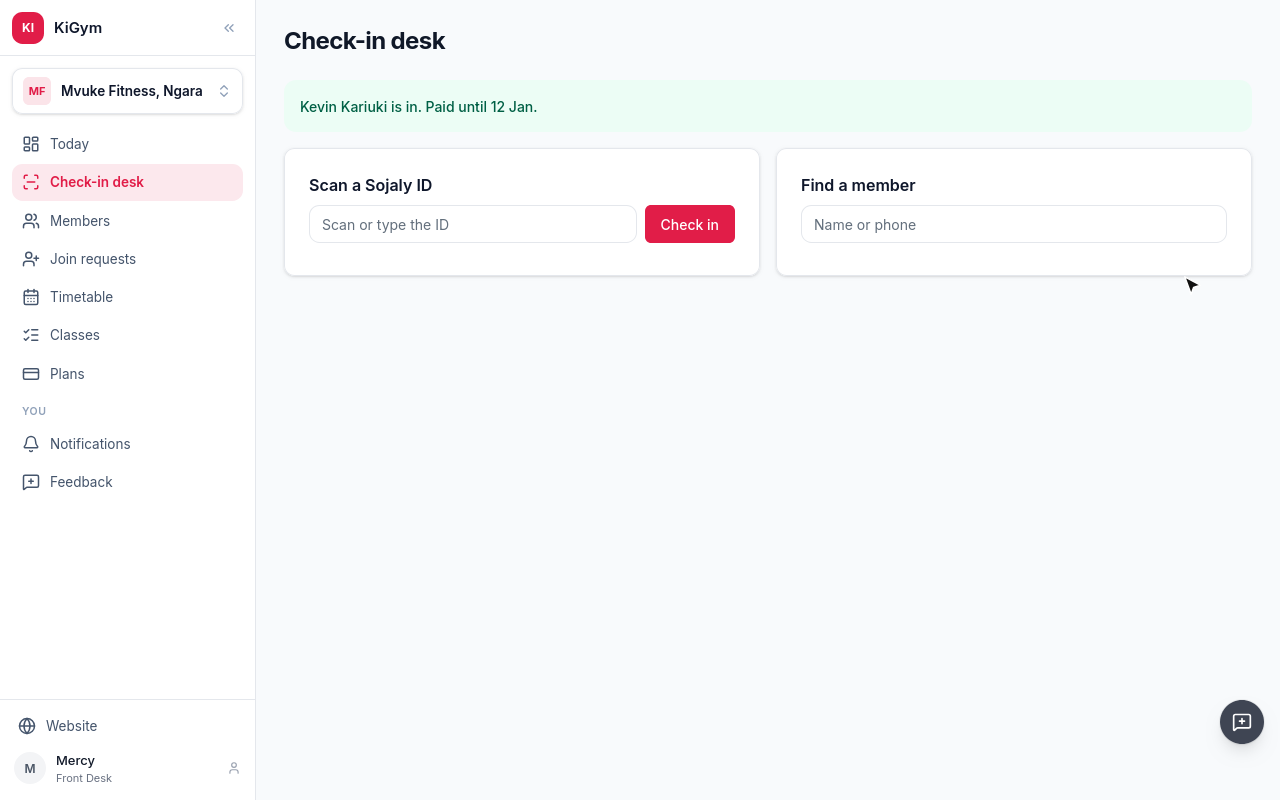
Kevin is in. A scan and a check-in by name are the same visit, checked against what they have paid for.
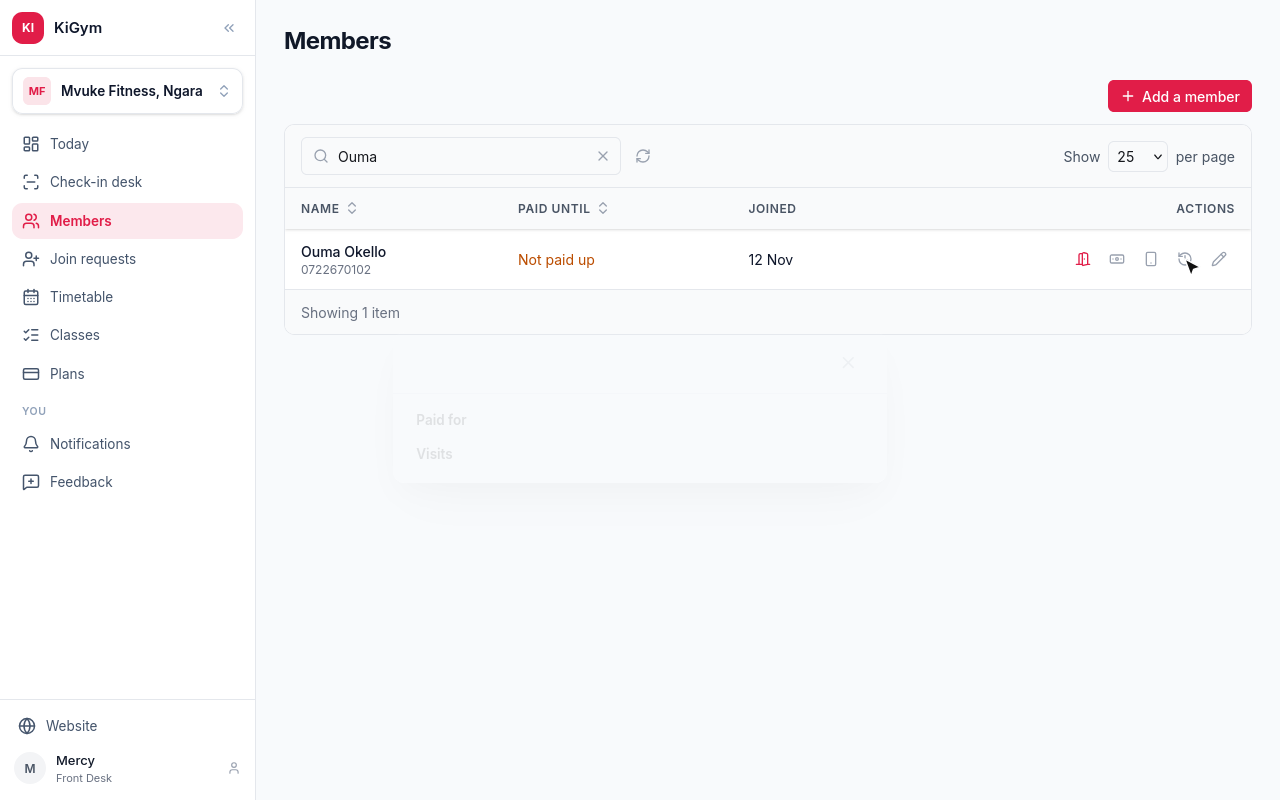
Every check-in is on the member's record, let in or not. Open Members, and Ouma's visits.
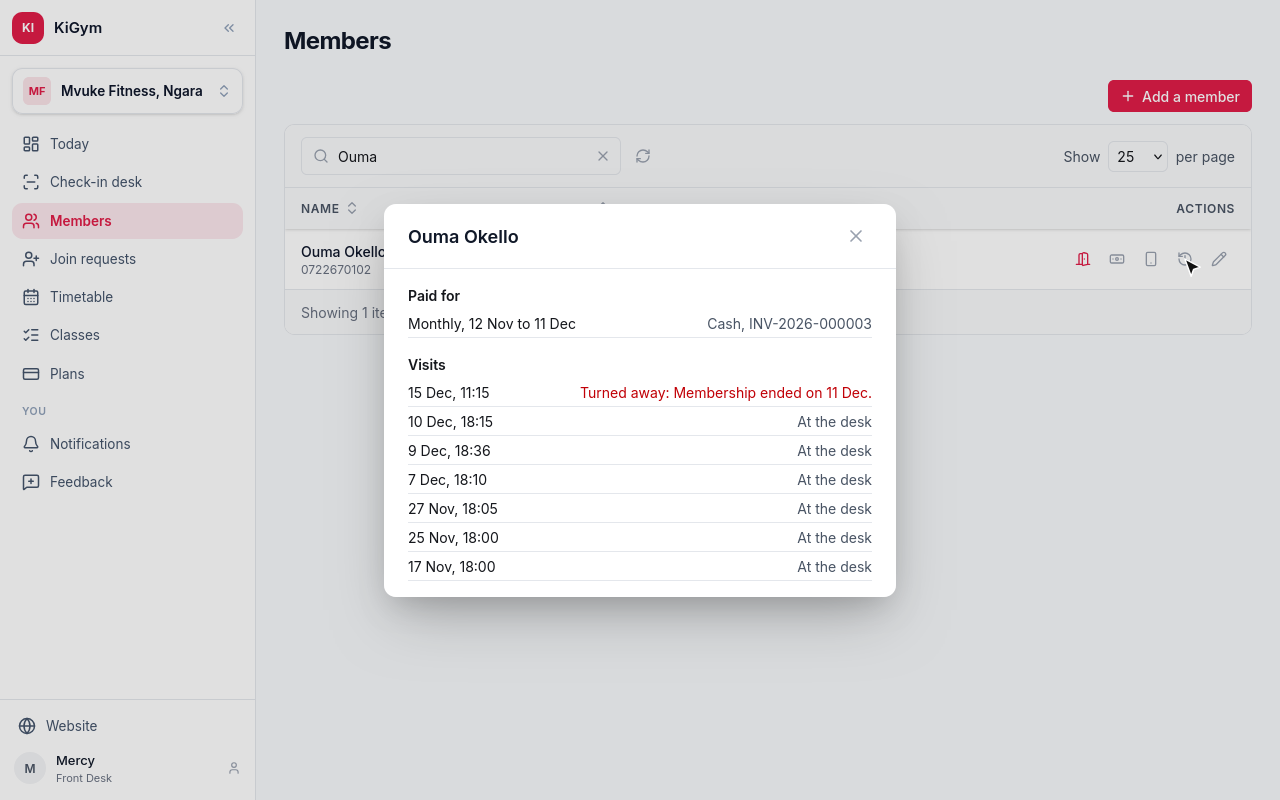
Today's scan is there, turned away, with the reason, under the visits from when Ouma was paid up.
Next, classes and the timetable.
Chapter 6
Classes and their trainers, the week's timetable, who booked and who came, calling one off
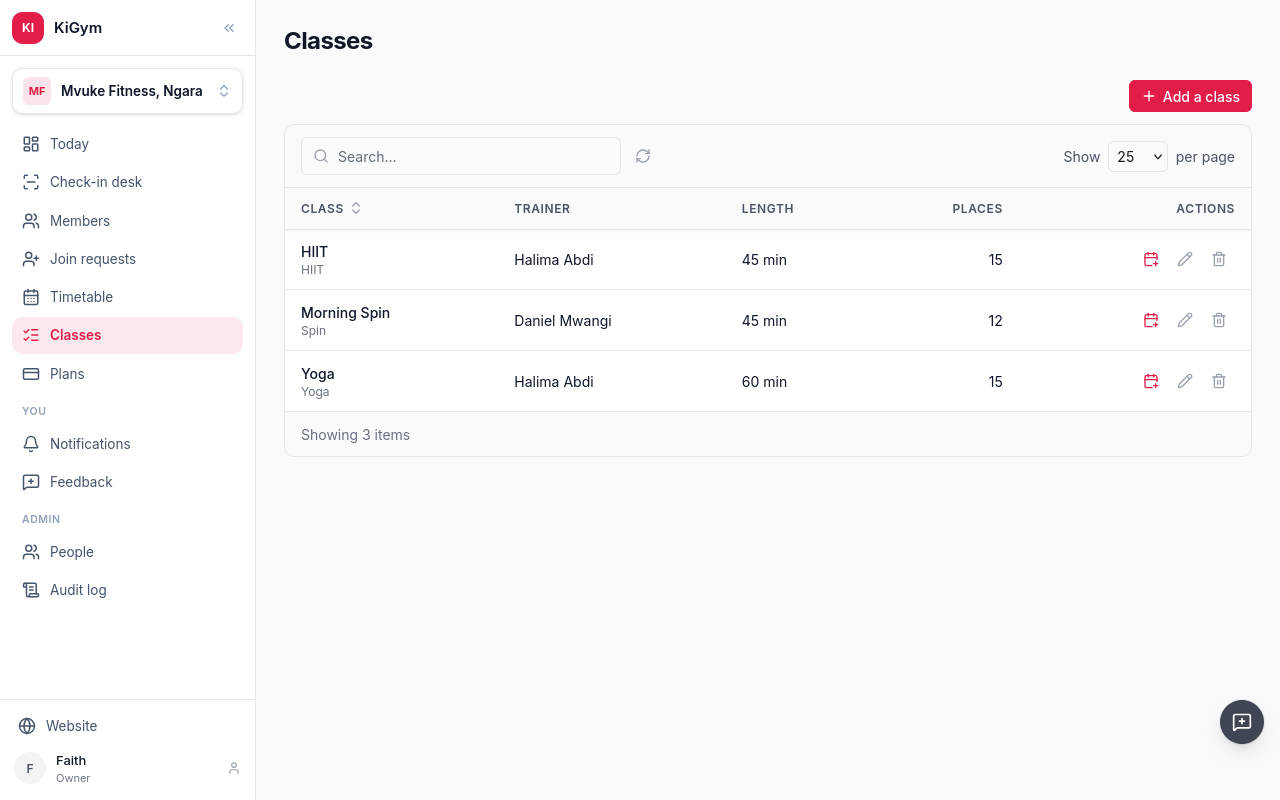
Classes lists what the gym runs: who usually takes each class, how long it is, and how many places it has.
Mvuke is starting boxing. Choose Add a class.
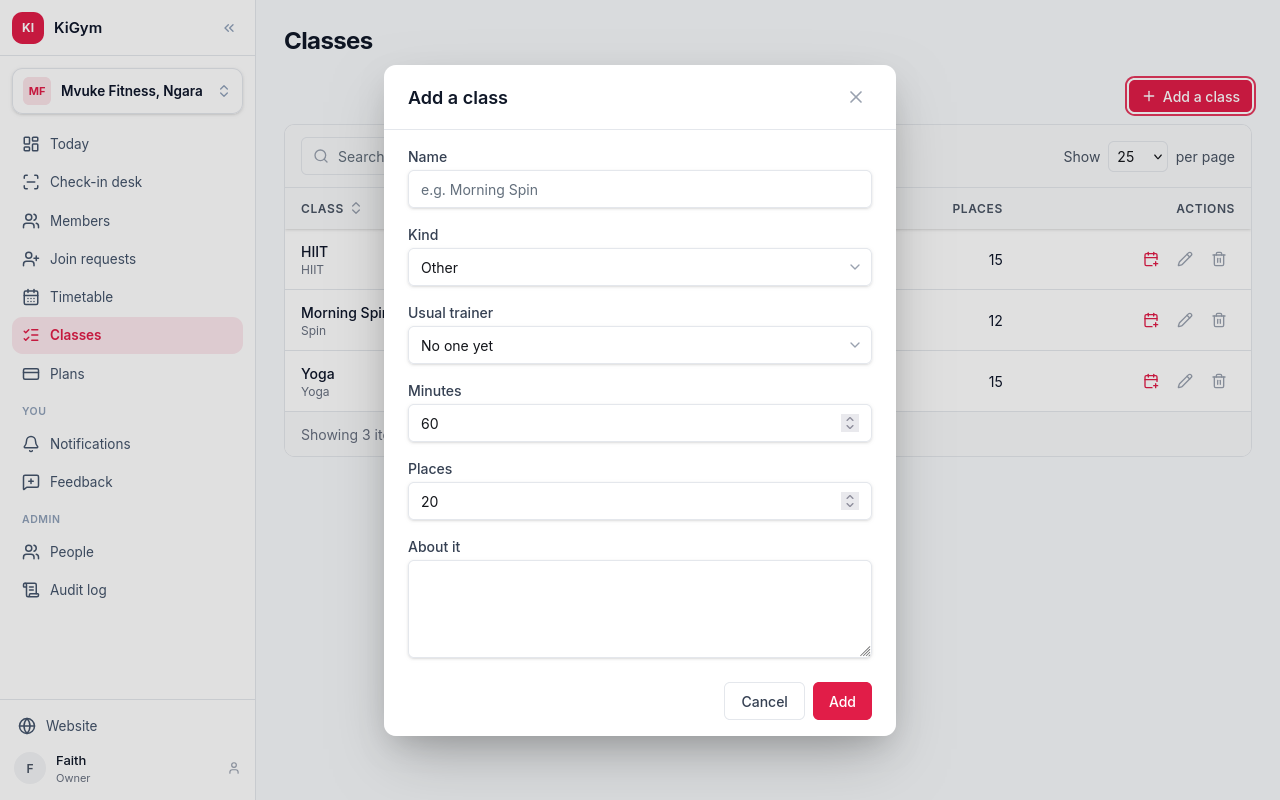
Its name and kind, the trainer who usually takes it, its length in minutes, and the places in it.
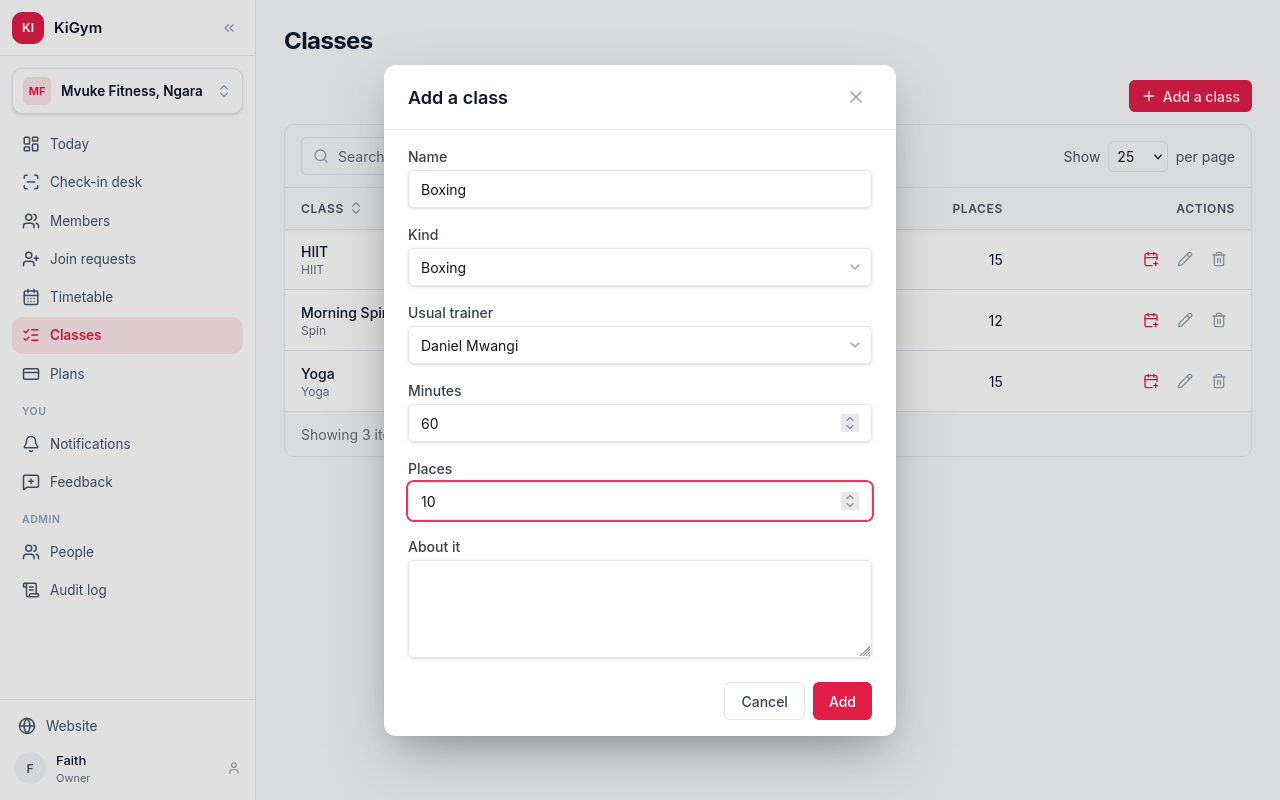
Choose Add.
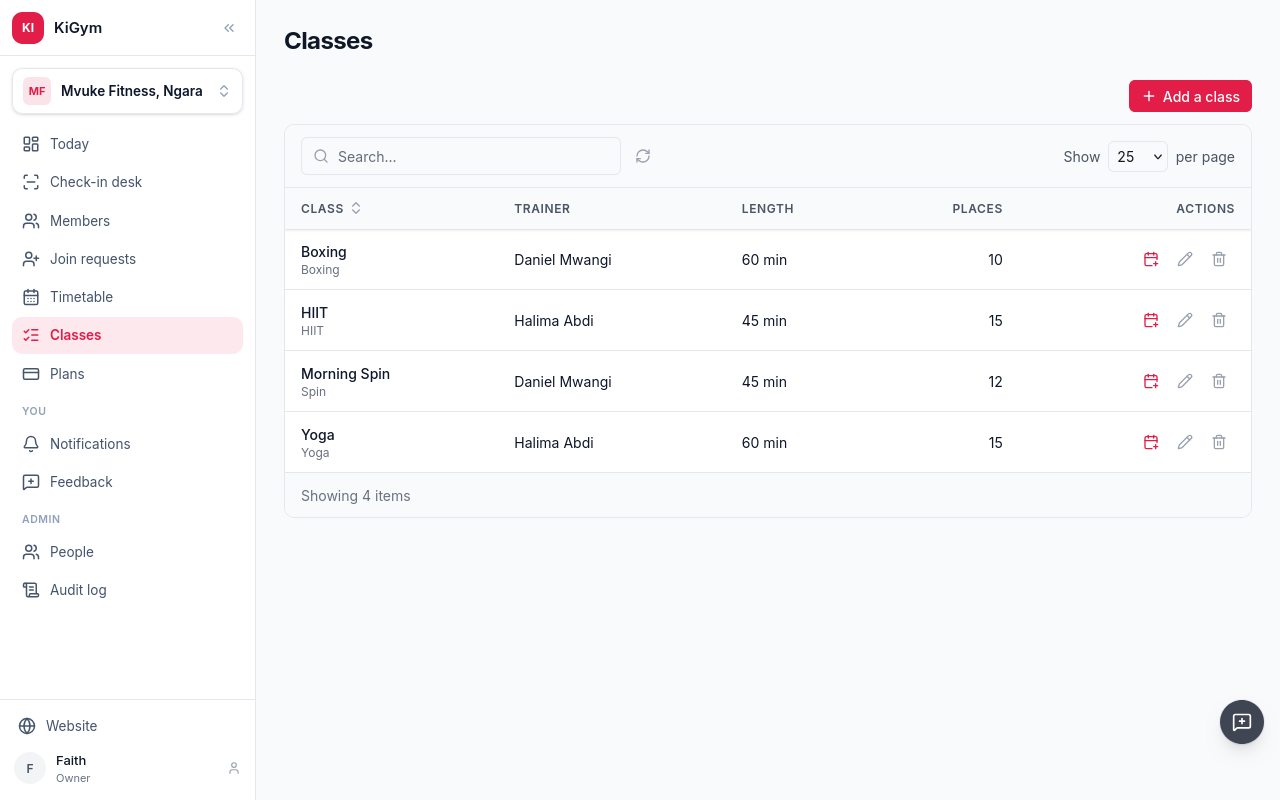
To give it times, choose Put on the timetable.
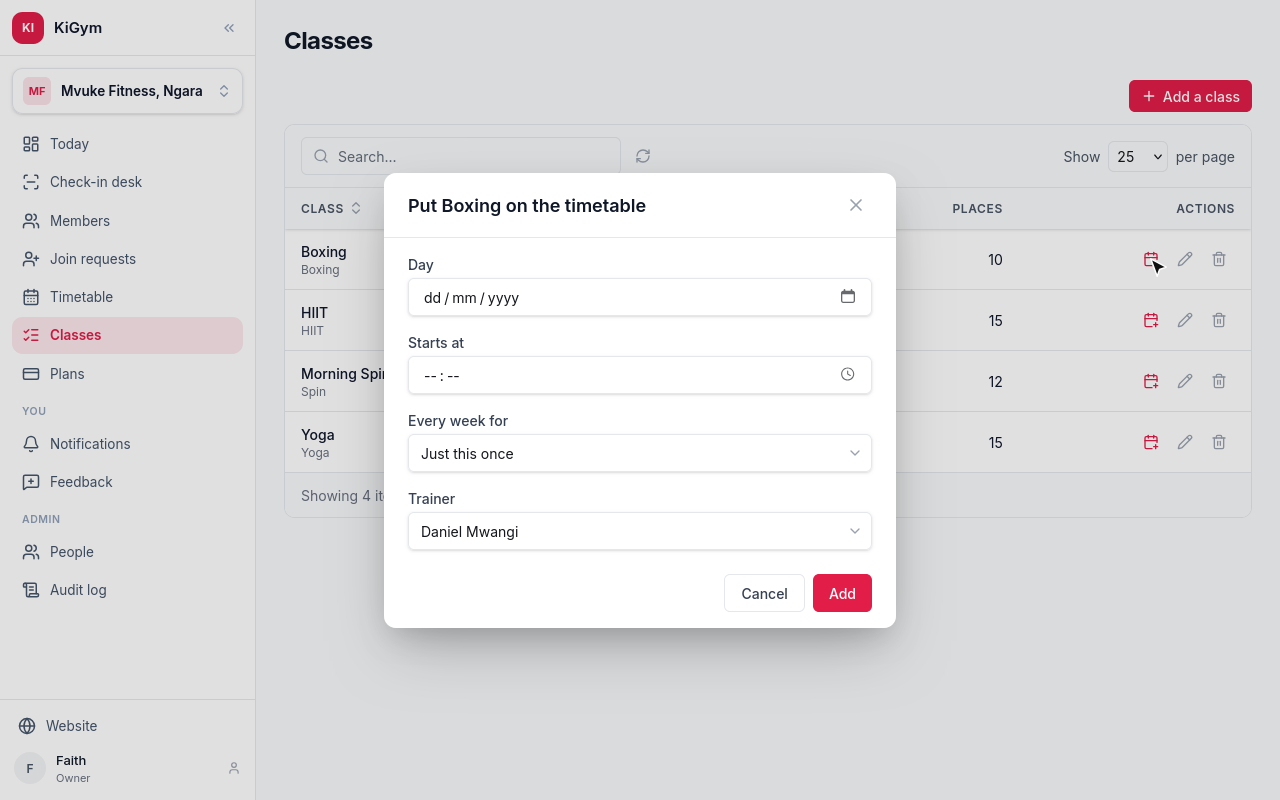
The first day and the time, and how many weeks it repeats. Boxing starts this Thursday at half past six, for four weeks.
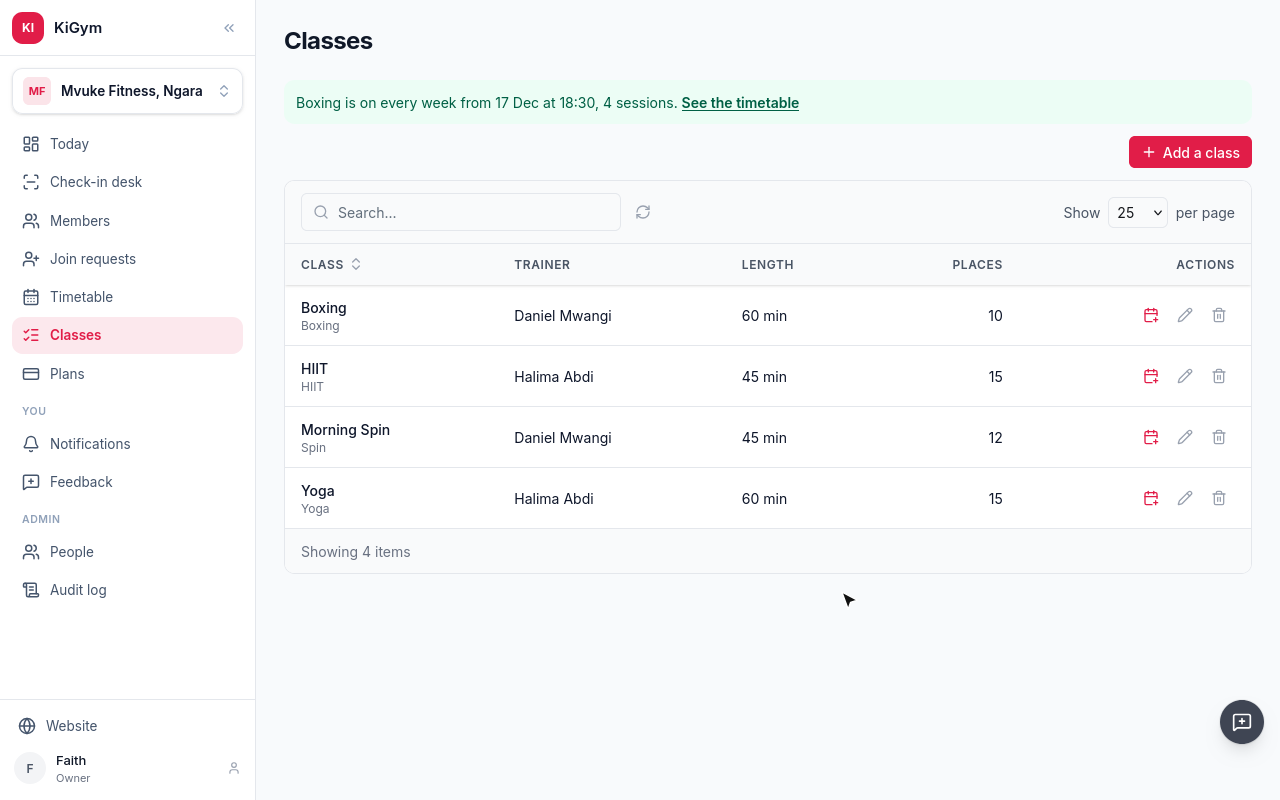
Boxing is on every Thursday for four weeks, with Daniel.
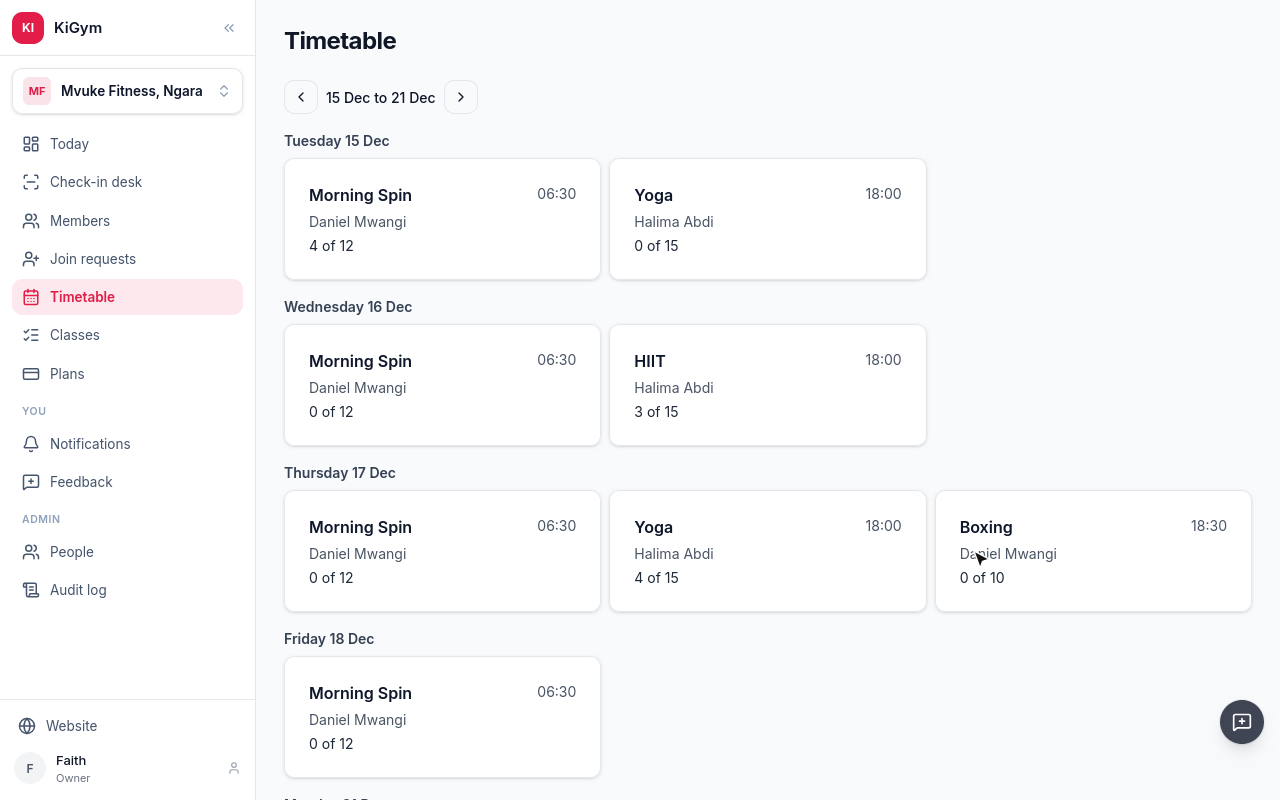
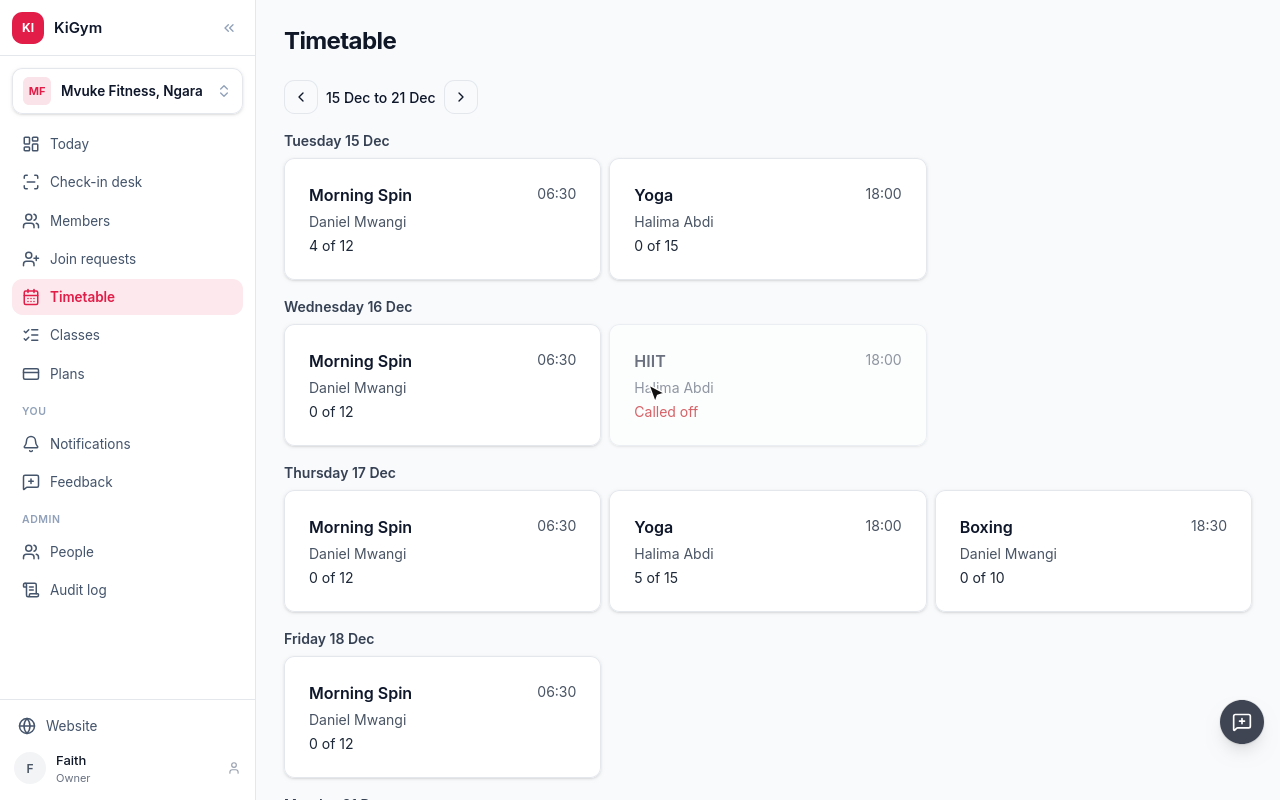
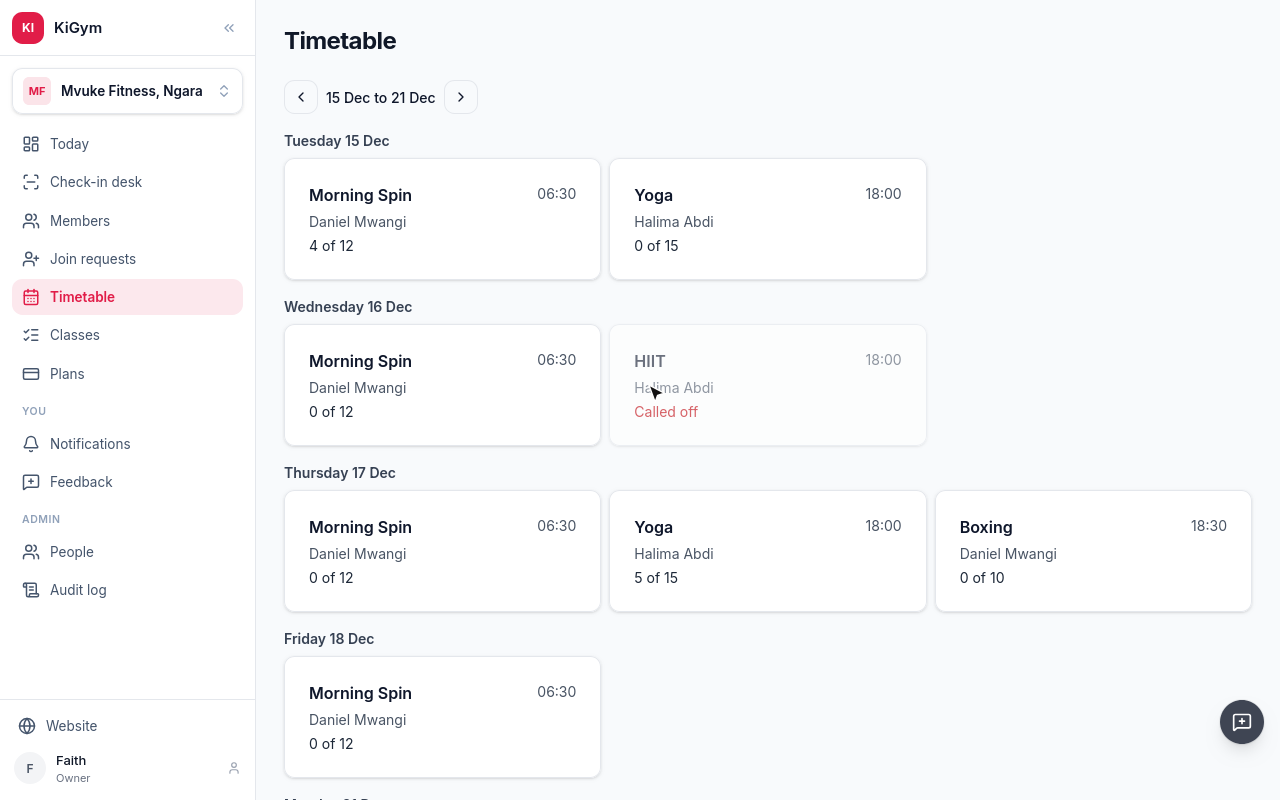
Open Timetable. It shows the week: each session, its trainer, and how full it is.
Open a session to see who booked. This morning's Morning Spin had four.
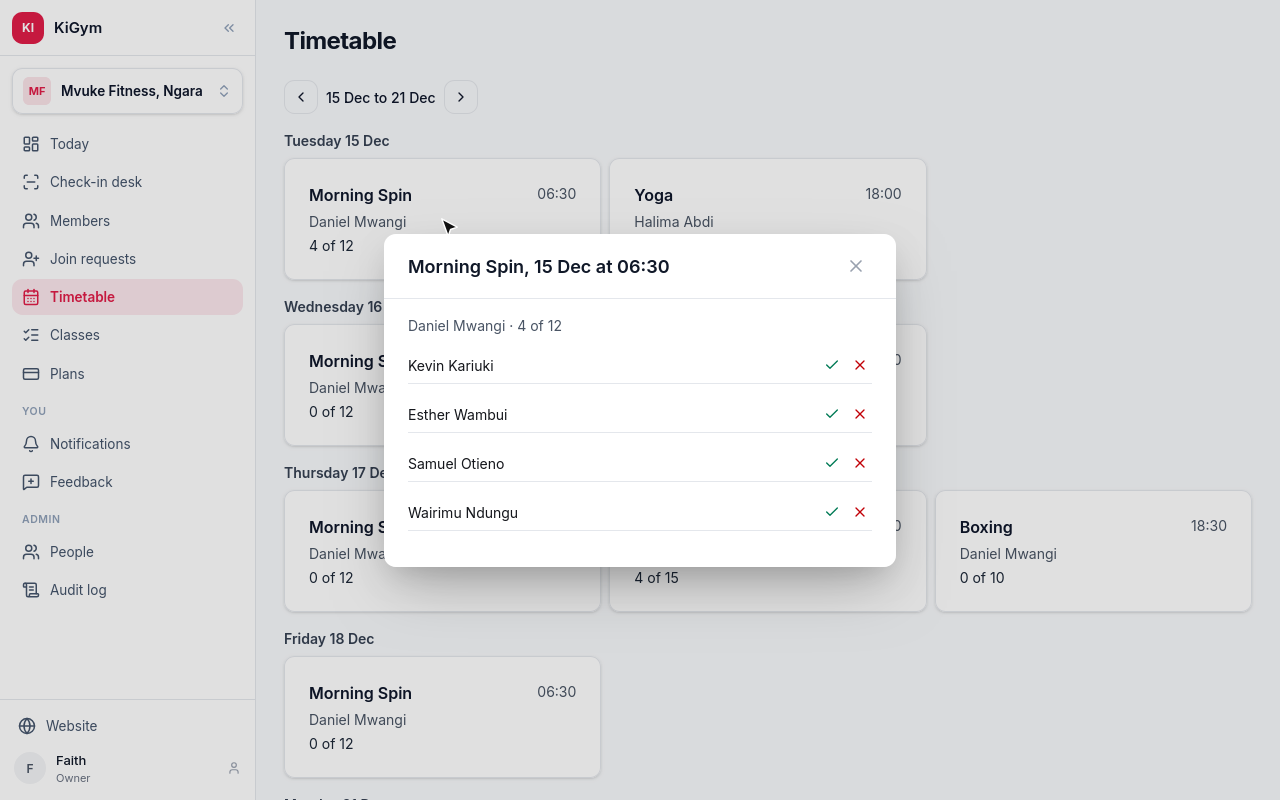
Tick who came. Daniel, the trainer, can tick them too.
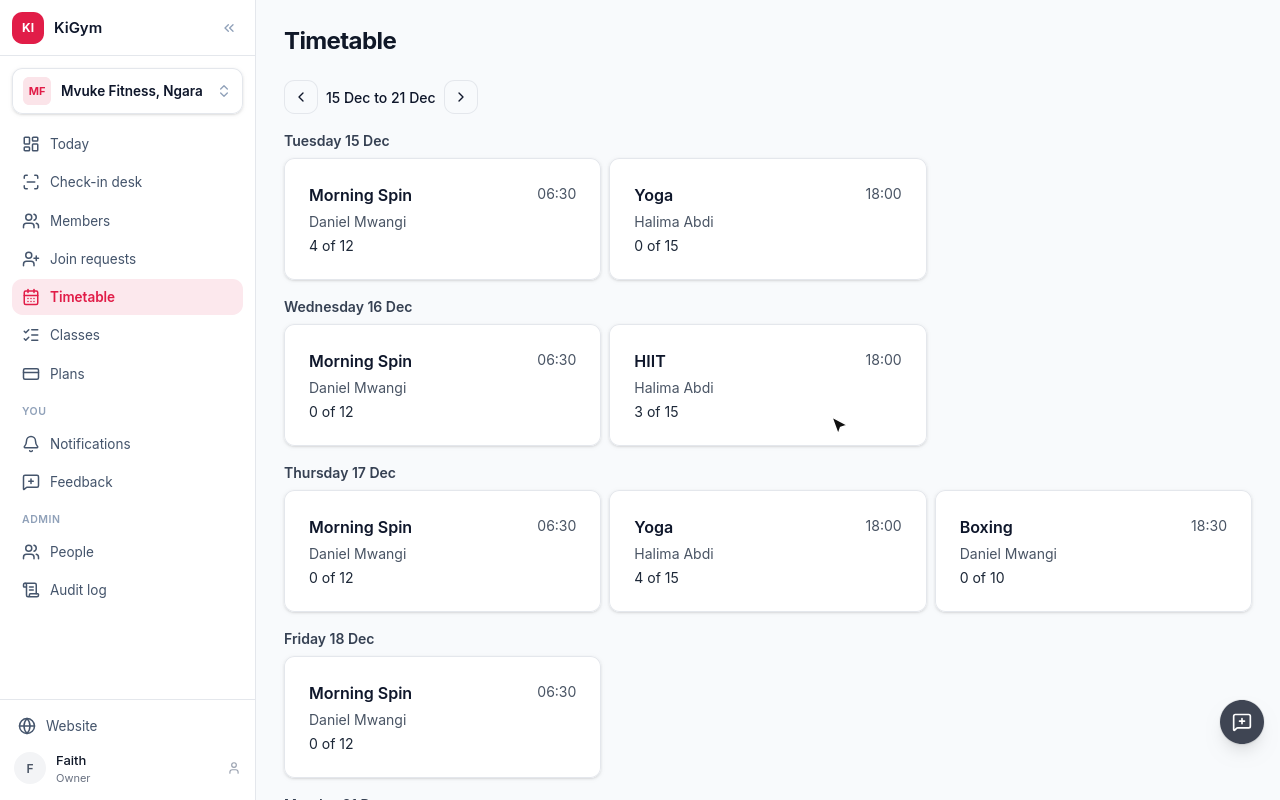
A member asks for a place in Thursday's yoga. Choose Book a member.
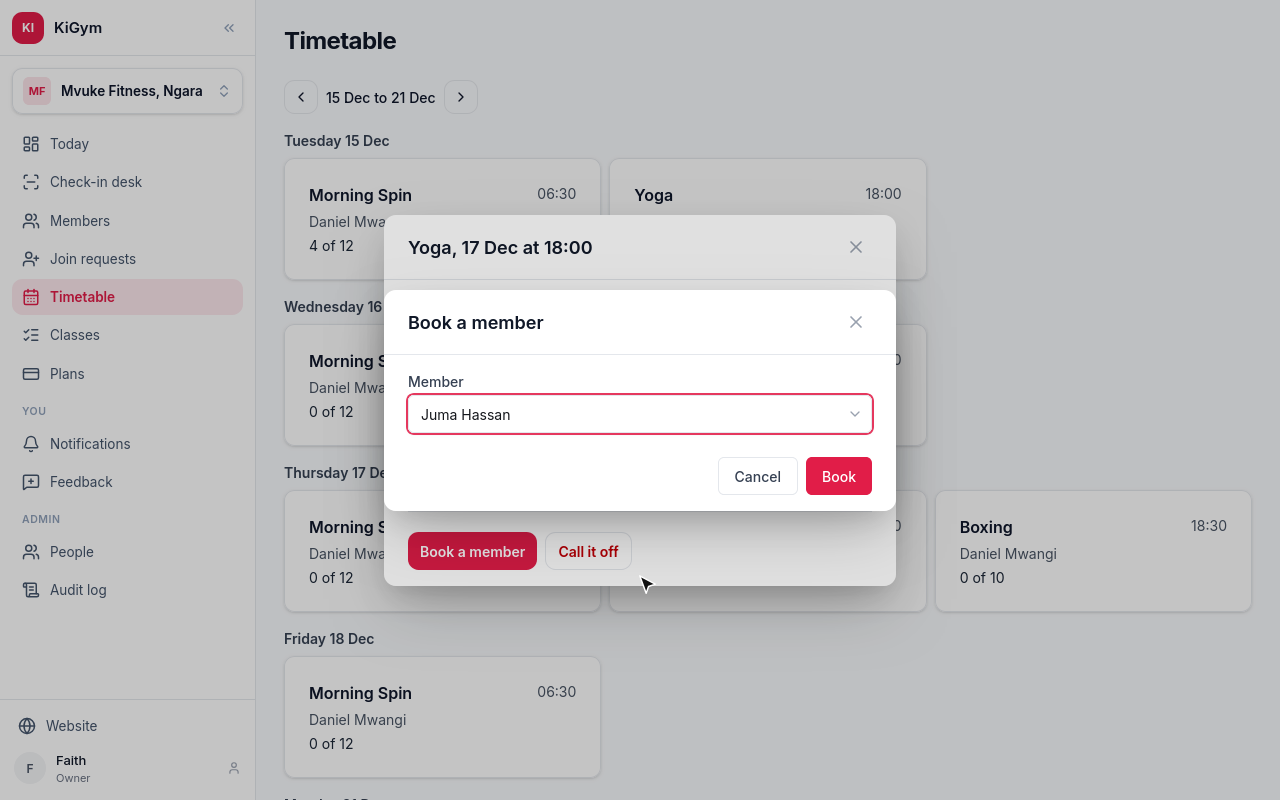
Pick them, and choose Book. A full class puts them on the waiting list instead.
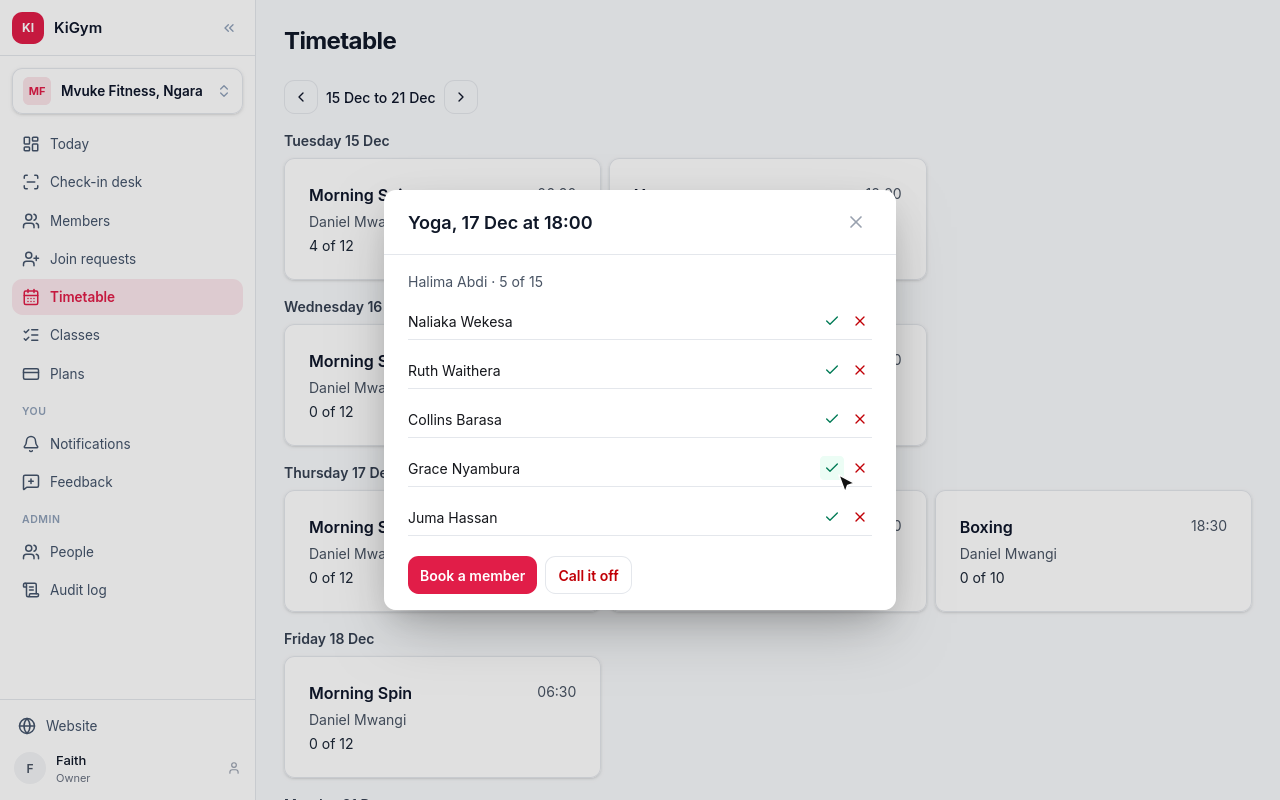
Juma has a place.
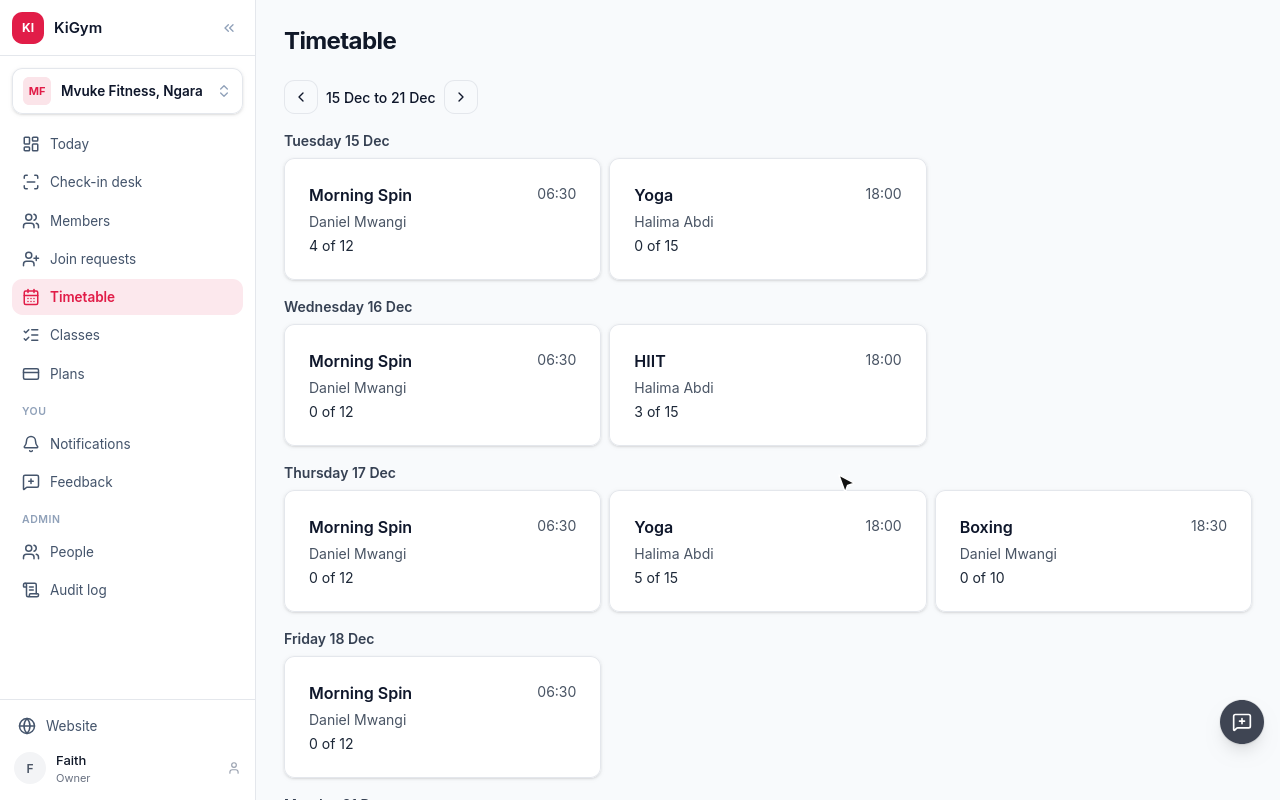
Halima can't take Wednesday's HIIT. Choose Call it off.
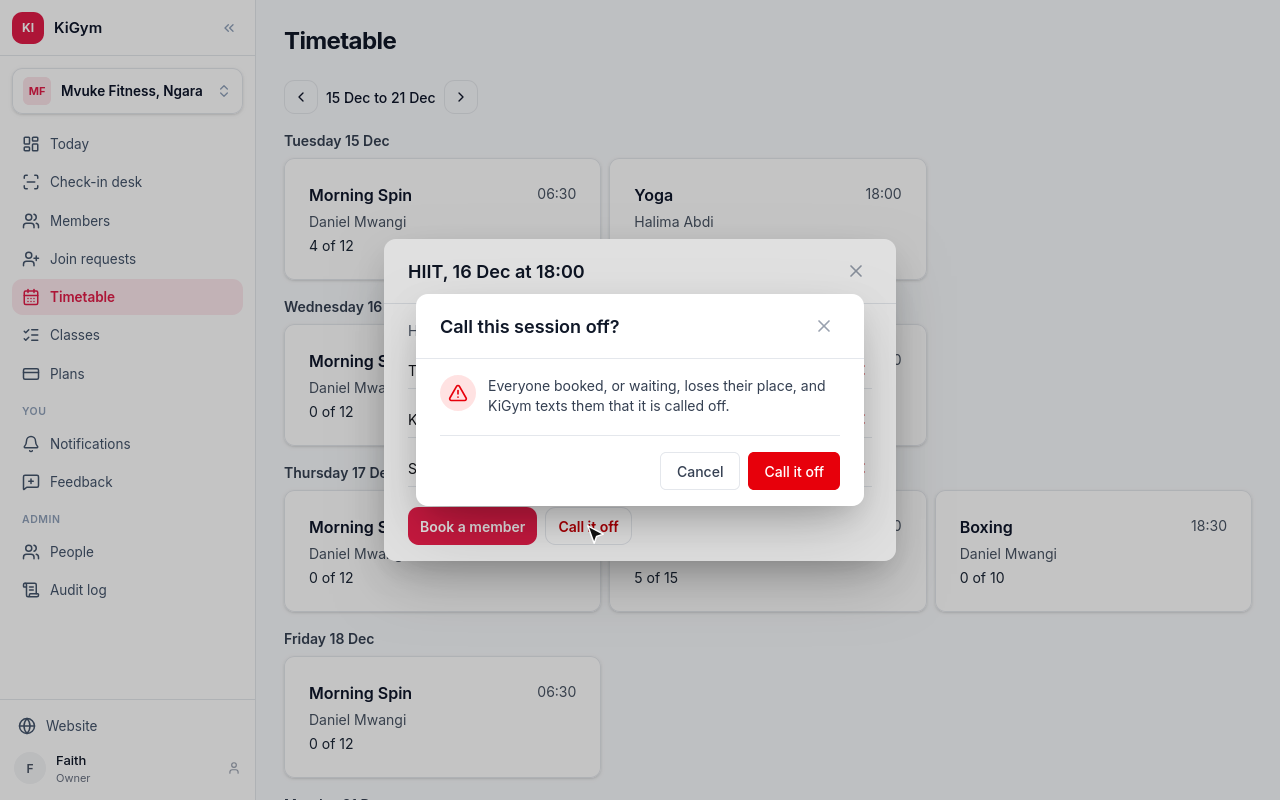
Everyone booked loses their place, and KiGym texts each of them that it is called off. Confirm.
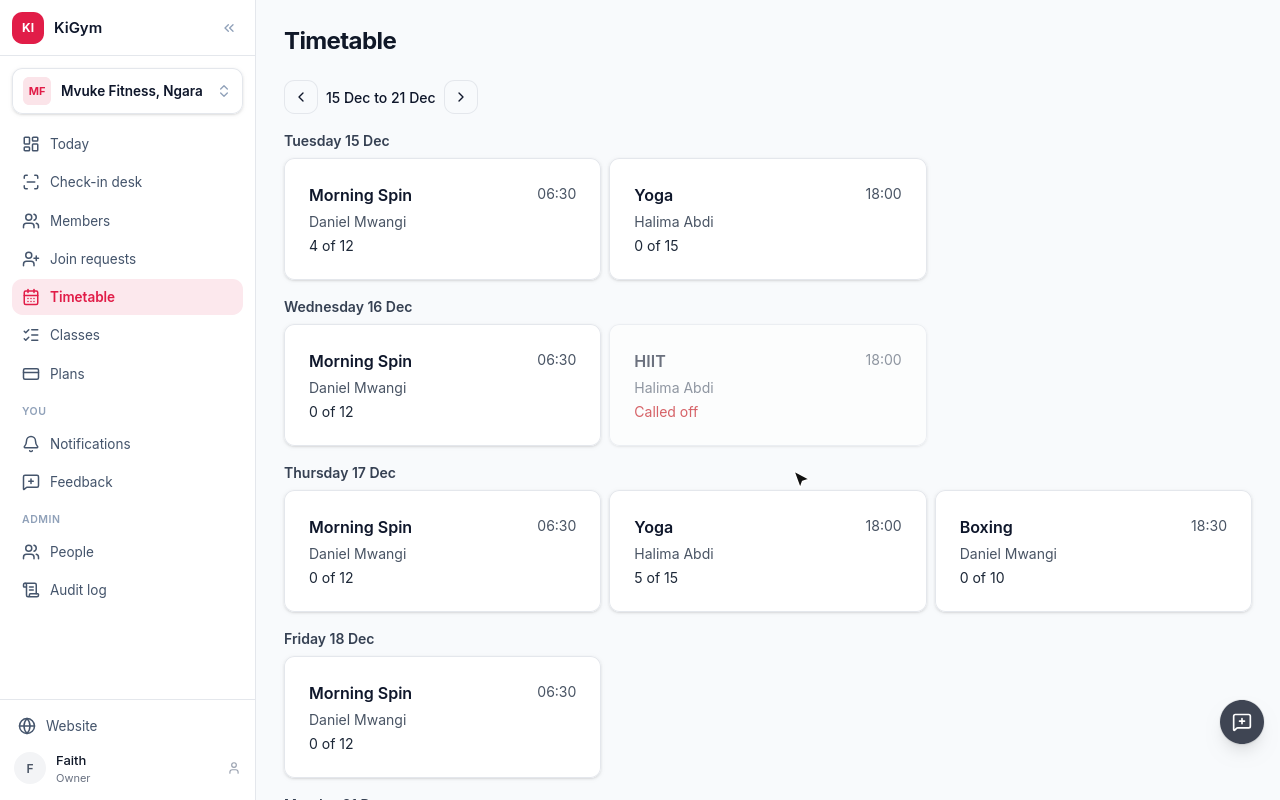
Wednesday's HIIT reads Called off.
Next, a member's own side.
Chapter 7
My gym: paid until when, booking a class, paying by M-Pesa, visits
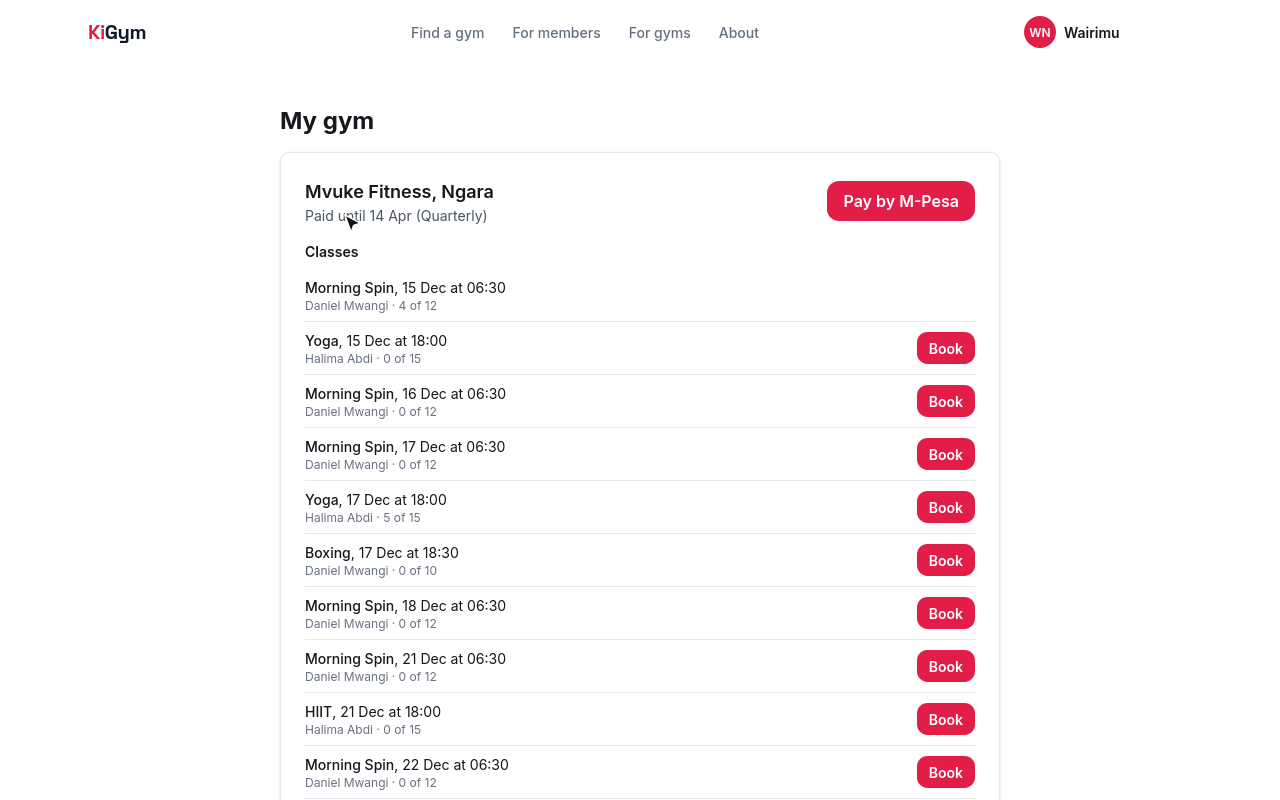
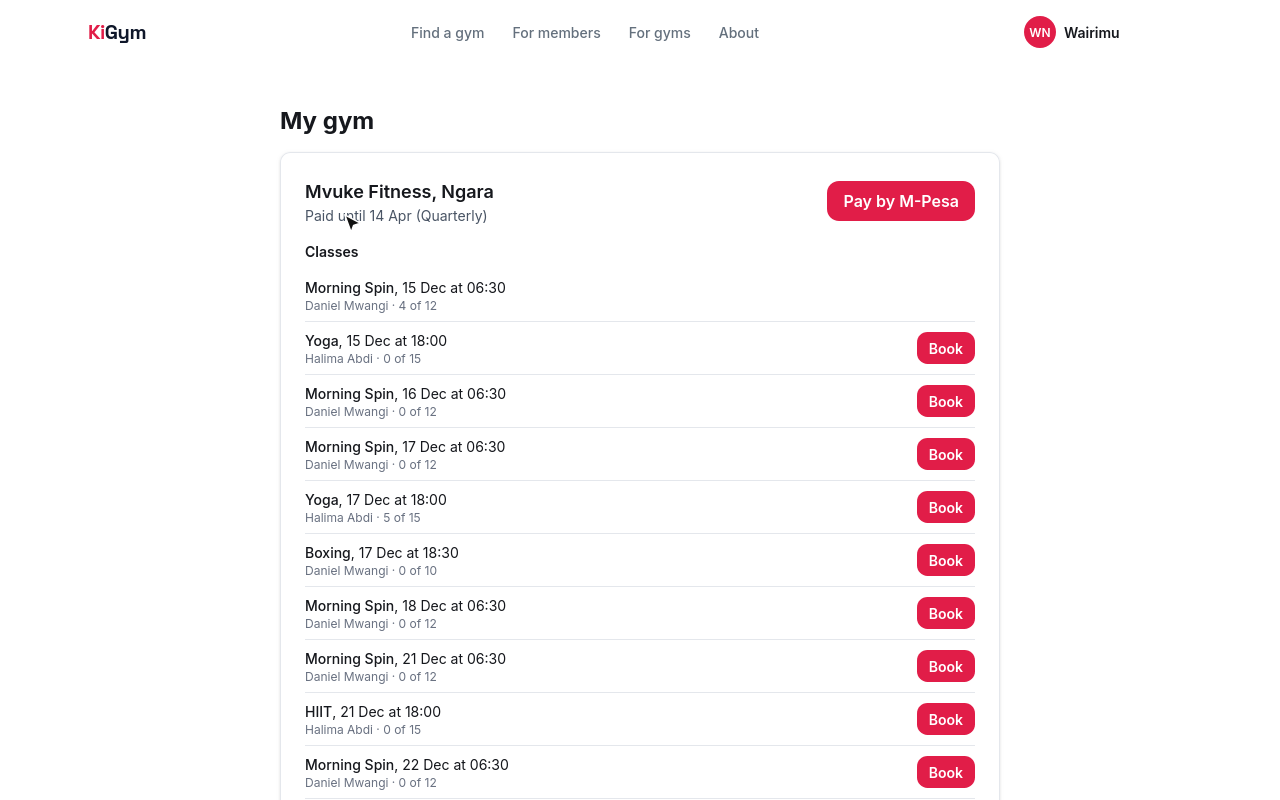
A member who signs in to KiGym has My gym: their gym, and the day they are paid until, on which plan.
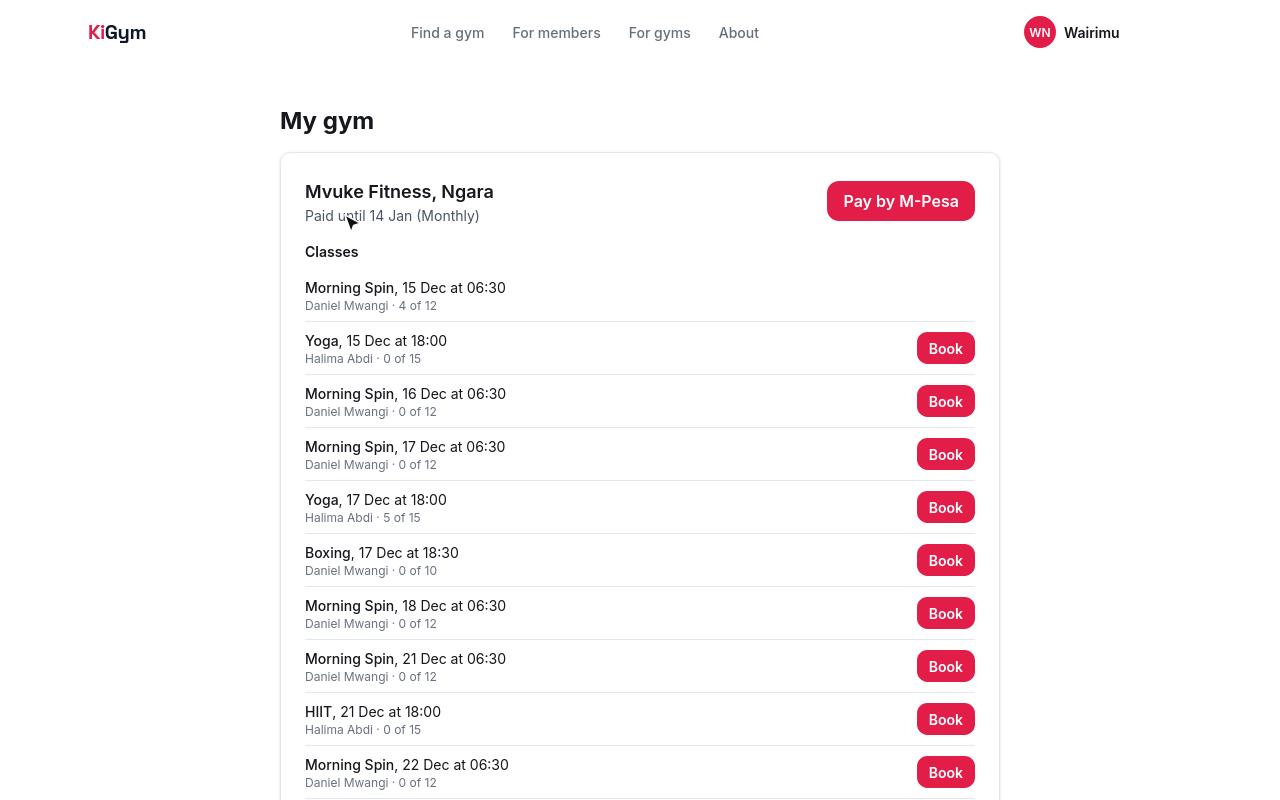
Below are the next two weeks of classes, with how full each one is. Wairimu books Thursday's yoga.
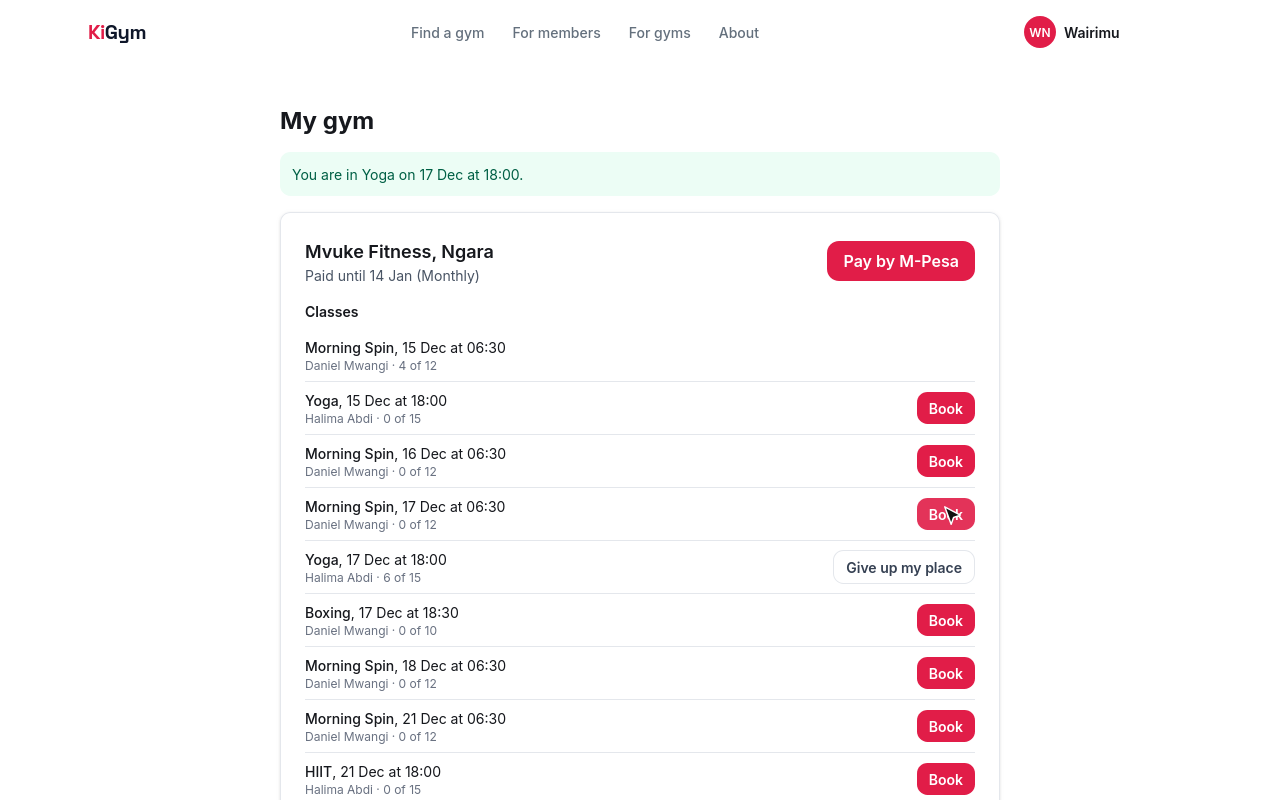
She has a place. If plans change, Give up my place frees it, and the first on the waiting list gets it.
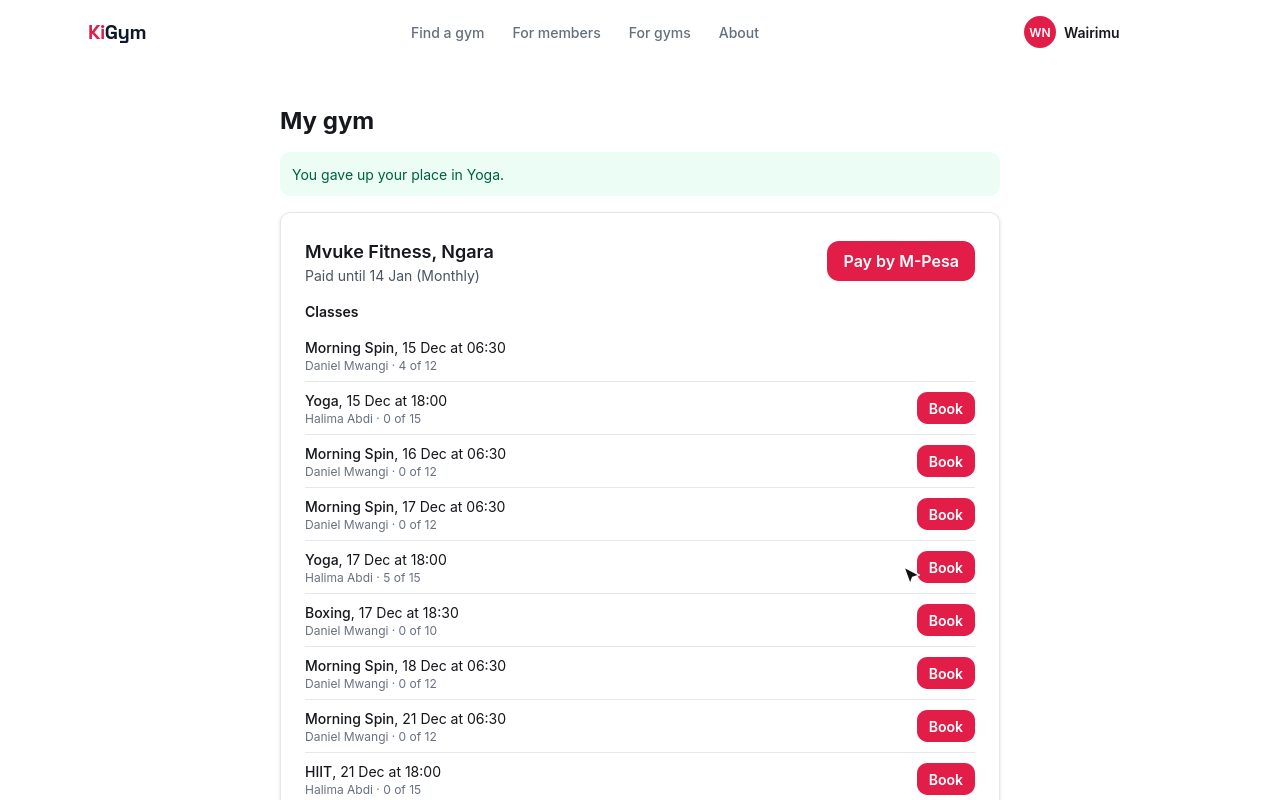
To pay for her next stretch, Wairimu chooses Pay by M-Pesa.
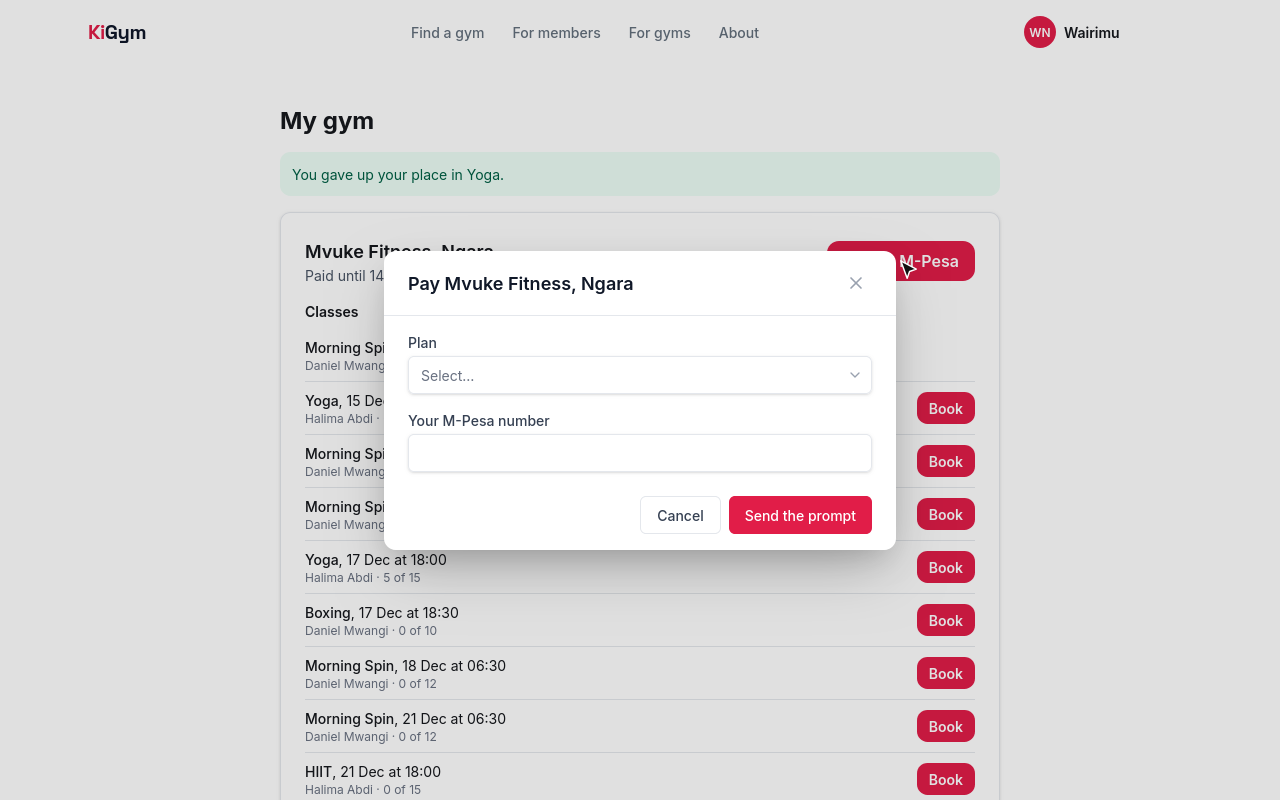
She picks three months, gives her M-Pesa number, and chooses Send the prompt.
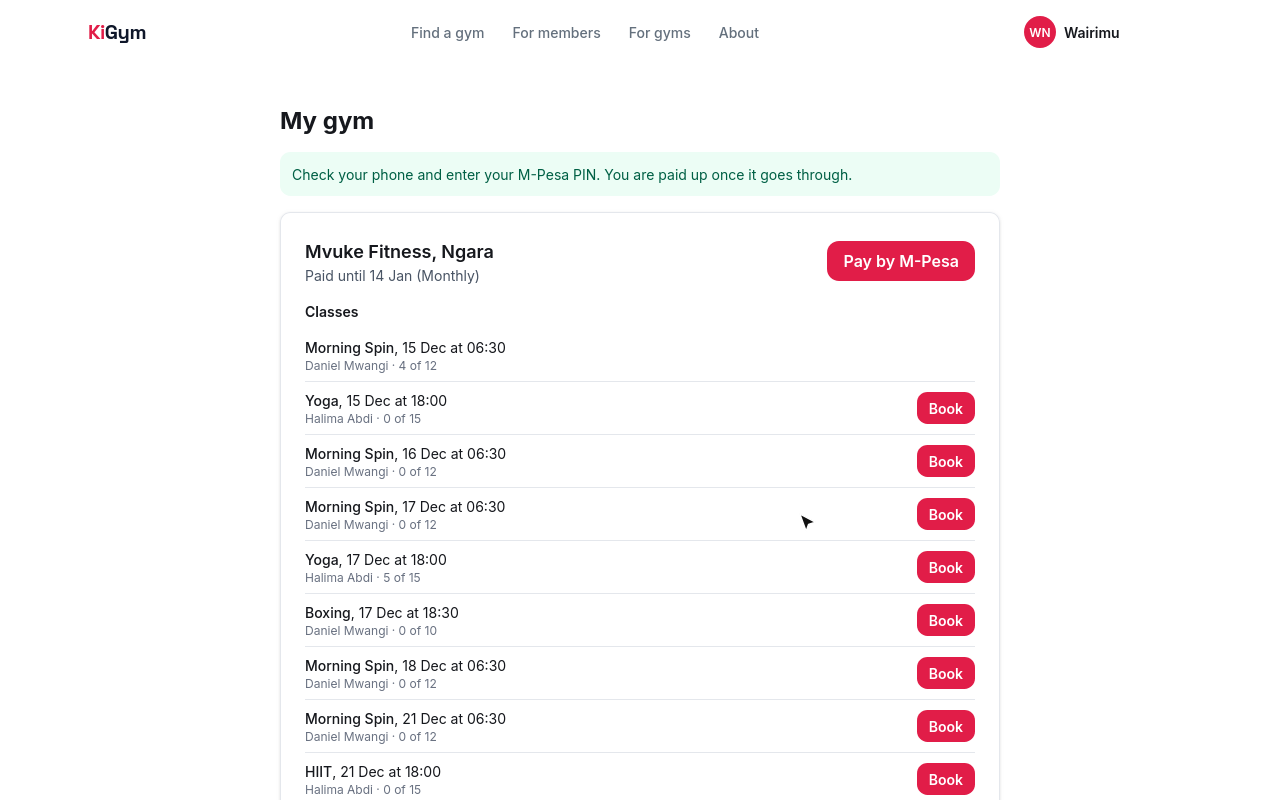
M-Pesa asks her for her PIN on her phone. When she enters it, the payment comes in.
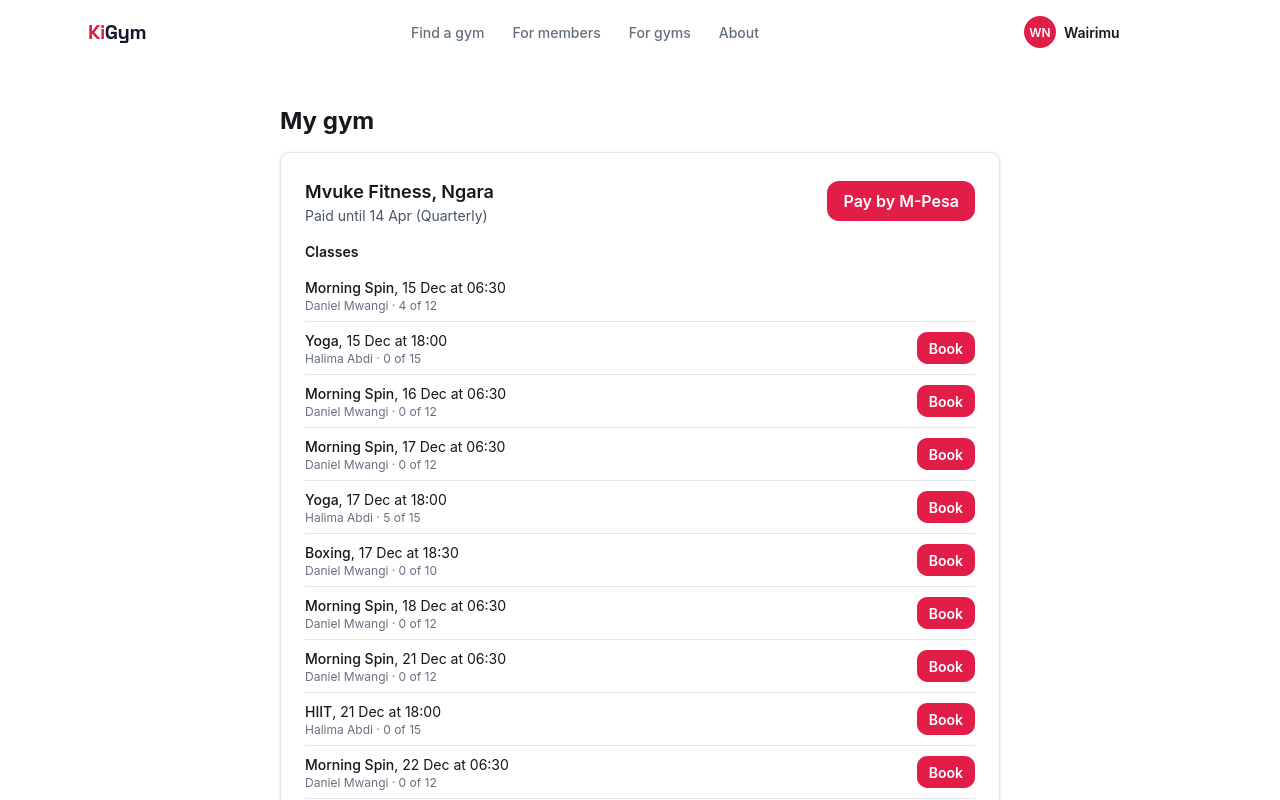
Opened again, My gym says she is paid until the fourteenth of April. The three months start the day after the month she had already paid for.
Three days before her plan ends, KiGym sends her a text, unless she has already paid for the next one.
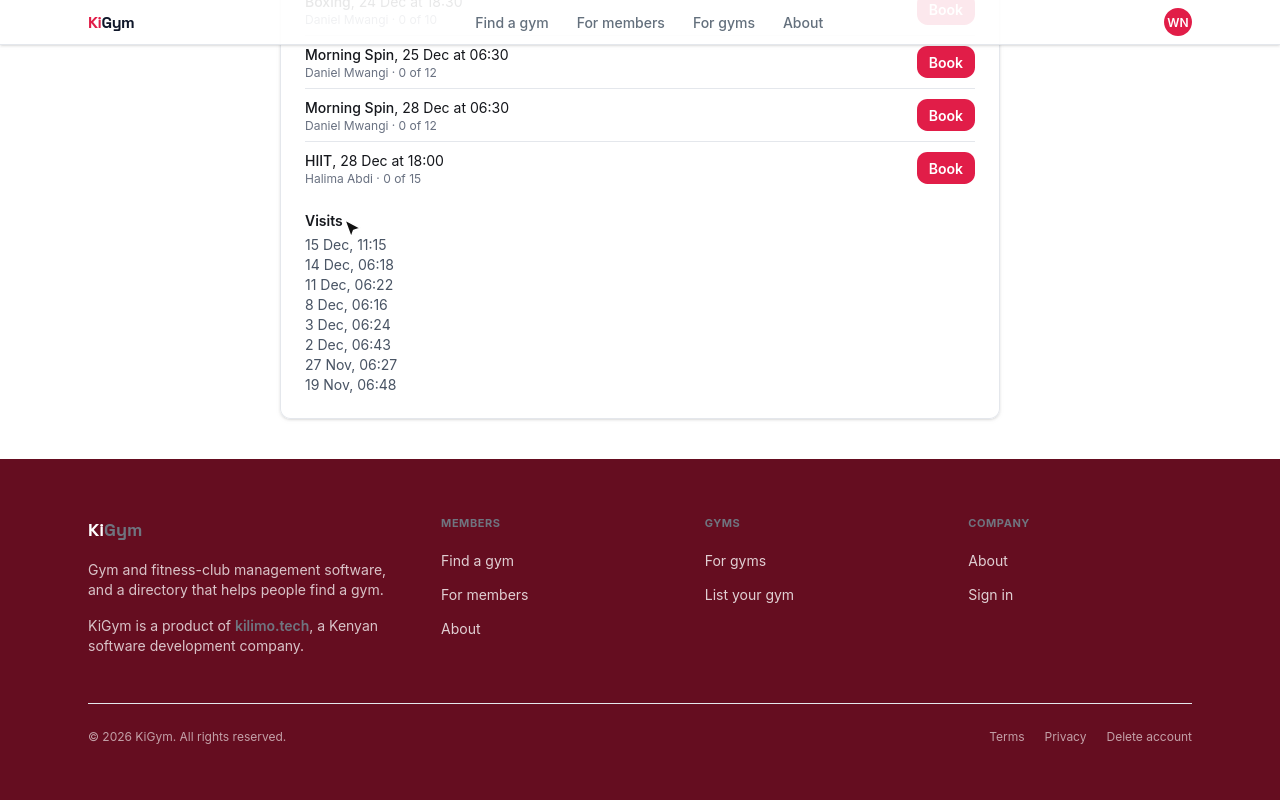
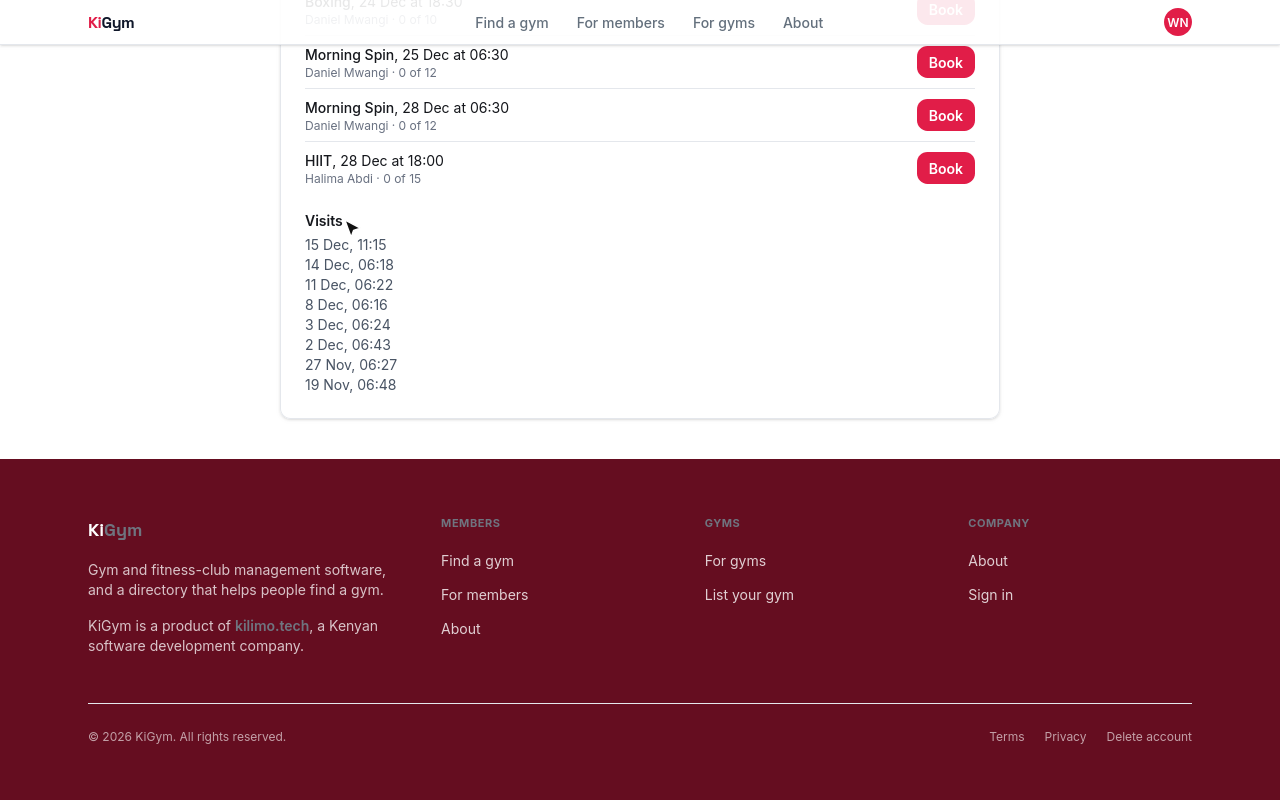
At the bottom are her visits, and any time she was turned away.
Next, claiming your gym's listing.
Chapter 8
When KiGym has already listed your gym: taking it over
KiGym may have listed your gym already, so that people looking for a gym can find it before you join. Here, KiGym's team lists Mbega Fitness in Kasarani.
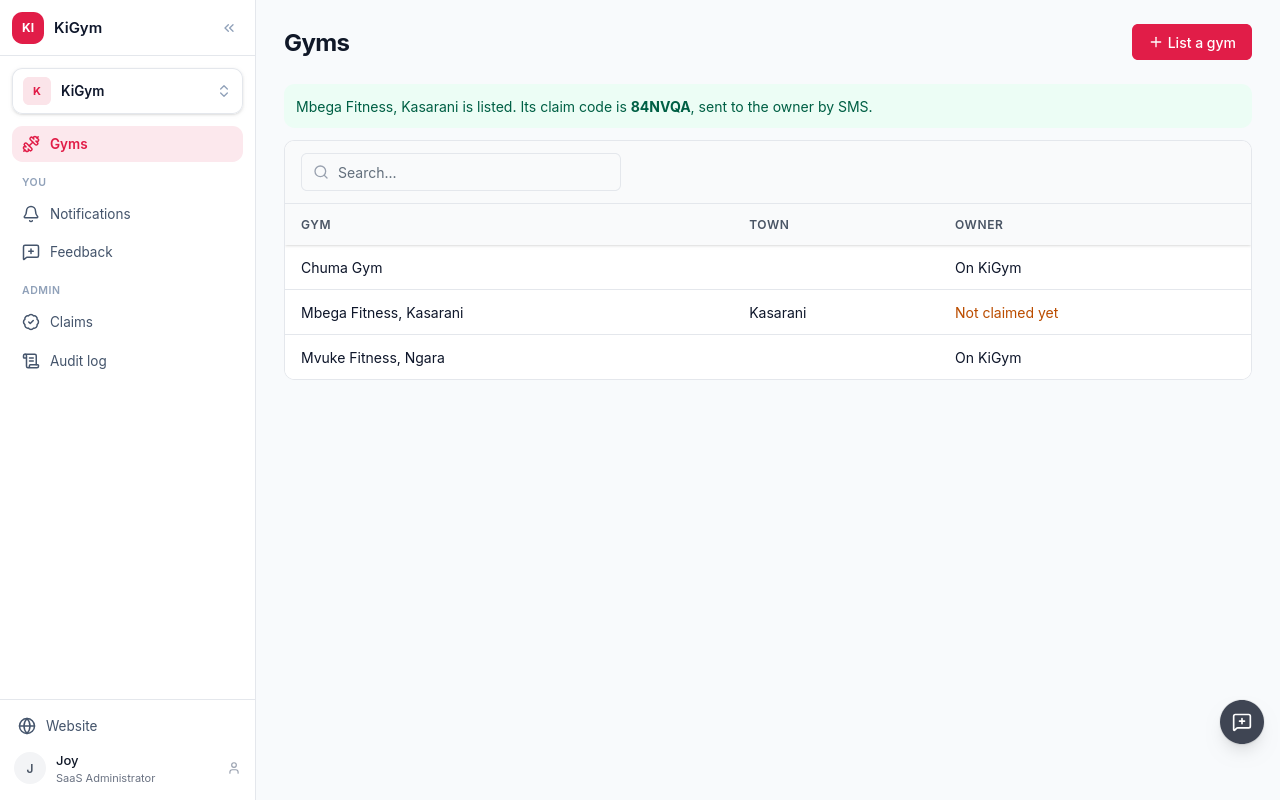
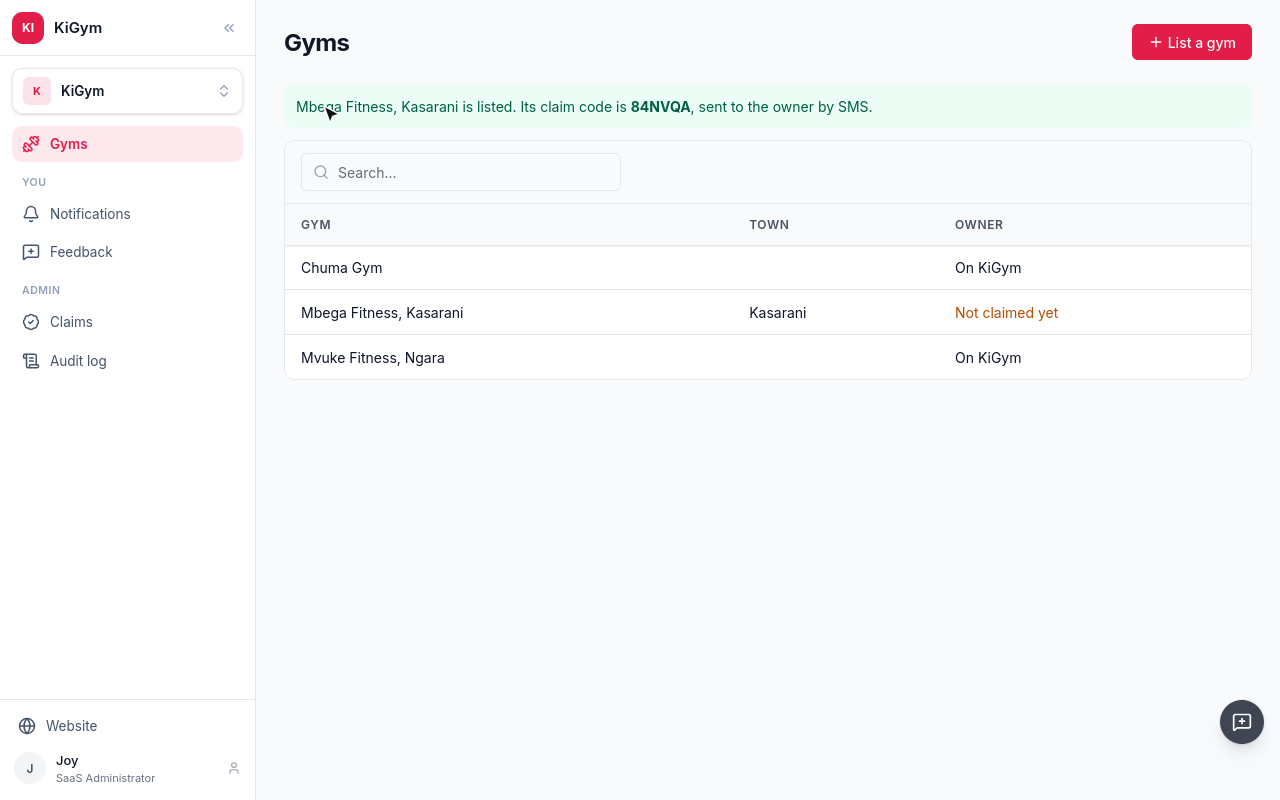
KiGym sends the owner a text, with a link to take the gym over.
Joseph, who runs Mbega Fitness, opens the link, signed in to KiGym.
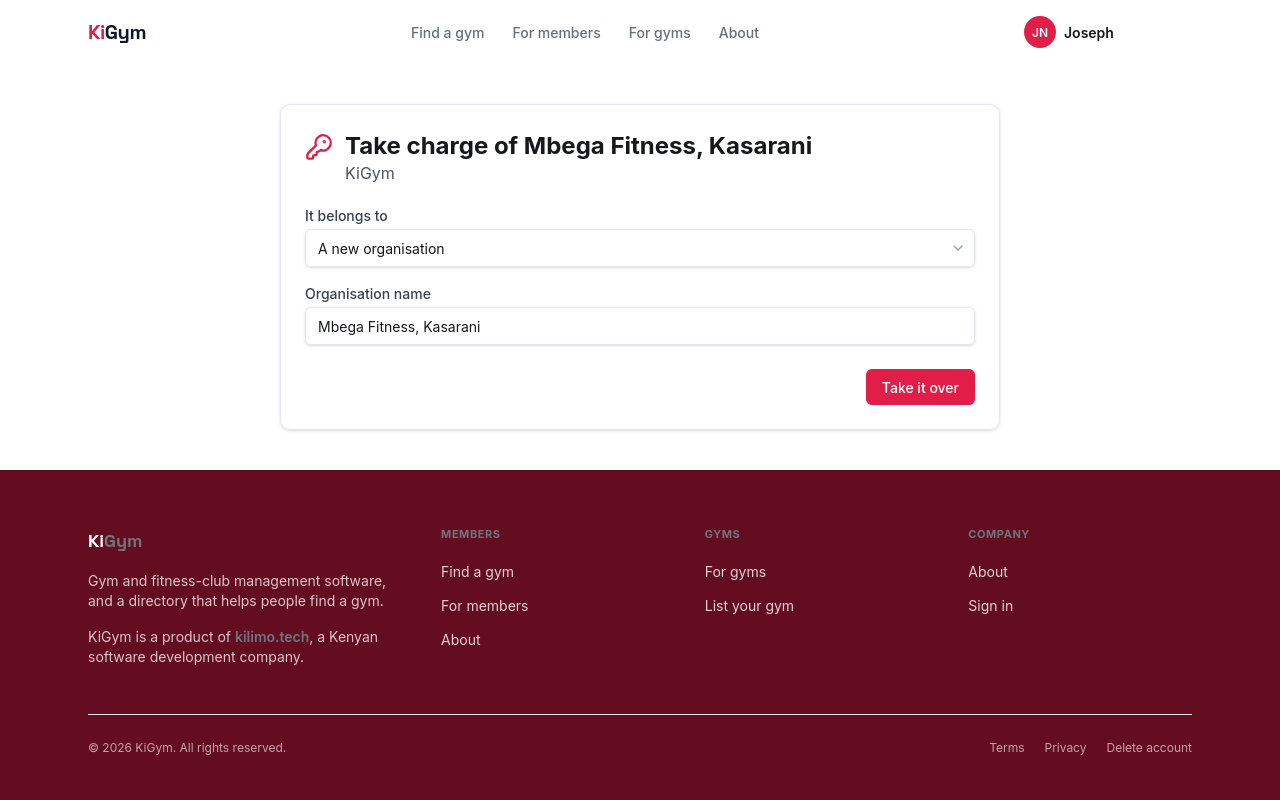
The gym goes into a business of his. Name it, and choose Take it over.
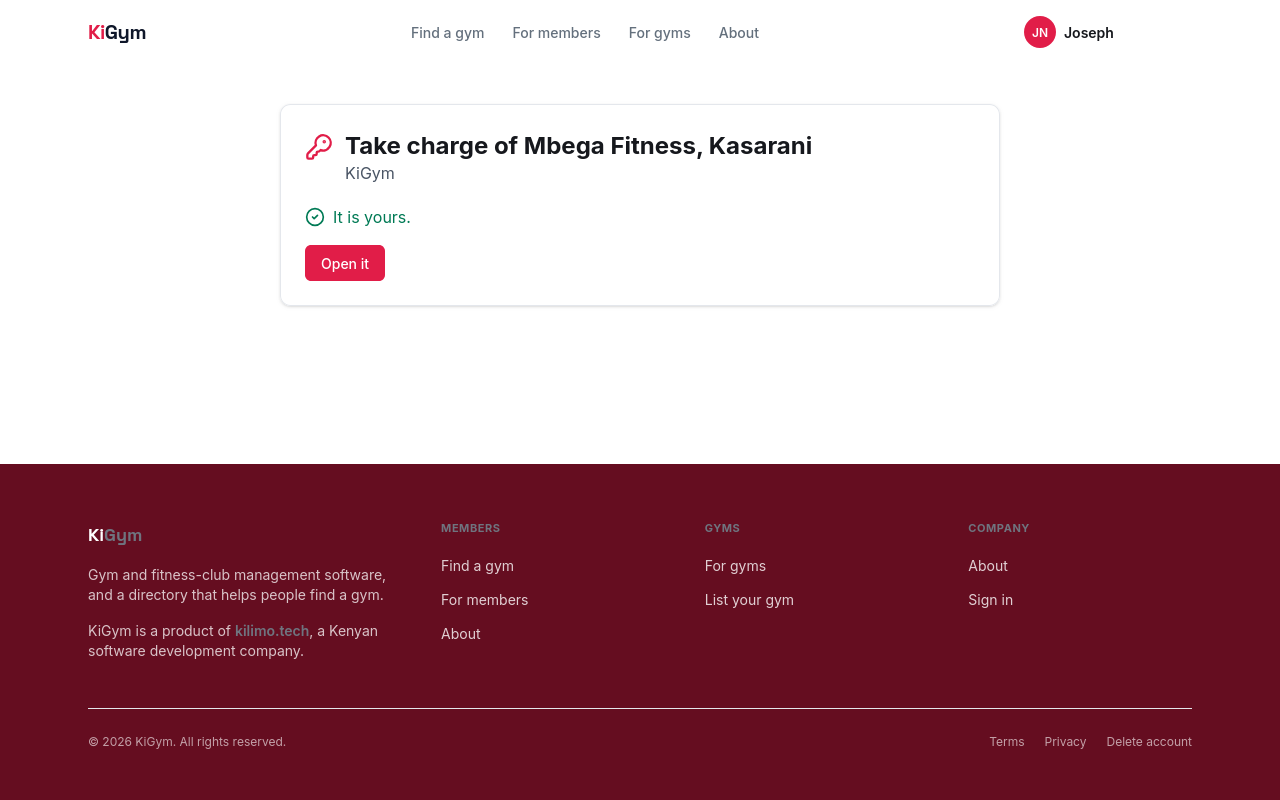
It is his. Choose Open it.
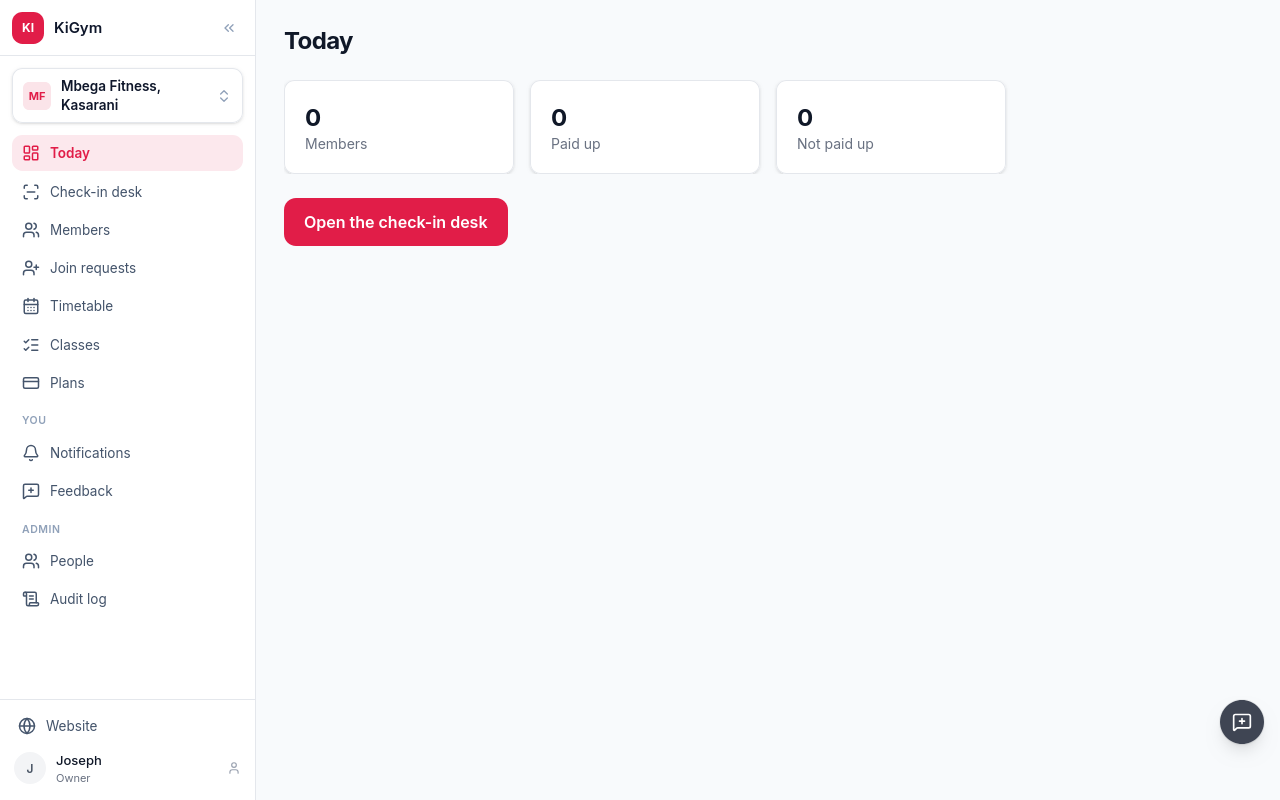
Mbega Fitness opens as if he had signed it up himself. He sets it up as in the earlier chapters: plans, people, members.
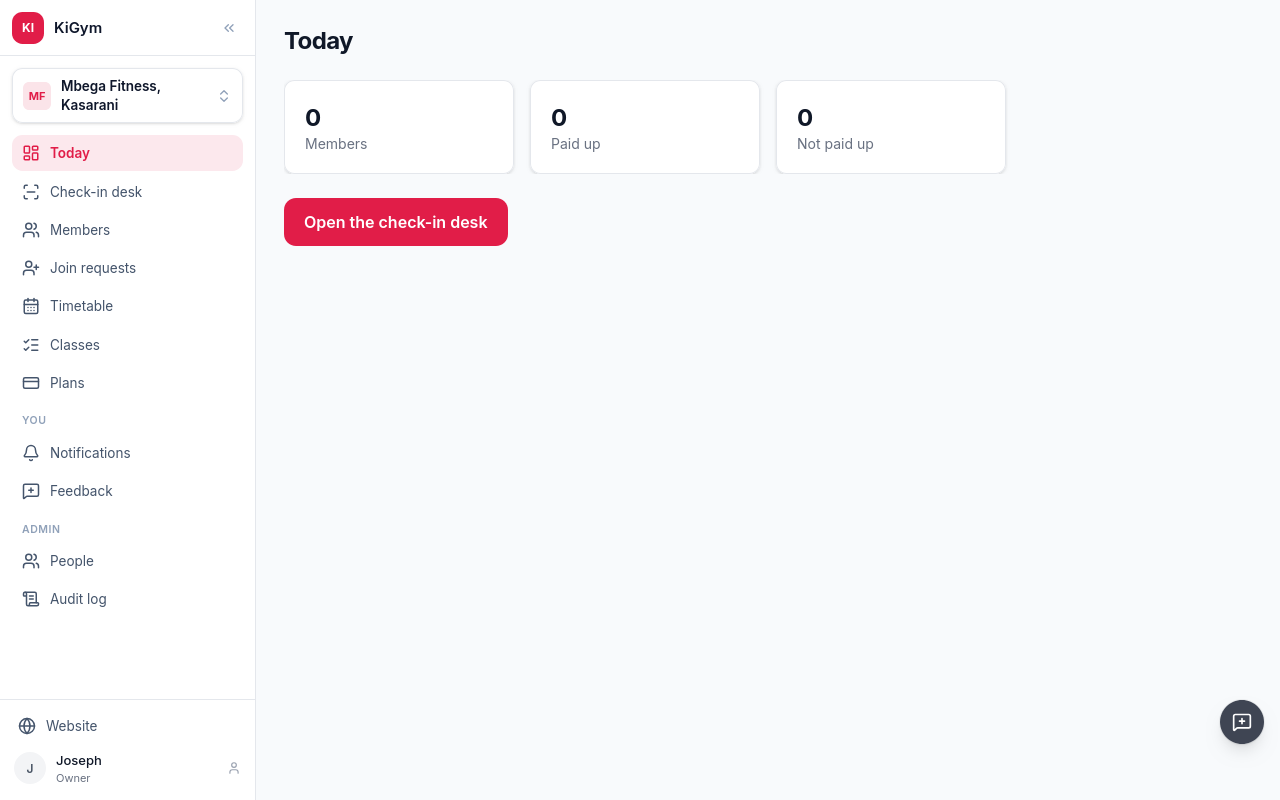
KiGym's team keeps the gym in its list, and never sees its members, what they pay, or when they come.